VScode设置Ctrl+鼠标滚轮放大缩小界面
- 打开settings界面:
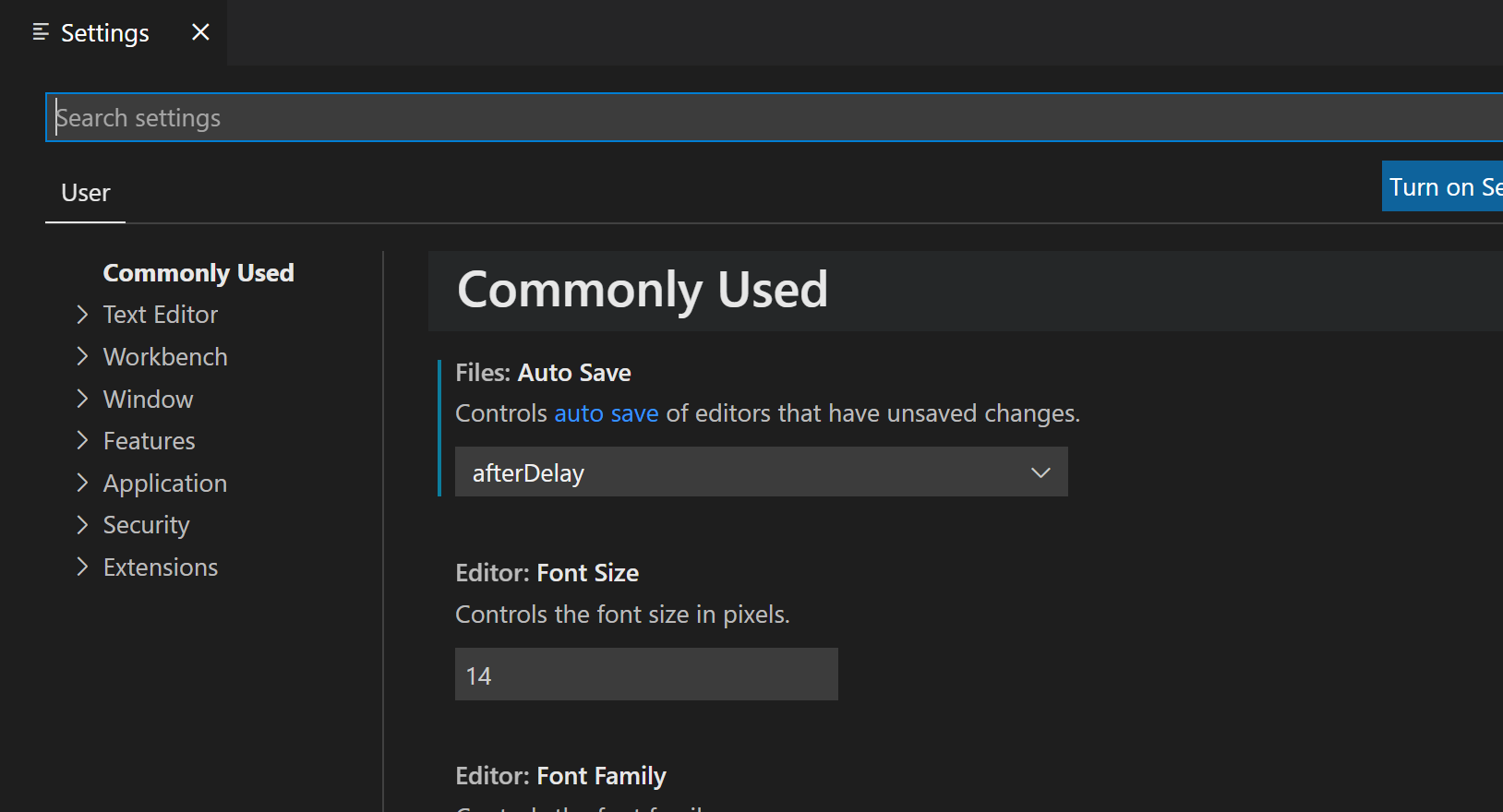
- 在settings界面的搜索框中输入
editor.mouseWheelZoom:
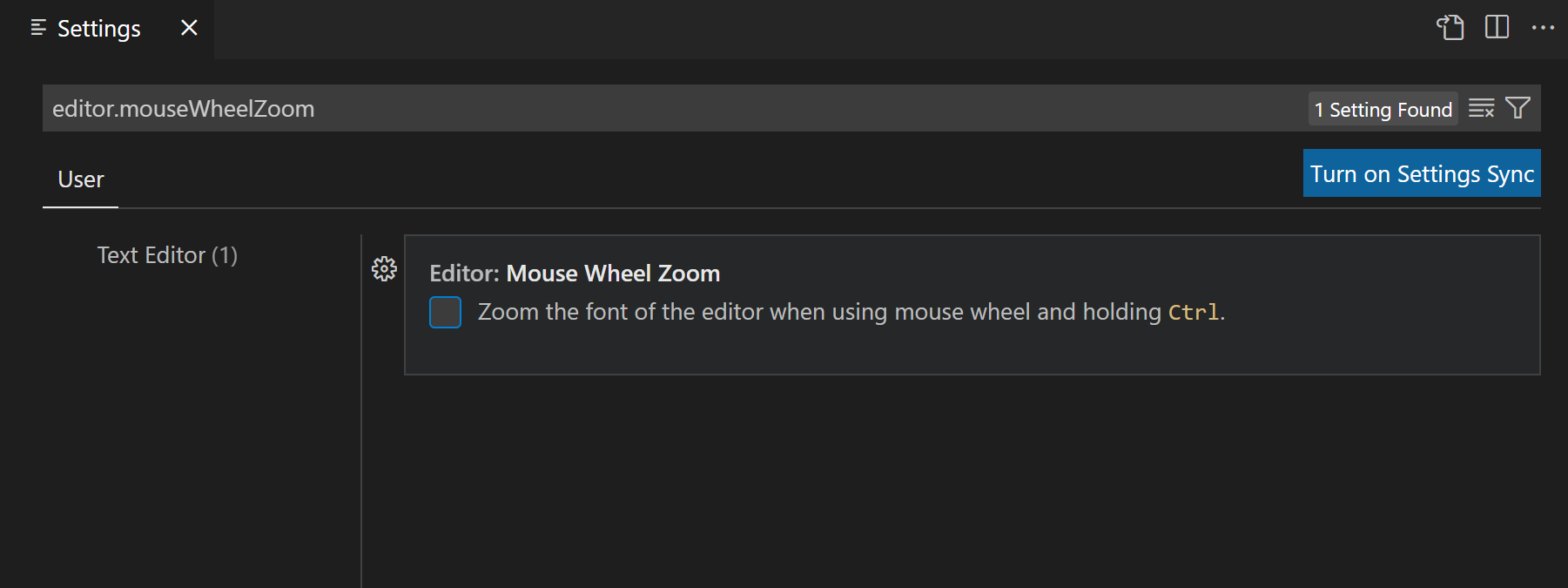
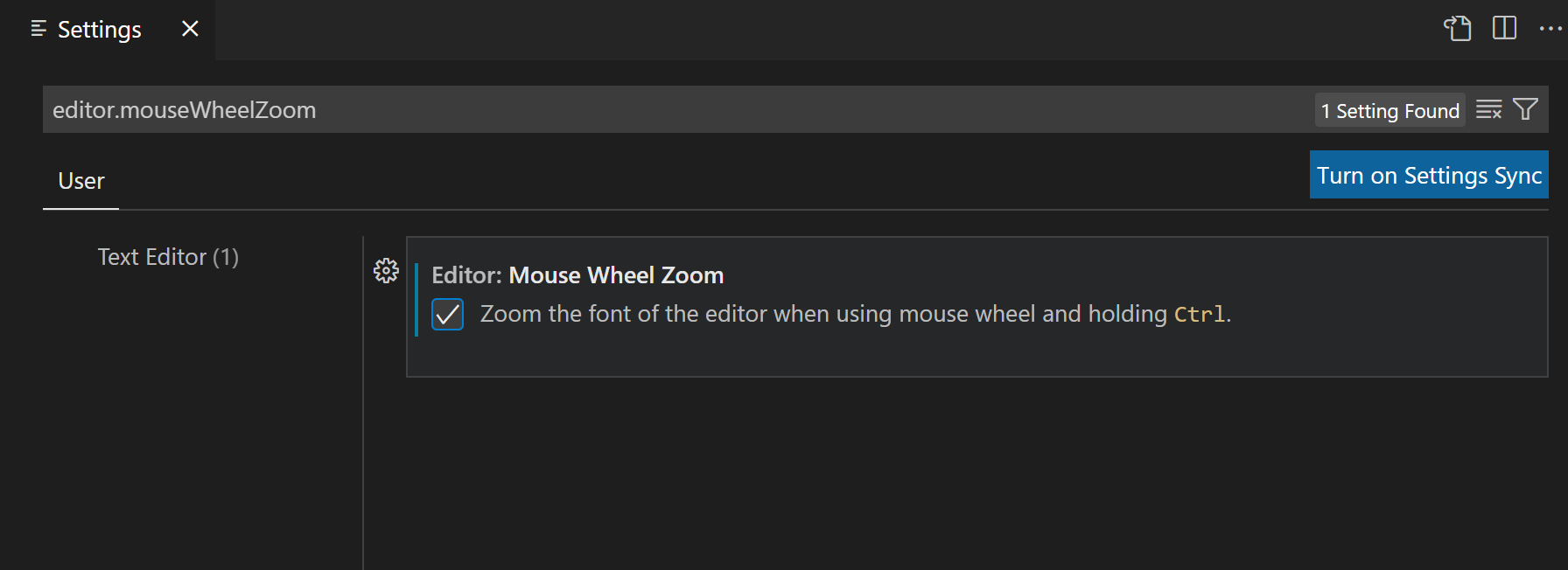
- 然后勾选
Zoom the font of the editor when using mouse wheel and holding Ctrl.前面的复选框:


雄关漫道真如铁,而今迈步从头越。
editor.mouseWheelZoom:Zoom the font of the editor when using mouse wheel and holding Ctrl.前面的复选框:
 浙公网安备 33010602011771号