


Liunx编译第一个c++文件
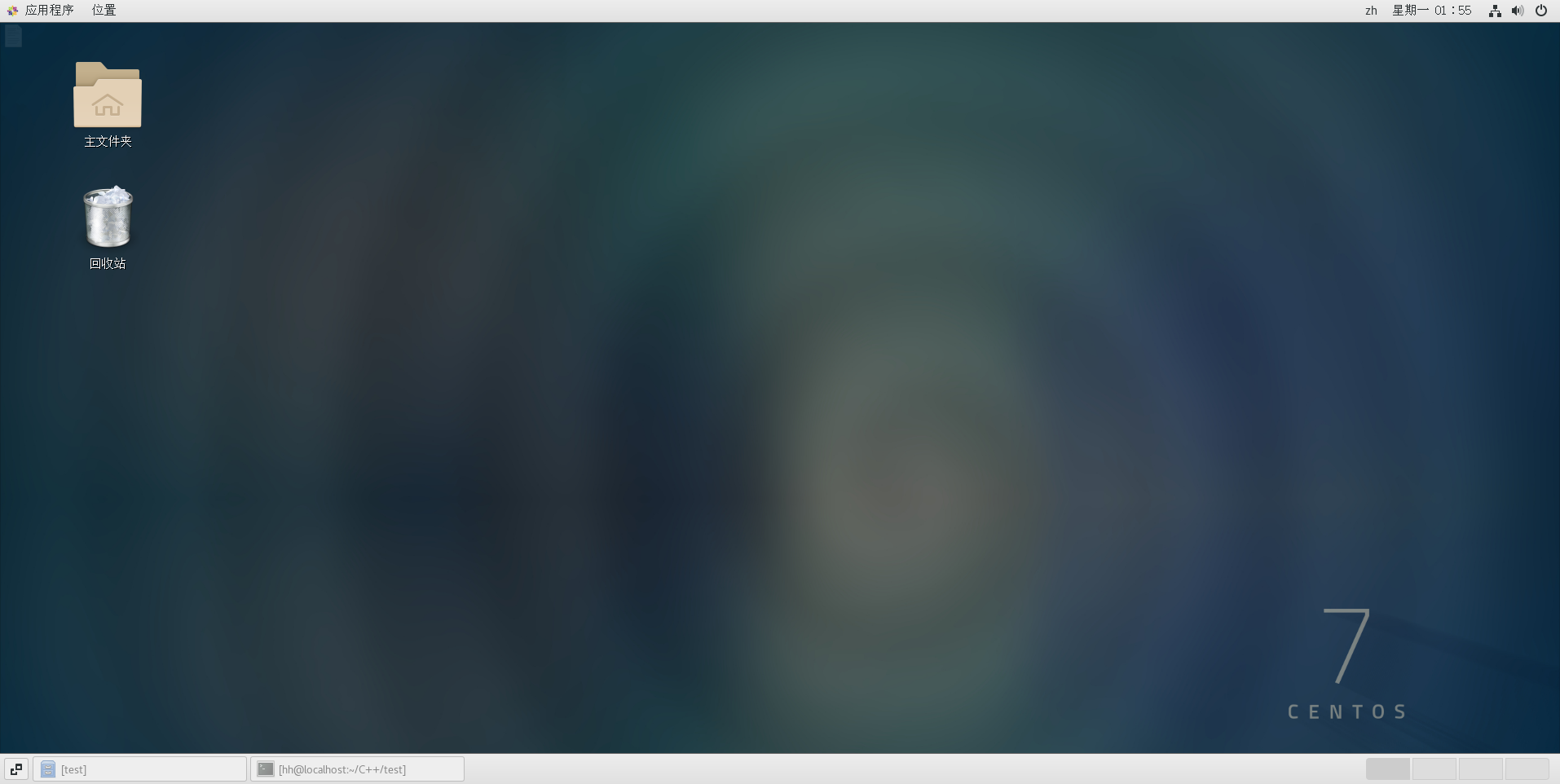
安装Liunx系统
我安装的是CentOS-7系统,下面是链接。直接复制到迅雷下载即可,速度还挺快的,比用浏览器下载块多了。
http://mirrors.bupt.edu.cn/centos/7.9.2009/isos/x86_64/CentOS-7-x86_64-DVD-2009.iso
搭建gcc环境
这个版本默认会有一个4.x版本的gcc,我个人到升级9.3。还挺费劲的,
//查看版本
gcc --version
gcc -v
安装gcc9 取自:https://blog.csdn.net/qq_34859576/article/details/121891744
# 安装scl源
yum install centos-release-scl scl-utils-build -y
# 安装gcc9
yum install devtoolset-9-toolchain -y
# 启动环境
scl enable devtoolset-9 bash
gcc --version
# 永久环境
echo "source /opt/rh/devtoolset-9/enable" >>/etc/profile
新建文件
touch + filename.xxx
//编译的第一个c++文件
#include <stdio.h>
int main(){
   puts("hello world!");
   return 0;
}
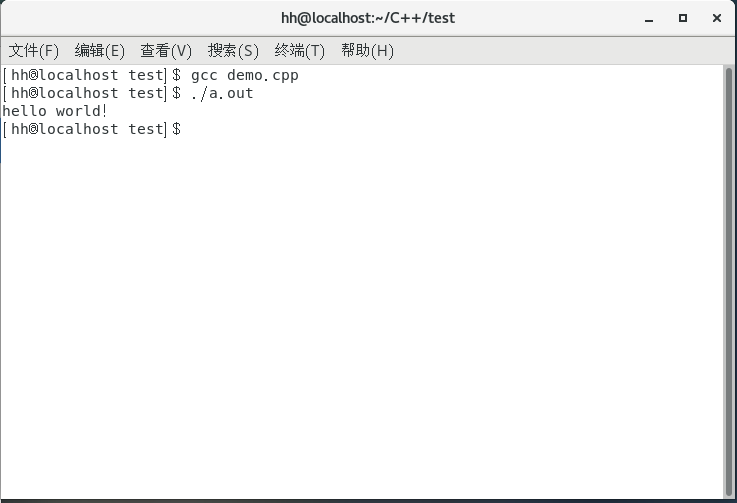
编译
gcc demo.cpp
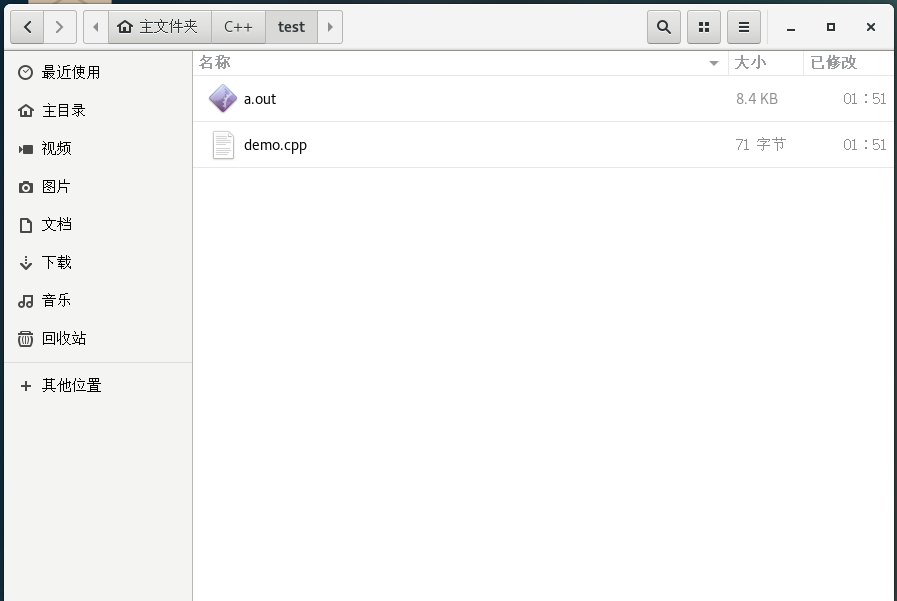
编译完成会生成a.out文件
运行
其他;
centos默认是不给用户root权限的可以通过su然后输入密码获得权限。密码输入的时候有保护,尽管输入就可以了,只有第一次输入的时候有黑色圆点。
[hh@localhost 00_01_gcc]$ su
密码:

 浙公网安备 33010602011771号