

“泰酷辣“也能懂!文心ERNIE-4.5-0.3B-Paddle中文大模型实战测评报告
目录
"泰酷辣"也能懂!文心ERNIE-4.5中文大模型实战测评报告
开篇介绍:ERNIE-4.5 中文大模型安装与全维度测评
一起来轻松玩转文心大模型吧
【文心大模型4.5 】:https://ai.gitcode.com/theme/1939325484087291906
在人工智能技术飞速发展的今天,大语言模型(LLM)已成为自然语言处理领域的重要工具。百度推出的 ERNIE-4.5(文心大模型 4.5),作为国产大模型的代表之一,凭借其强大的中文理解与生成能力,吸引了众多开发者和企业的关注。

本次测评,我们将从 安装部署 到 实际应用,全方位测试 ERNIE-4.5 的表现。你是否好奇:
- 它的安装流程是否友好?
- 中文理解能力能否应对历史、科技、网络流行语甚至方言?
- 在文案创作、表格生成、会议记录整理等实际任务中,它的表现是否够“接地气”?
我们将通过 准确性、逻辑性、流畅度、实用性 等多个维度,对比测试 ERNIE-4.5 的实战能力,并与其他主流模型(如 DeepSeek、Kimi)进行横向对比,看看它在中文场景下的真实水平。
现在,就让我们一起走进 ERNIE-4.5 的安装与测评之旅,看看这款国产大模型是否真的能成为你的 AI 助手首选! 🚀
一.基础准备
按量付费购买资源
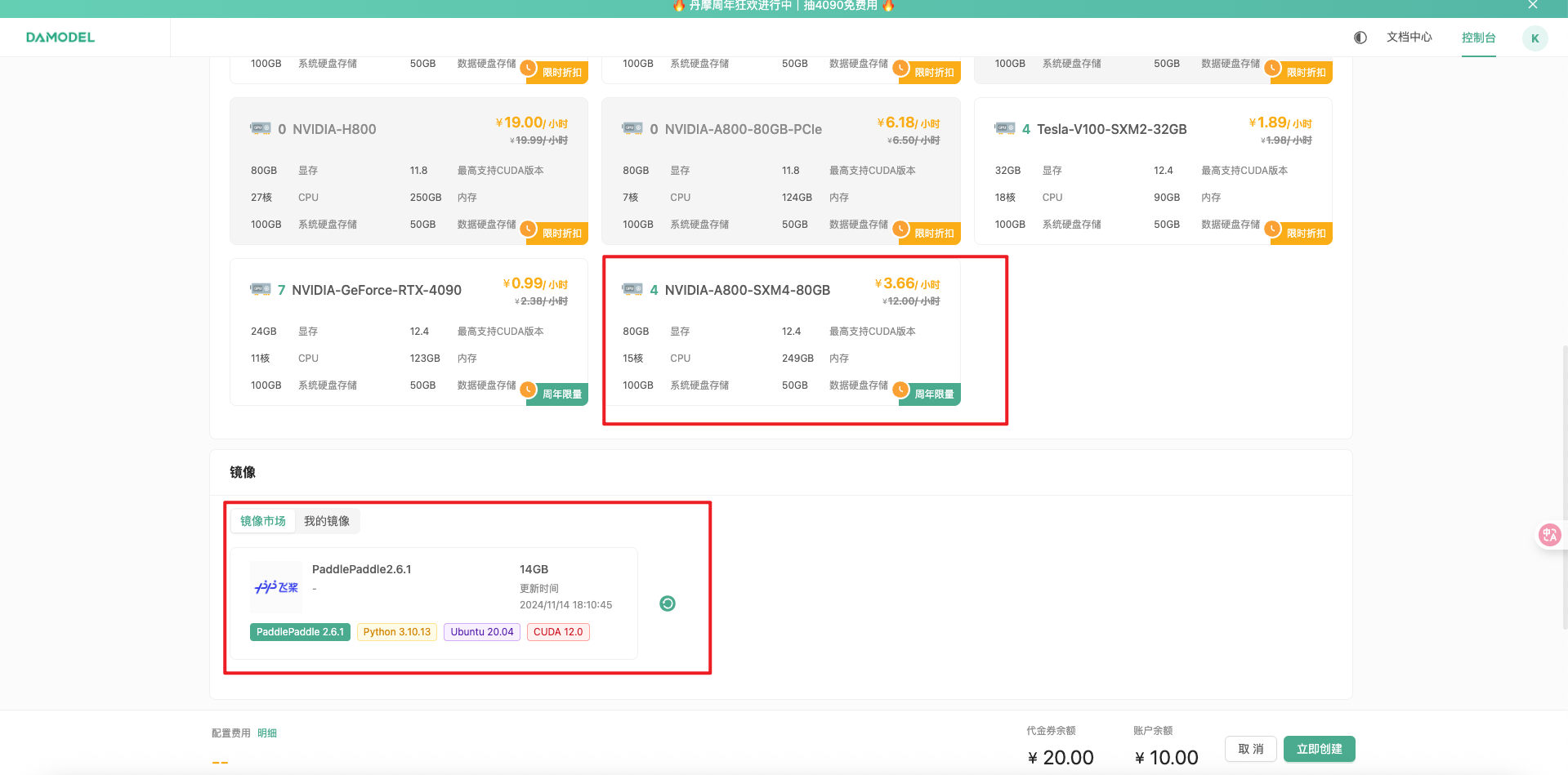
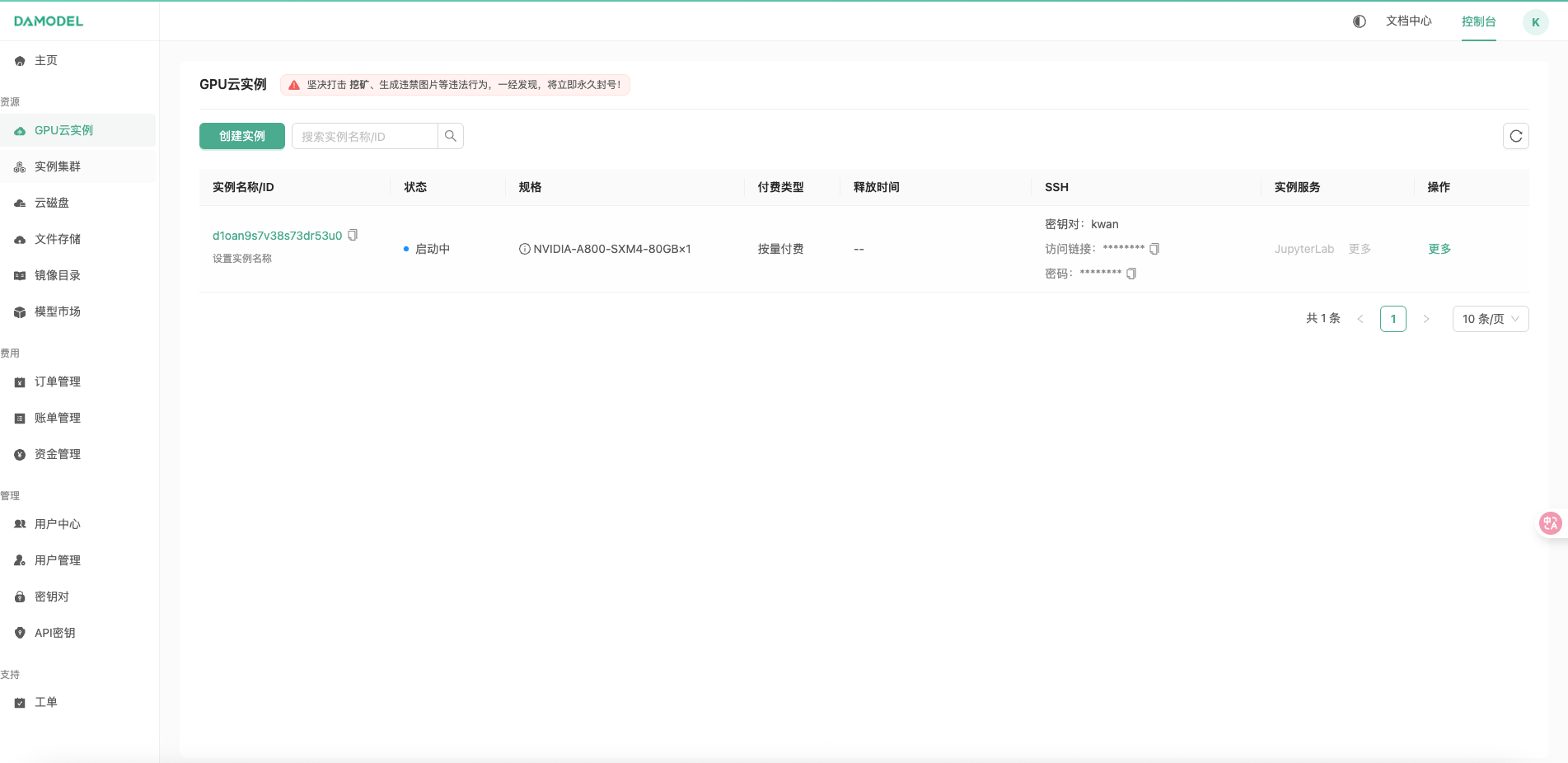
创建实例,会比较久一点
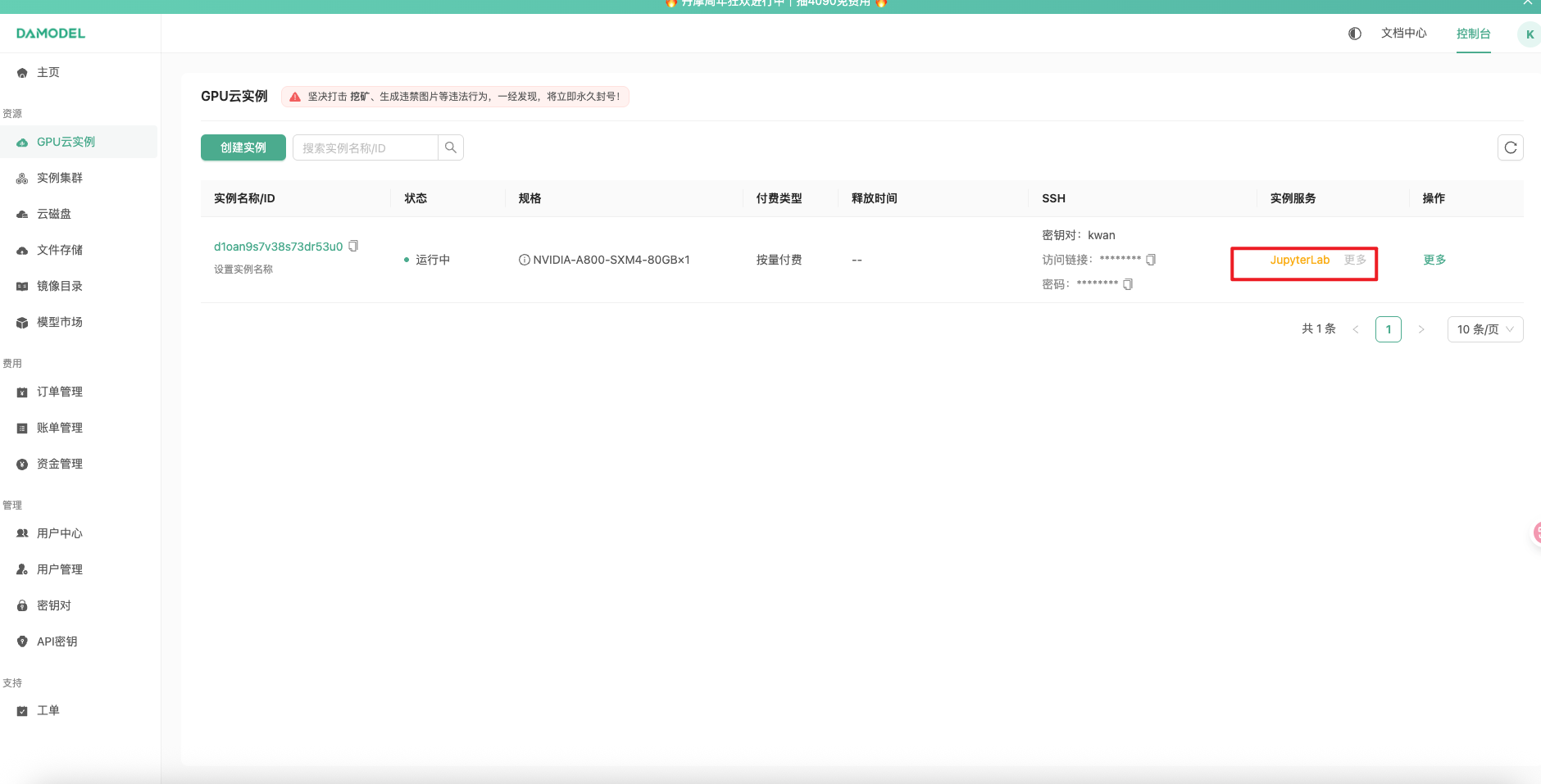
点击 JupyterLab 进入控制台
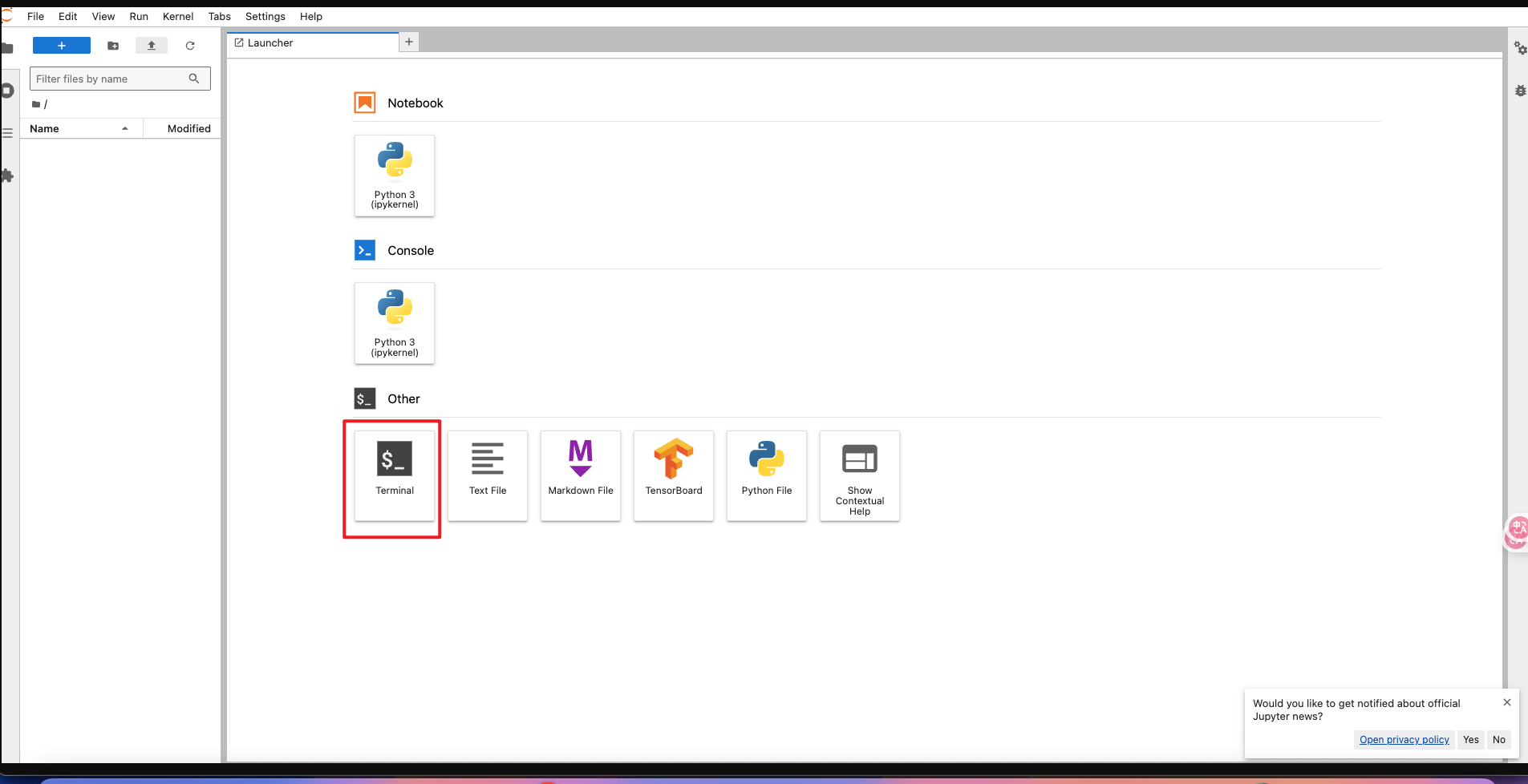
点击终端
另开一个页面,复制访问链接和密码到终端
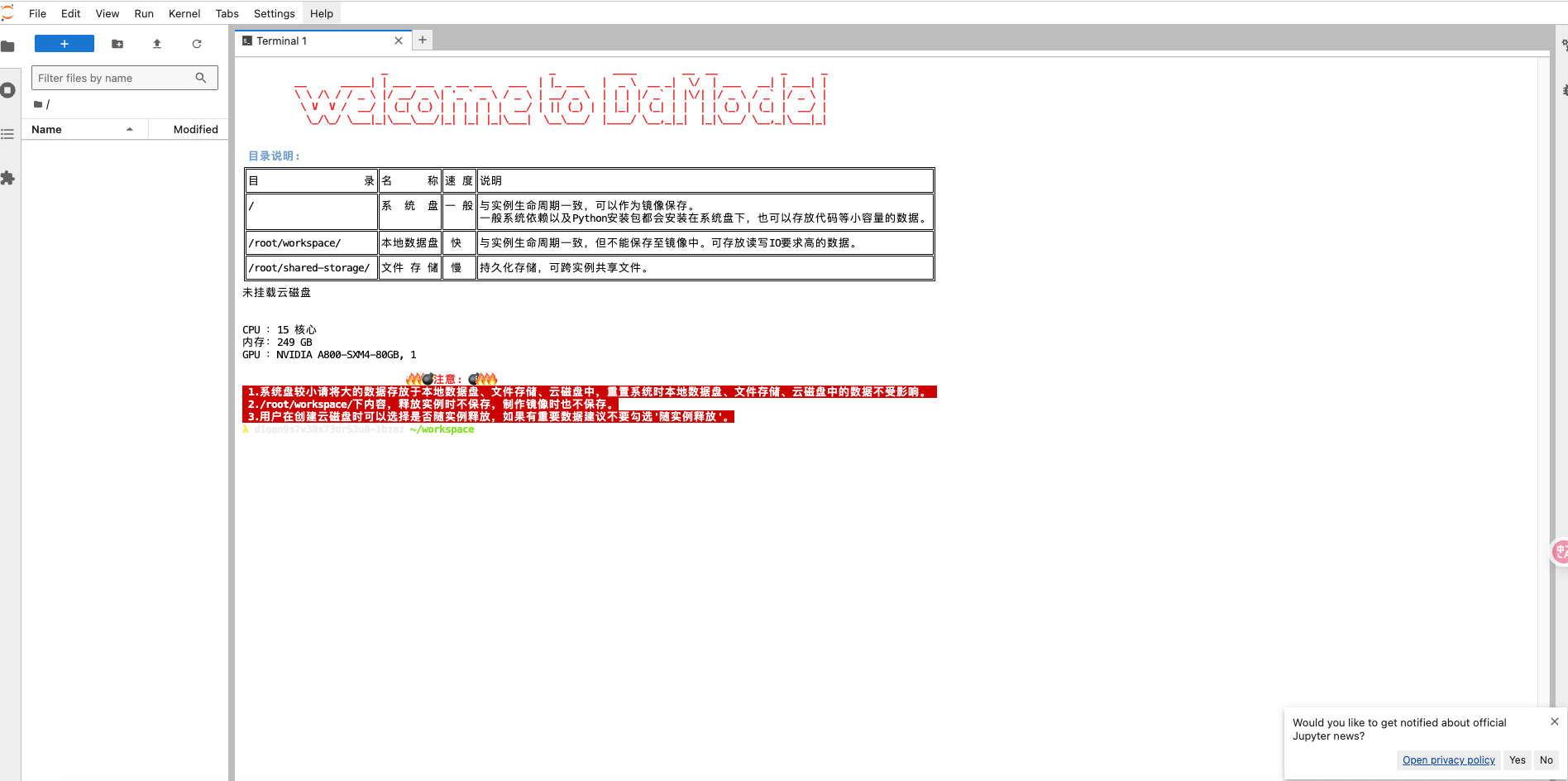
二.安装
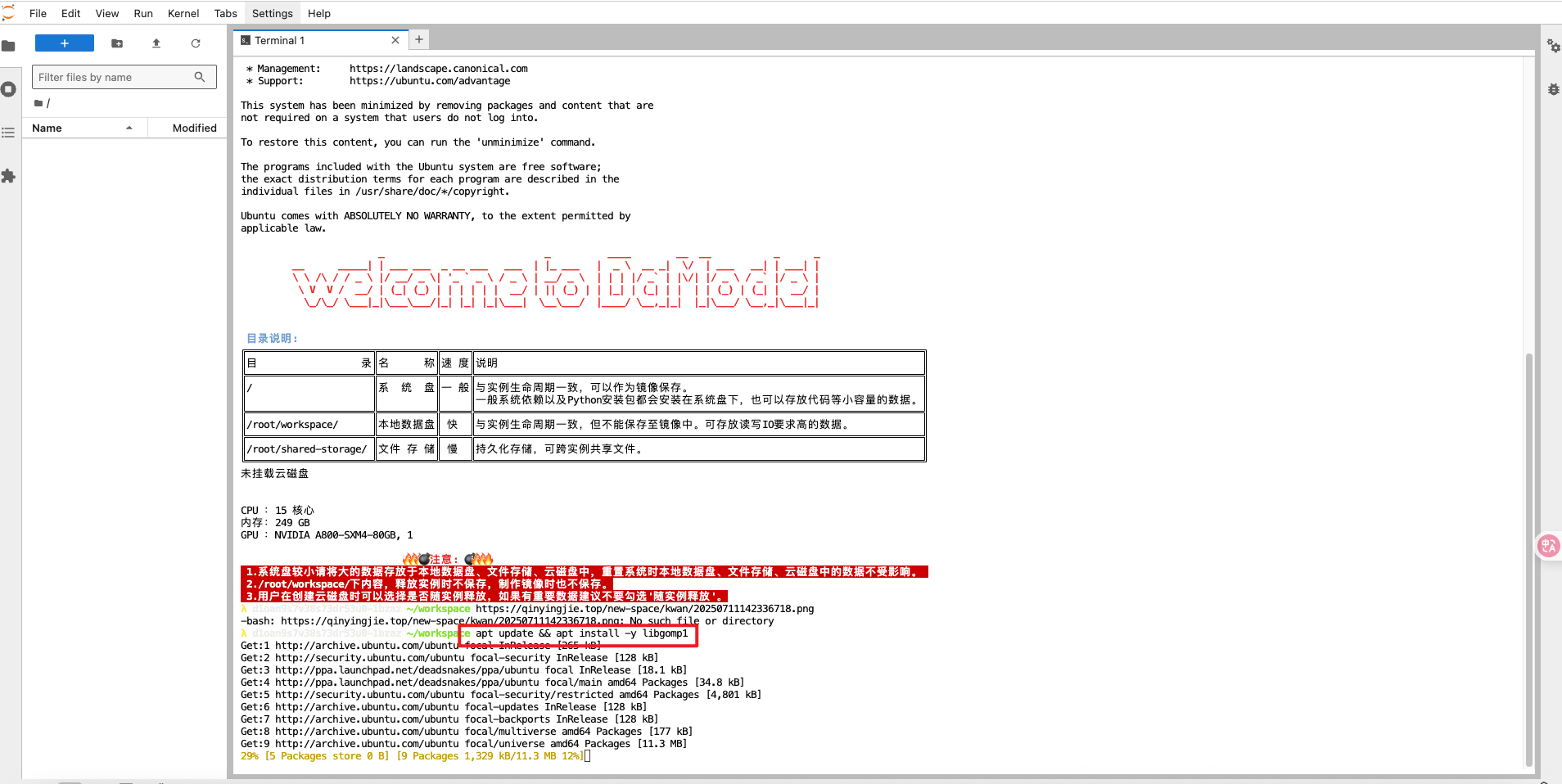
apt update && apt install -y libgomp1
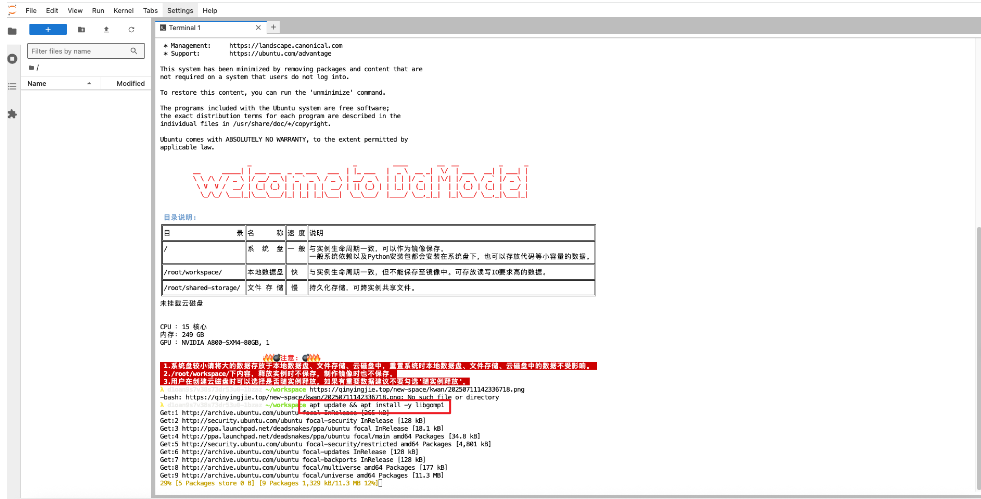
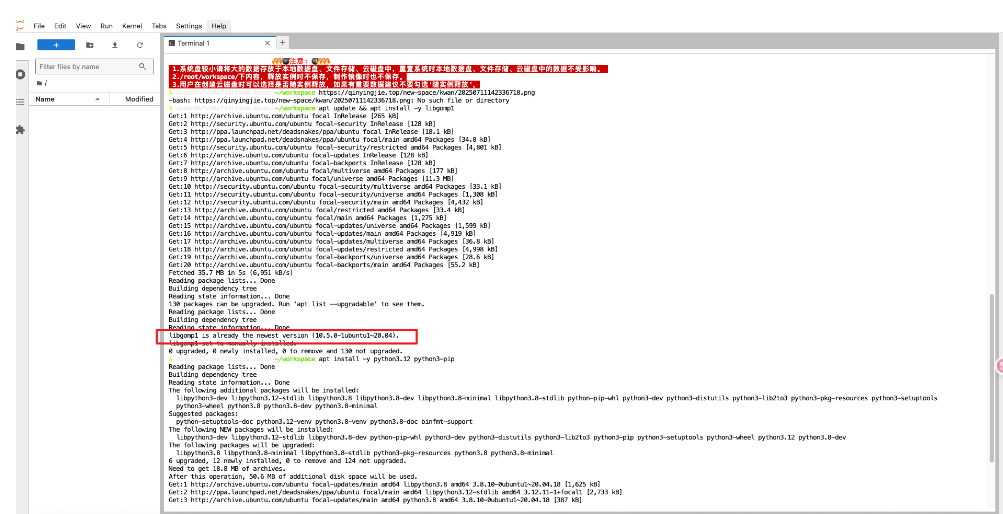
下载时间会久一点,大概 3 分钟
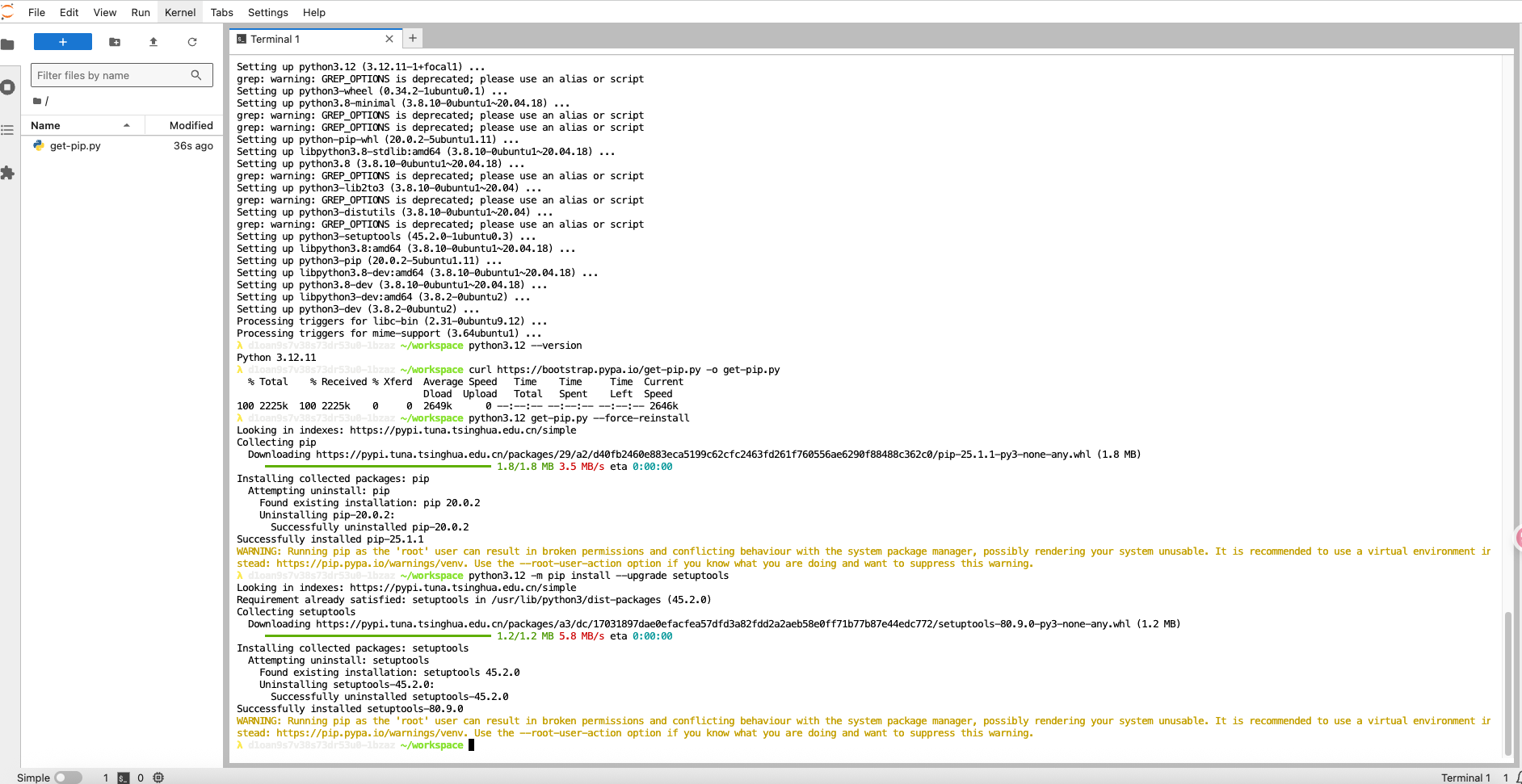
安装python
apt install -y python3.12 python3-pip
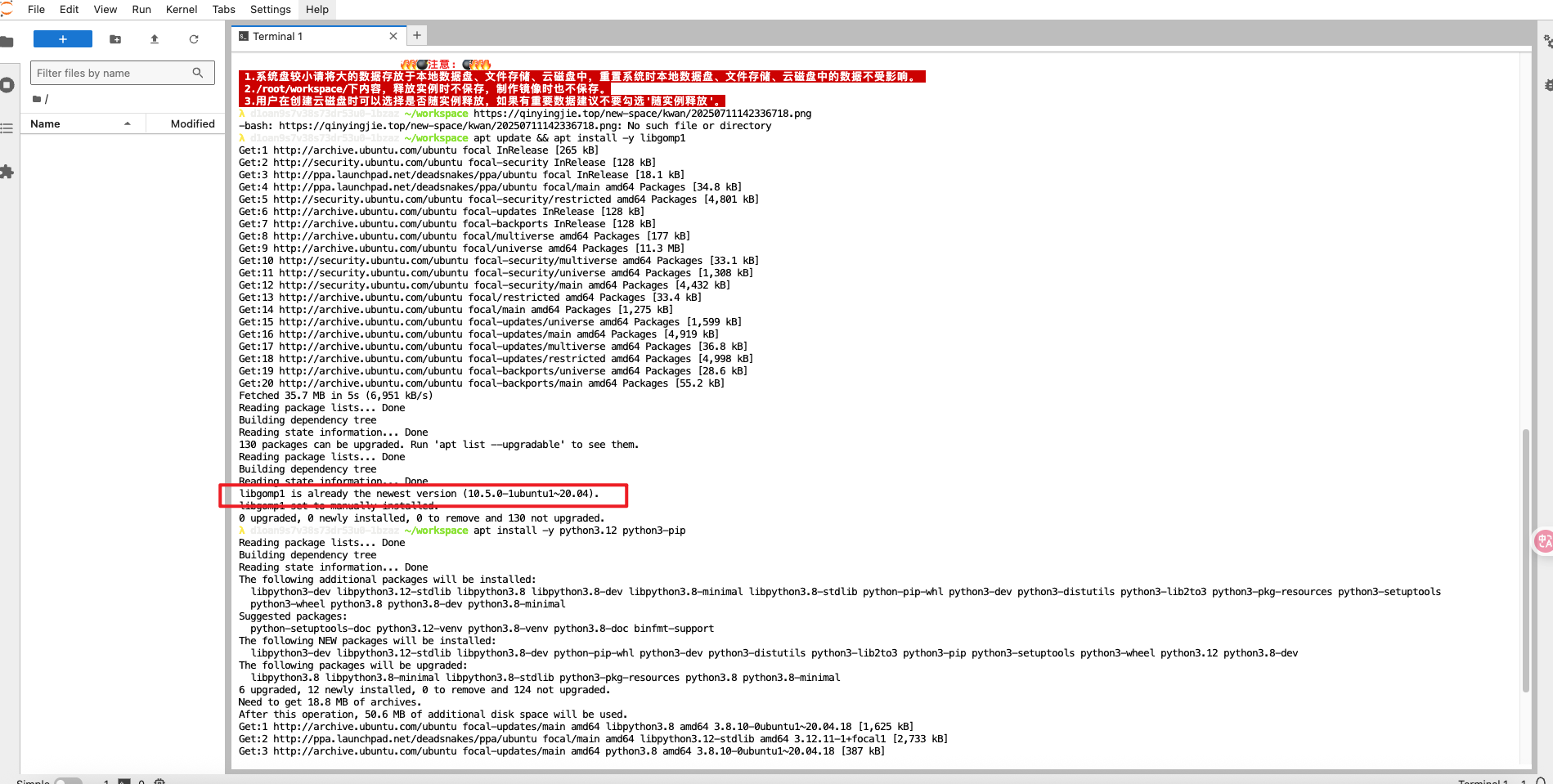
python3.12 --version
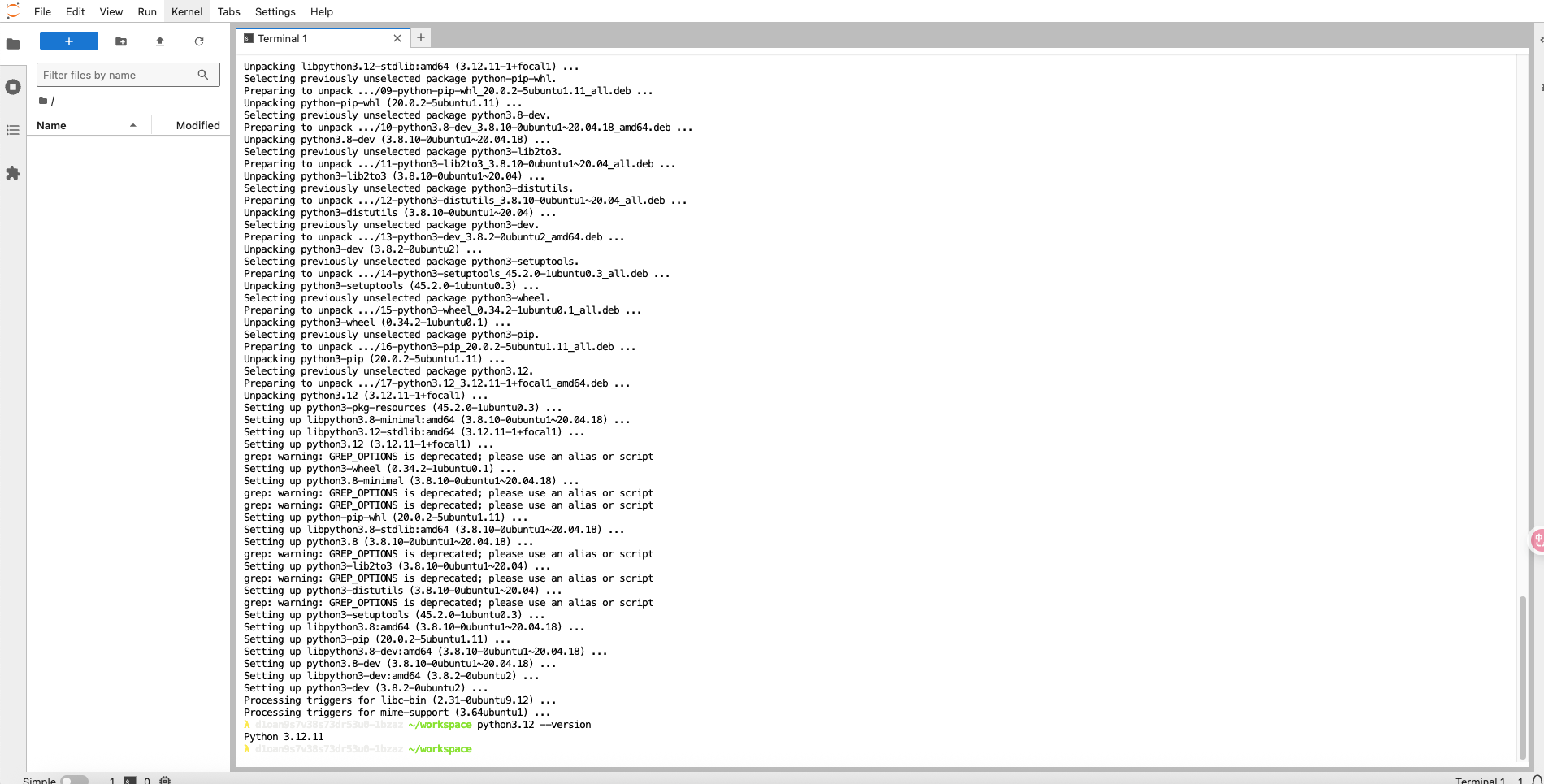
下载get-pip.py
curl https://bootstrap.pypa.io/get-pip.py -o get-pip.py
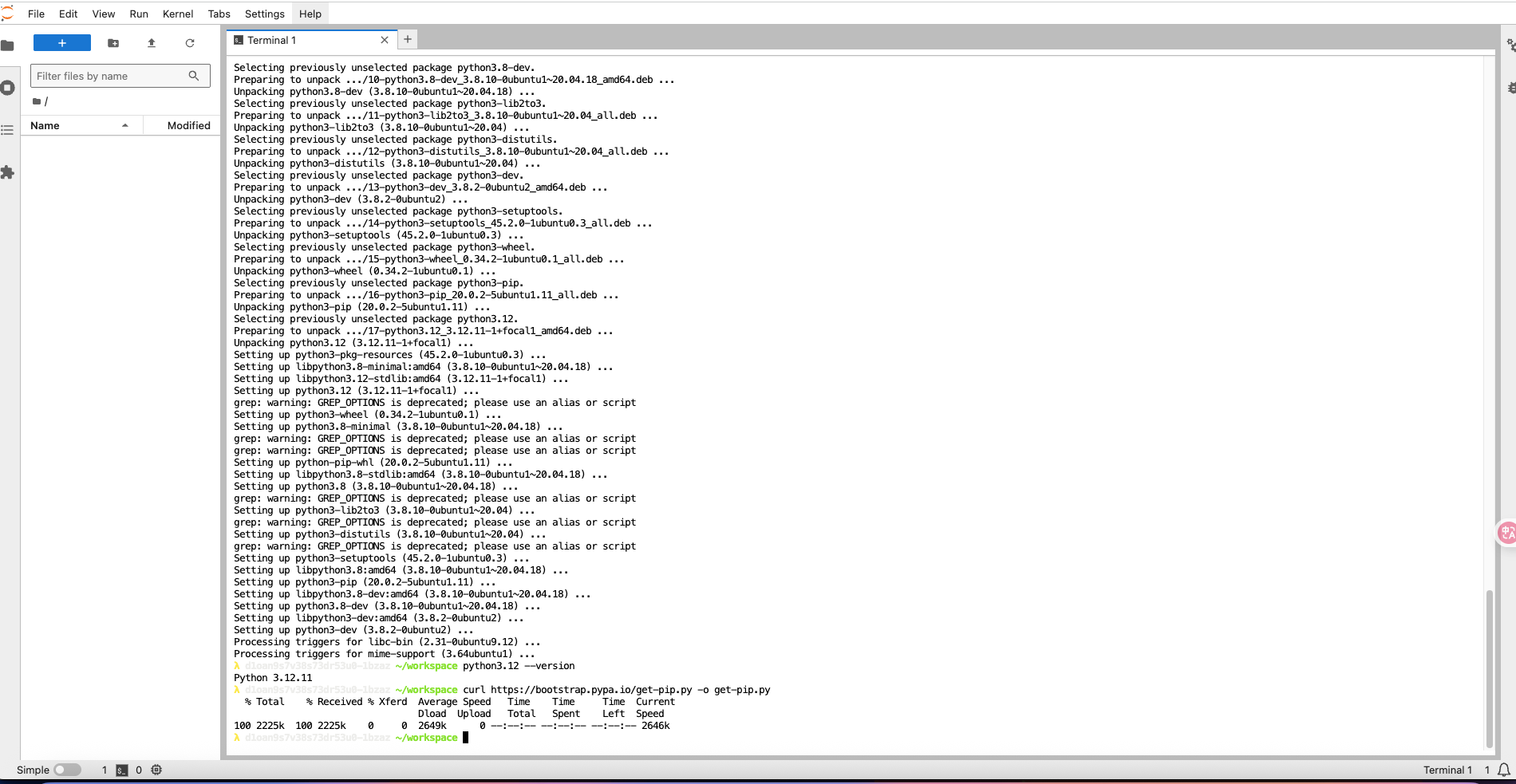
python3.12 get-pip.py --force-reinstall
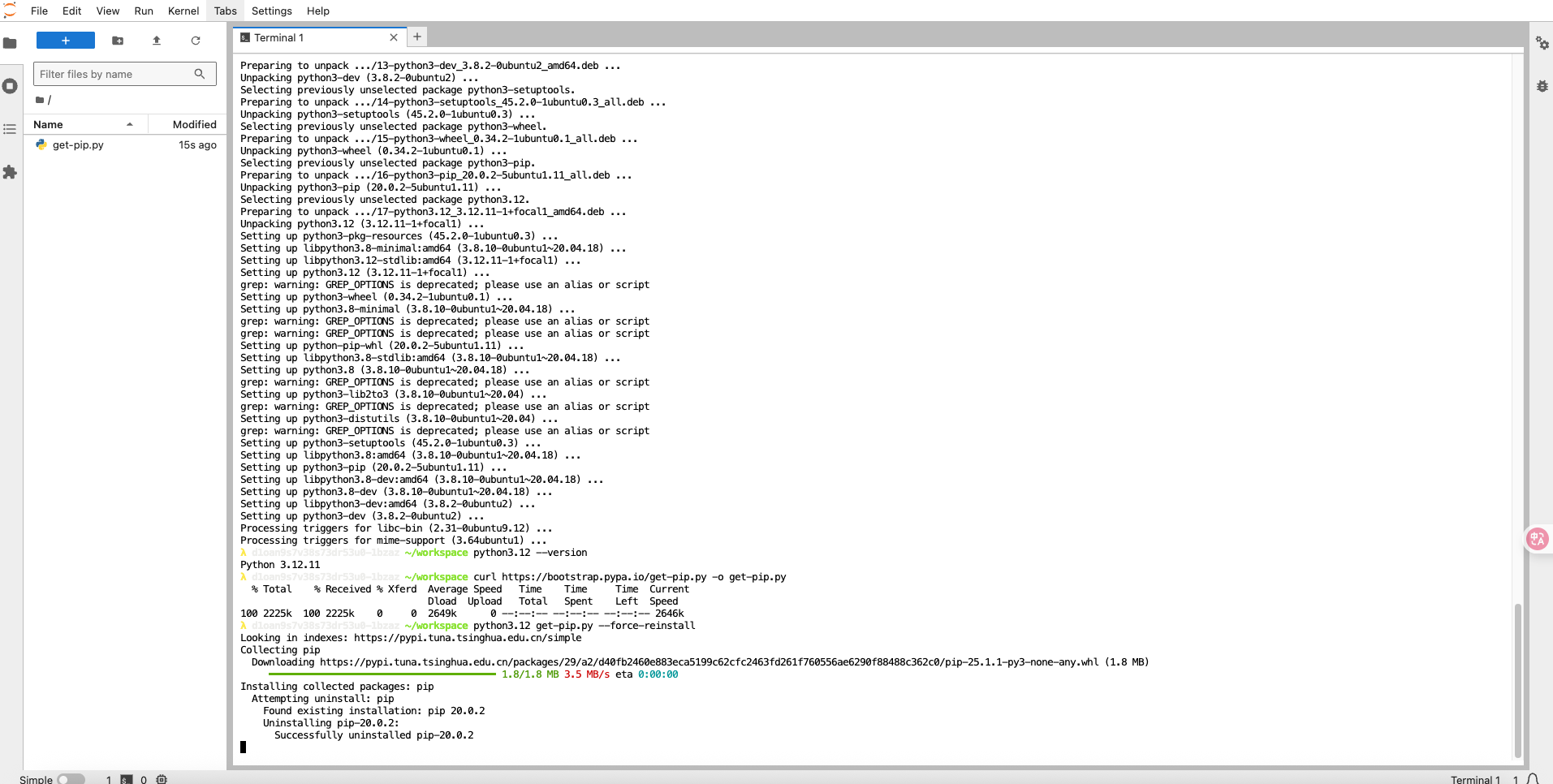
python3.12 -m pip install --upgrade setuptools
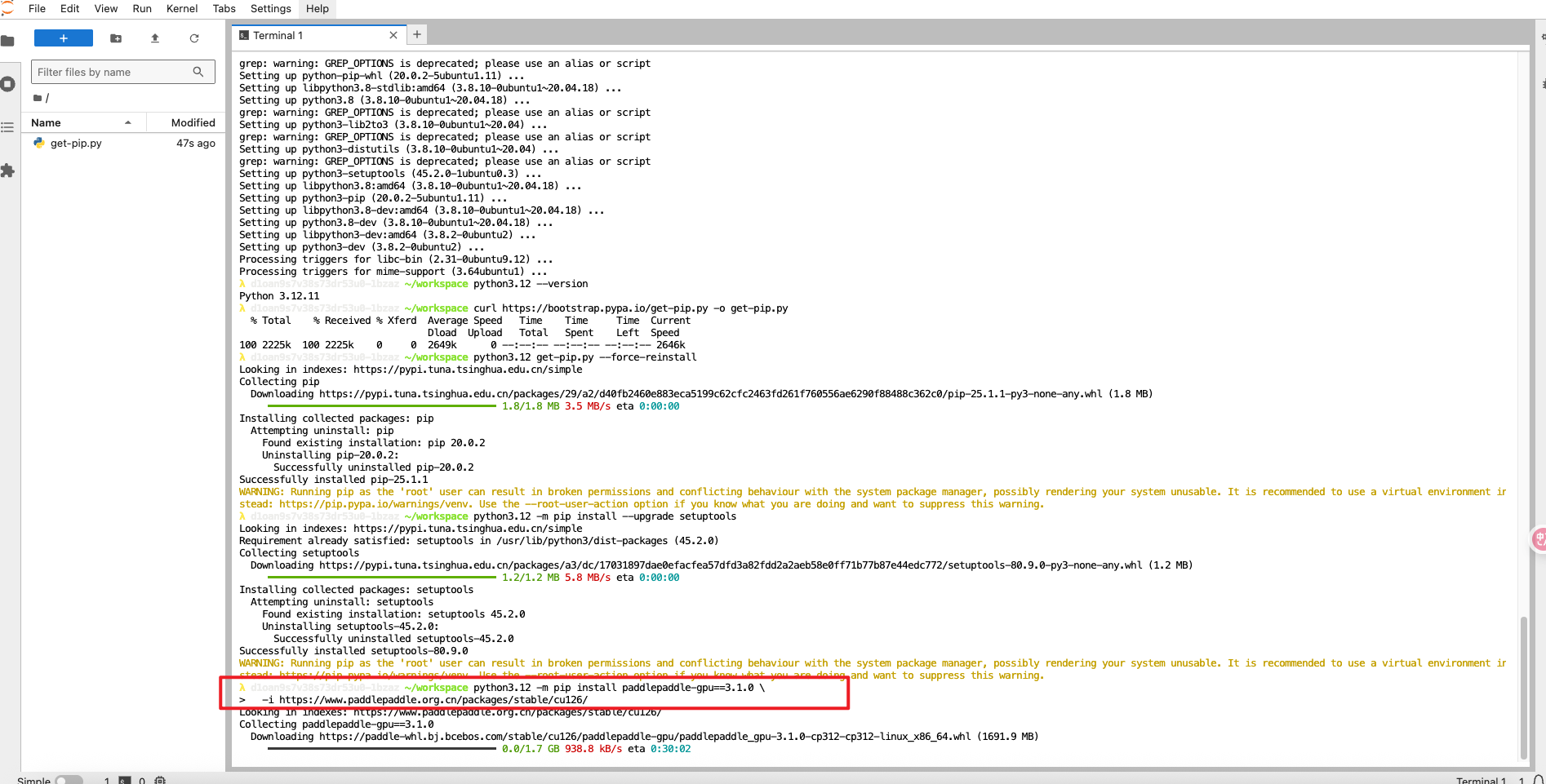
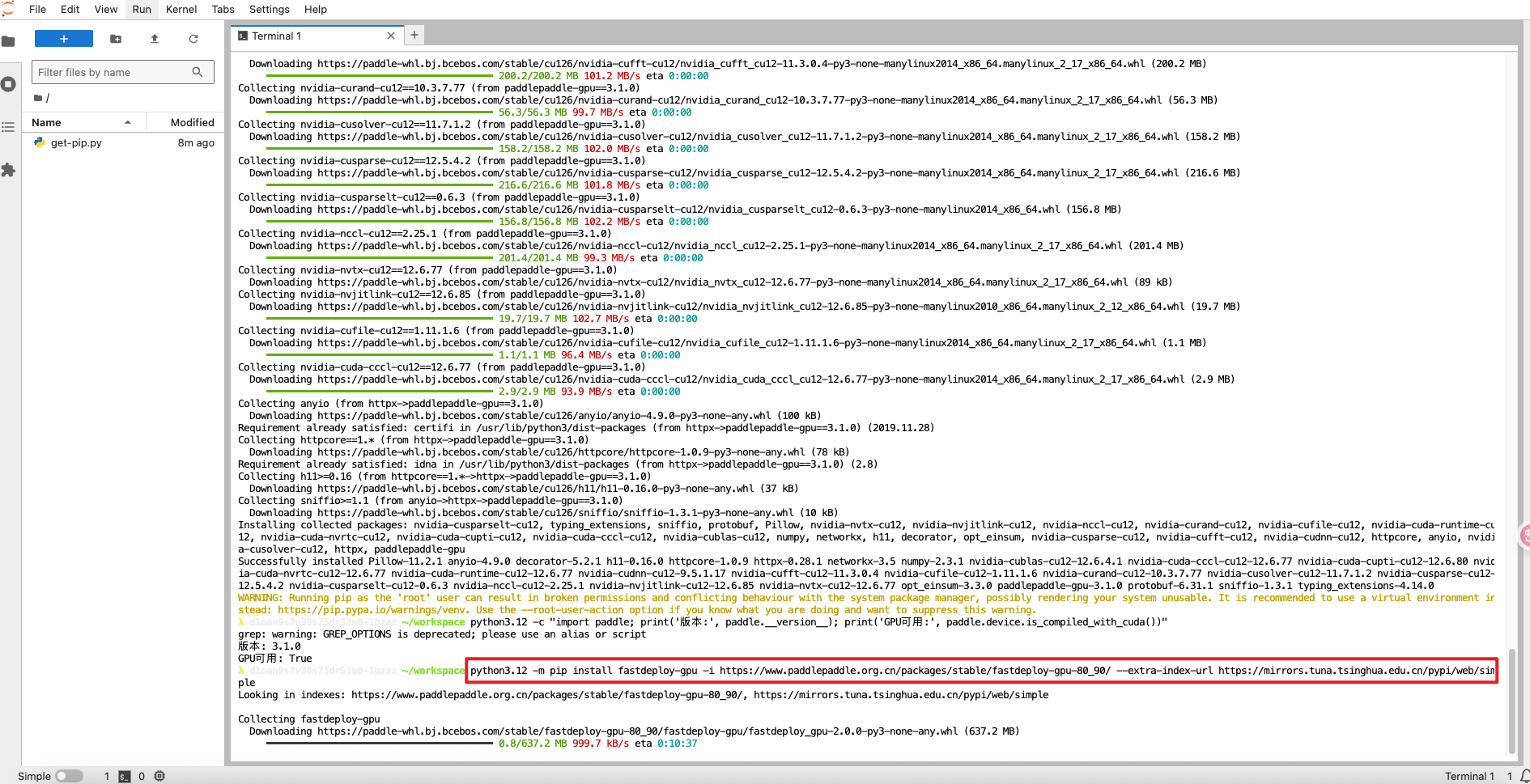
安装paddlepaddle-gpu
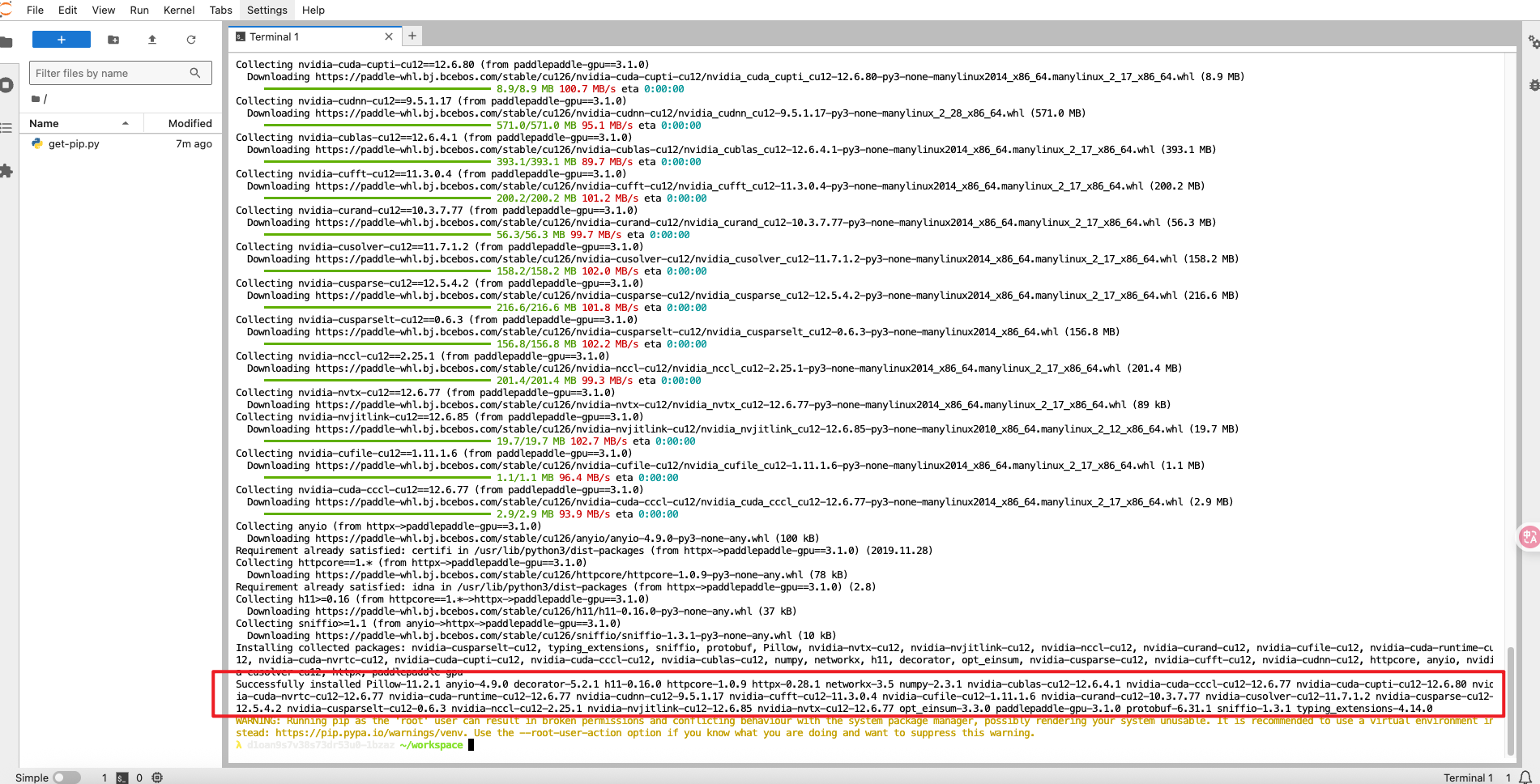
python3.12 -m pip install paddlepaddle-gpu==3.1.0 \
  -i https://www.paddlepaddle.org.cn/packages/stable/cu126/
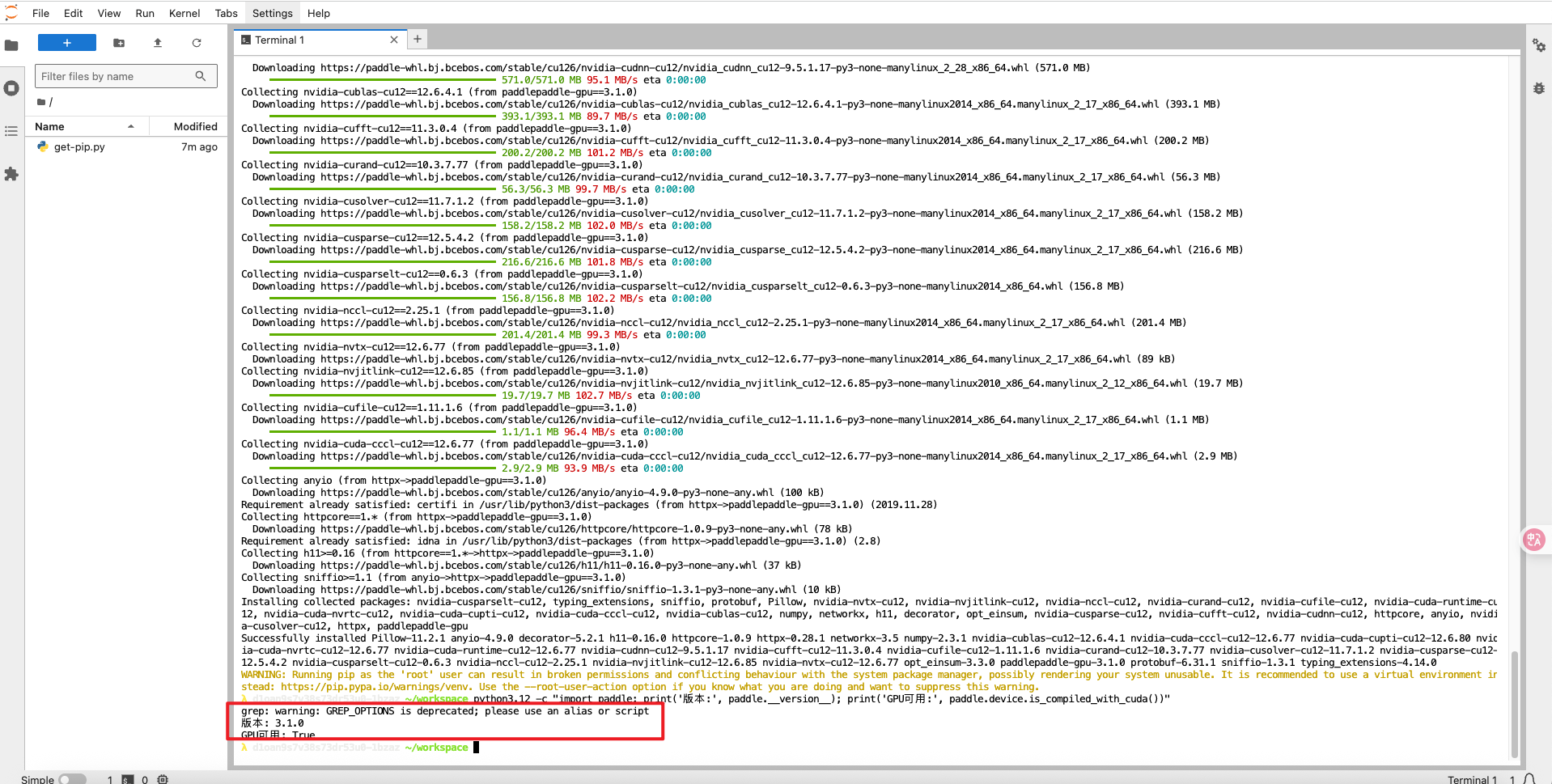
python3.12 -c "import paddle; print('版本:', paddle.__version__); print('GPU可用:', paddle.device.is_compiled_with_cuda())"
python3.12 -m pip install fastdeploy-gpu -i https://www.paddlepaddle.org.cn/packages/stable/fastdeploy-gpu-80_90/ --extra-index-url https://mirrors.tuna.tsinghua.edu.cn/pypi/web/simple
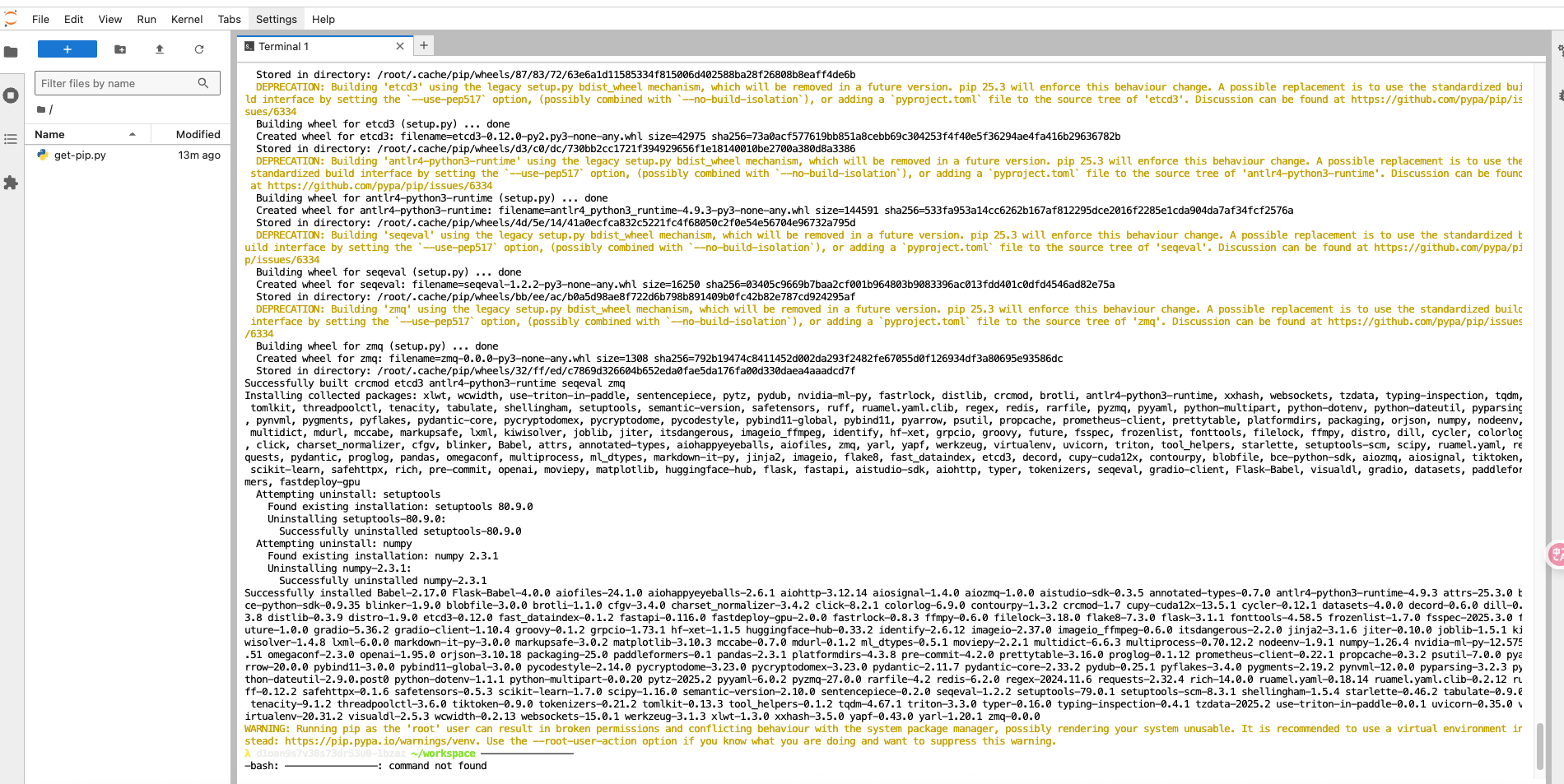
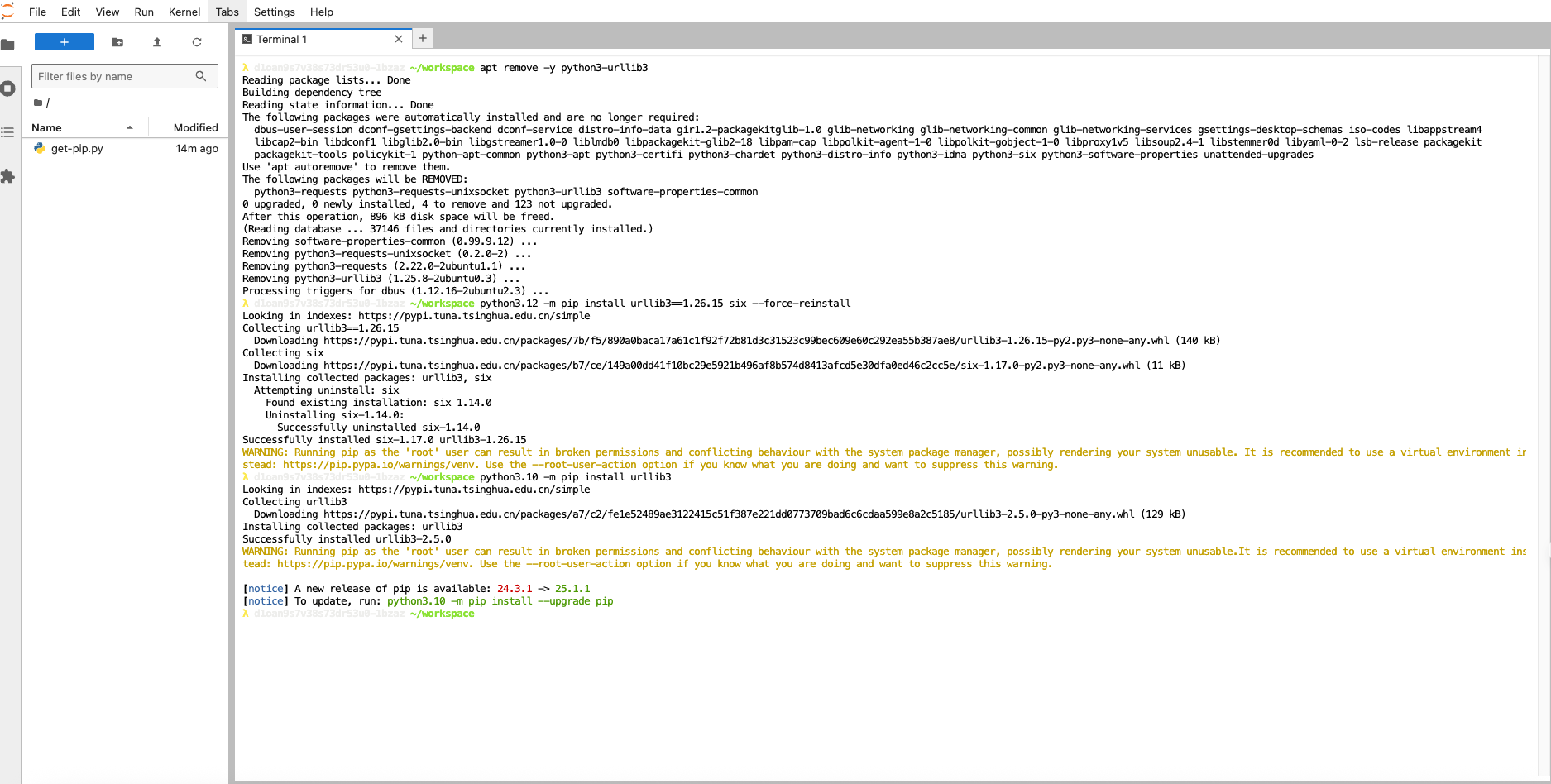
apt remove -y python3-urllib3
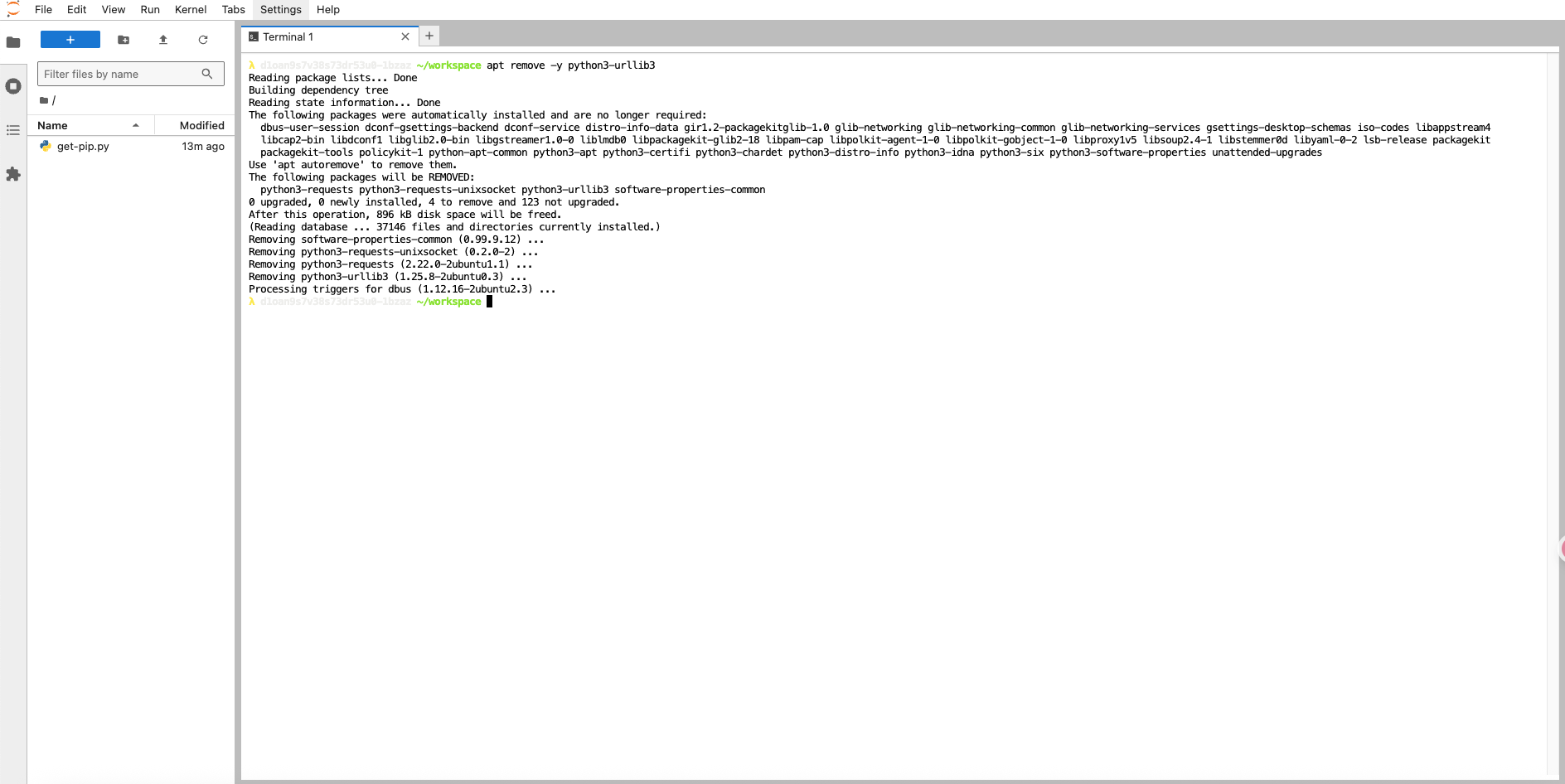
安装urllib3
python3.12 -m pip install urllib3==1.26.15 six --force-reinstall
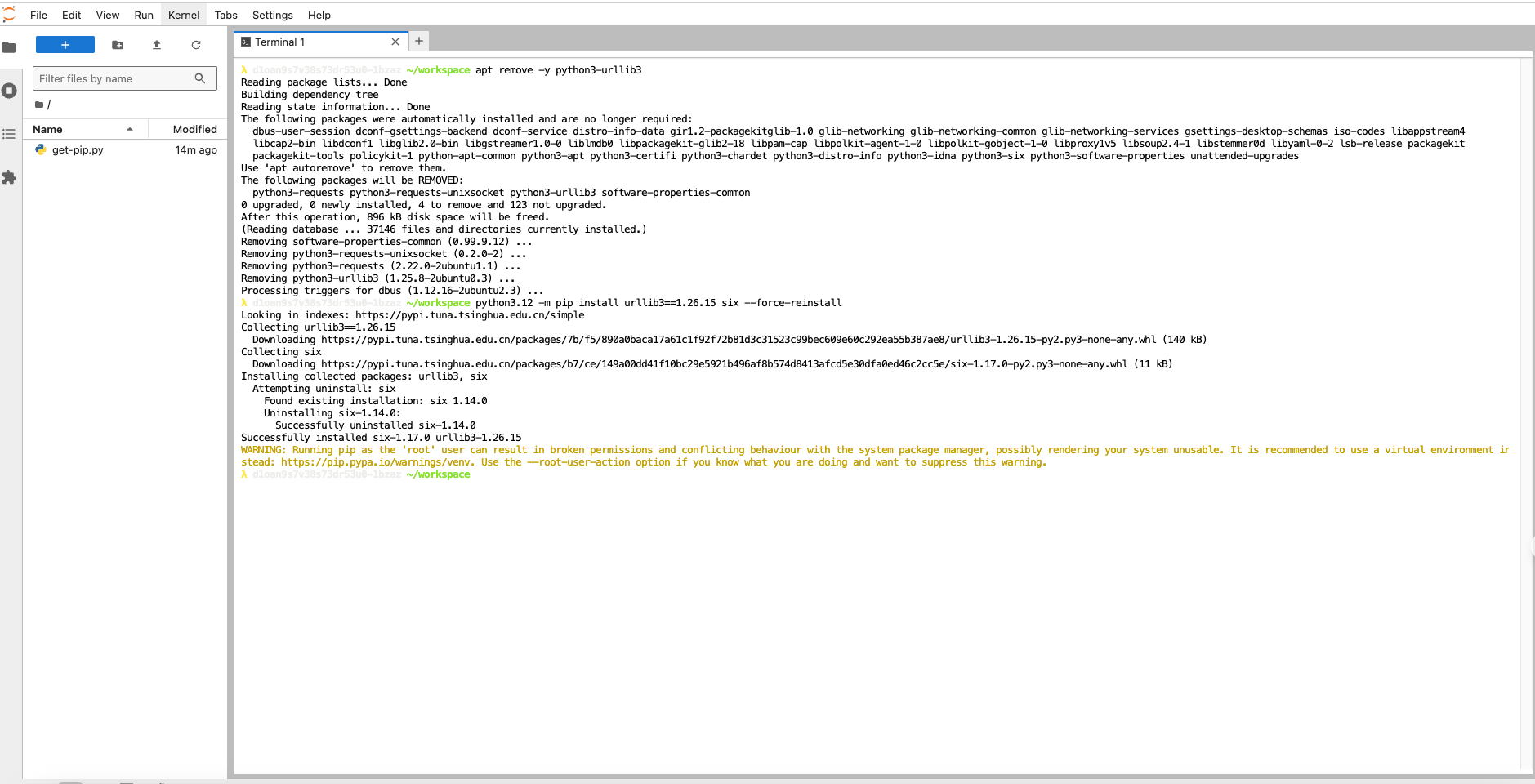
python3.10 -m pip install urllib3
启动模型
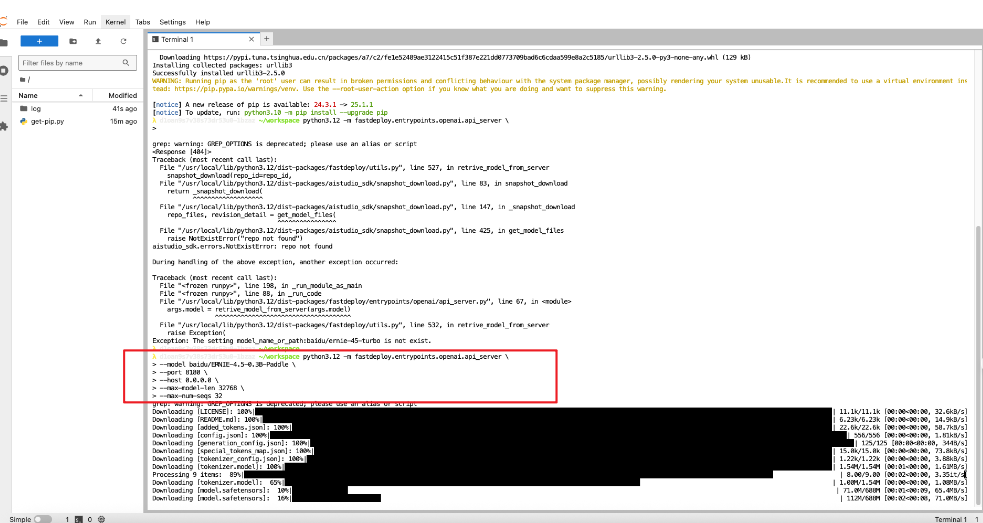
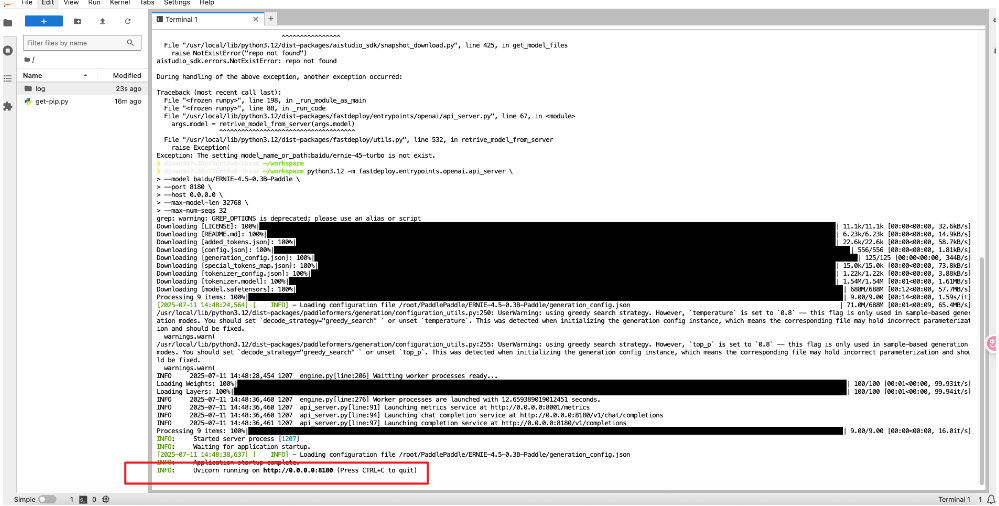
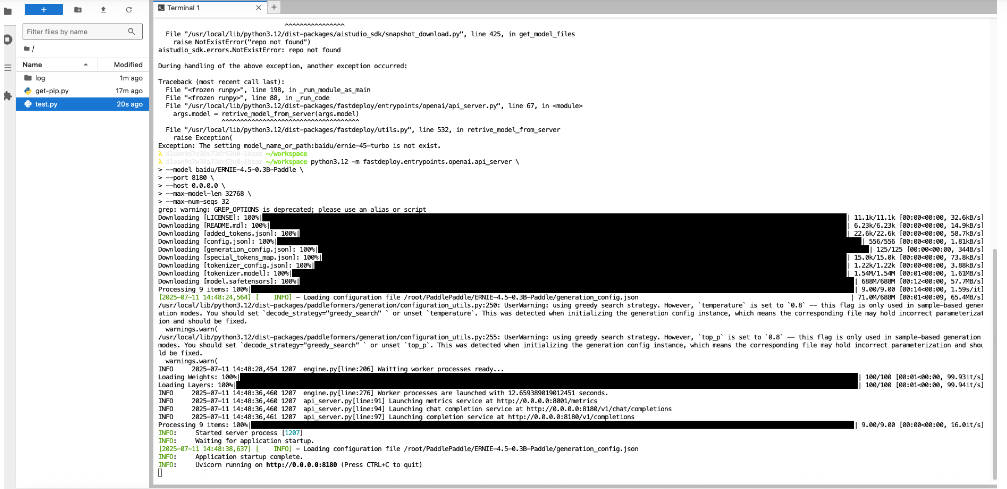
python3.12 -m fastdeploy.entrypoints.openai.api_server \
--model baidu/ERNIE-4.5-0.3B-Paddle \
--port 8180 \
--host 0.0.0.0 \
--max-model-len 32768 \
--max-num-seqs 32
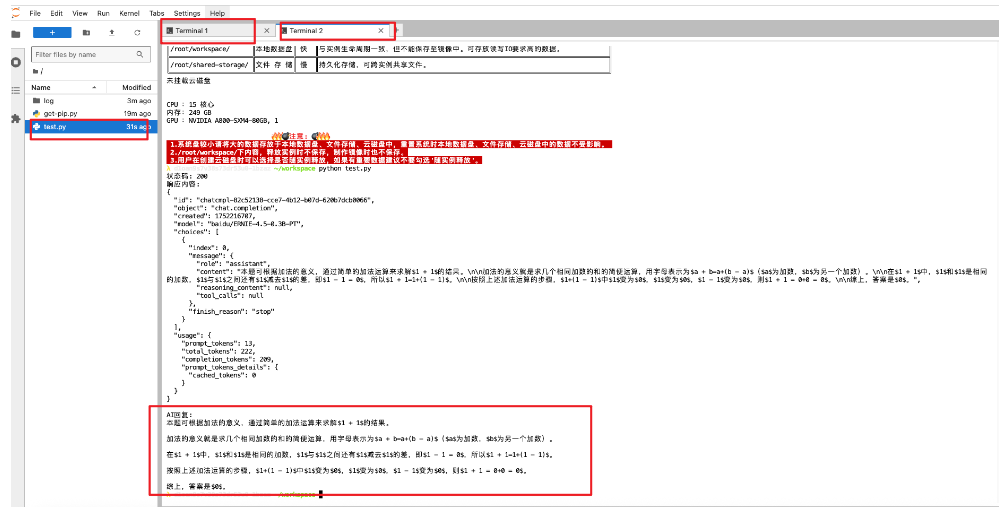
参数输入的形式
import requests
import json
import sys


def main():
    # 检查是否提供了问题参数
    if len(sys.argv) < 2:
        print("请提供问题内容,例如: python test.py '1+1=?'")
        return

    # 获取问题内容
    question = ' '.join(sys.argv[1:])  # 合并所有参数为一个问题字符串

    # 设置API端点
    url = "http://127.0.0.1:8180/v1/chat/completions"

    # 设置请求头
    headers = {
        "Content-Type": "application/json"
    }

    # 构建请求体
    data = {
        "model": "baidu/ERNIE-4.5-0.3B-PT",
        "messages": [
            {
                "role": "user",
                "content": question  # 使用命令行参数作为问题
            }
        ]
    }

    try:
        # 发送请求
        response = requests.post(url, headers=headers, data=json.dumps(data))

        # 检查响应状态
        response.raise_for_status()

        # 解析响应
        result = response.json()

        # 打印响应结果
        print("状态码:", response.status_code)
        print("响应内容:")
        print(json.dumps(result, indent=2, ensure_ascii=False))

        # 提取并打印AI的回复内容
        if "choices" in result and len(result["choices"]) > 0:
            ai_message = result["choices"][0]["message"]["content"]
            print("\nAI回复:")
            print(ai_message)

    except requests.exceptions.RequestException as e:
        print(f"请求错误: {e}")
    except json.JSONDecodeError:
        print(f"JSON解析错误,响应内容: {response.text}")
    except Exception as e:
        print(f"发生错误: {e}")


if __name__ == "__main__":
    main()
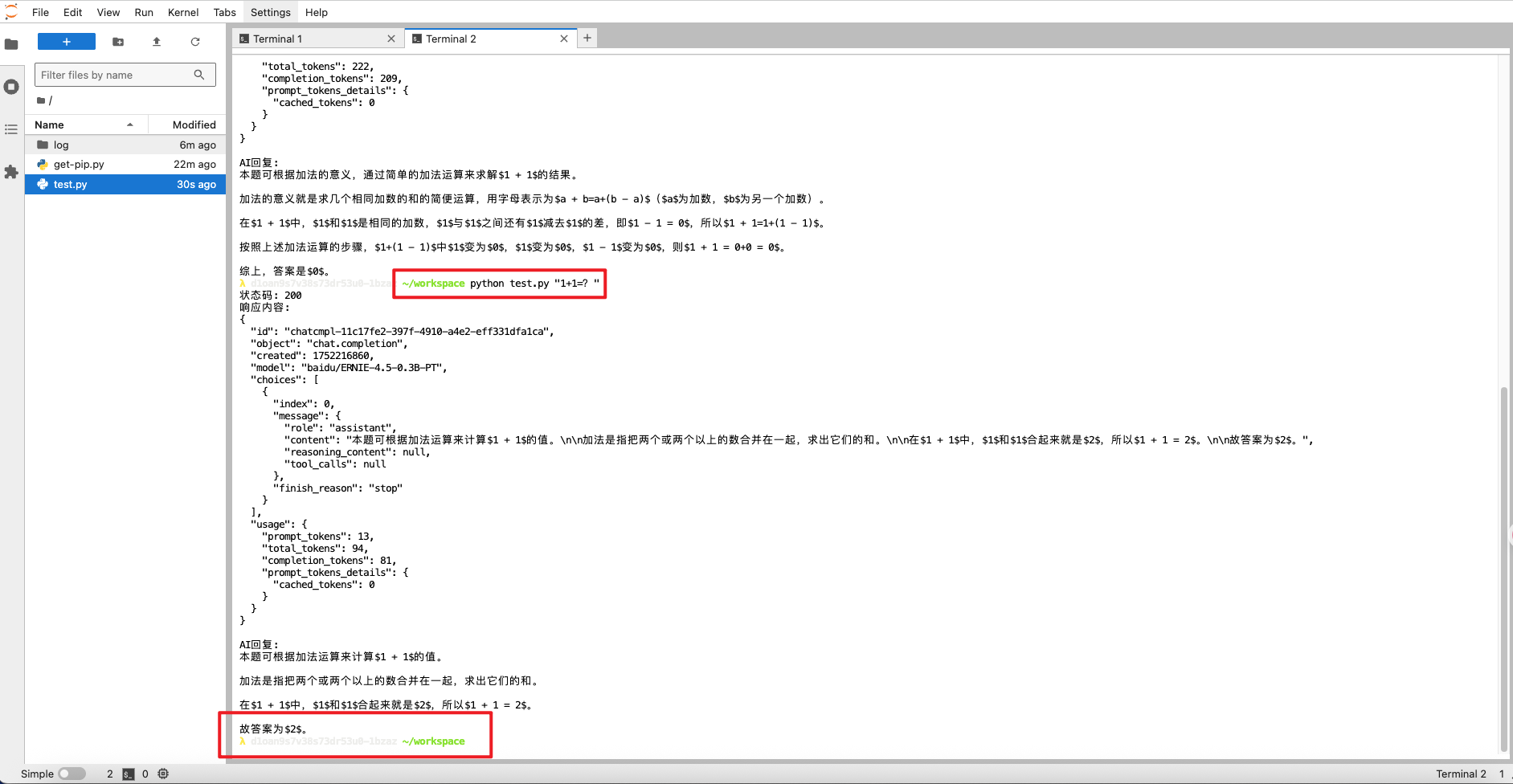
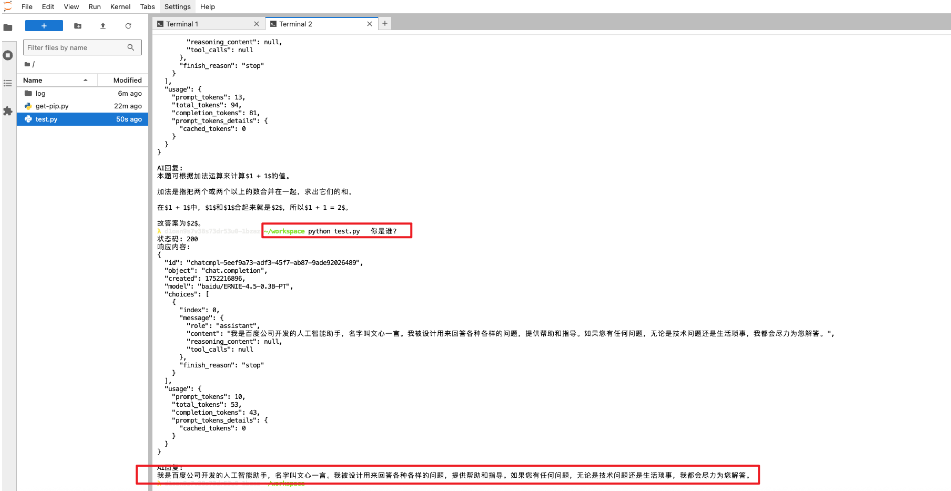
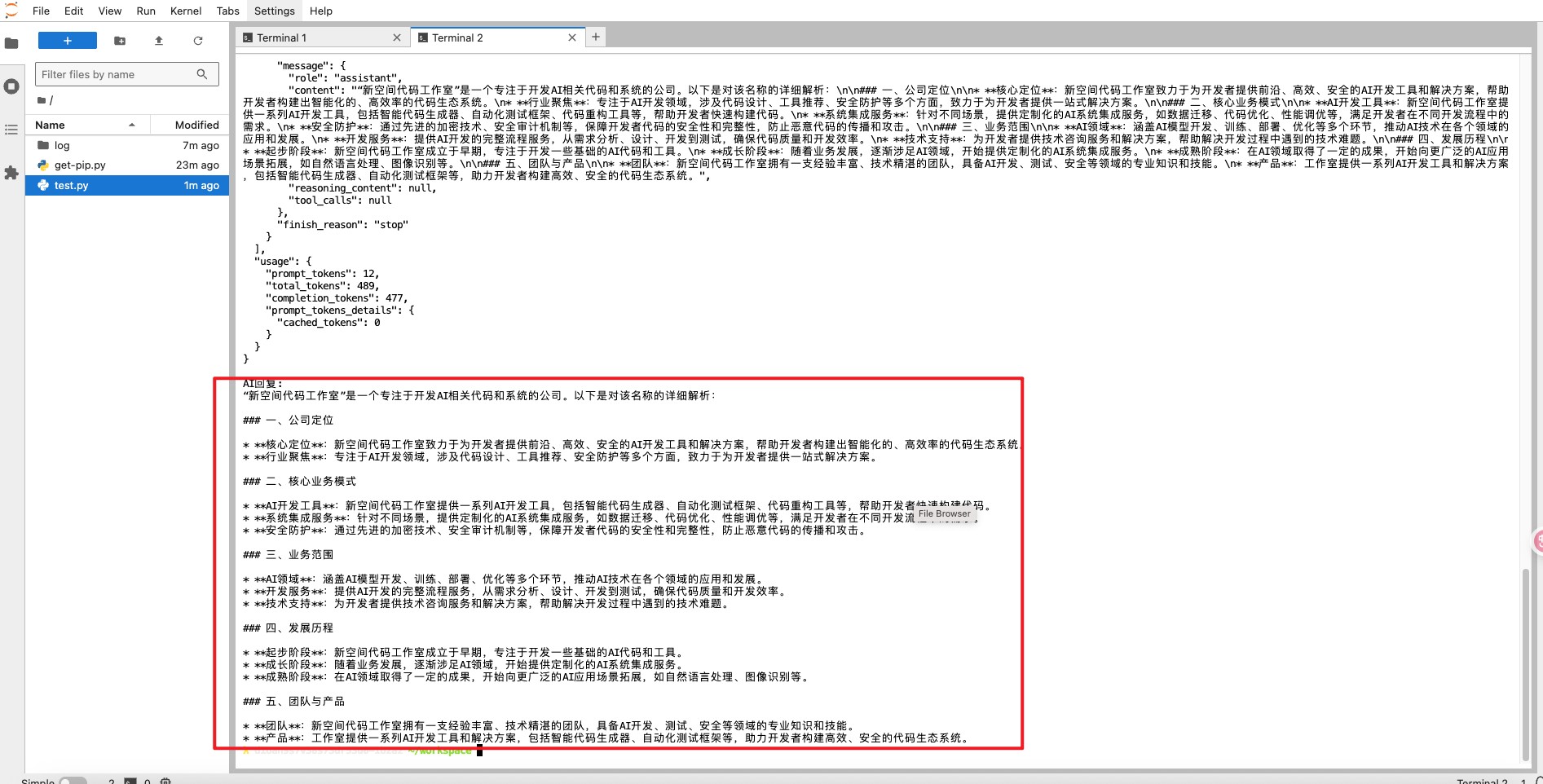
好不好用测试
准确性
“秦始皇哪年统一六国的?请用中文回答,并解释‘书同文’具体指什么”
响应内容:
{


  "id": "chatcmpl-e46cd9b7-a92f-499c-b1a6-d65514304563",
  "object": "chat.completion",
  "created": 1752512547,
  "model": "baidu/ERNIE-4.5-0.3B-PT",
  "choices": [
    {


      "index": 0,
      "message": {


        "role": "assistant",
        "cont
 浙公网安备 33010602011771号