
WPF注册热键后处理热键消息(非winform方式)
由于最近在做wpf版的截图软件,在处理全局热键的时候,发现国内博客使用的都是winform窗体的键盘处理方式,此方式需要使用winform的动态库,如此不协调的代码让我开始在github中寻找相关代码。
最终,我找到了,wpf本身就支持处理系统的键盘消息(包括热键)。
使用ComponentDispatcher类处理键盘消息
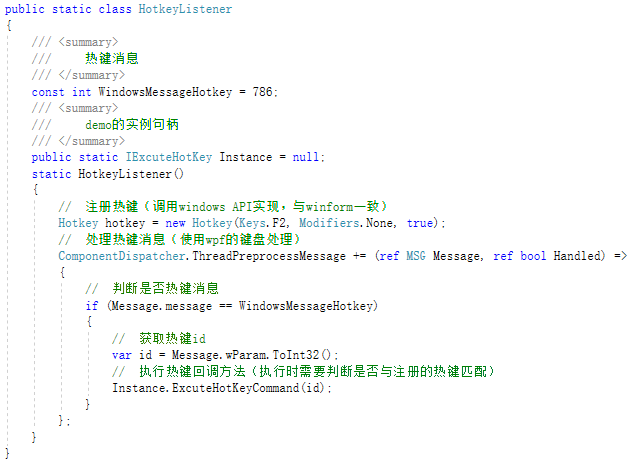
下面贴上代码,方便大家复制粘贴:
public static class HotkeyListener
    {
        /// <summary>
        ///     热键消息
        /// </summary>
        const int WindowsMessageHotkey = 786;
        /// <summary>
        ///     demo的实例句柄
        /// </summary>
        public static IExcuteHotKey Instance = null;
        static HotkeyListener()
        {
            //  注册热键(调用windows API实现,与winform一致)
            Hotkey hotkey = new Hotkey(Keys.F2, Modifiers.None, true);
            //  处理热键消息(使用wpf的键盘处理)
            ComponentDispatcher.ThreadPreprocessMessage += (ref MSG Message, ref bool Handled) =>
            {
                //  判断是否热键消息
                if (Message.message == WindowsMessageHotkey)
                {
                    //  获取热键id
                    var id = Message.wParam.ToInt32();
                    //  执行热键回调方法(执行时需要判断是否与注册的热键匹配)
                    Instance.ExcuteHotKeyCommand(id);
                }
            };
        }
    }
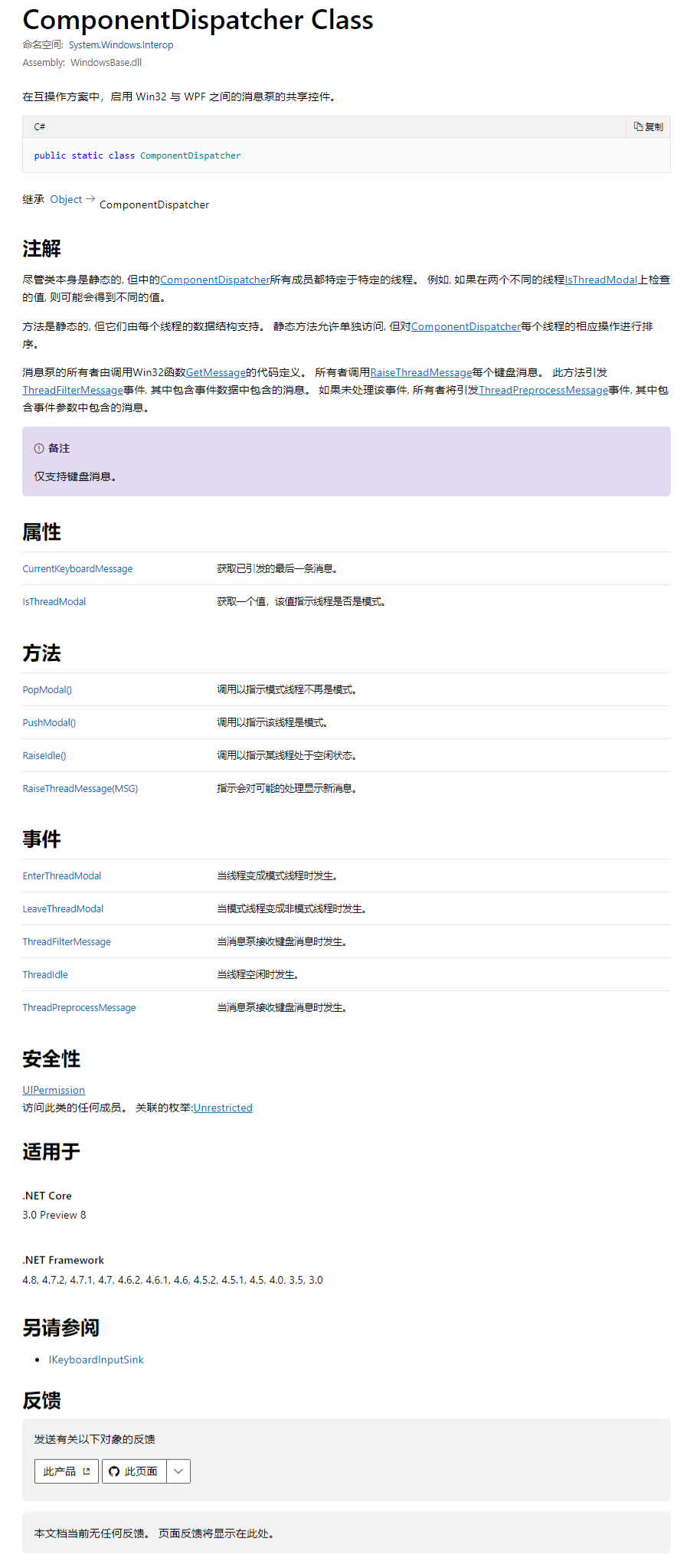
关于ComponentDispatcher的说明

 浙公网安备 33010602011771号