
J-Link安装及下载
1、进入官网下载页https://www.segger.com/downloads/jlink/
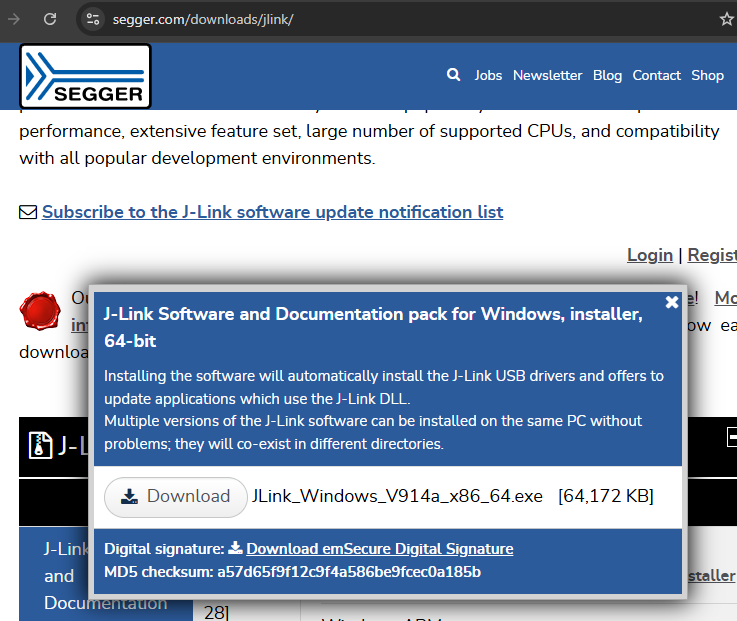
2、默认安装。
3、 Open “File->new project”。
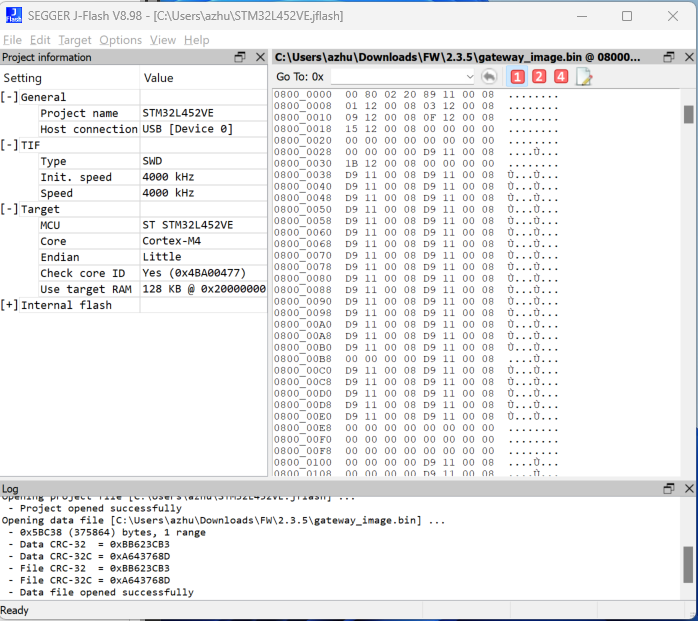
4、 Select “Target device” (… pushbutton), in Device column input device type name,for example “STM32L452VE”.
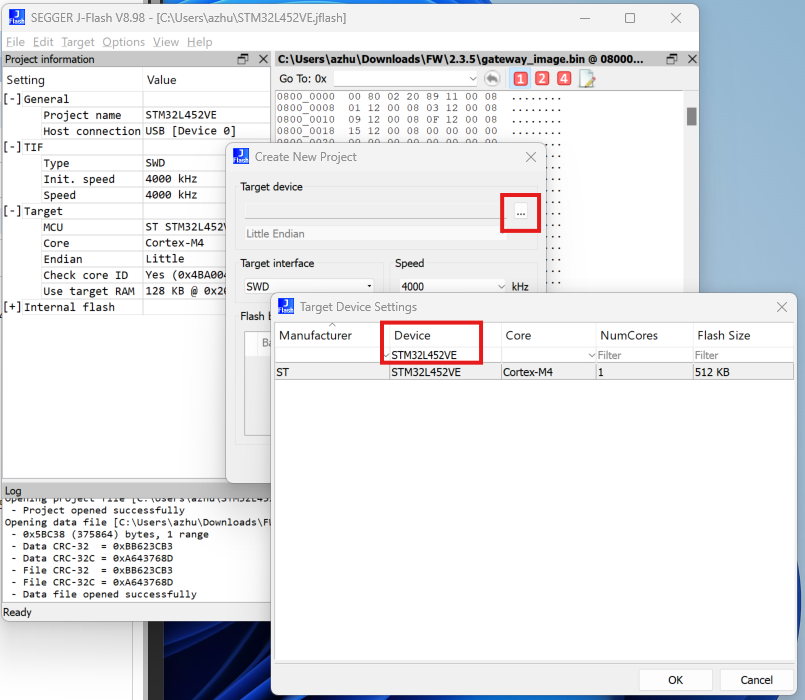
5、Click “Target -> connect”
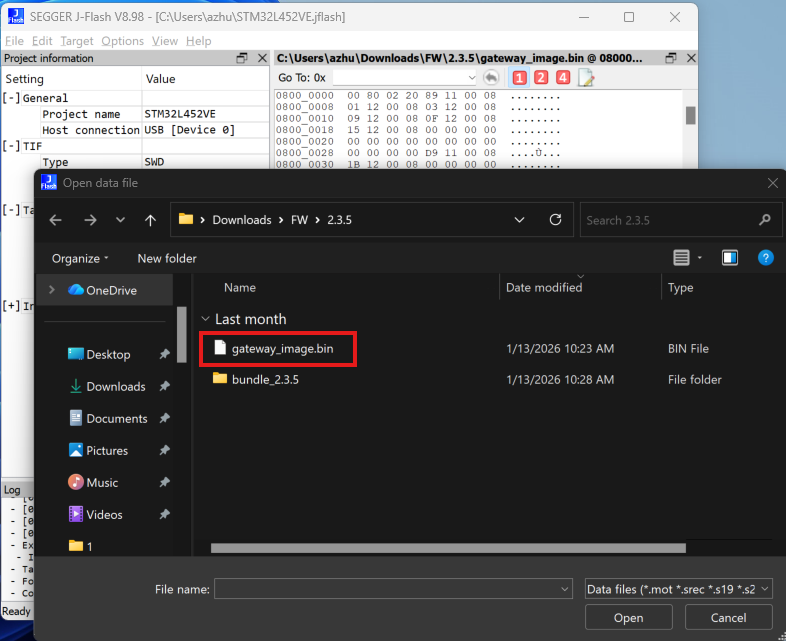
6、Open file , select “C:\Users\azhu\Downloads\2.1.5\gateway_image.bin”
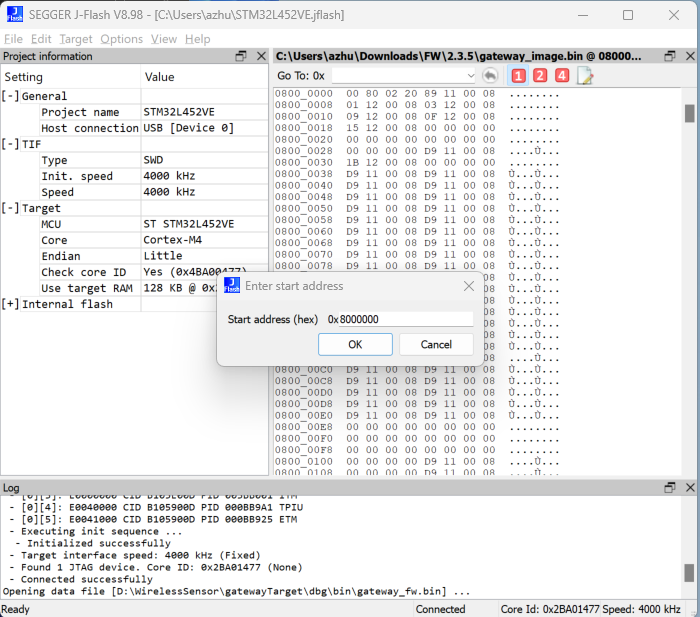
7、Click “Target -> production programming”
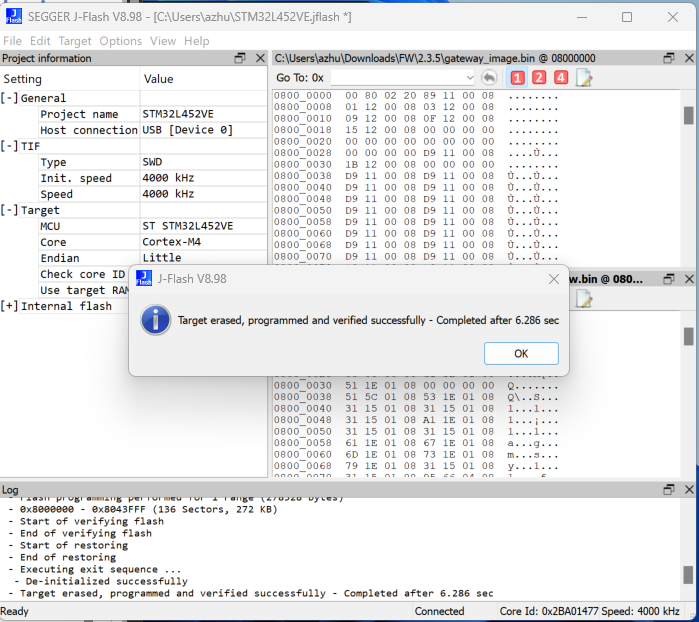
8、Click “Target->Manual Programming -> Start Application .

 浙公网安备 33010602011771号