


Java GUI编程(二)Swing
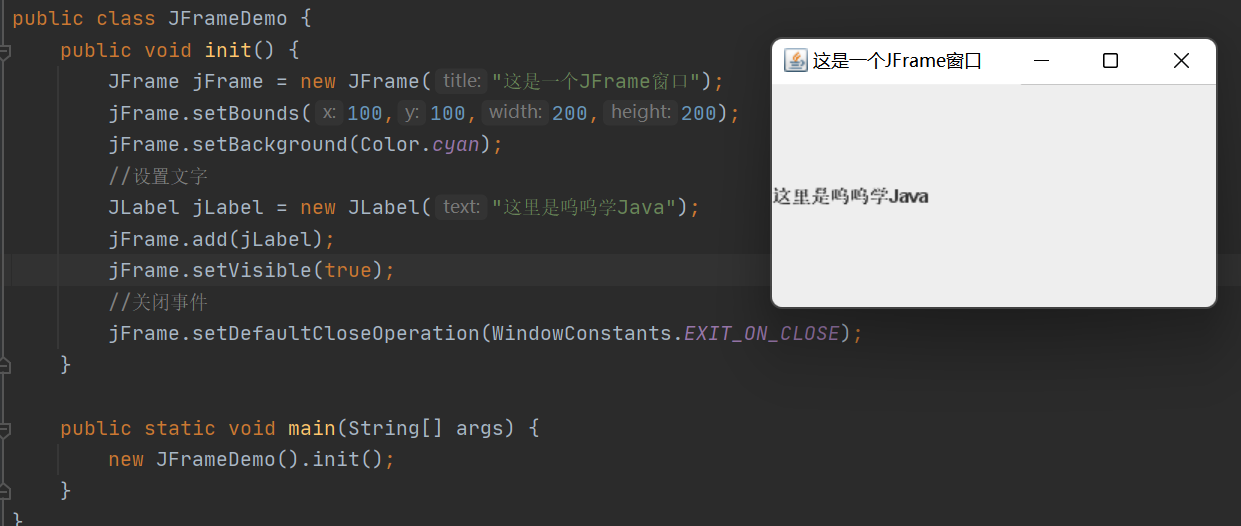
一,窗口
二,弹窗
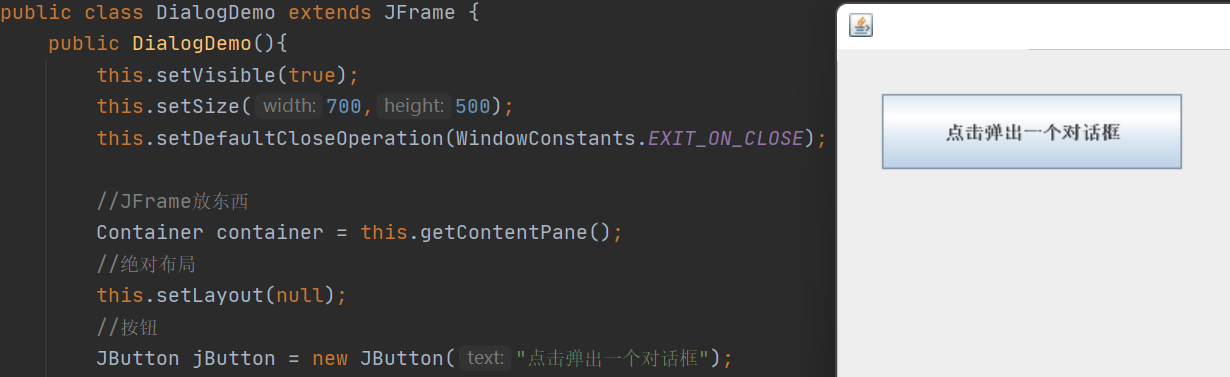
public class DialogDemo extends JFrame {
    public DialogDemo(){
        this.setVisible(true);
        this.setSize(700,500);
        this.setDefaultCloseOperation(WindowConstants.EXIT_ON_CLOSE);

        //JFrame放东西
        Container container = this.getContentPane();
        //绝对布局
        this.setLayout(null);
        //按钮
        JButton jButton = new JButton("点击弹出一个对话框");
        jButton.setBounds(30,30,200,50);
        container.add(jButton);
        //点击这个按钮的时候,弹出一个弹窗
        jButton.addActionListener(new ActionListener() {
            @Override
            public void actionPerformed(ActionEvent e) {
                new MyDialogDemo();
            }
        });
    }
    public static void main(String[] args) {
        new DialogDemo();
    }
}
class MyDialogDemo extends JDialog{
    public MyDialogDemo(){
        this.setVisible(true);
        this.setBounds(100,100,500,500);
        //this.setDefaultCloseOperation(WindowConstants.EXIT_ON_CLOSE);默认就有关不用再写闭事件,

        Container container=this.getContentPane();
        container.add(new Label("快起来学习"));
    }
}
三,标签
new JLabel("文字");
图标Icon
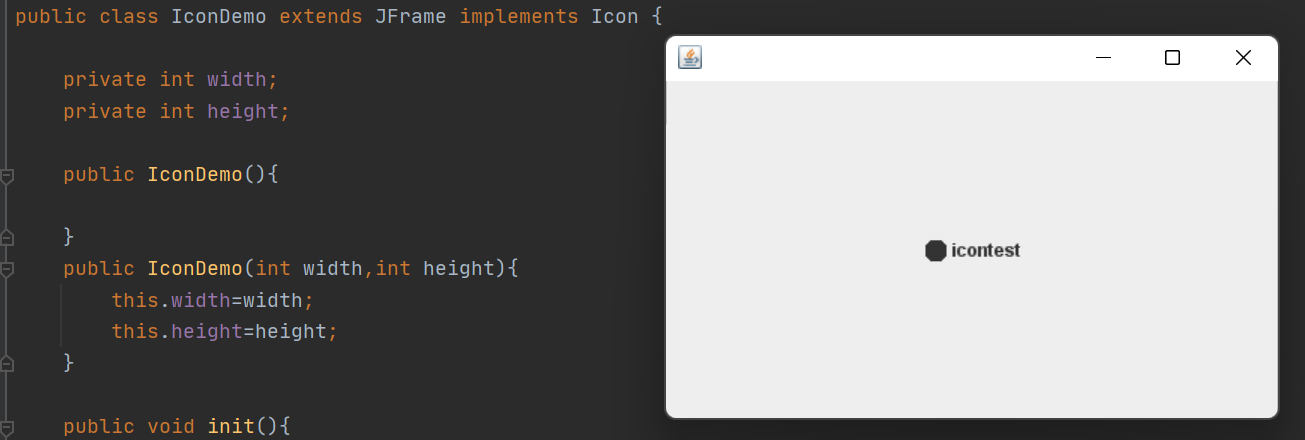
public class IconDemo extends JFrame implements Icon {

    private int width;
    private int height;

    public IconDemo(){

    }
    public IconDemo(int width,int height){
        this.width=width;
        this.height=height;
    }

    public void init(){
        IconDemo iconDemo = new IconDemo(15, 15);
        //图标放在标签上,也可以放在按钮上
        JLabel jLabel = new JLabel("icontest",iconDemo,SwingConstants.CENTER);
        Container container = this.getContentPane();
        container.add(jLabel);
        this.setVisible(true);
        this.setDefaultCloseOperation(WindowConstants.EXIT_ON_CLOSE);
    }
    public static void main(String[] args) {
        new IconDemo().init();
    }
    @Override
    public void paintIcon(Component c, Graphics g, int x, int y) {
        g.fillOval(x,y,width,height);
    }

    @Override
    public int getIconWidth() {
        return this.width;
    }

    @Override
    public int getIconHeight() {
        return this.height;
    }
}
四,面板
五,按钮
六,列表
七,文本框

 浙公网安备 33010602011771号