
记升级群晖兼容性列表,解决傲腾M.2硬盘识别问题
1、下载github上大神的脚本https://github.com/007revad/Synology_HDD_db
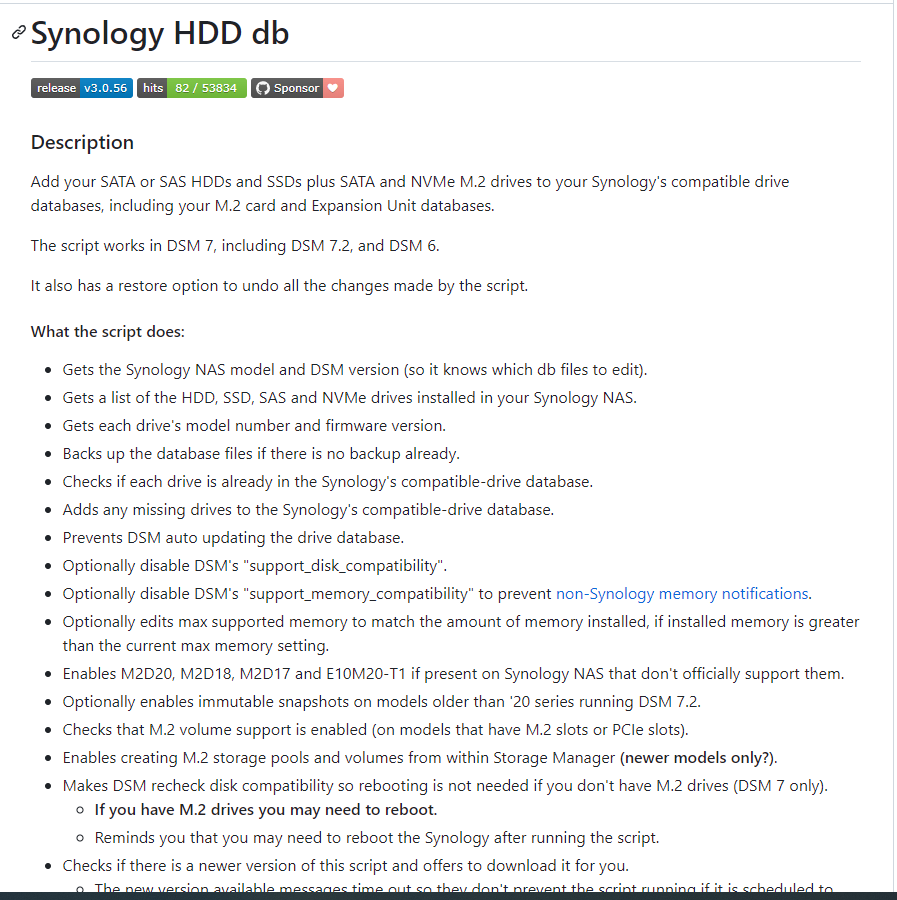
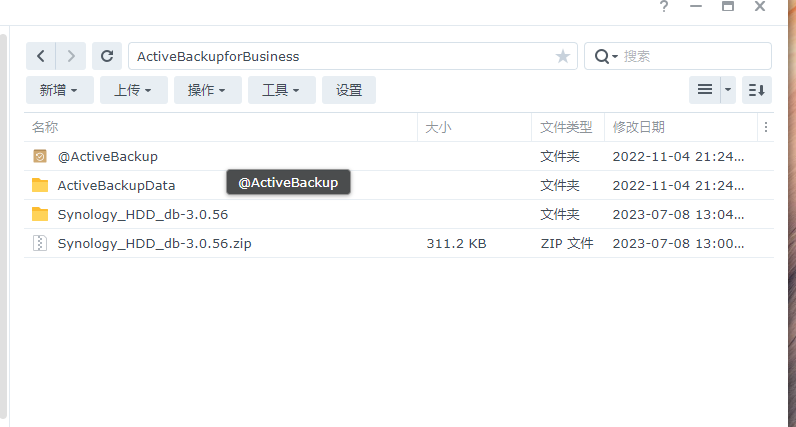
2、将脚本上传到群晖中
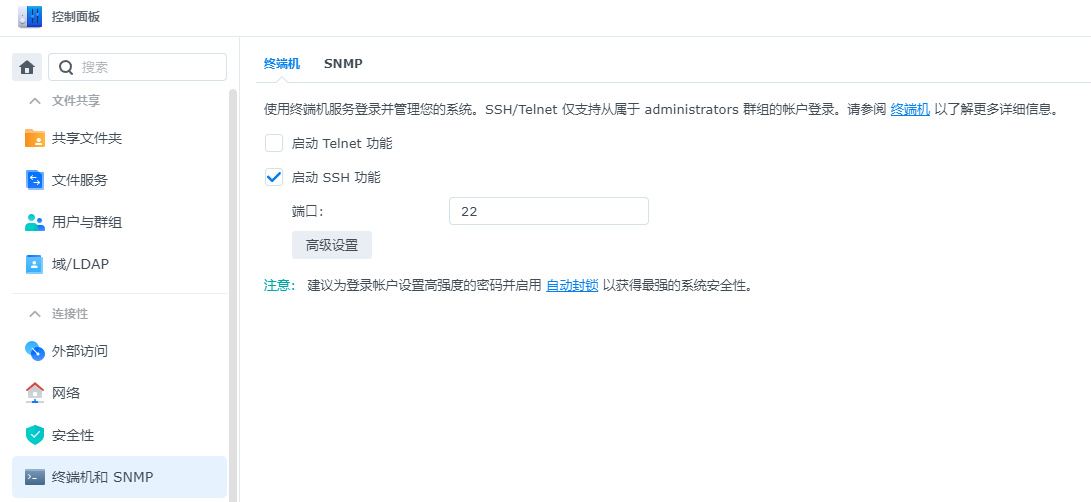
3、群晖中启用SHH
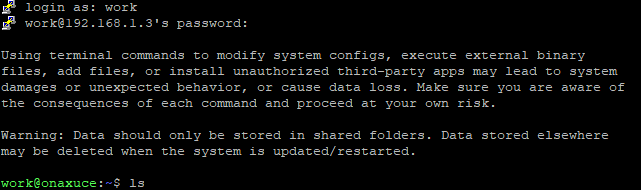
4、使用putty远程群晖后台
5、执行sudo -i切换至root权限

6、切换目录,找到执行文件,执行
./syno_hdd_db.sh -nr --showedits
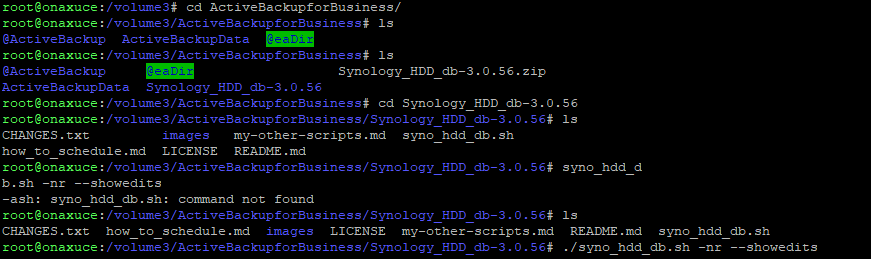
7、执行成功,结果如下
root@onaxuce:/volume3/ActiveBackupforBusiness/Synology_HDD_db-3.0.56# ./syno_hdd_db.sh -nr --showedits
Synology_HDD_db v3.0.56
DS420+ DSM 7.2-64570-1
Using options: -nr --showedits

HDD/SSD models found: 3
ST2000DM006-2DM164,CC26
WD20EZAZ-00GGJB0,80.00A80
WD40EZRZ-22GXCB0,80.00A80

M.2 drive models found: 1
INTEL MEMPEK1J016GAL,K4110420

No M.2 PCIe cards found

No Expansion Units found

Backed up ds420+_host_v7.db.new
Added ST2000DM006-2DM164 to ds420+_host_v7.db
Added ST2000DM006-2DM164 to ds420+_host_v7.db.new
Added WD20EZAZ-00GGJB0 to ds420+_host_v7.db
Added WD20EZAZ-00GGJB0 to ds420+_host_v7.db.new
Added WD40EZRZ-22GXCB0 to ds420+_host_v7.db
Added WD40EZRZ-22GXCB0 to ds420+_host_v7.db.new
Added INTEL MEMPEK1J016GAL to ds420+_host_v7.db
Added INTEL MEMPEK1J016GAL to ds420+_host_v7.db.new

Backed up synoinfo.conf

Support disk compatibility already enabled.

Disabled support memory compatibility.

Set max memory to 10240 GB.

Enabled M.2 volume support.

Disabled drive db auto updates.

    "ST2000DM006-2DM164": {
      "CC26": {
        "compatibility_interval": [
          {
            "compatibility": "support",
            "not_yet_rolling_status": "support",
            "fw_dsm_update_status_notify": false,
            "barebone_installable": true
          }
        ]
      },
      "default": {

    "WD20EZAZ-00GGJB0": {
      "80.00A80": {
        "compatibility_interval": [
          {
            "compatibility": "support",
            "not_yet_rolling_status": "support",
            "fw_dsm_update_status_notify": false,
            "barebone_installable": true
          }
        ]
      },
      "default": {

    "WD40EZRZ-22GXCB0": {
      "80.00A80": {
        "compatibility_interval": [
          {
            "compatibility": "support",
            "not_yet_rolling_status": "support",
            "fw_dsm_update_status_notify": false,
            "barebone_installable": true
          }
        ]
      },
      "default": {

    "INTEL MEMPEK1J016GAL": {
      "K4110420": {
        "compatibility_interval": [
          {
            "compatibility": "support",
            "not_yet_rolling_status": "support",
            "fw_dsm_update_status_notify": false,
            "barebone_installable": true
          }
        ]
      },
      "default": {

DSM successfully checked disk compatibility.

You may need to reboot the Synology to see the changes.
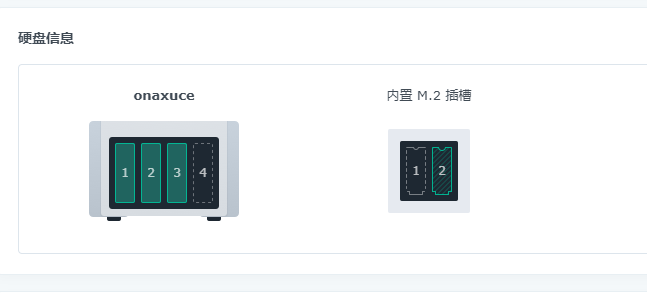
8、重启群晖,翻车

 浙公网安备 33010602011771号