

centos7 安装rvm报错 无证书 doman错误解决
安装rvm时 curl: (51) Unable to communicate securely with peer: requested domain name does not match the server's certificate.
This error occurs because there is a mismatch between the domain name in the requested URL and the domain name in the server's certificate. To resolve this issue, you could try the following solutions:
下面是chatgpt的回答,已解决
- Use the
-kflag withcurlto ignore SSL certificate errors.
curl -kSL https://get.rvm.io | bash -s stable - Update your
ca-certificatespackage:
sudo apt-get update sudo apt-get install ca-certificates - Try installing RVM from an alternative source:
curl -sSL https://rvm.io/mpapis.asc | gpg --import - curl -sSL https://get.rvm.io | bash -s stable --ruby 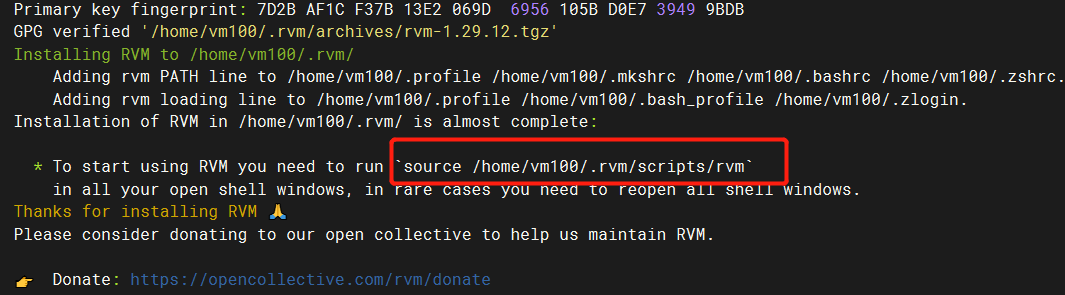


 浙公网安备 33010602011771号