
ubuntu20.04最小化安装
VMware安装Ubuntu20.04
创建虚拟机
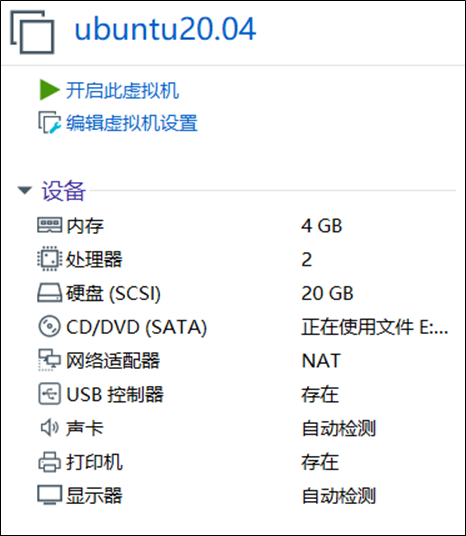
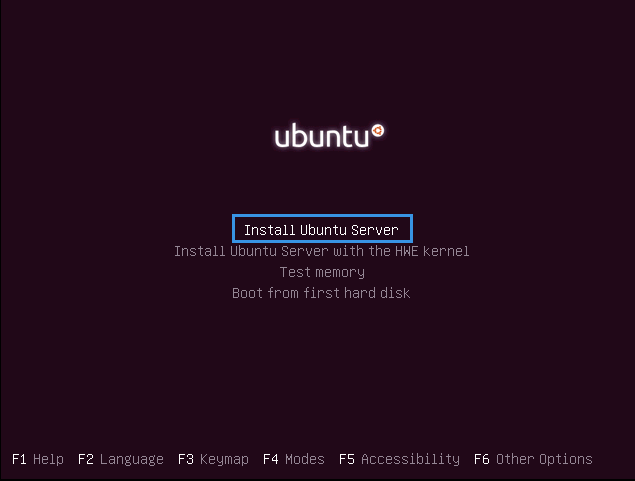
执行安装过程
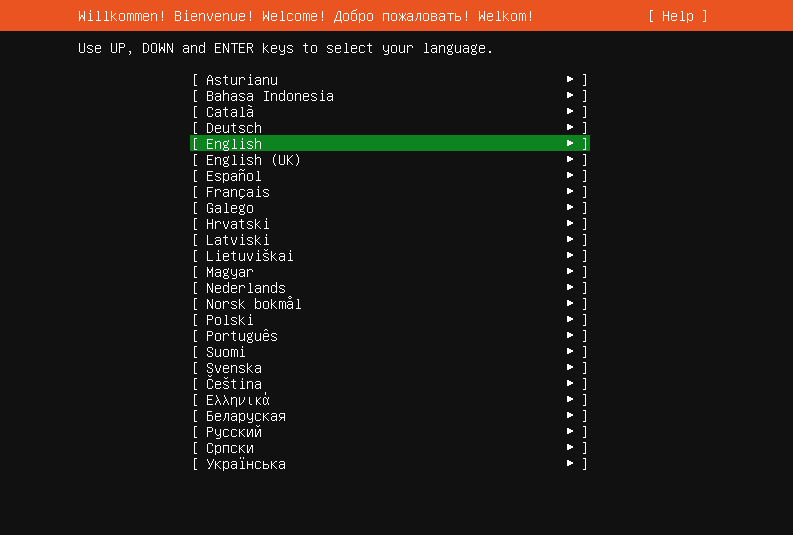
选择系统语言
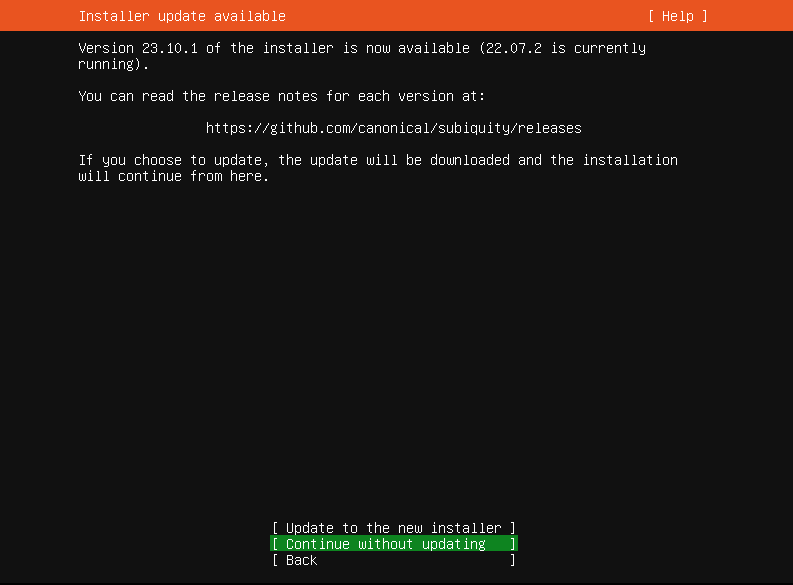
继续而不更新
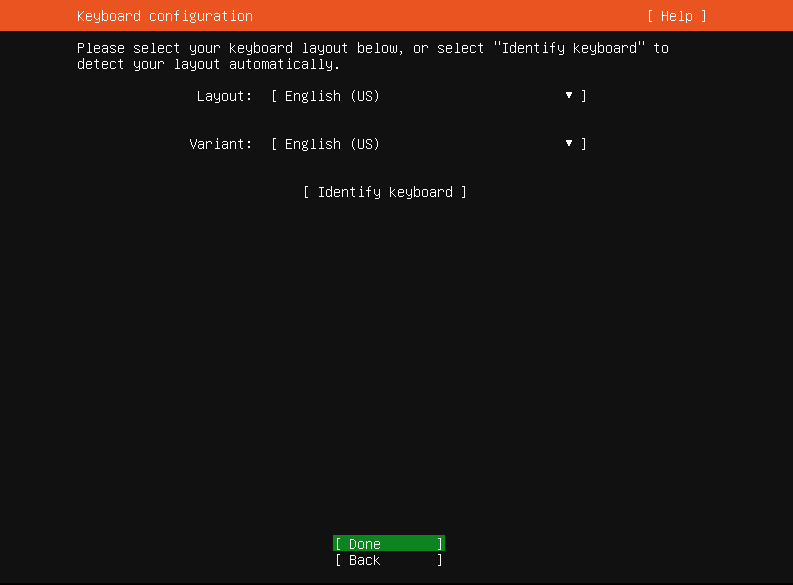
配置键盘布局
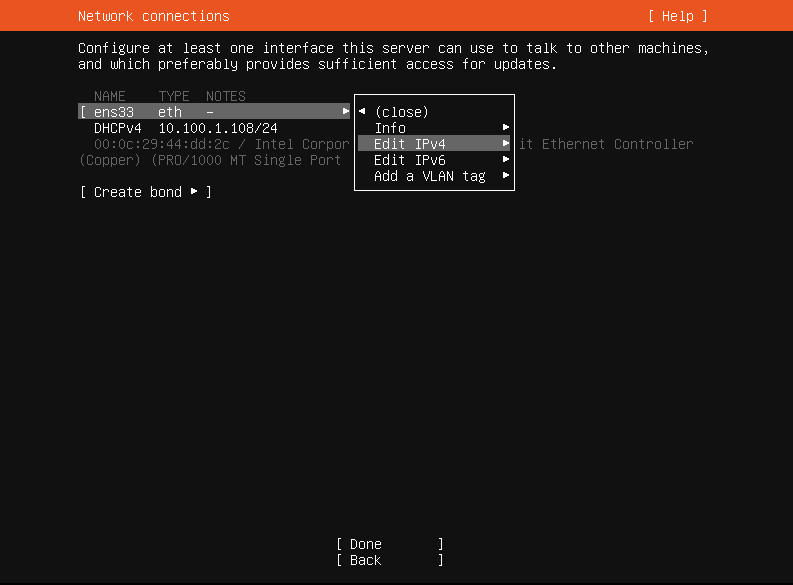
配置网络连接
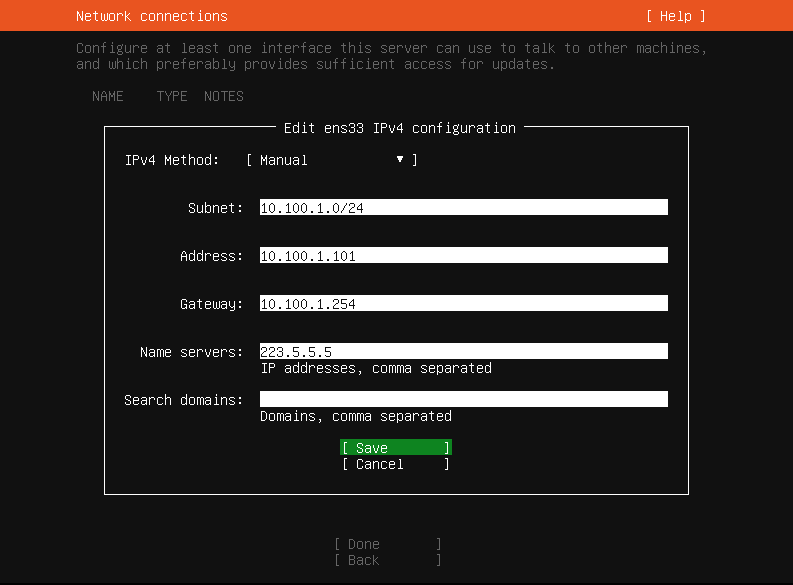
根据实际情况配置网络参数,本机VMware使用NAT模式,网段10.100.1.0/24,网关10.100.1.254
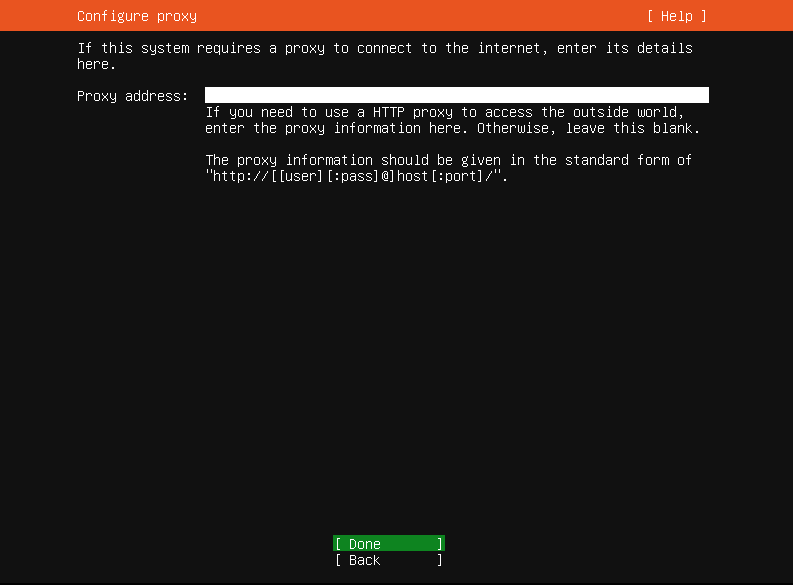
配置网络代理
更改ubuntu安装源
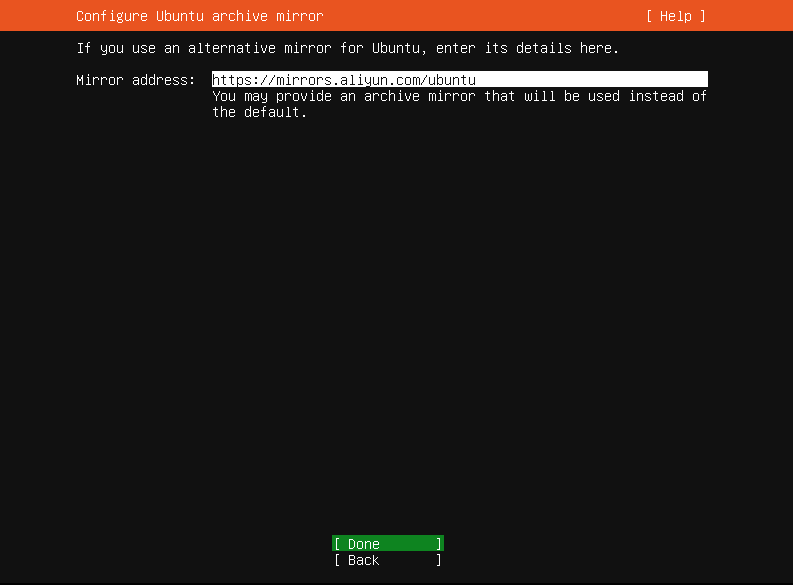
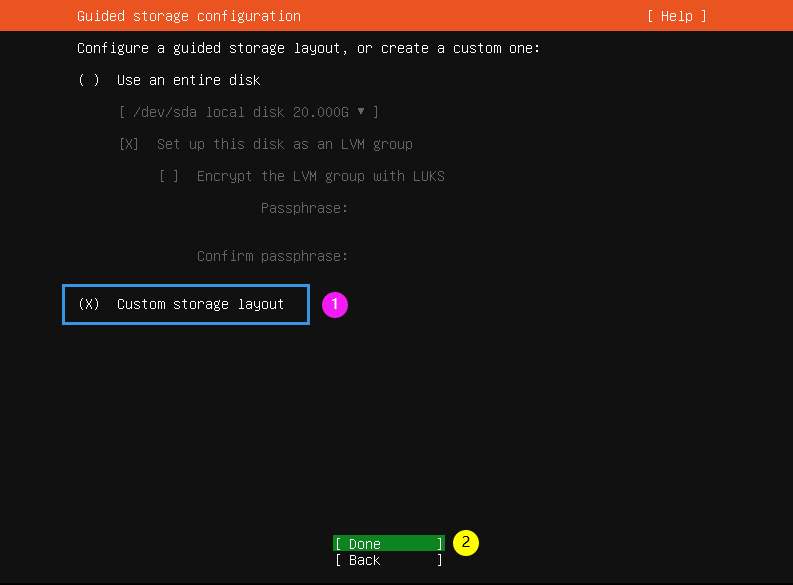
自定分区方案,敲空格选定
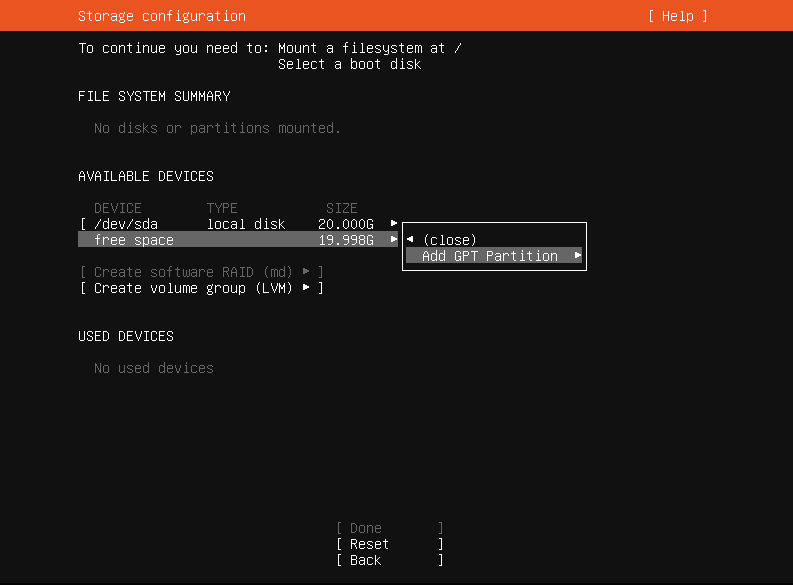
新建磁盘分区
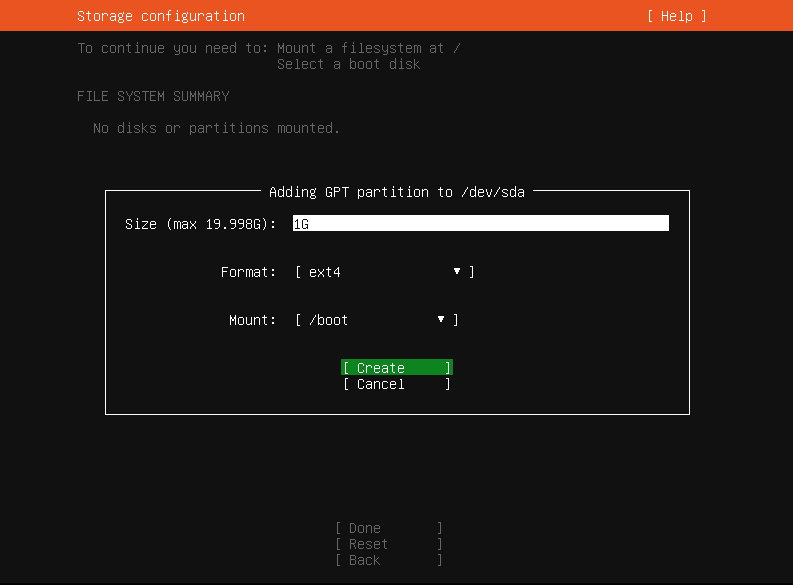
创建/boot分区
创建根分区
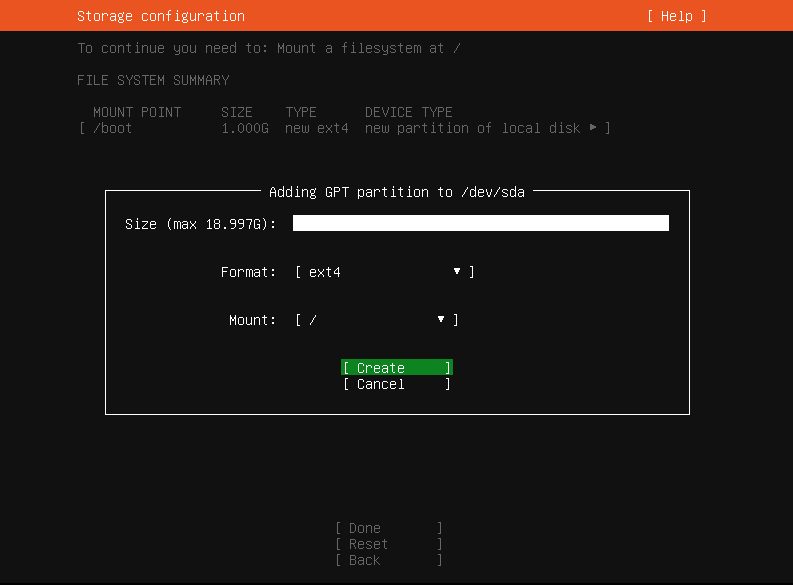
检查分区列表,若需配置swap,自行创建即可

继续,下一步
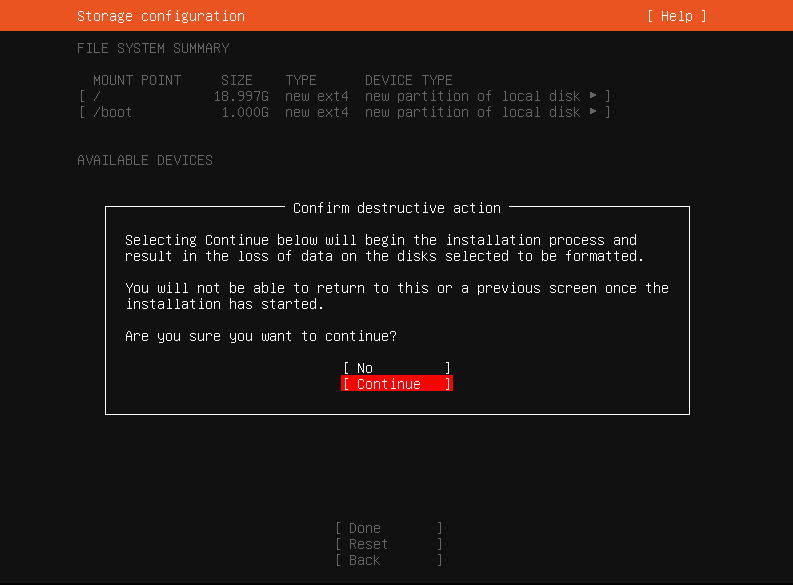
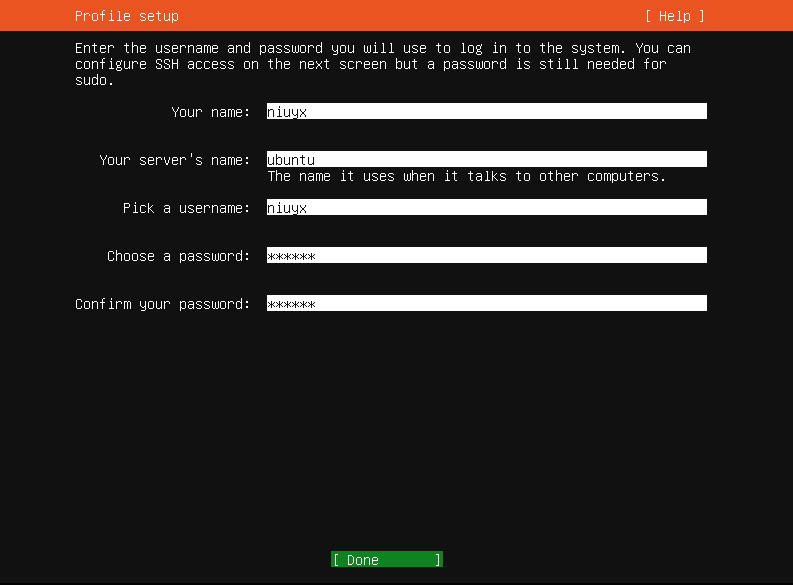
配置用户信息
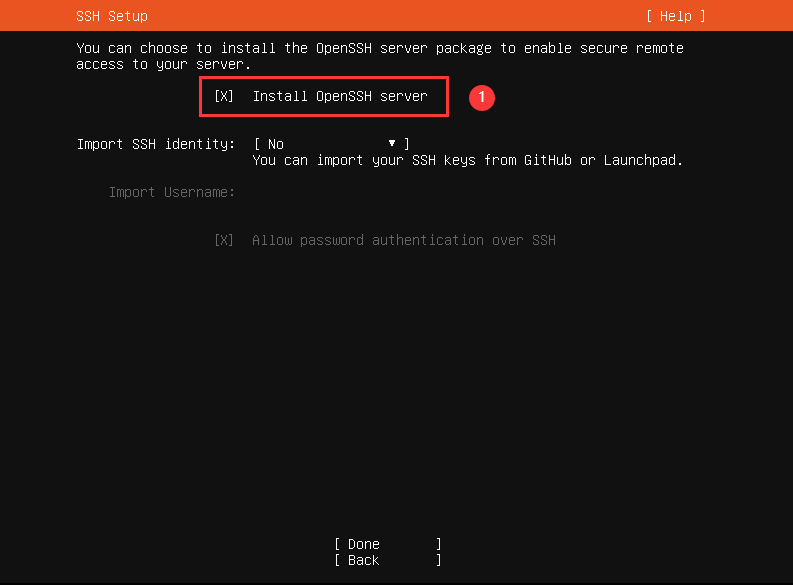
预装OpenSSH服务
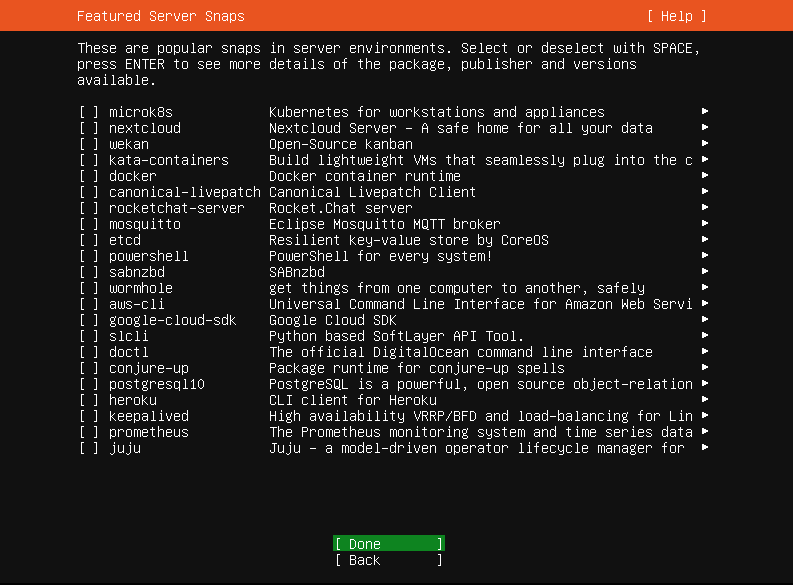
是否需要安装特色服务
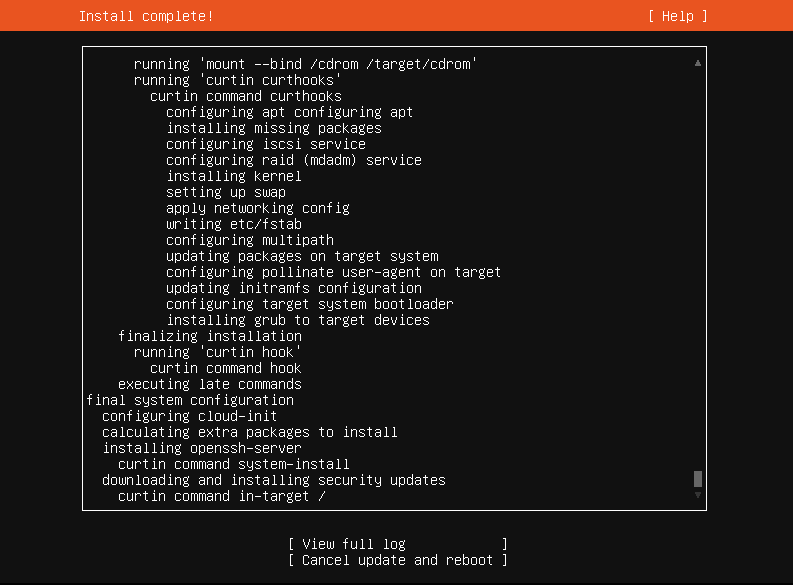
取消更新并重启,也可以等待更新完成再重启
重启服务器,并移除安装媒介
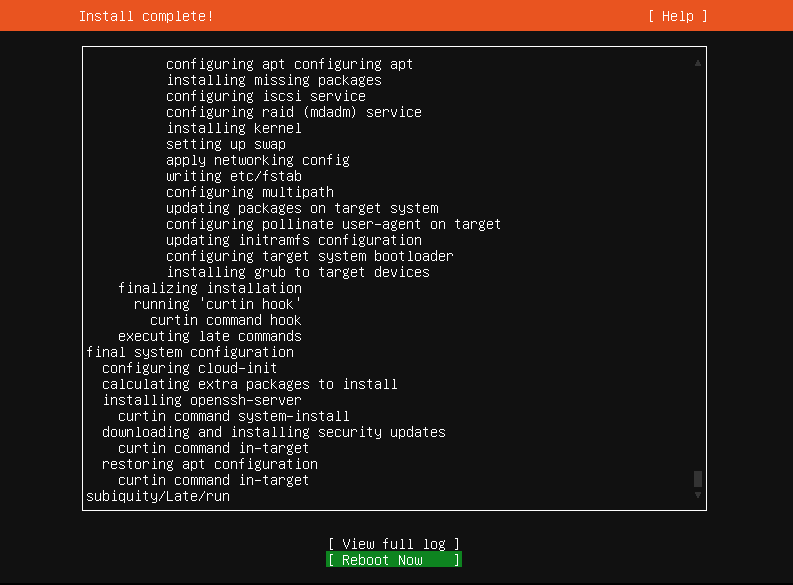
至此,ubuntu就安装完成了
服务器优化
更改ubuntu安装源
niuyx@ubuntu:~$ sudo su -
[sudo] password for niuyx:

root@ubuntu:~# cp -a /etc/apt/sources.list /etc/apt/sources.list.bak

root@ubuntu:~# cat > /etc/apt/sources.list << EOF
deb https://mirrors.aliyun.com/ubuntu/ focal main restricted universe multiverse
deb-src https://mirrors.aliyun.com/ubuntu/ focal main restricted universe multiverse
deb https://mirrors.aliyun.com/ubuntu/ focal-security main restricted universe multiverse
deb-src https://mirrors.aliyun.com/ubuntu/ focal-security main restricted universe multiverse
deb https://mirrors.aliyun.com/ubuntu/ focal-updates main restricted universe multiverse
deb-src https://mirrors.aliyun.com/ubuntu/ focal-updates main restricted universe multiverse
deb https://mirrors.aliyun.com/ubuntu/ focal-proposed main restricted universe multiverse
deb-src https://mirrors.aliyun.com/ubuntu/ focal-proposed main restricted universe multiverse
deb https://mirrors.aliyun.com/ubuntu/ focal-backports main restricted universe multiverse
deb-src https://mirrors.aliyun.com/ubuntu/ focal-backports main restricted universe multiverse
EOF

root@ubuntu:~# apt-get update
安装必要软件包
apt install -y vim lrzsz wget tree lsof tcpdump screen sysstat unzip ansible net-tools防火墙优化
root@ubuntu:~# ufw disable       #关闭防火墙
Firewall stopped and disabled on system startup

root@ubuntu:~# ufw status        #防火墙状态
Status: inactive
配置网络参数
root@ubuntu:~# vim /etc/netplan/00-installer-config.yaml
# This is the network config written by 'subiquity'
network:
  ethernets:
    ens33:
      addresses:
      - 10.100.1.101/24
      gateway4: 10.100.1.254
      nameservers:
        addresses:
        - 223.5.5.5
        search: []
  version: 2

root@ubuntu:~# netplan apply
优化配色方案
root@ubuntu:~# cat >> ~/.bashrc << EOF
PS1="\[\e[32;40m\][\u@\h \w]\\$ \[\e[0m\]"
EOF
root@ubuntu:~# source ~/.bashrc
更改root密码
root@ubuntu:~# passwd root
New password:
Retype new password:
passwd: password updated successfully
其他优化,待更新!
本文为原创,作者:zhenru,转载请注明原文链接:https://www.cnblogs.com/zhenru/p/17931800.html

 浙公网安备 33010602011771号