


【5】性能测试-查询功能测试脚本

workflow1_login_search.py
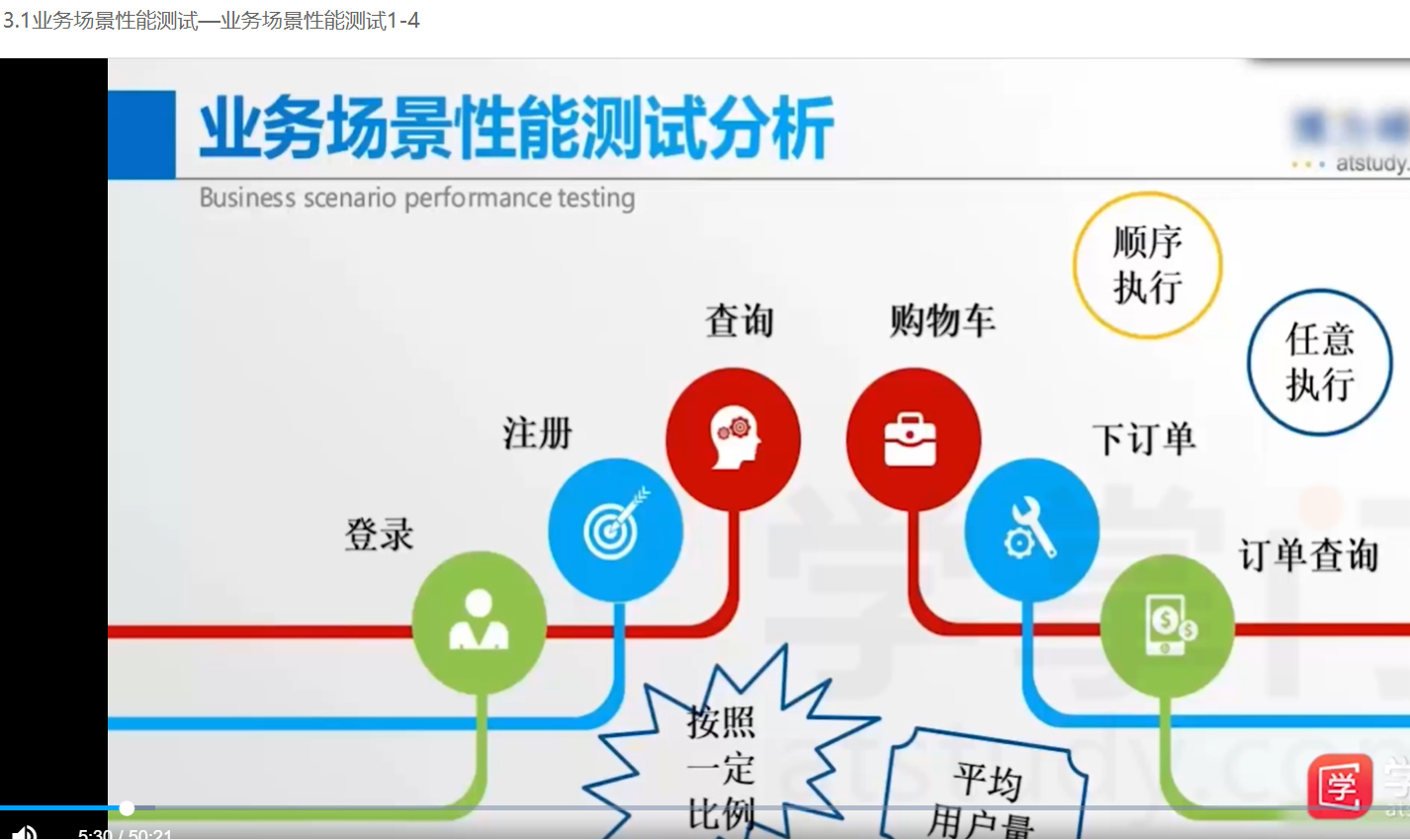
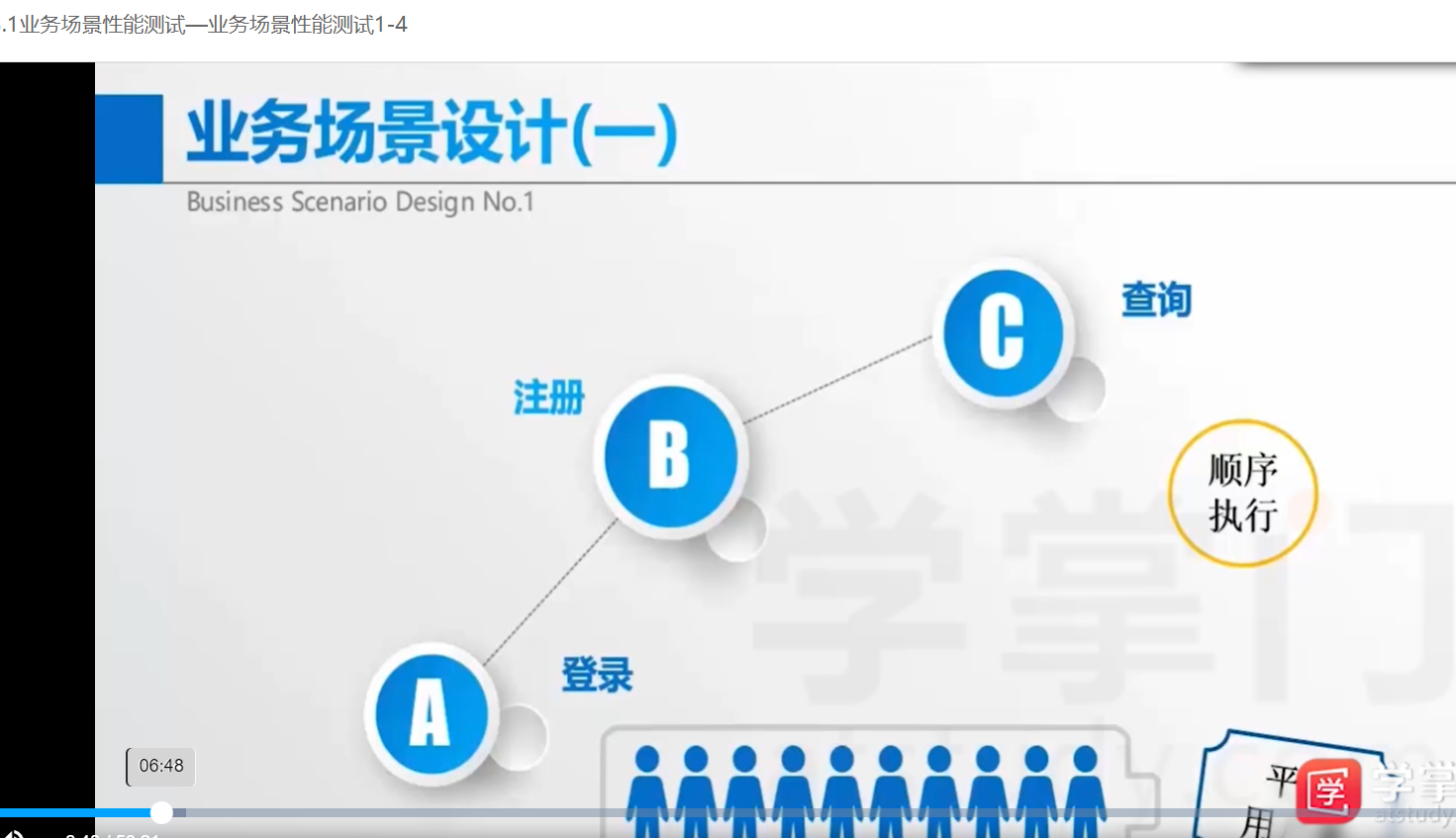
#进行登录+查询的业务场景性能测试

from locust import HttpLocust,task,TaskSet
import csv
import datetime
class UserBehavior_workflow1(TaskSet):
    #登录任务
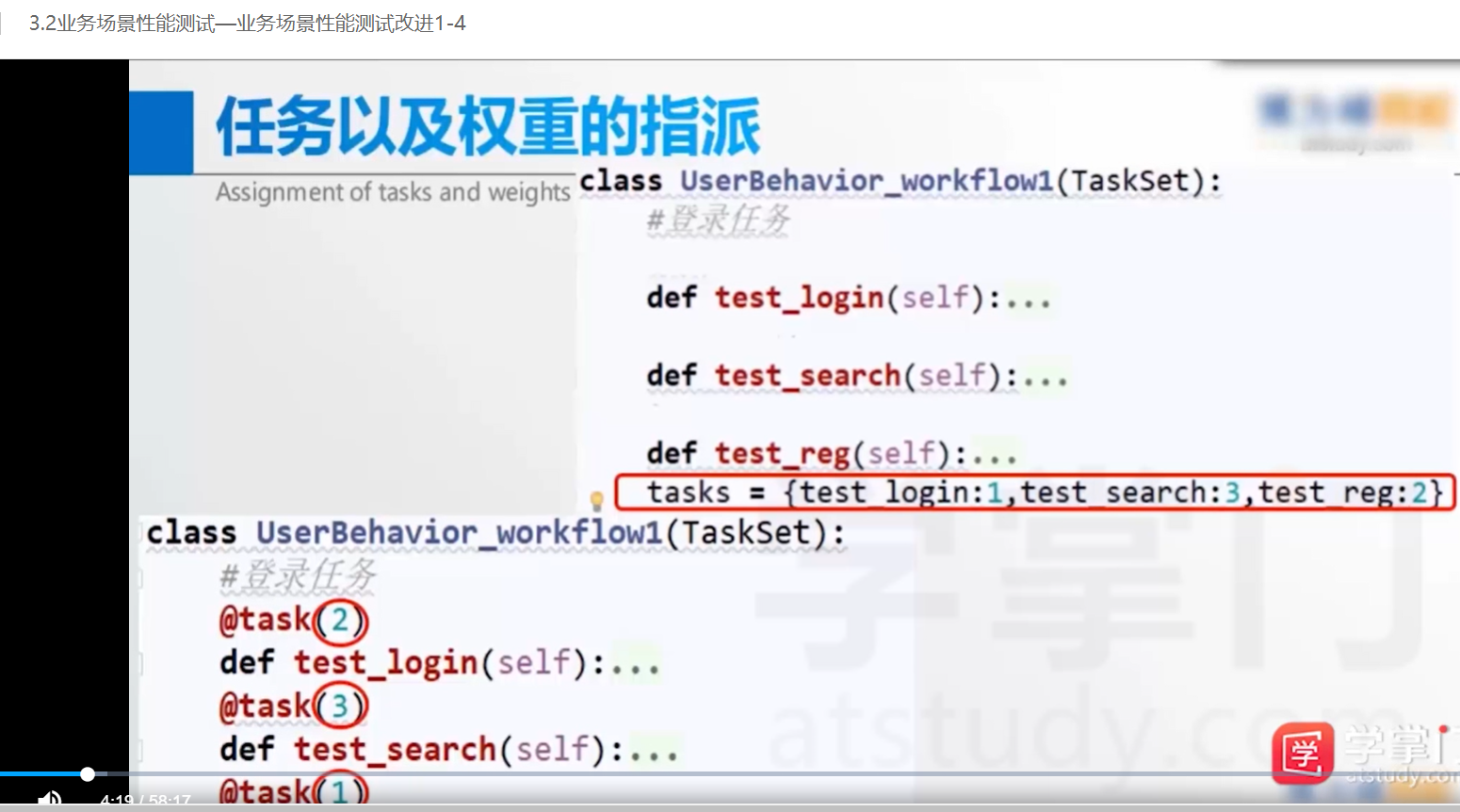
    #@task(2)
    def test_login(self):
        #定义登录的测试数据
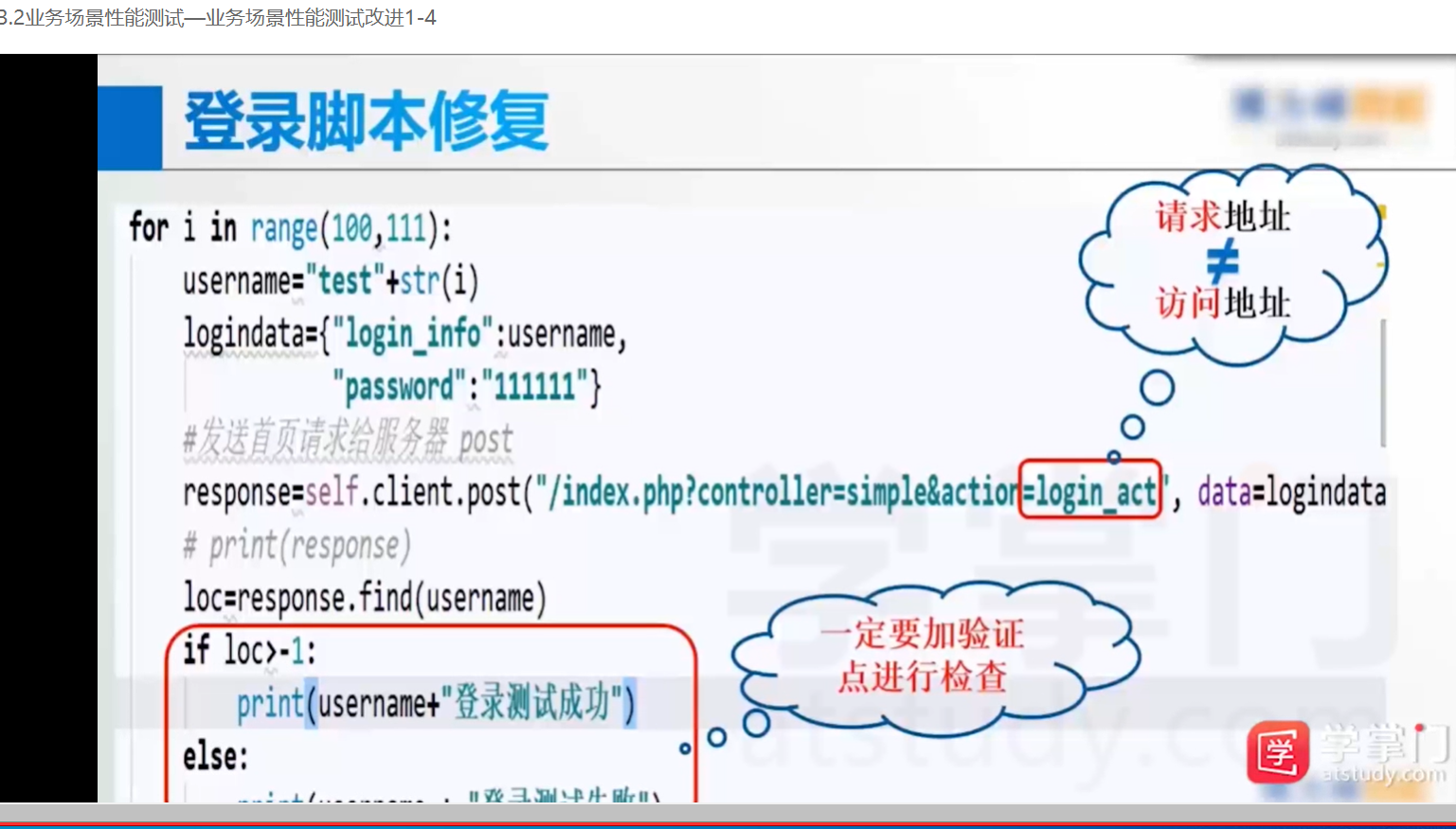
        for i in range(100,111):
            username="shangli"+str(i)
            logindata={"login_info":username,
                       "password":"111111"}
            #发送首页请求给服务器 post
            response=self.client.post("/index.php?controller=simple&action=login_act", data=logindata).text
            # print(response)
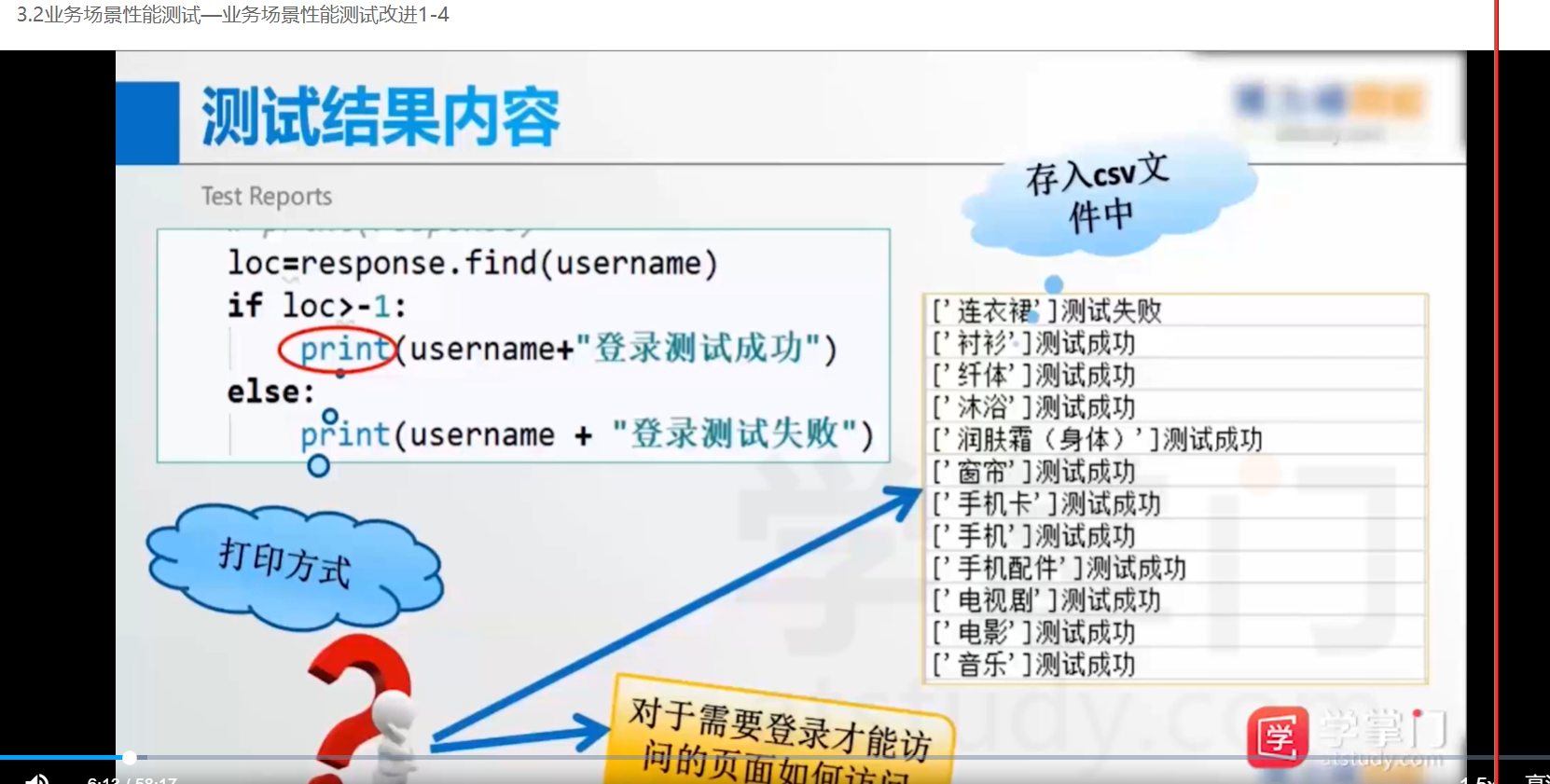
            loc=response.find(username)
            if loc>-1:
                print(username+"登录测试成功")
            else:
                print(username + "登录测试失败")
    #@task(3)
    def test_search(self):
        # 以只读方式打开测试数据文件
        file = open("searchdata.csv", "r")
        file2 = open("searchresult.csv", "w")
        rows = csv.reader(file)
        for word in rows:
            # print(word)
            response = self.client.get("/index.php?controller=site&action=search_list&word=" + str(word)).text
            # print(response)
            loc = response.find(str(word))
            if loc >= 0:
                #print( str(word)+"测试成功")
                result = str(word) + "测试成功"
                file2.write(result + "\n")
            else:
                #print(str(word)+"测试失败")
                result = str(word) + "测试失败"
                file2.write(result + "\n")
        file2.close()
    #@task(1)
    def test_reg(self):
        # 构造测试数据
        for i in range(10, 21):
            user = "dabai" + str(i)
            regdata = {"email": user + "@51testing.com",
                       "username": user,
                       "password": "111111",
                       "repassword": "111111",
                       "captcha": "11111",
                       "callback": "?controller=simple&action=login"
                       }
            response = self.client.post("/index.php?controller=simple&action=reg_act", data=regdata).text
            loc = response.find("恭喜")
            if loc >= 0:
                print(user + "测试成功")
            else:
                print(user + "测试失败")
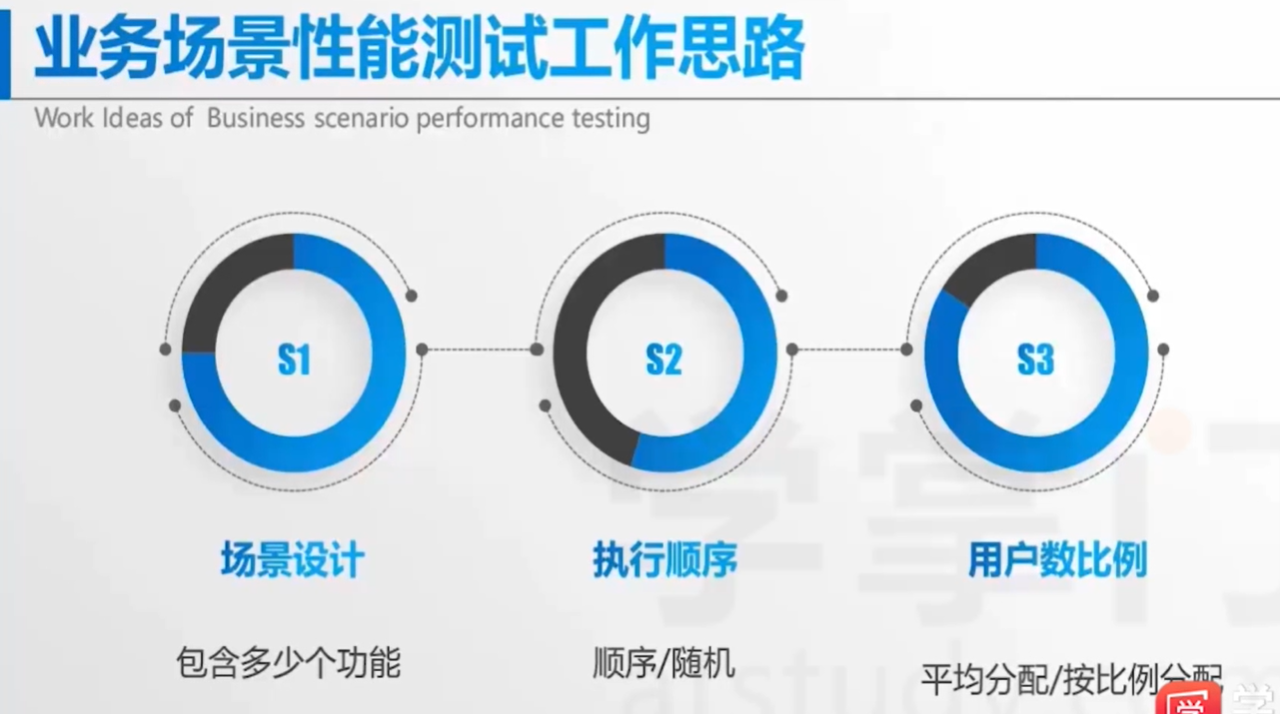
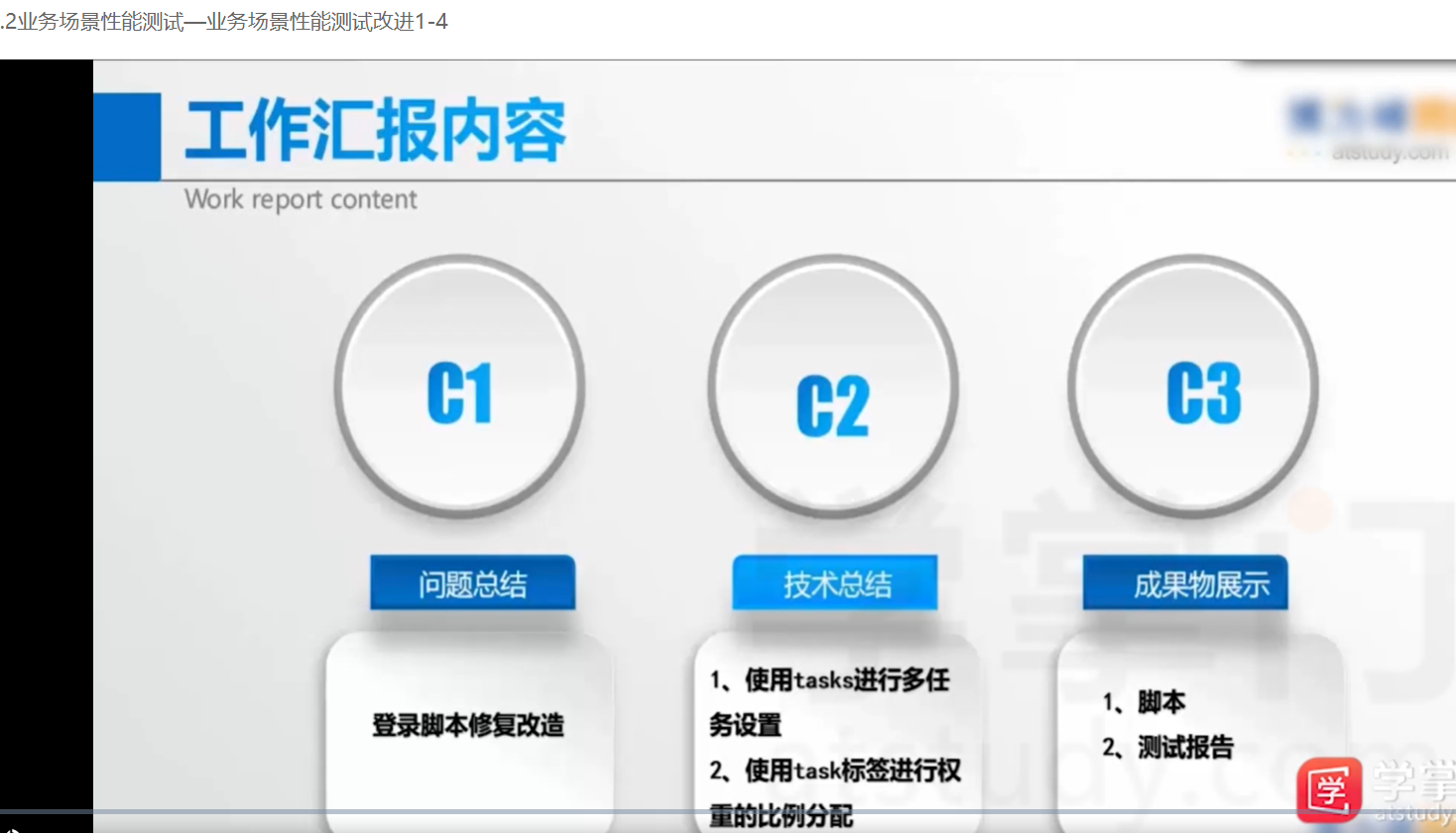
    tasks = {test_login:1,test_search:3,test_reg:2}
class WebSiteUser(HttpLocust):
    host="http://localhost/iwebshop/"
    task_set = UserBehavior_workflow1
    min_wait = 2000
    max_wait = 5000
search_per_test.py
#针对查询功能进行性能测试
from  locust import  HttpLocust,task,TaskSet
import csv
import datetime
import os
class UserBehavior_search(TaskSet):
    @task
    def test_search(self):
        #以只读方式打开测试数据文件
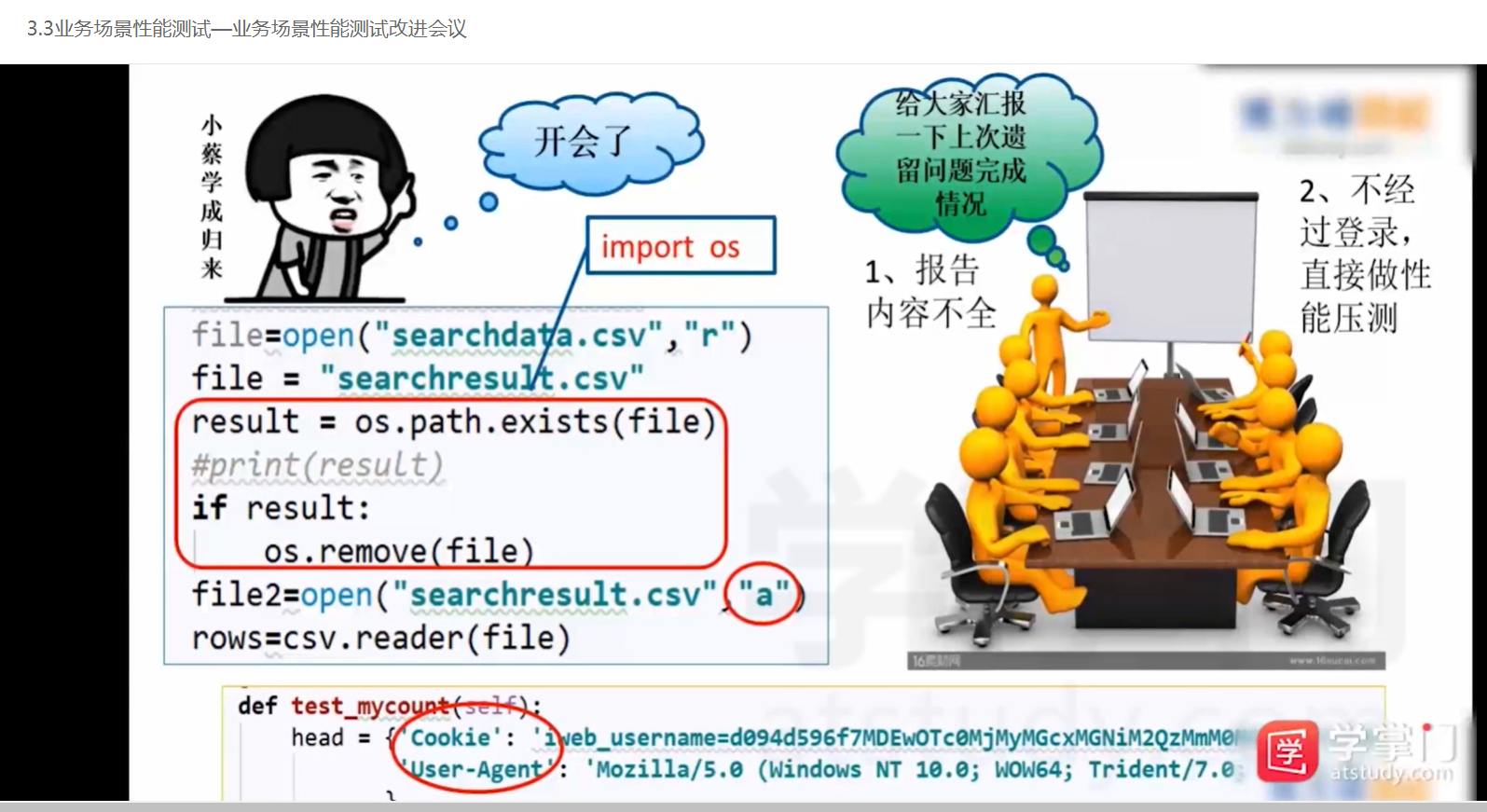
        file1=open("searchdata.csv","r")    #可写测试数据
        ###########################################
        #若测试报告文件存在,先进行删除
        # result = os.path.exists("searchresult.csv")
        # #print(result)
        # if result:     #(删除原来excel的内容)
        #     os.remove("searchresult.csv")
        # ###########################################
        file2=open("searchresult.csv","a")    #可写测试报告,a是追加写,w是覆盖写
        rows=csv.reader(file1)
        for word in rows:
            #print(word)
            response=self.client.get("/index.php?controller=site&action=search_list&word="+str(word)).text
            #text返回文本信息,返回结果response
            #print(response)
            loc = response.find(str(word))    #在结果中response中找关键字"word"
            te=datetime.datetime.now()
            if loc >= 0:
                #print( str(word)+"测试成功")
                result=str(te)+str(word)+"测试成功"
                file2.write(result+"\n")    # "\n"回车
            else:
                #print(str(word)+"测试失败")
                result = str(te)+str(word) + "测试失败"
                file2.write(result + "\n")
        file2.close()    #以写的方式打开的文件需要关闭,以读的方式打开的不用关闭

class webSiteUser(HttpLocust):
    host="http://localhost/iwebshop"

    task_set = UserBehavior_search
    min_wait = 2000
    max_wait=5000
操作步骤
1.先启动代码locust -f 文件名,再点locust页面,再刷新url
2.先关闭ctrl+c代码,再停止locust页面
3.拷贝下方代码到记事本(只拷贝html部分),另存ttt.htm  选所有文件,utf-8,再在桌面找到该文件,看是否符合要求
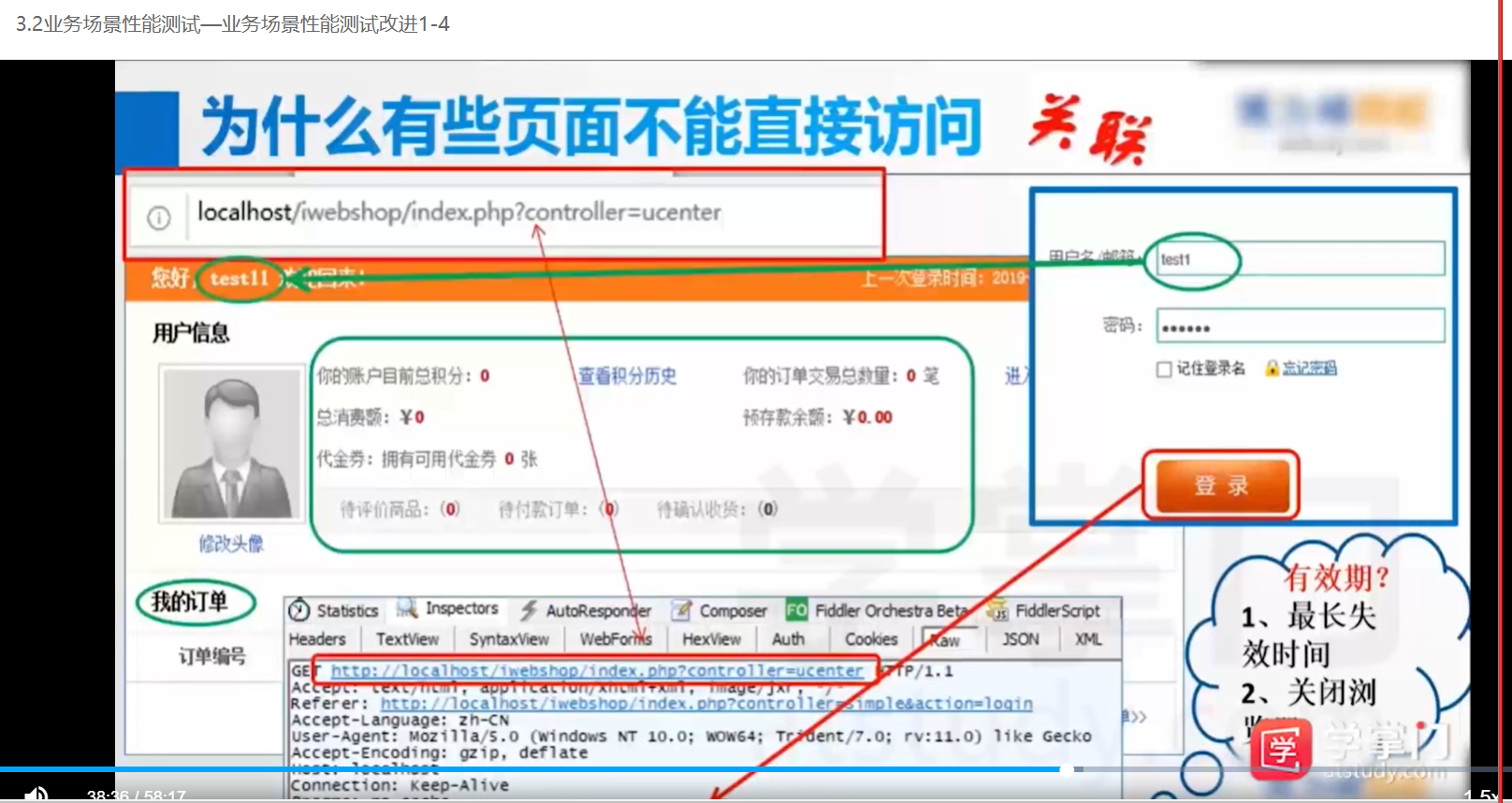
4.在参数无误的情况下,通常是url的问题,需要打开fiddler,启动,输入网址,登录页面,核对用户名,密码,post,,将抓取到的url链接拷贝到代码中
5.删除原searchresult,清空后再跑一次,验证是否登录成功,用以上方法再做一次

 浙公网安备 33010602011771号