
连接数据库
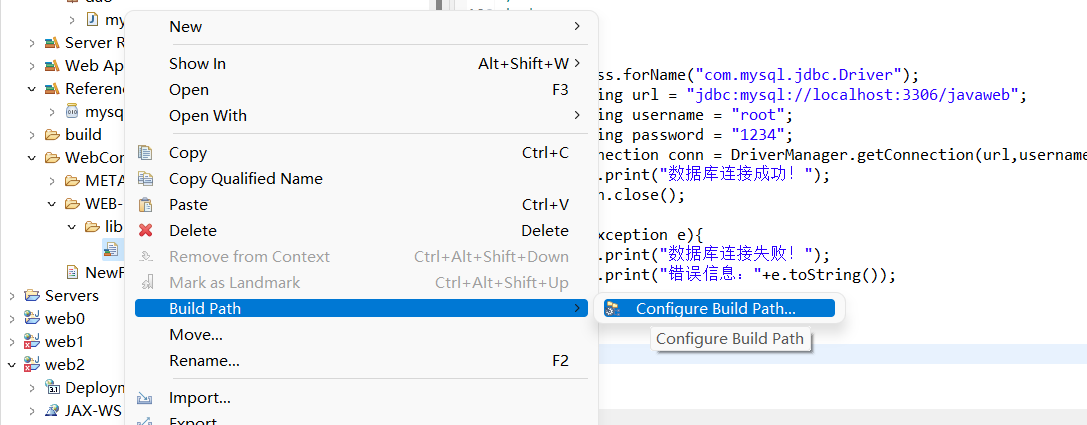
1.下载sqljdbc.jar的压缩包,解压之后,将sqljdbc4.jar复制粘贴到你项目的WEB-INF的lib目录下

2如图所示 右击
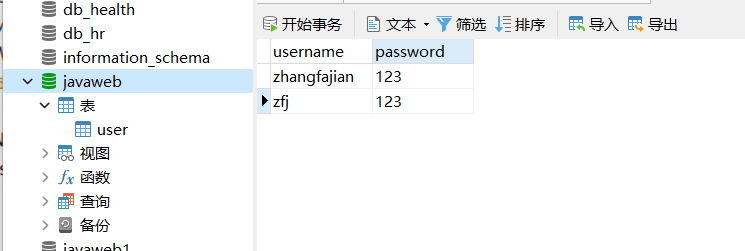
3 在navicat中新建数据库.
4在eclipse中新建一个 NewFile.jsp
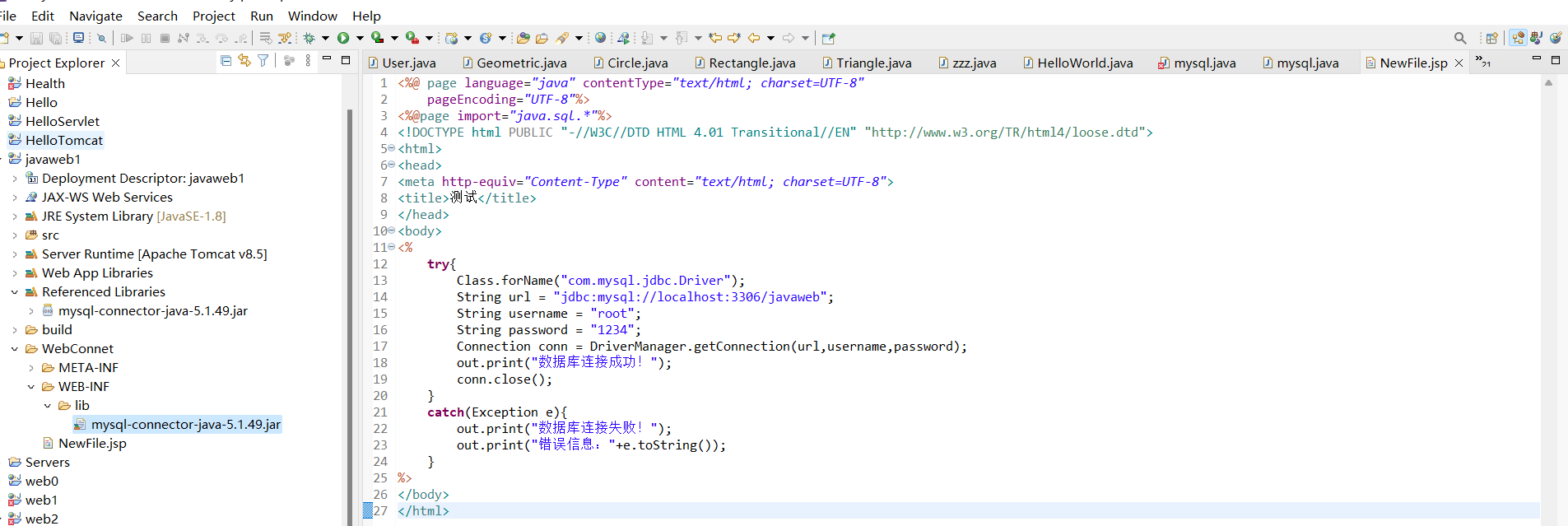
<%@ page language="java" contentType="text/html; charset=UTF-8"
pageEncoding="UTF-8"%>
<%@page import="java.sql.*"%>
<!DOCTYPE html PUBLIC "-//W3C//DTD HTML 4.01 Transitional//EN" "http://www.w3.org/TR/html4/loose.dtd">
<html>
<head>
<meta http-equiv="Content-Type" content="text/html; charset=UTF-8">
<title>测试</title>
</head>
<body>
<%
try{
Class.forName("com.mysql.jdbc.Driver");
String url = "jdbc:mysql://localhost:3306/javaweb";
String username = "root";
String password = "1234";
Connection conn = DriverManager.getConnection(url,username,password);
out.print("数据库连接成功!");
conn.close();
}
catch(Exception e){
out.print("数据库连接失败!");
out.print("错误信息:"+e.toString());
}
%>
</body>
</html>
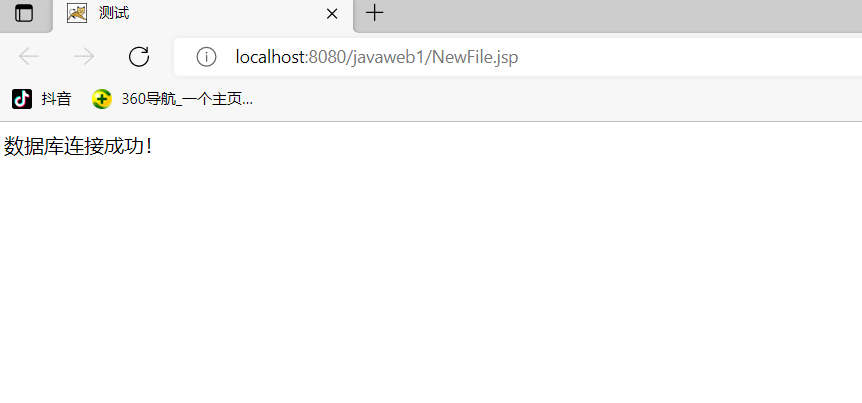
5连接成功

 浙公网安备 33010602011771号