


第二周作业
1. 运行脚本可以显示出本机的ip地址
#!/bin/bash
IP=`ifconfig ens160|sed -rn '2s/.*inet ([0-9.]+) .*/\1/p'`
echo "$IP"

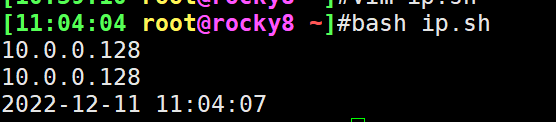
2. 如果ip地址中有3这个数字,那么就打印出当前的系统时间
#!/bin/bash
IP=`ifconfig ens160|sed -rn '2s/.*inet ([0-9.]+) .*/\1/p'`
echo "$IP"
if echo $IP |grep '8';then
echo $(date +%F%n%T)
fi
3. 如果ip地址中不含3这个数字,就批量建立用户magedu_00, magedu_01,... magedu_100并且所有用户同属于magedu组
#!/bin/bash
IP=`ifconfig ens160|sed -rn '2s/.*inet ([0-9.]+) .*/\1/p'`
echo "$IP"
if echo $IP |grep '3';then
echo $(date +%F%n%T)
else
groupadd magedu
for a in {1..100};do
useradd magedu_$a -g magedu
done
fi
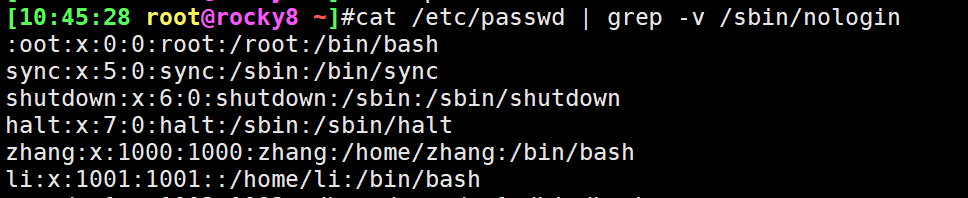
4. 打印出/etc/passwd这个文件中可以登陆的用户(非/usr/sbin/nologin)
cat /etc/passwd | grep -v /sbin/nologin
5.yum安装nginx服务,并且启动该服务
yum -y install nginx 安装
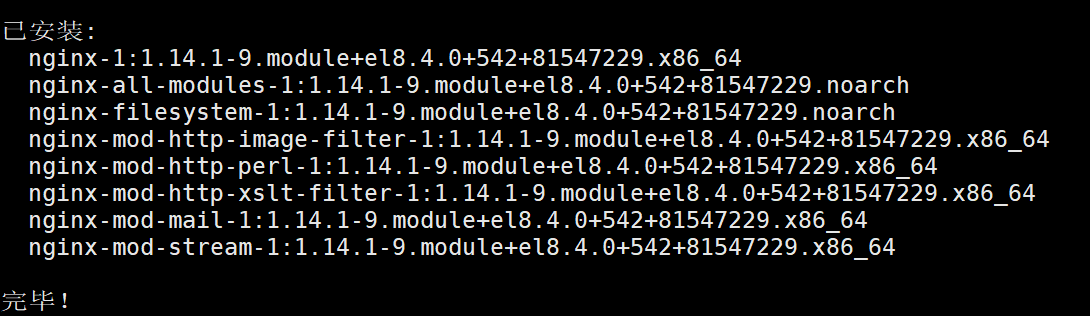
systemctl start nginx.service 执行
6.一个脚本完成
#!/bin/bash
IP=`ifconfig ens160|sed -rn '2s/.*inet ([0-9.]+) .*/\1/p'`
echo "$IP"
if echo $IP |grep '3';then
echo $(date +%F%n%T)
else
groupadd magedu
for a in {1..100};do
useradd magedu_$a -g magedu
done
fi

 浙公网安备 33010602011771号