


ubuntu journal初研究
1. 概要
进入 systemd 时代后,查看日志的方式也发生了变化,原因是 systemd 自带了日志管理服务和工具。单就日志的查看来说,我们需要使用 journalctl 工具。它的好处是使用一个统一的工具来完成日志的查看功能,我们不用记很多的命令了。
journalctl 用来查询 systemd-journald 服务收集到的日志。systemd-journald 服务是 systemd init 系统提供的收集系统日志的服务。
2. 命令帮助
ubuntu@ip-172-31-25-85:~$ journalctl -h
journalctl [OPTIONS...] [MATCHES...]

Query the journal.

Options:
     --system                Show the system journal
     --user                  Show the user journal for the current user
  -M --machine=CONTAINER     Operate on local container
  -S --since=DATE            Show entries not older than the specified date
  -U --until=DATE            Show entries not newer than the specified date
  -c --cursor=CURSOR         Show entries starting at the specified cursor
     --after-cursor=CURSOR   Show entries after the specified cursor
     --show-cursor           Print the cursor after all the entries
  -b --boot[=ID]             Show current boot or the specified boot
     --list-boots            Show terse information about recorded boots
  -k --dmesg                 Show kernel message log from the current boot
  -u --unit=UNIT             Show logs from the specified unit
     --user-unit=UNIT        Show logs from the specified user unit
  -t --identifier=STRING     Show entries with the specified syslog identifier
  -p --priority=RANGE        Show entries with the specified priority
  -g --grep=PATTERN          Show entries with MESSSAGE matching PATTERN
     --case-sensitive[=BOOL] Force case sensitive or insenstive matching
  -e --pager-end             Immediately jump to the end in the pager
  -f --follow                Follow the journal
  -n --lines[=INTEGER]       Number of journal entries to show
     --no-tail               Show all lines, even in follow mode
  -r --reverse               Show the newest entries first
  -o --output=STRING         Change journal output mode (short, short-precise,
                               short-iso, short-iso-precise, short-full,
                               short-monotonic, short-unix, verbose, export,
                               json, json-pretty, json-sse, cat)
     --output-fields=LIST    Select fields to print in verbose/export/json modes
     --utc                   Express time in Coordinated Universal Time (UTC)
  -x --catalog               Add message explanations where available
     --no-full               Ellipsize fields
  -a --all                   Show all fields, including long and unprintable
  -q --quiet                 Do not show info messages and privilege warning
     --no-pager              Do not pipe output into a pager
     --no-hostname           Suppress output of hostname field
  -m --merge                 Show entries from all available journals
  -D --directory=PATH        Show journal files from directory
     --file=PATH             Show journal file
     --root=ROOT             Operate on files below a root directory
     --interval=TIME         Time interval for changing the FSS sealing key
     --verify-key=KEY        Specify FSS verification key
     --force                 Override of the FSS key pair with --setup-keys

Commands:
  -h --help                  Show this help text
     --version               Show package version
  -N --fields                List all field names currently used
  -F --field=FIELD           List all values that a specified field takes
     --disk-usage            Show total disk usage of all journal files
     --vacuum-size=BYTES     Reduce disk usage below specified size
     --vacuum-files=INT      Leave only the specified number of journal files
     --vacuum-time=TIME      Remove journal files older than specified time
     --verify                Verify journal file consistency
     --sync                  Synchronize unwritten journal messages to disk
     --flush                 Flush all journal data from /run into /var
     --rotate                Request immediate rotation of the journal files
     --header                Show journal header information
     --list-catalog          Show all message IDs in the catalog
     --dump-catalog          Show entries in the message catalog
     --update-catalog        Update the message catalog database
     --new-id128             Generate a new 128-bit ID
     --setup-keys            Generate a new FSS key pair
3. 使用
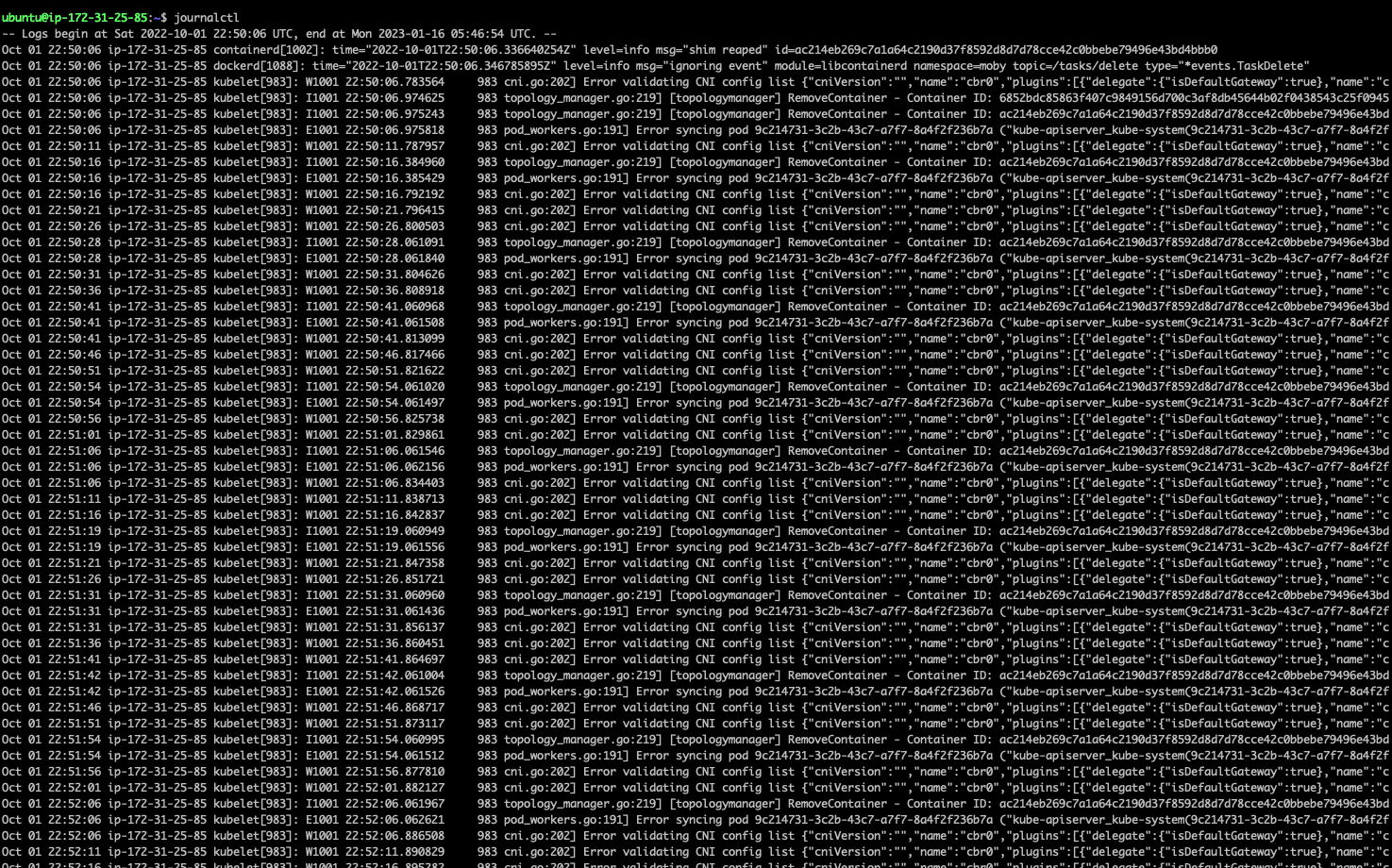
3.1. 输出所有系统日志
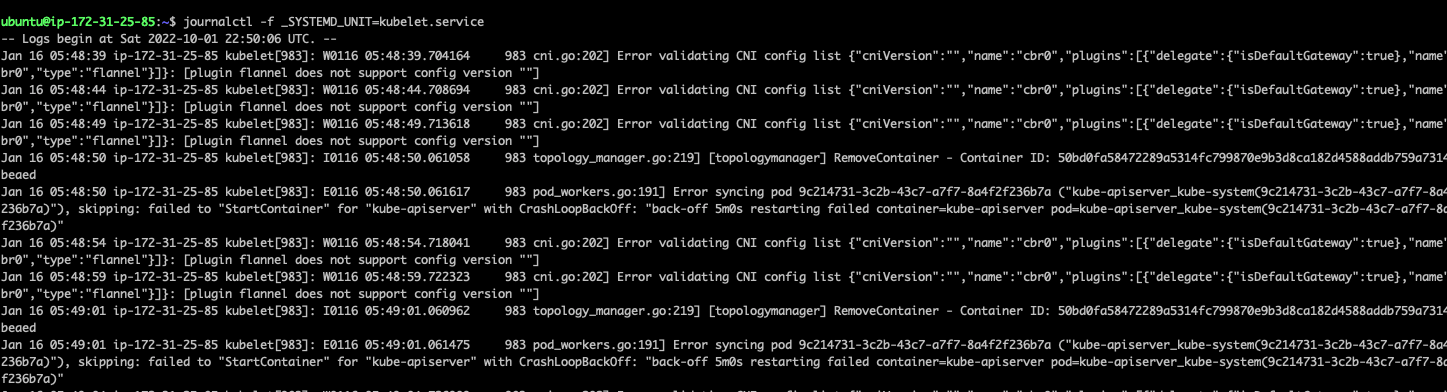
3.2. fellow输出某个服务的系统日志
journalctl -f _SYSTEMD_UNIT=kubelet.service
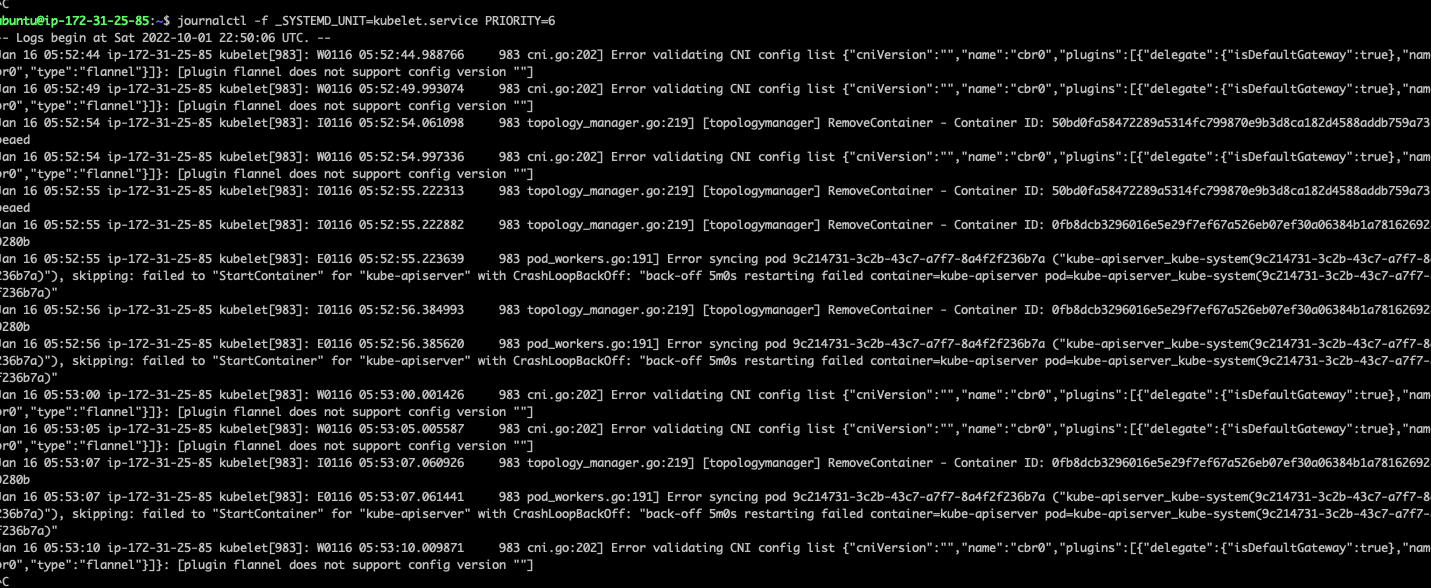
3.3. fellow输出某个服务info以上的系统日志
journalctl -f _SYSTEMD_UNIT=kubelet.service PRIORITY=6
priority等级:
0: emerg
1: alert
2: crit
3: err
4: warning
5: notice
6: info
7: debug
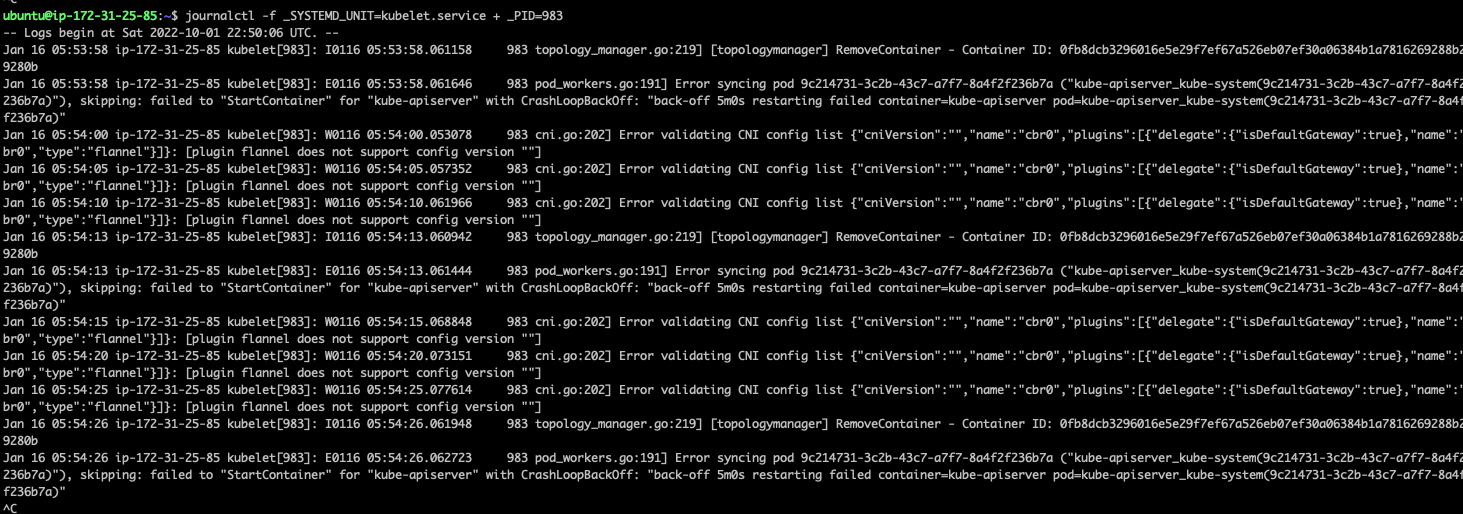
3.4. fellow输出某个服务以及某个pid的日志
journalctl -f _SYSTEMD_UNIT=kubelet.service + _PID=983
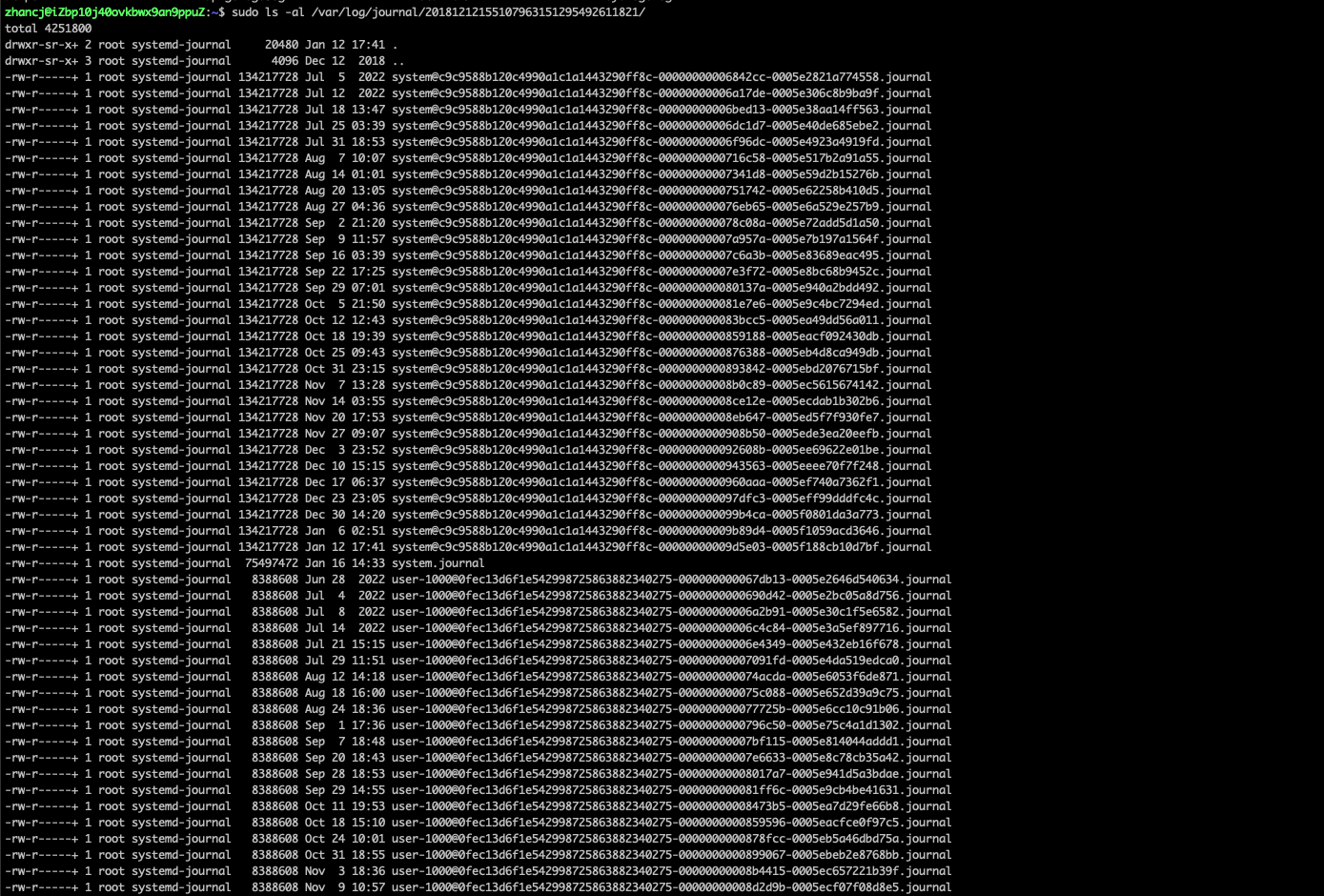
3.5. 查看所有的日志文件:
3.6. 同时应用 match 和时间过滤条件:
实际的使用中更常见的用例是同时应用 match 和时间条件,比如要过滤出某个时间段中 cron 服务的日志记录:
$ sudo journalctl _SYSTEMD_UNIT=cron.service --since "2018-03-27" --until "2018-03-27 01:00"
4. 日志管理
4.1. 查看日志占据的硬盘
ubuntu@ip-172-31-25-85:~$ sudo journalctl --disk-usage
Archived and active journals take up 4.0G in the file system.
ubuntu@ip-172-31-25-85:~$
4.2. 使用 –vacuum-size 选项,则可硬性指定日志的总体体积
意味着其会不断删除旧有记录直到所占容量符合要求:
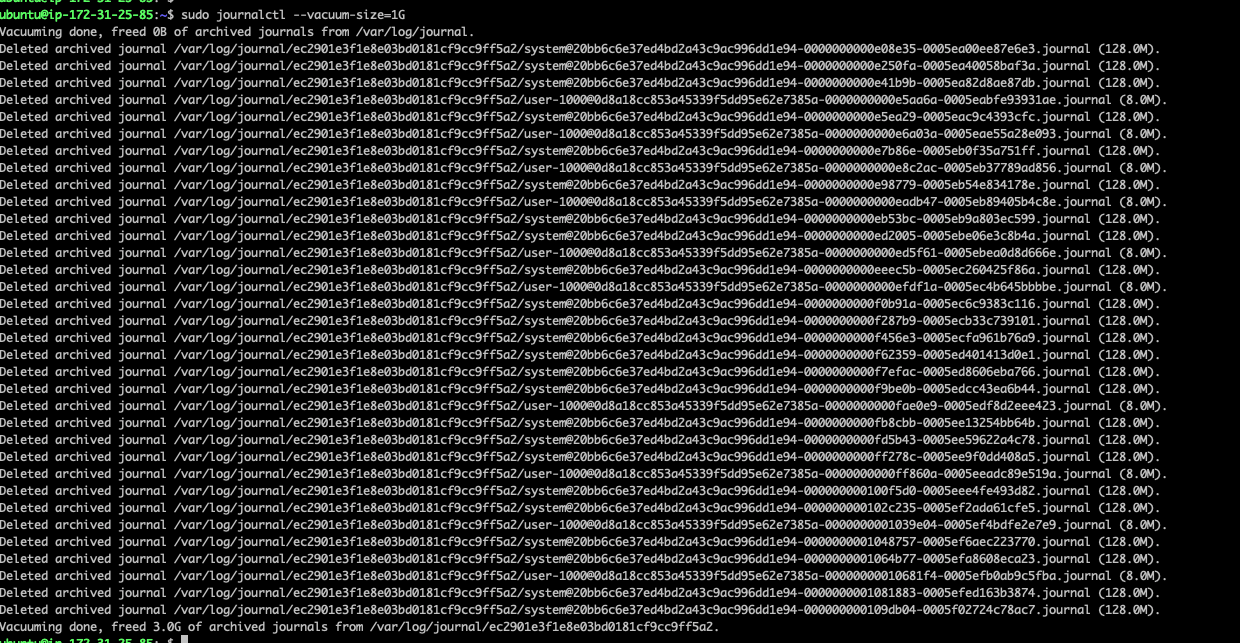
可以看到释放了3G硬盘。
只保留500MB的日志:journalctl --vacuum-size=500M
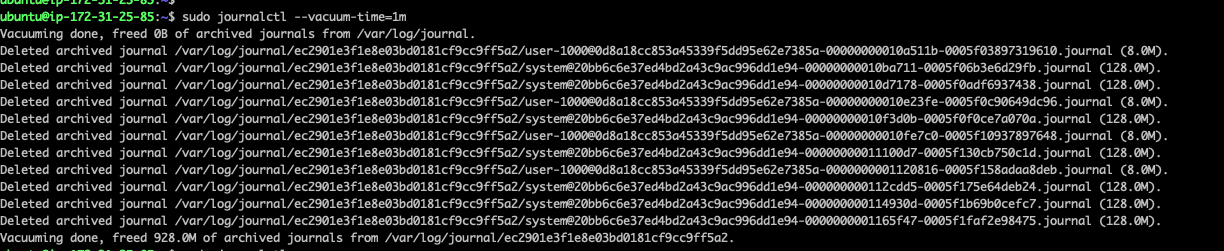
4.3. 使用 –vacuum-time 选项。任何早于这一时间点的条目都将被删除
设置为一个月清空一次

 浙公网安备 33010602011771号