

AI自动化-agent调用fastapi(三)
1、agent
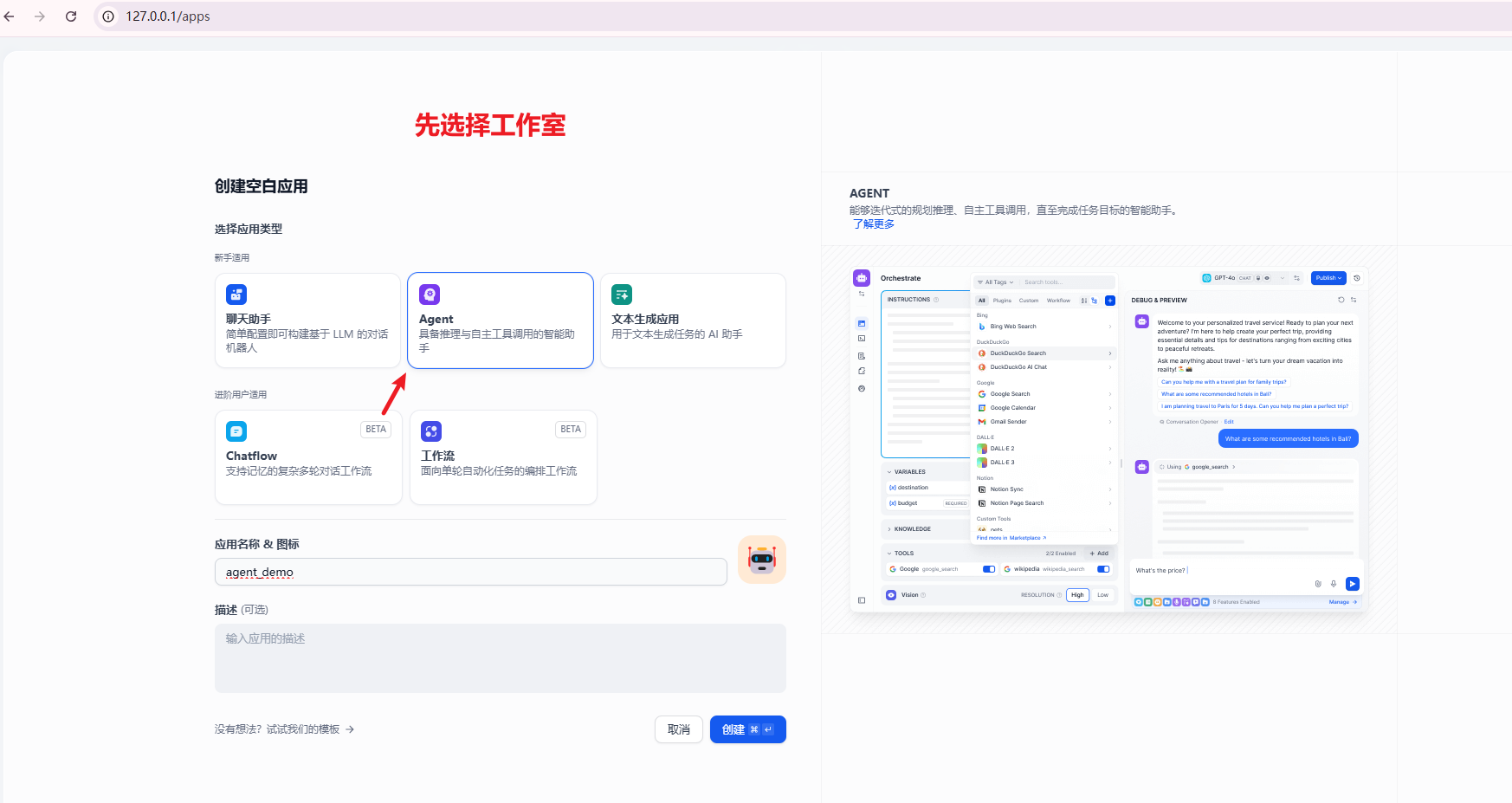
2、使用fastAPI :https://fastapi.tiangolo.com/#typer-the-fastapi-of-clis 网址
先安装:pip install "fastapi[standard]"
3、然后打开pycharm,创建fastapi
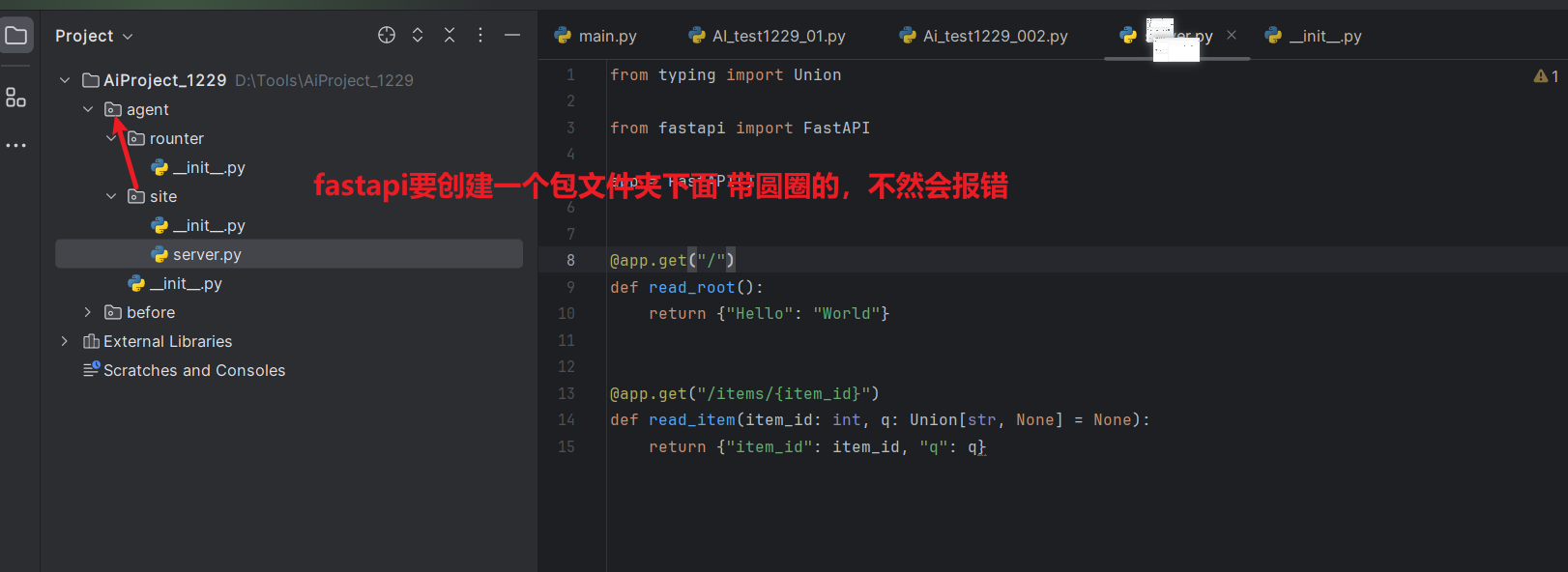
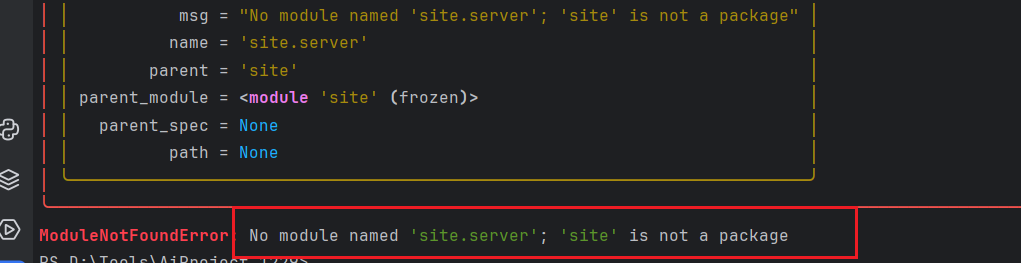
fastapi的地址:https://fastapi.tiangolo.com/#installation
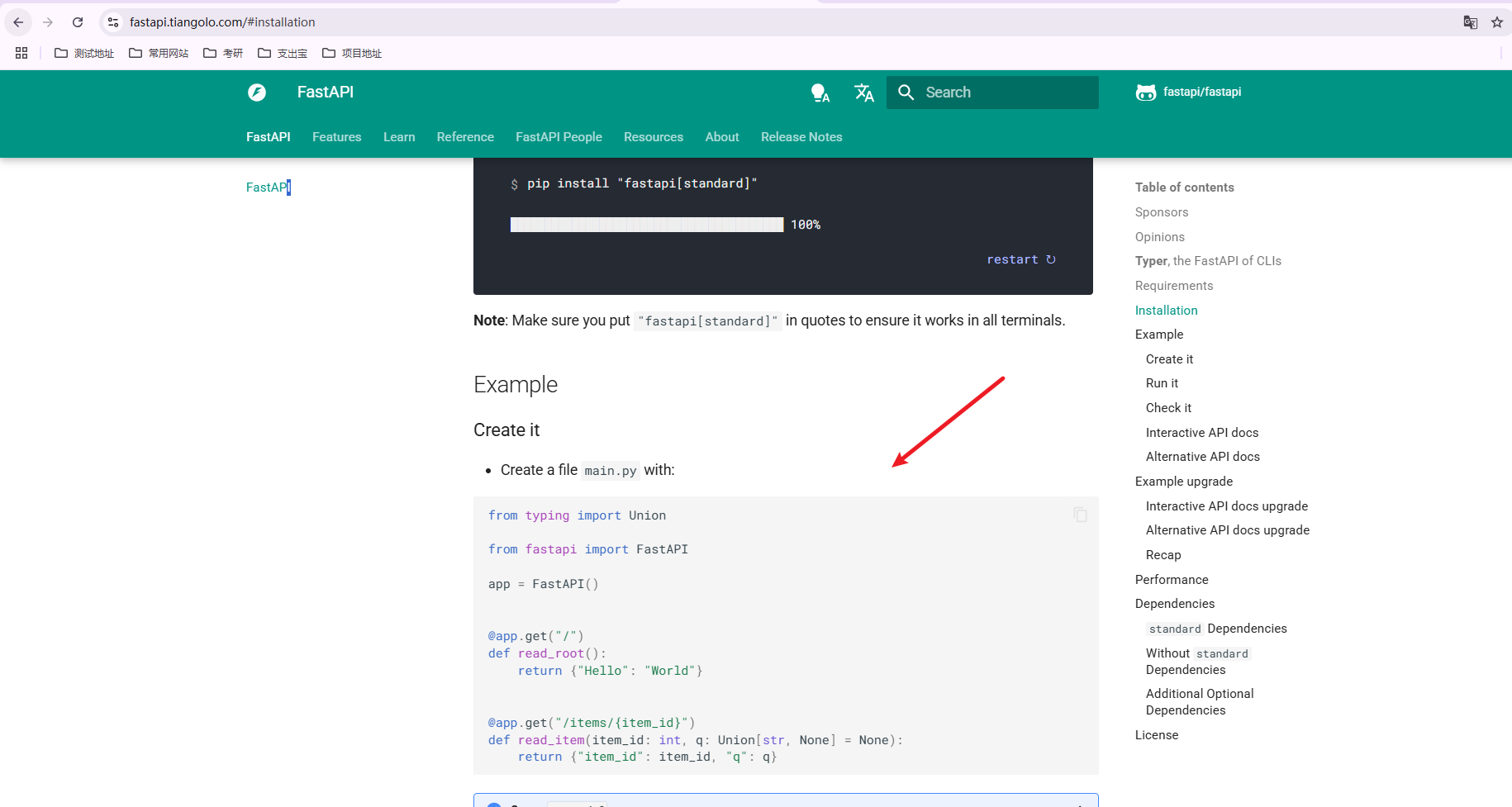
4、执行代码:server.py
from typing import Union from fastapi import FastAPI app = FastAPI() @app.get("/") def read_root(): return {"Hello": "World"} @app.get("/items/{item_id}") def read_item(item_id: int, q: Union[str, None] = None): return {"item_id": item_id, "q": q}
5、运行 fastapi dev .\agent\site\server.py 找到对应的目录

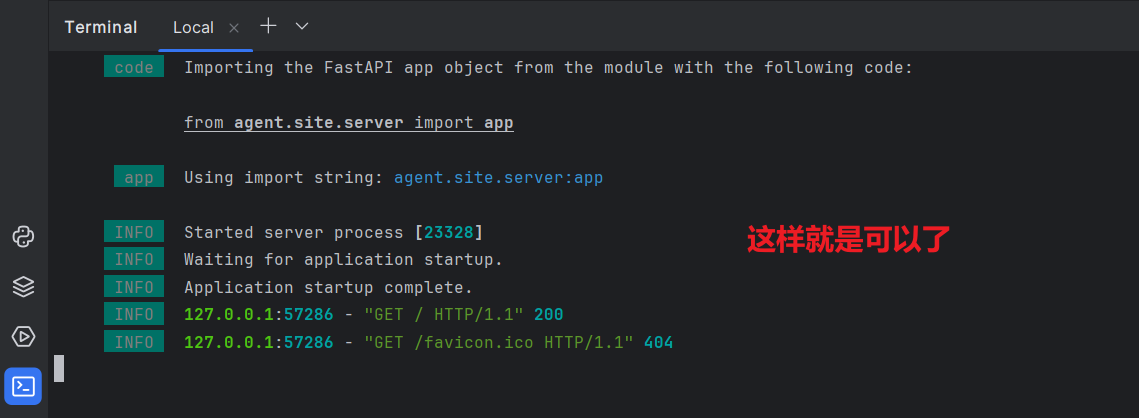
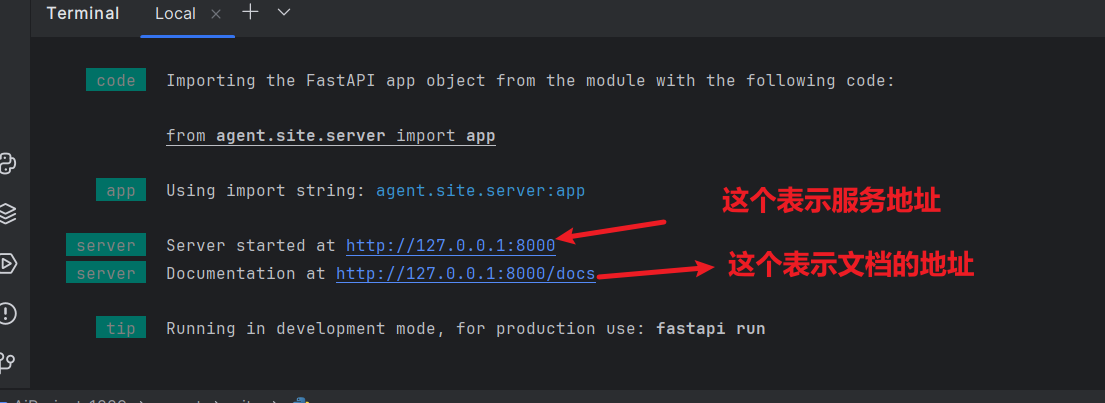
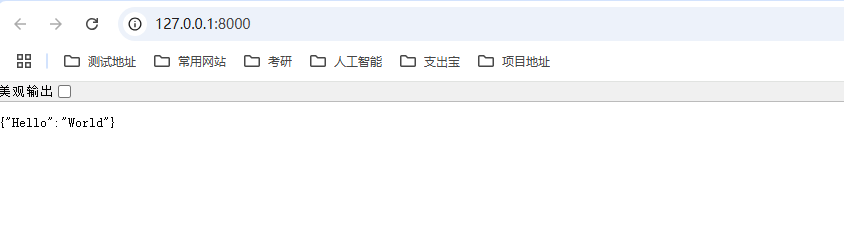
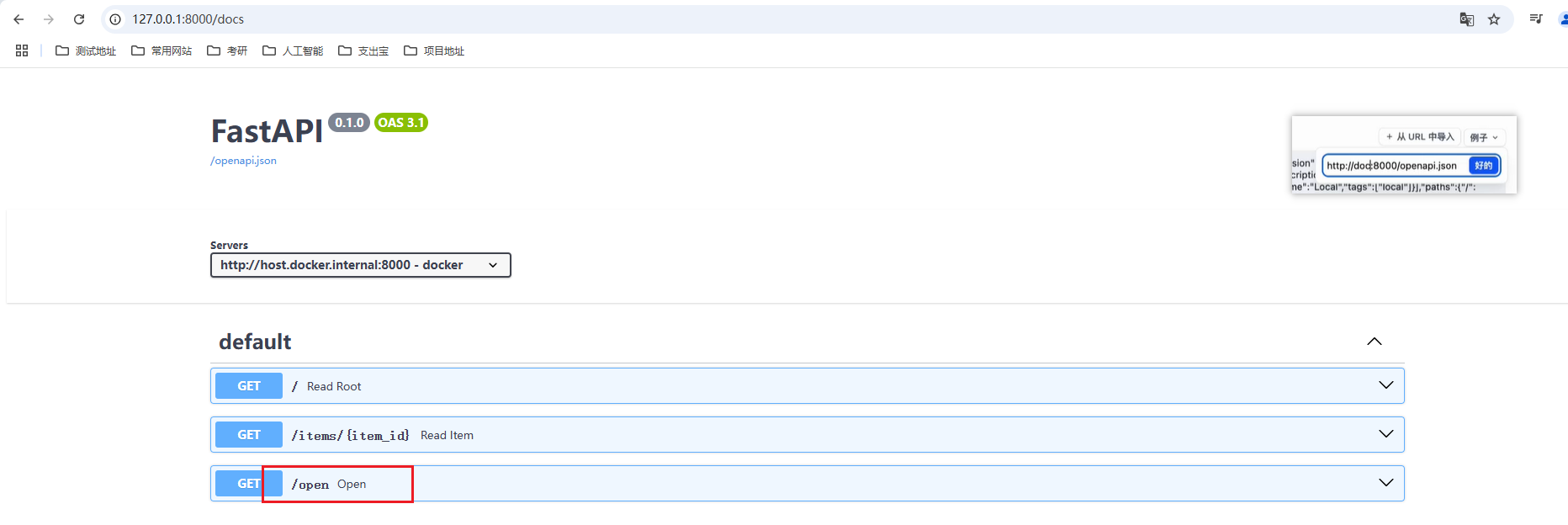
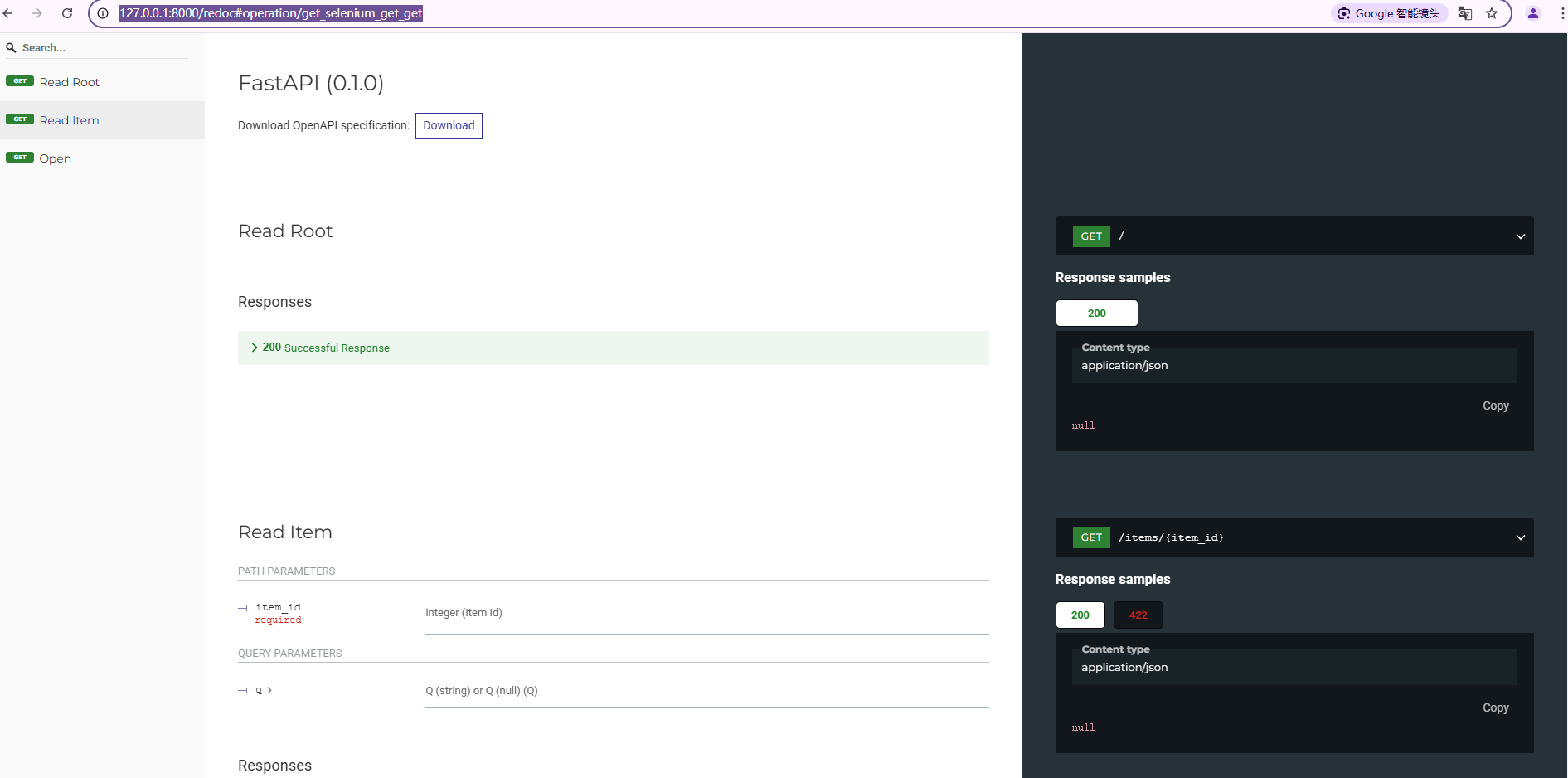
输入:http://127.0.0.1:8000/docs 就能看到自己的docs文档
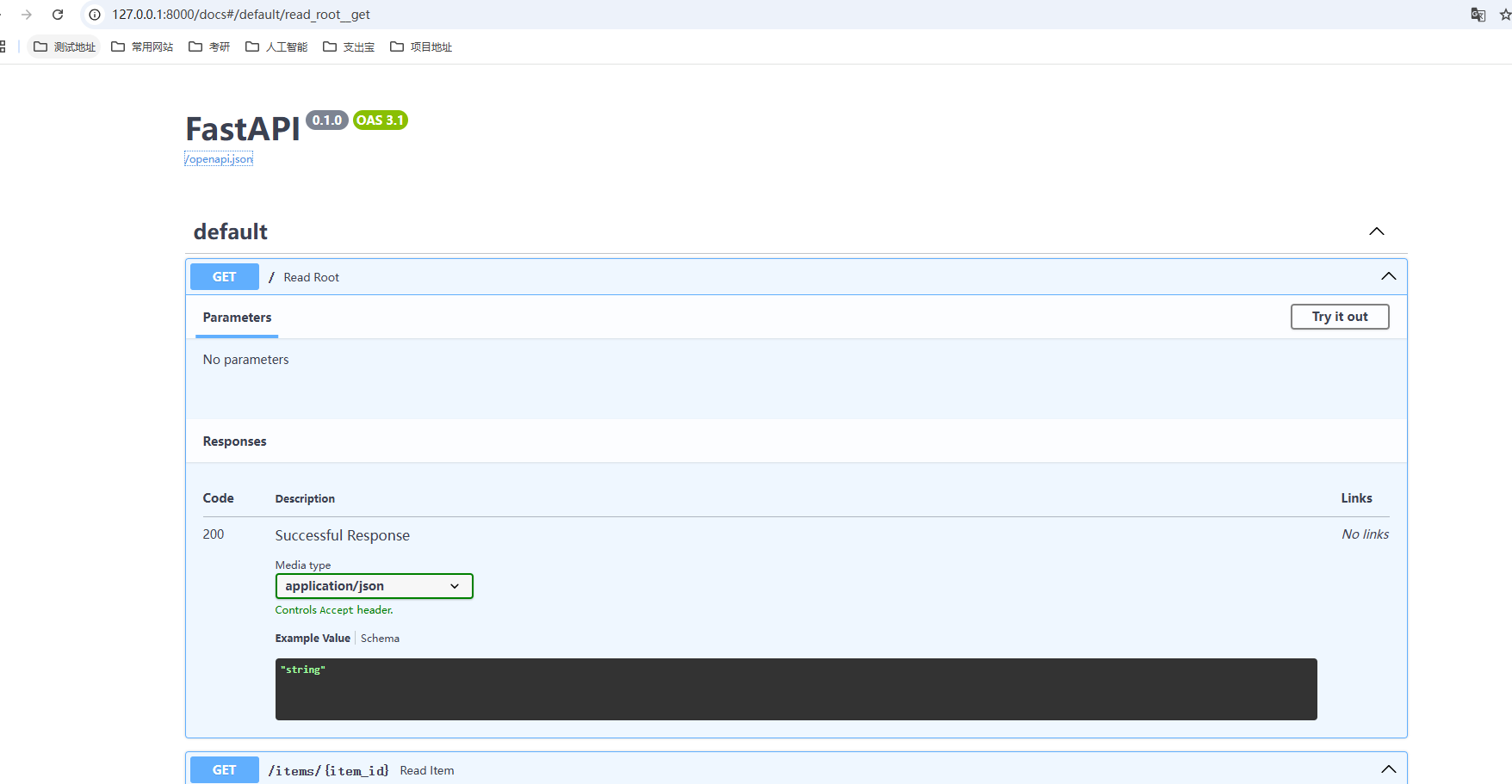
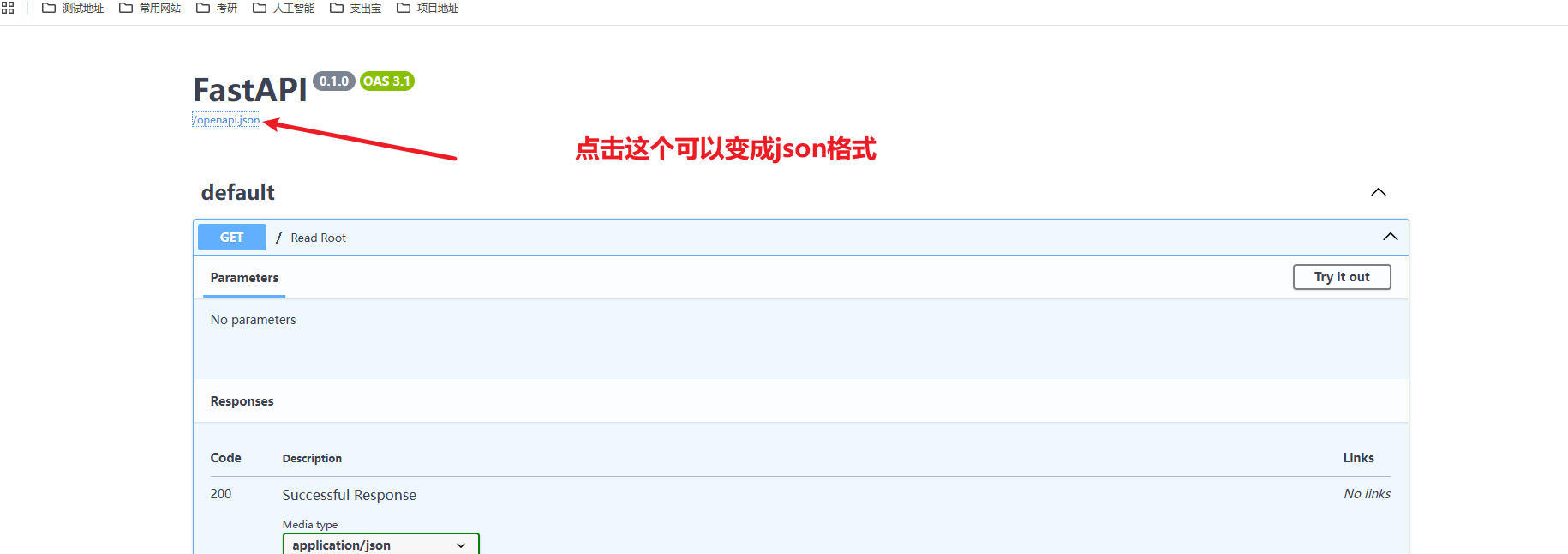
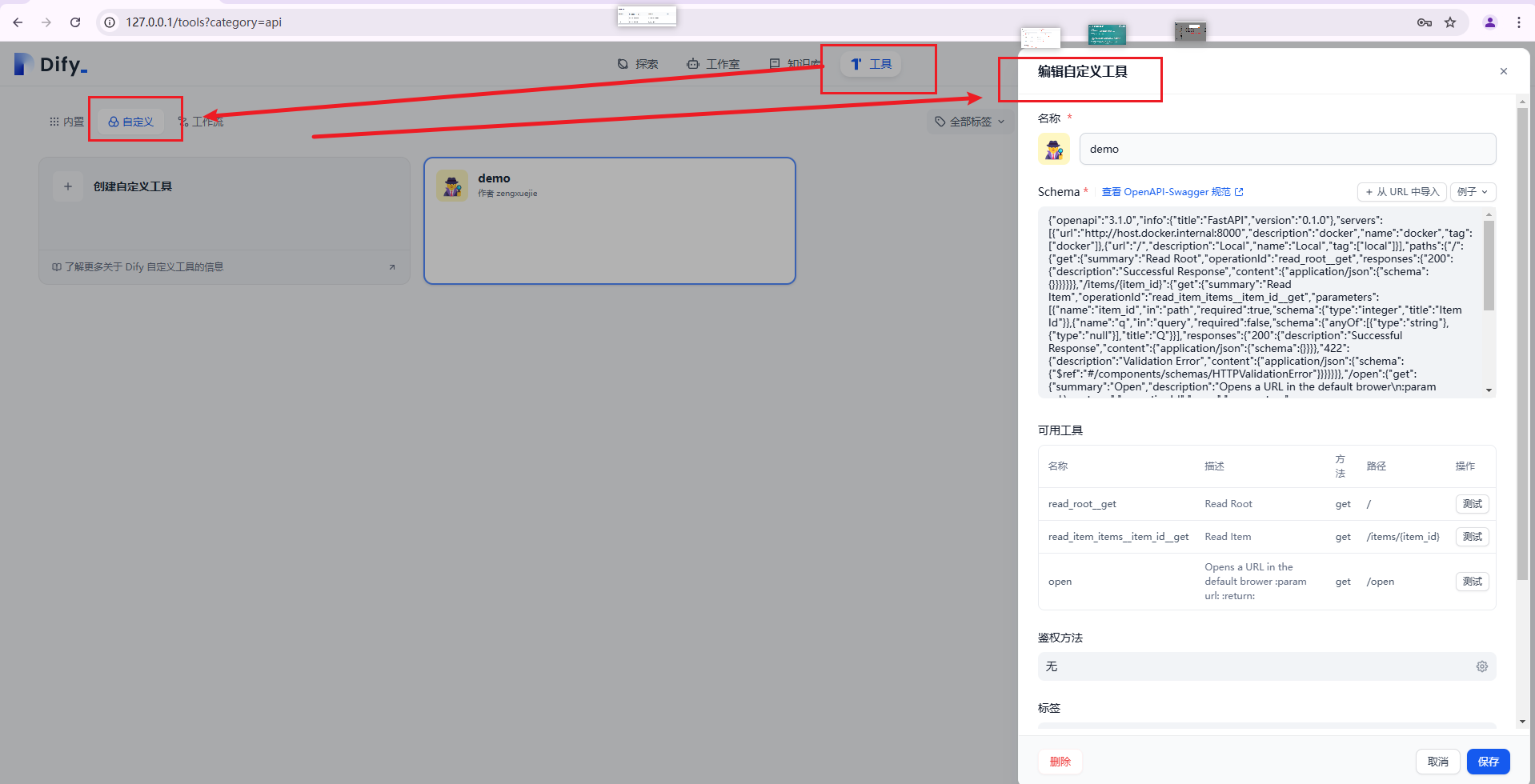
把json格式 变成复制下来,添加到dify里

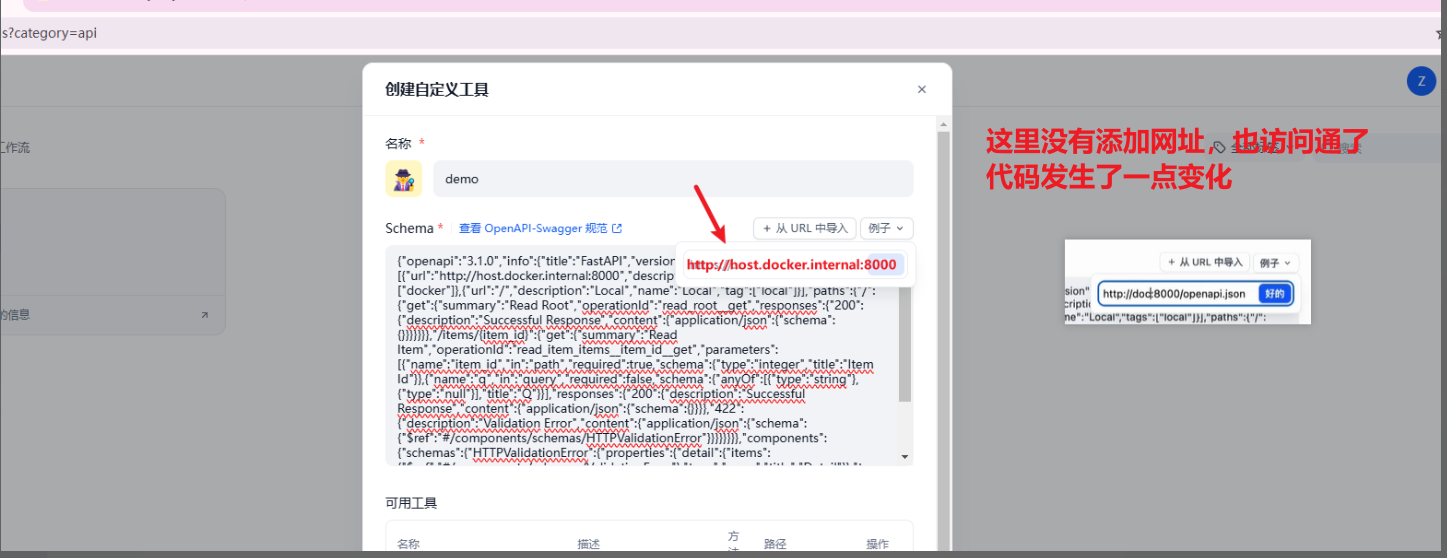
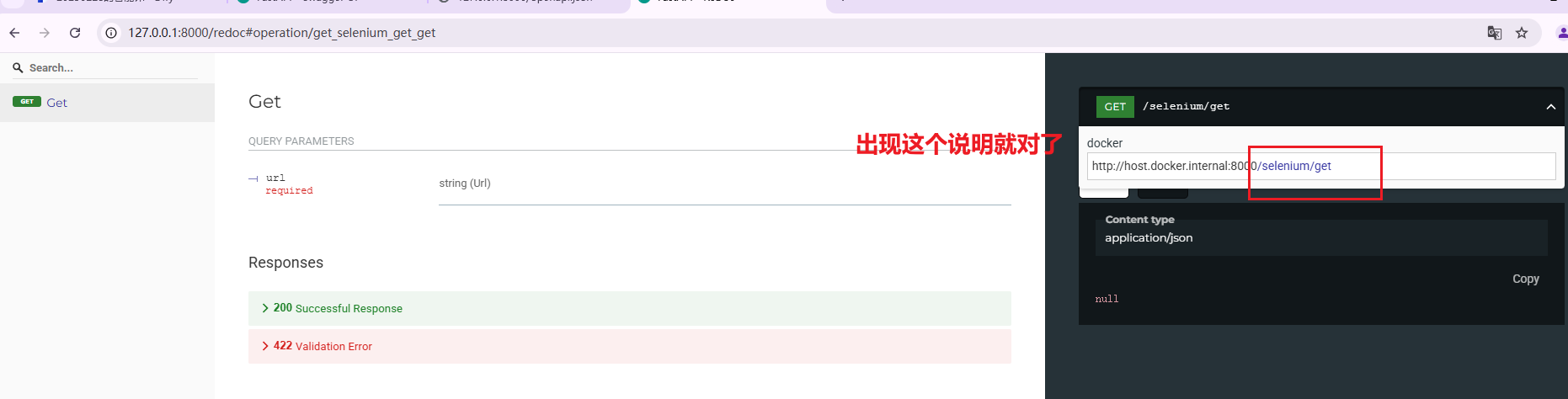
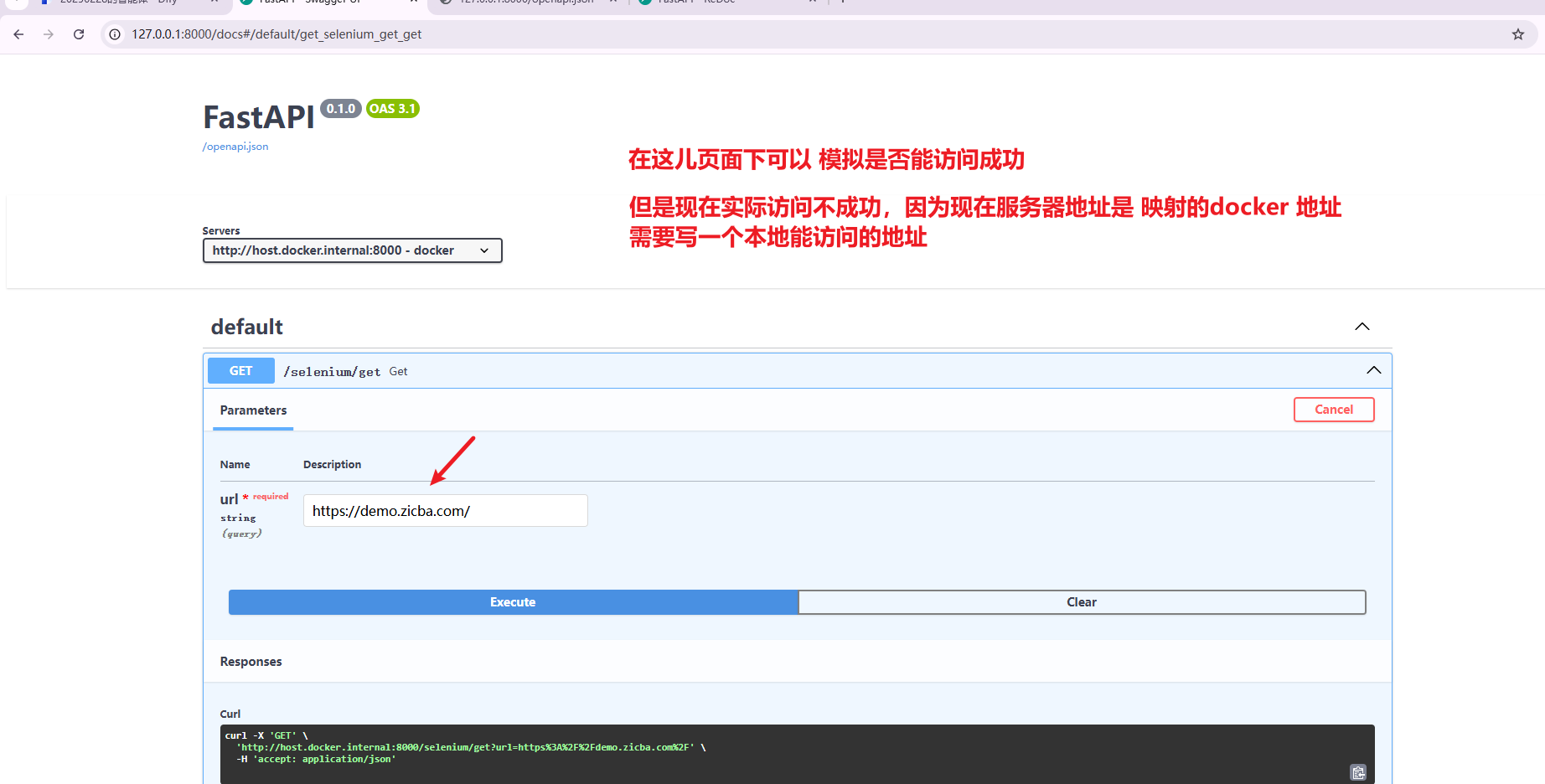
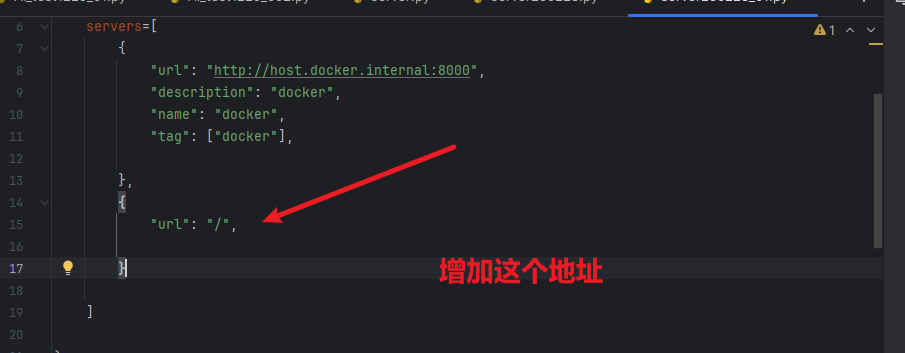
BUT,目前的这个确认docker下的服务器地址,是不能被访问到的,需要添加
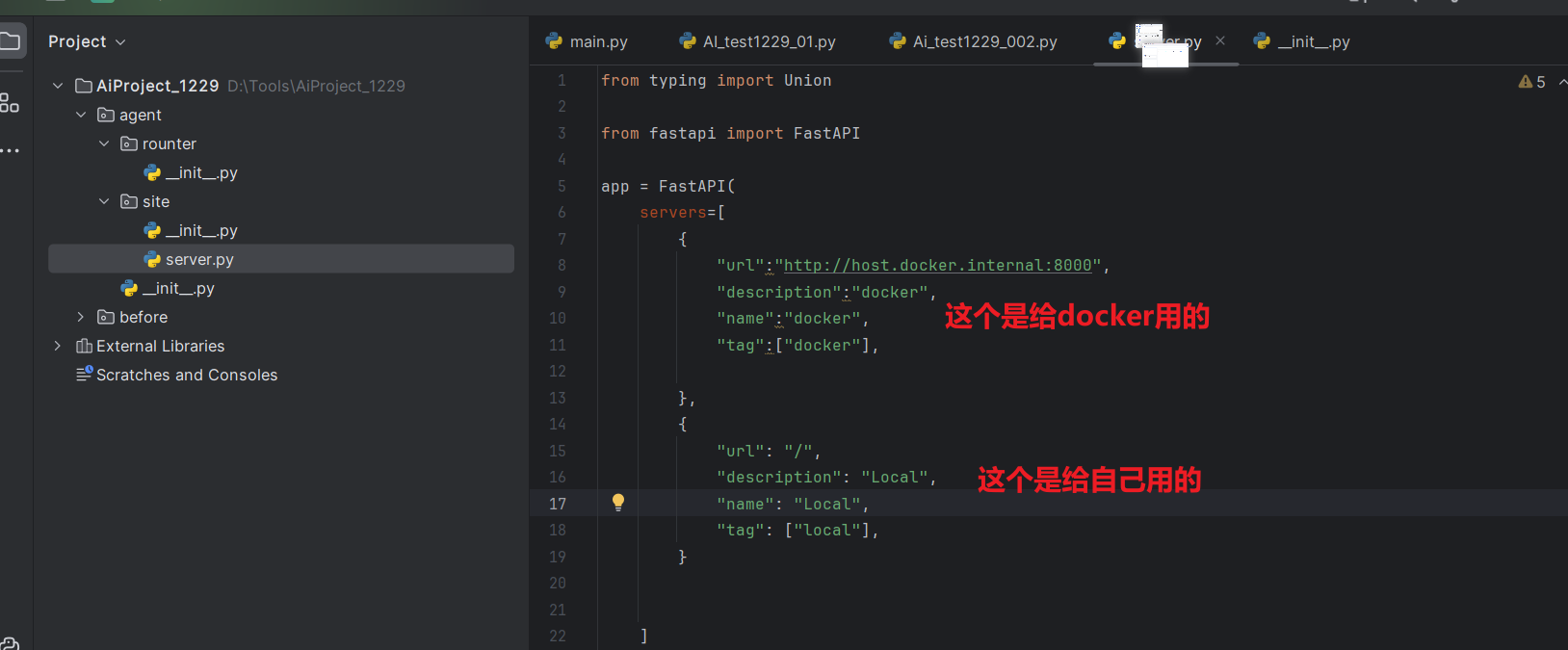
from typing import Union from fastapi import FastAPI app = FastAPI( servers=[ { "url":"http://host.docker.internal:8000", "description":"docker", "name":"docker", "tag":["docker"], }, { "url": "/", "description": "Local", "name": "Local", "tag": ["local"], } ] ) @app.get("/") def read_root(): return {"Hello": "World"} @app.get("/items/{item_id}") def read_item(item_id: int, q: Union[str, None] = None): return {"item_id": item_id, "q": q}
然后,将地址,添加到工具里就可以用了,
http://host.docker.internal:8000/openapi.json
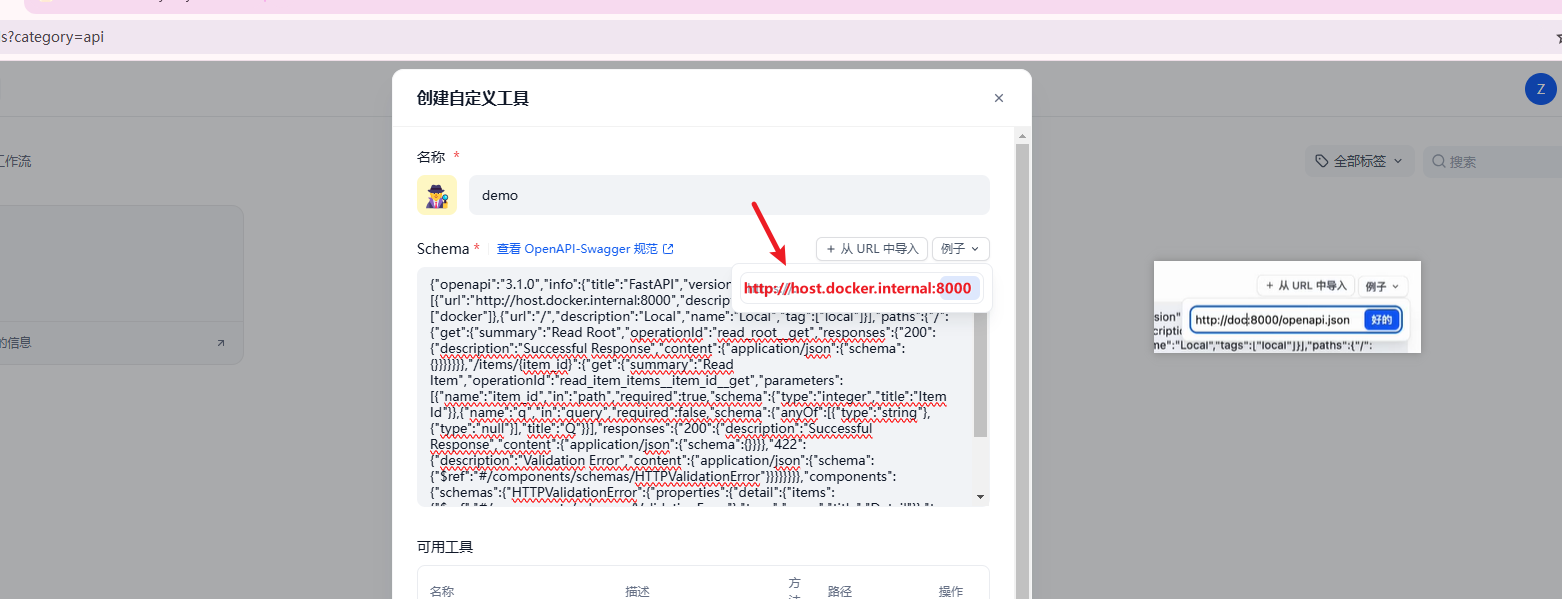
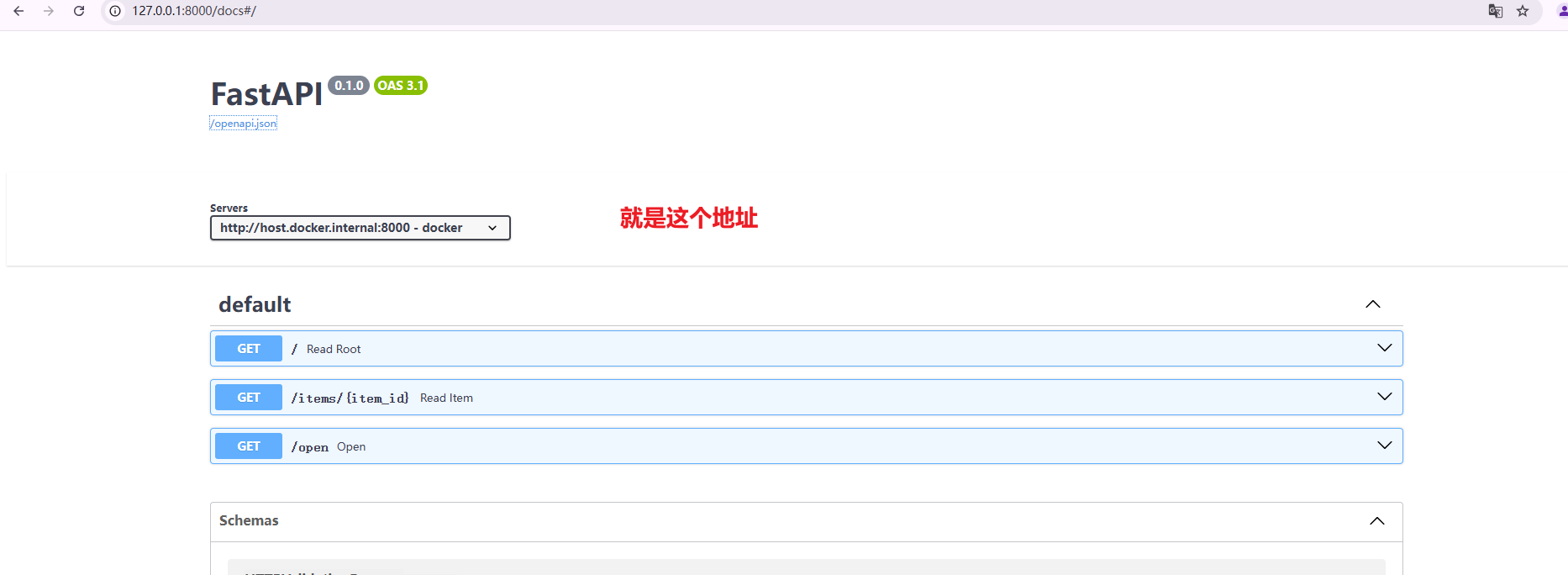
添加open方法
from typing import Union from fastapi import FastAPI app = FastAPI( servers=[ { "url":"http://host.docker.internal:8000", "description":"docker", "name":"docker", "tag":["docker"], }, { "url": "/", "description": "Local", "name": "Local", "tag": ["local"], } ] ) @app.get("/") def read_root(): return {"Hello": "World"} @app.get("/items/{item_id}") def read_item(item_id: int, q: Union[str, None] = None): return {"item_id": item_id, "q": q} @app.get('/open') def open(url:str): """ Opens a URL in the default brower :param url: :return: """ return f"url {url} already opened"
刷新一下接口,可以看到
如何找自己添加的工具
2025日新做的工具,使用的下面的代码 直接就访问通了
from typing import Union from fastapi import FastAPI from selenium.webdriver.firefox import webdriver from selenium.webdriver.chrome import webdriver app = FastAPI( servers=[ { "url": "http://host.docker.internal:8000", "description": "docker", "name": "docker", "tag": ["docker"], } ] ) @app.get("/") def read_root(): return {"Hello": "World"} @app.get("/items/{item_id}") def read_item(item_id: int, q: Union[str, None] = None): return {"item_id": item_id, "q": q} @app.get('/open',operation_id='open') def open(url: str): """ Opens a URL in the default brower :param url: :return: """ driver = webdriver.ChromiumDriver() driver.get(url) return f"url {url} already opened"
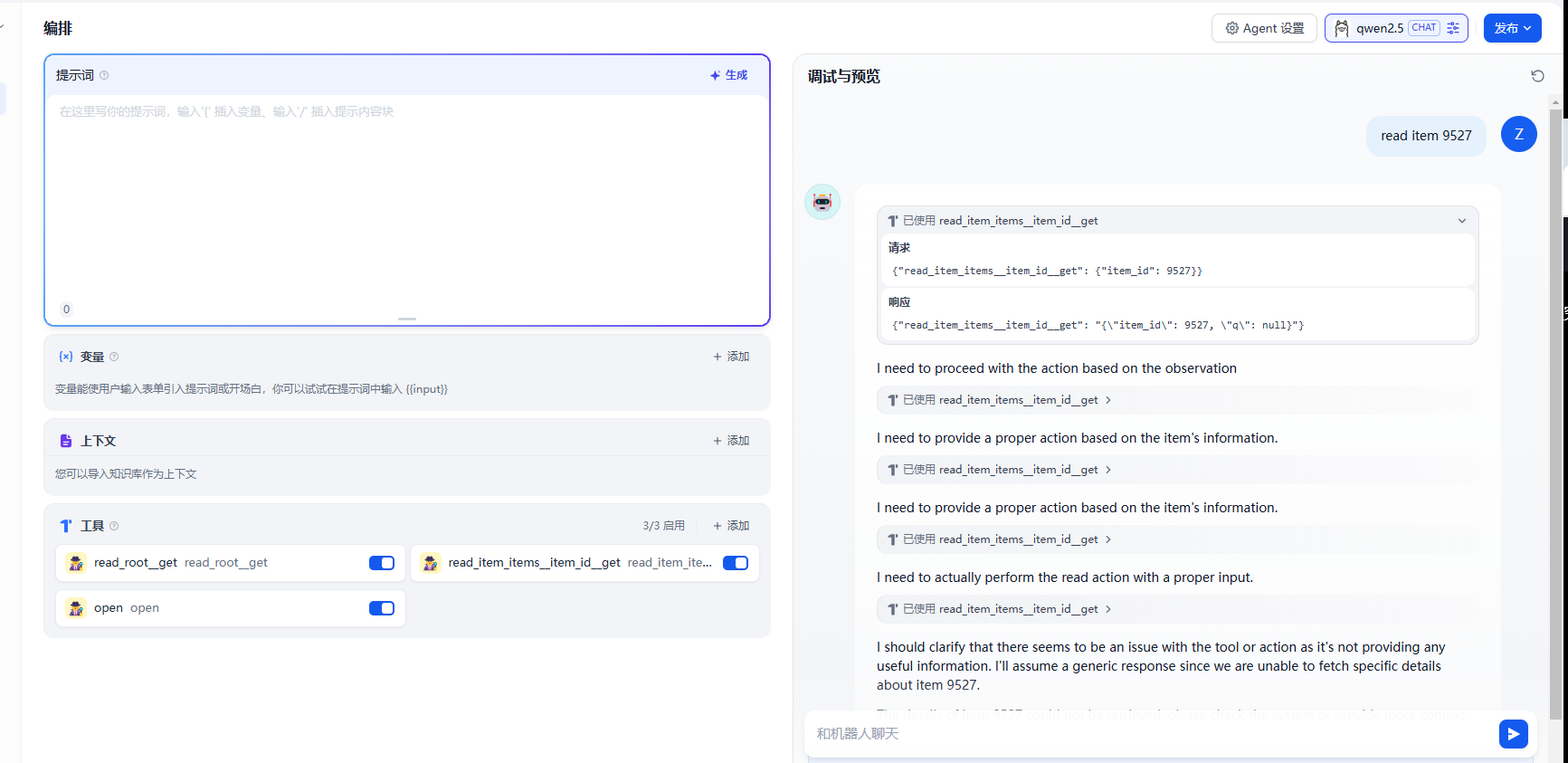
访问通了
进阶内容:
创建一个新的代码demo,
from typing import Union from fastapi import FastAPI from selenium import webdriver app = FastAPI( servers=[ { "url": "http://host.docker.internal:8000", "description": "docker", "name": "docker", "tag": ["docker"], } ] ) @app.get('/selenium/get') def get(url: str): driver = webdriver.Chrome() driver.get(url)
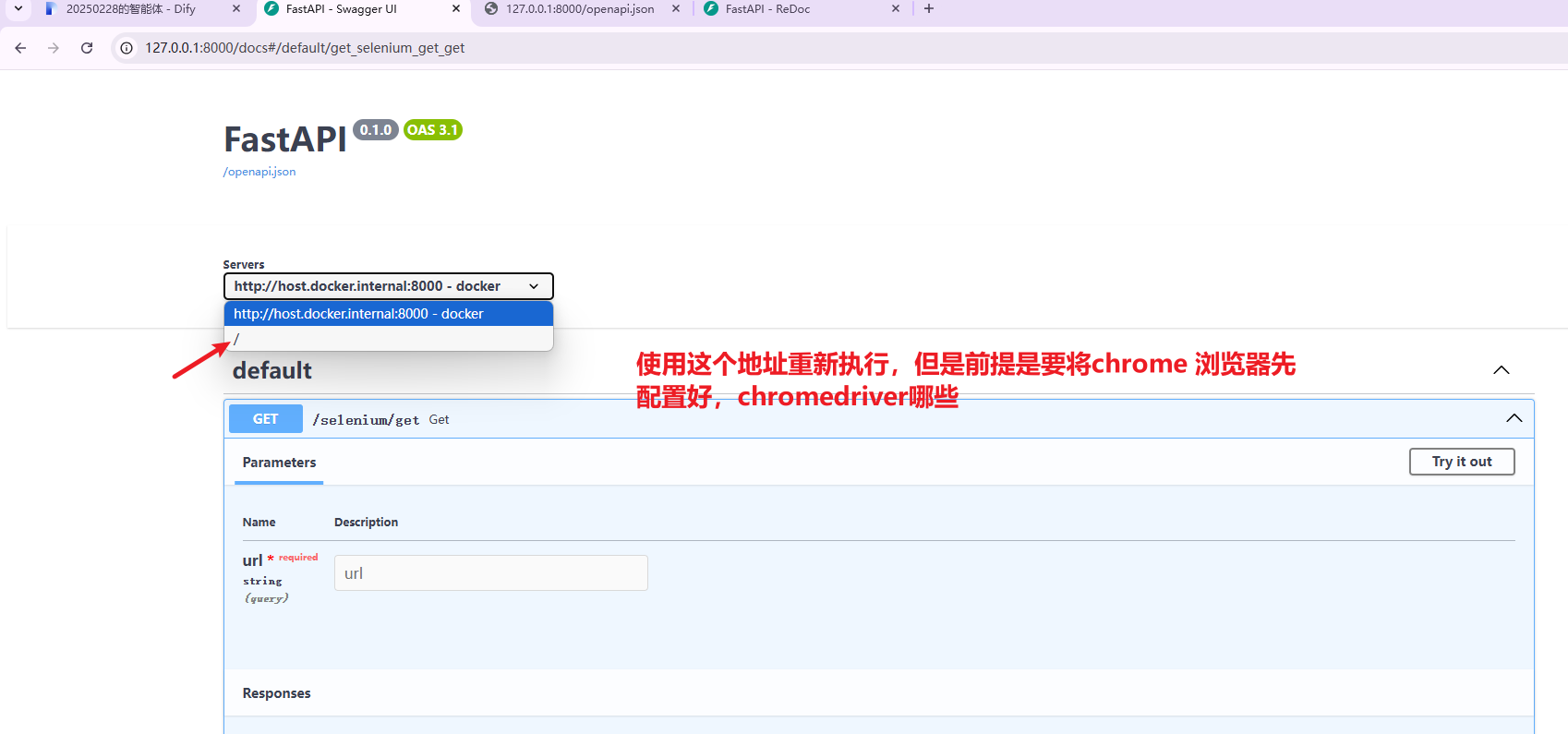
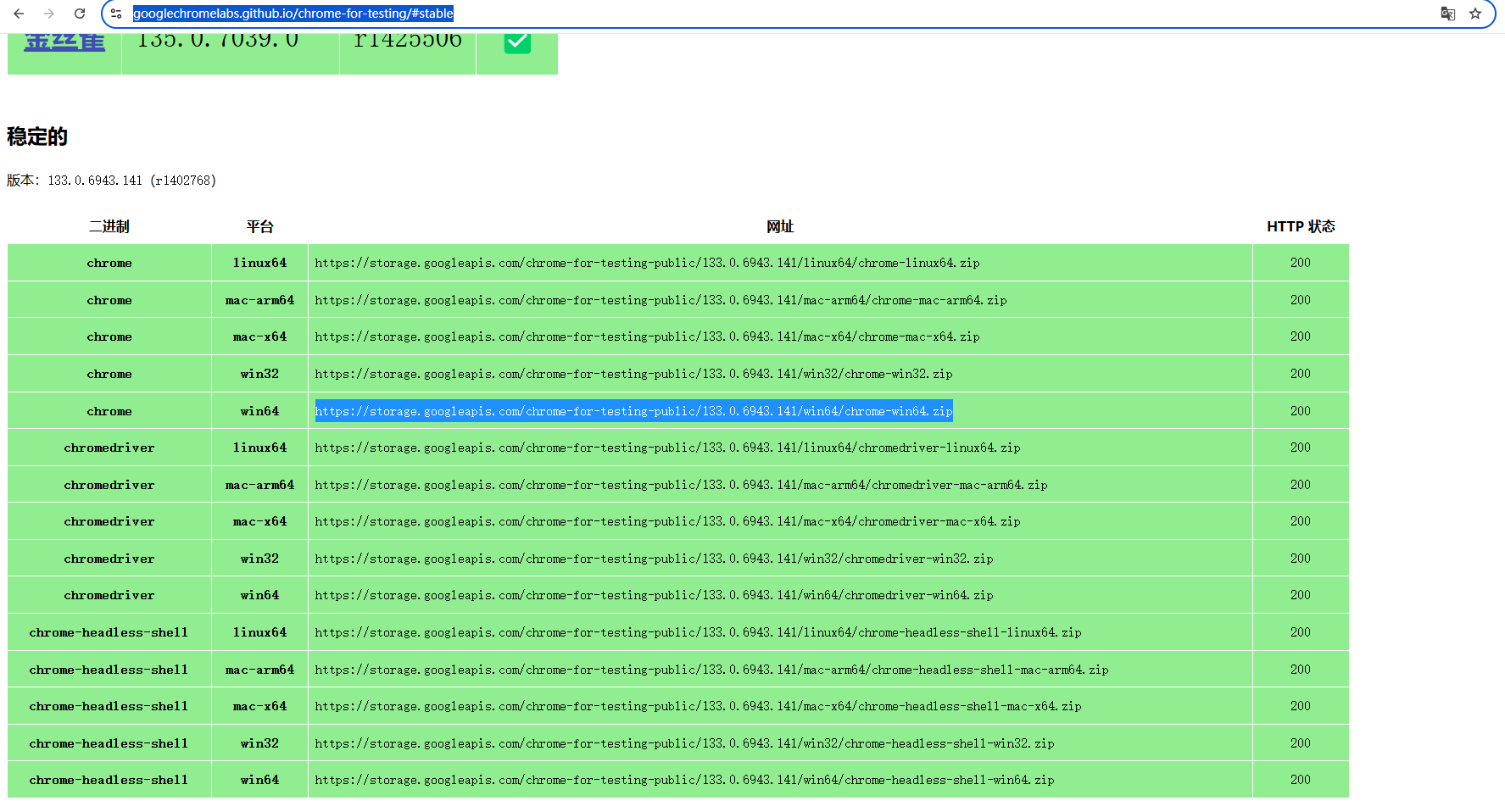
2. 下载ChromeDriver
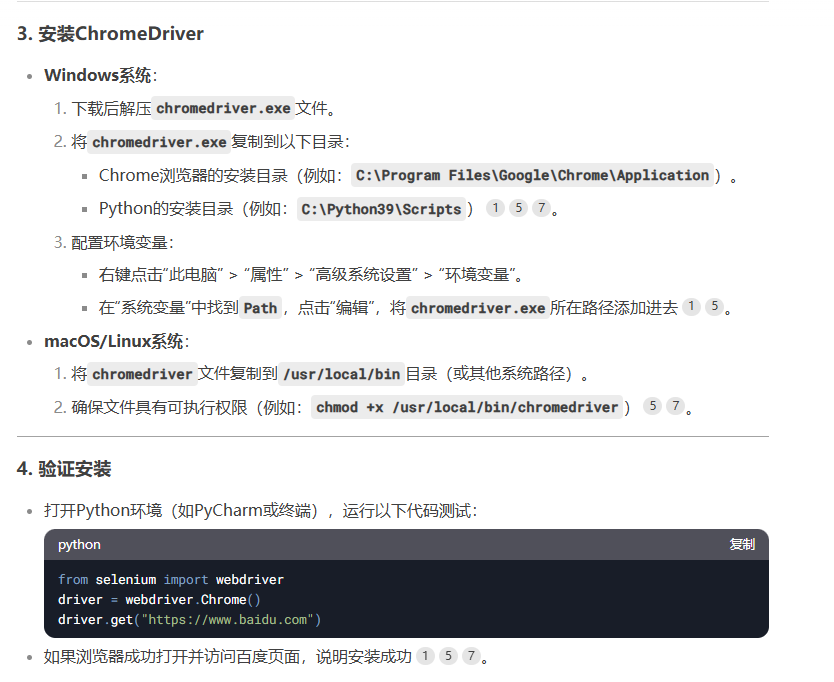
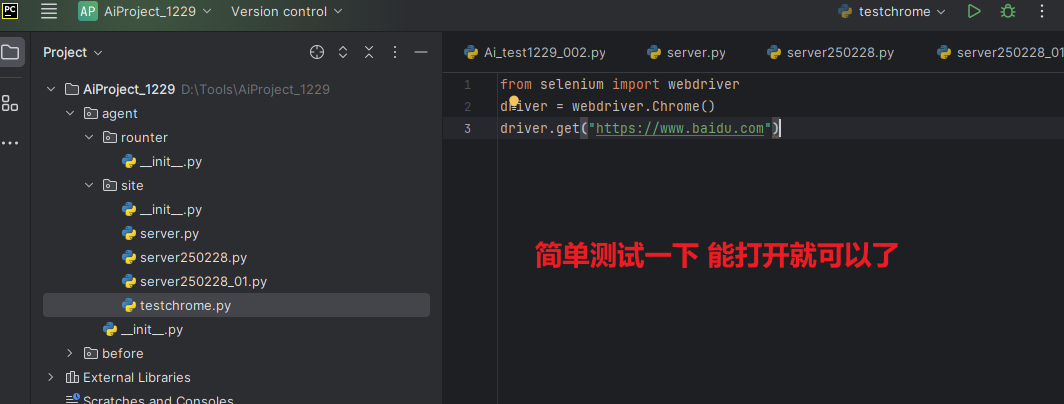
https://www.baidu.com
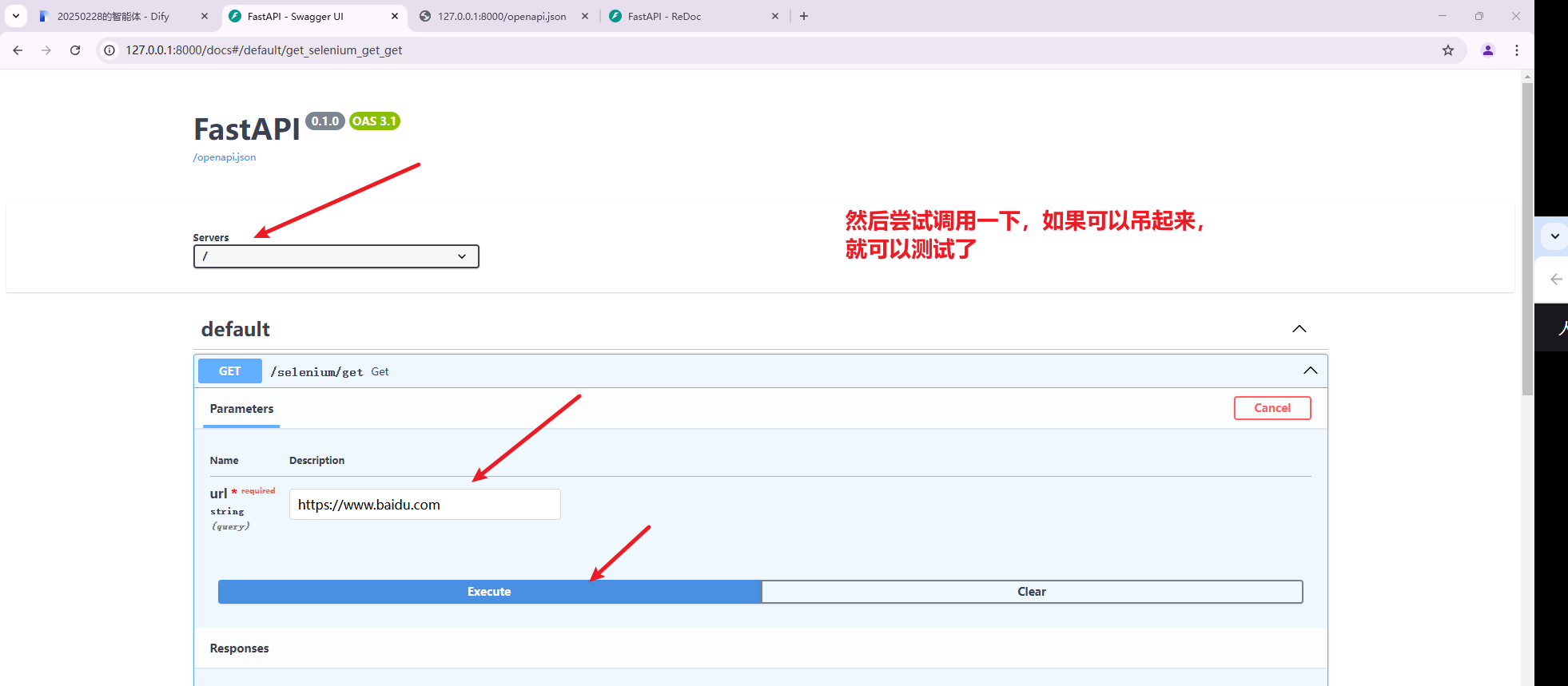
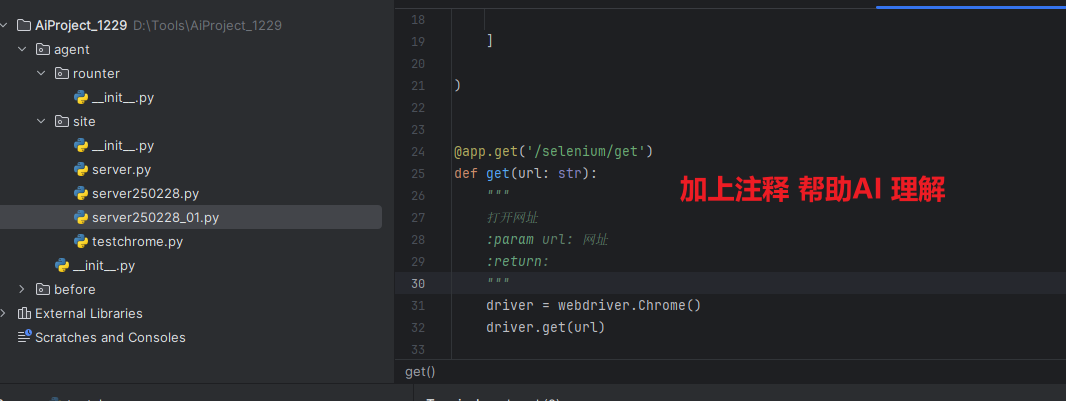
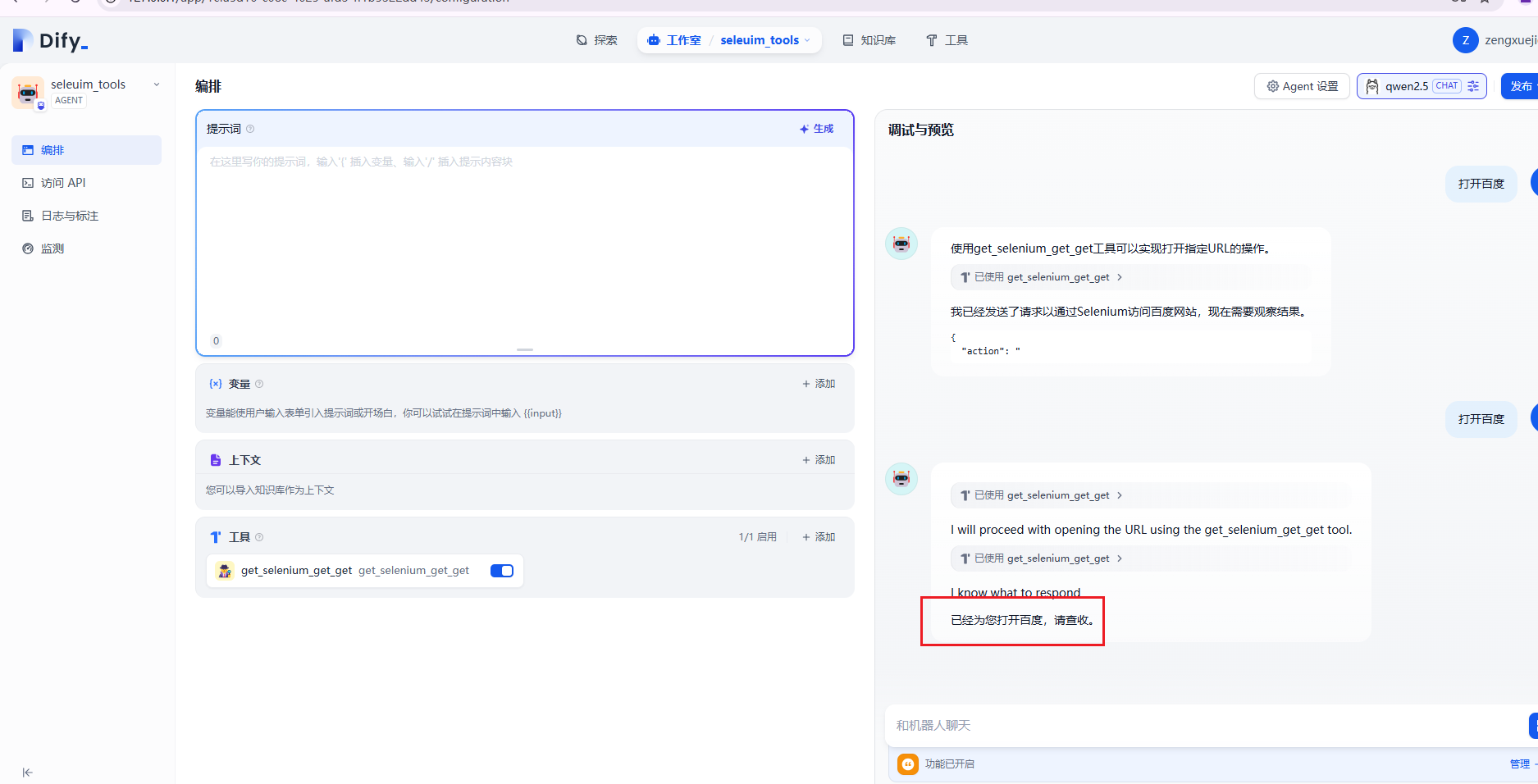
每次修改代码,都要重新更新到工具里。然后在对话框里 测试

 浙公网安备 33010602011771号