实验4:开源控制器实践——OpenDaylight

基本要求

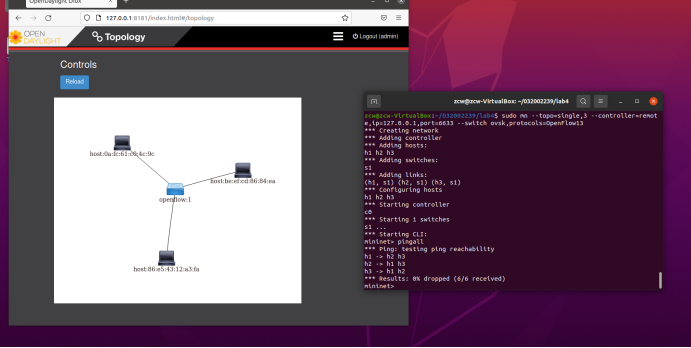
  1. 利用Mininet平台搭建下图所示网络拓扑,并连接OpenDaylight控制器;
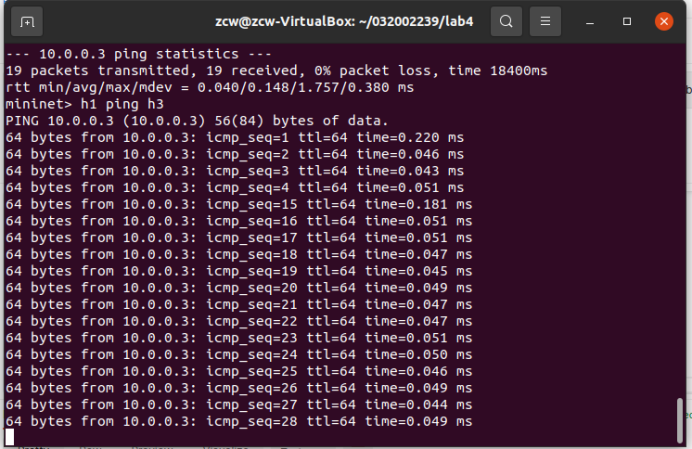
  1. 通过Postman工具调用OpenDaylight提供的API下发流表,实现拓扑内主机h1和h3网络中断10s。
进阶要求
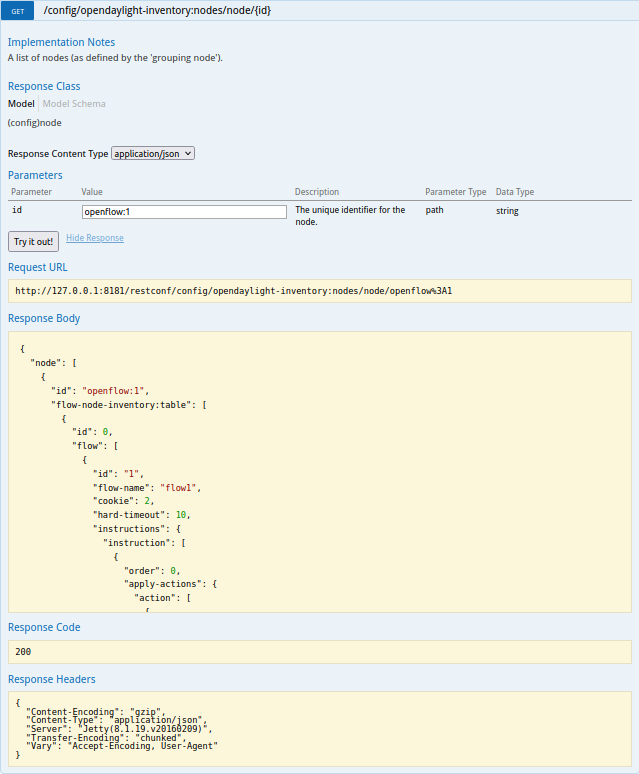
  1. ODL提供的文档链接
    http://127.0.0.1:8181/apidoc/explorer/index.html

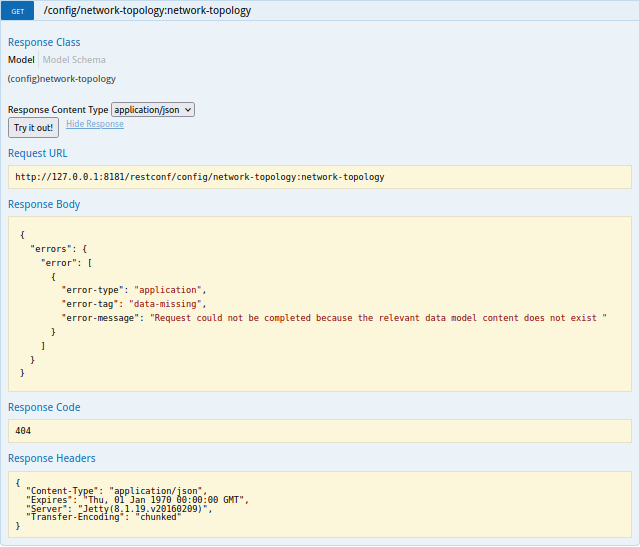
  2. 获取拓扑的交换机
    http://127.0.0.1:8181/apidoc/explorer/index.html#!/network-topology(2013-10-21)/GET_network_topology_get_1

  3. 获取指定交换机信息
    http://127.0.0.1:8181/apidoc/explorer/index.html#!/opendaylight-inventory(2013-08-19)/GET_node_connector_get_9

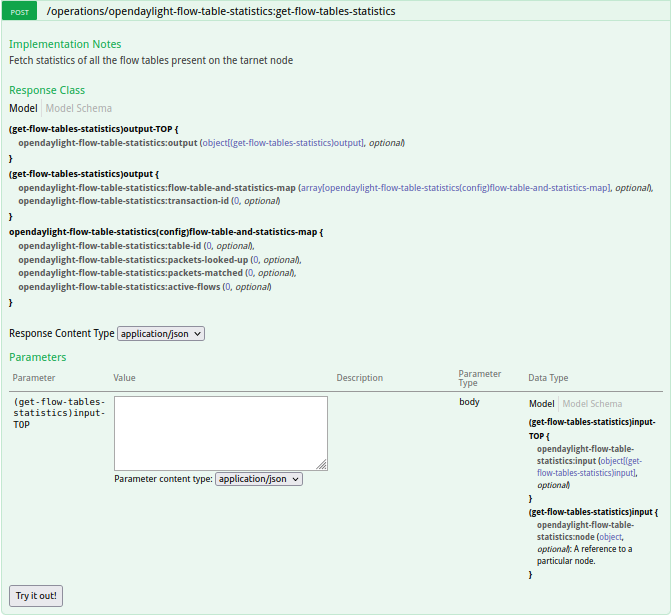
4.获取流表状态数
http://127.0.0.1:8181/apidoc/explorer/index.html#!/opendaylight-flow-table-statistics(2013-12-15)
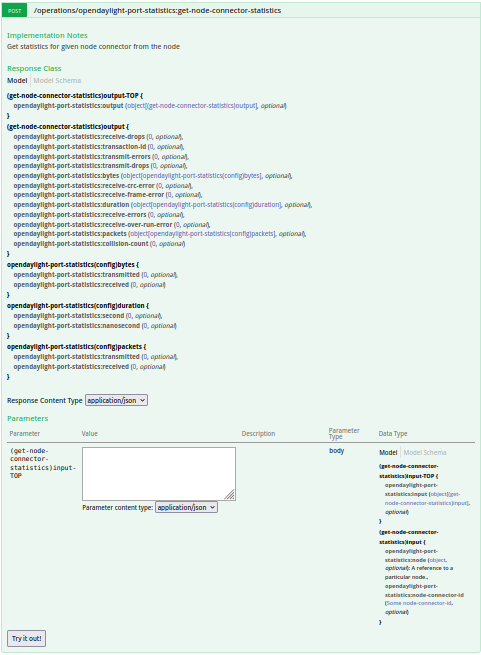
  1. 获取特定交换机端口的状态
    http://127.0.0.1:8181/apidoc/explorer/index.html#!/opendaylight-port-statistics(2013-12-14)/get_node_connector_statistics_post_0

  2. 新增修改和删除流表
    http://127.0.0.1:8181/apidoc/explorer/index.html#!/opendaylight-inventory(2013-08-19)/GET_table_get_200

个人总结

1.本次实验的难度不是很大,只要一步一步跟着ppt的流程走下来就可以了。
2.最大的困难是在整理API的时候,我找不到对应的API,在寻找对应的API的这个过程花了我比较多的时间,还有Postman和ODL的使用需要自己探索。
3.无法pingall:解决方法是先建立拓扑再打开odl,最后再pingall
4.Postman出现invalid value:解决方法是登录Postman

posted @ 2022-10-03 11:32  DJ色额客气客气  阅读(48)  评论(0)    收藏  举报