
css水平垂直居中的方法
css水平垂直居中的方法
利用水平对齐和行高
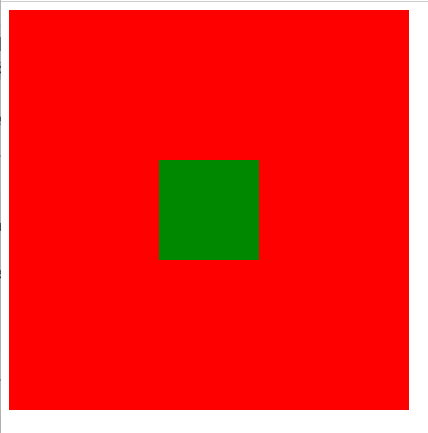
设置text-align和line-height实现单行文本水平垂直居中
实现代码如下:
 <div class="father">
        <div class="son"></div>
    </div>
 .father  {
            width: 400px;
            height: 400px;
            background-color: red;
            text-align: center;
            line-height: 400px;
        }

        /* 行内块 */
        .son {
            /* 将块元素转为行内块元素 */
            display: inline-block;
            width: 100px;
            height: 100px;
            vertical-align: middle;
            background-color: green;
        }
实现效果:
利用定位
绝对定位+margin
.father {
            position: relative;
            width: 400px;
            height: 500px;
            background-color: pink;
        }

        .son {
            position: absolute;
            top: 0;
            left: 0;
            right: 0;
            bottom: 0;
            margin: auto;
            width: 100px;
            height: 100px;
            background-color: green;
        }
绝对定位+transform:translate(-50%,-50%)
.father {
            position: relative;
            width: 400px;
            height: 500px;
            background-color: pink;
        }
.son {
            position: absolute;
            top: 50%;
            left: 50%;
            transform: translate(-50%,-50%);
            width: 100px;
            height: 100px;
            background-color: green;
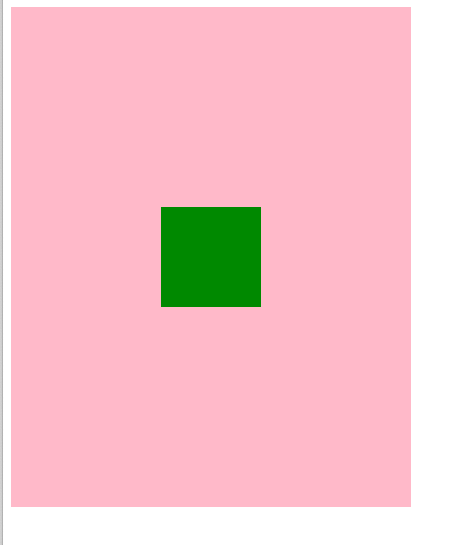
实现效果:
flex布局
.father {
            display: flex;
            width: 400px;
            height: 400px;
            justify-content: center;
            background-color: red;
        }
        .son {
            width: 100px;
            height: 100px;
            align-self: center;
            background-color: green;
        }
实现效果:
grid网格布局
 .father {
            display: grid;
            width: 400px;
            height: 400px;
            background-color: red;
            align-items: center;
            justify-items: center;

            /* align-content: center;
            justify-content: center; */

        }

        .son {
            /* son中文字水平垂直居中 */
            display: grid;
            width: 100px;
            height: 100px;
            background-color: green;
            align-content: center;
            justify-content: center;
        }
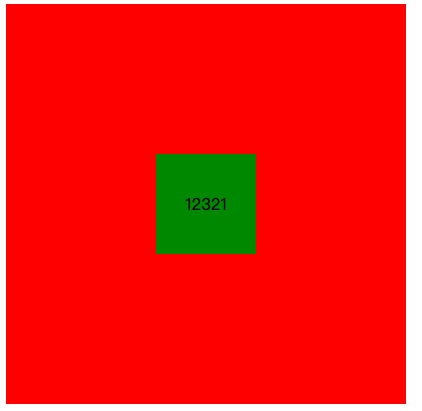
实现效果:

 浙公网安备 33010602011771号