


centos7 yum 安装 postgresql
一、打开postgresql官方文档
https://www.postgresql.org/download/linux/redhat/
二、选择系统和版本,按提示安装
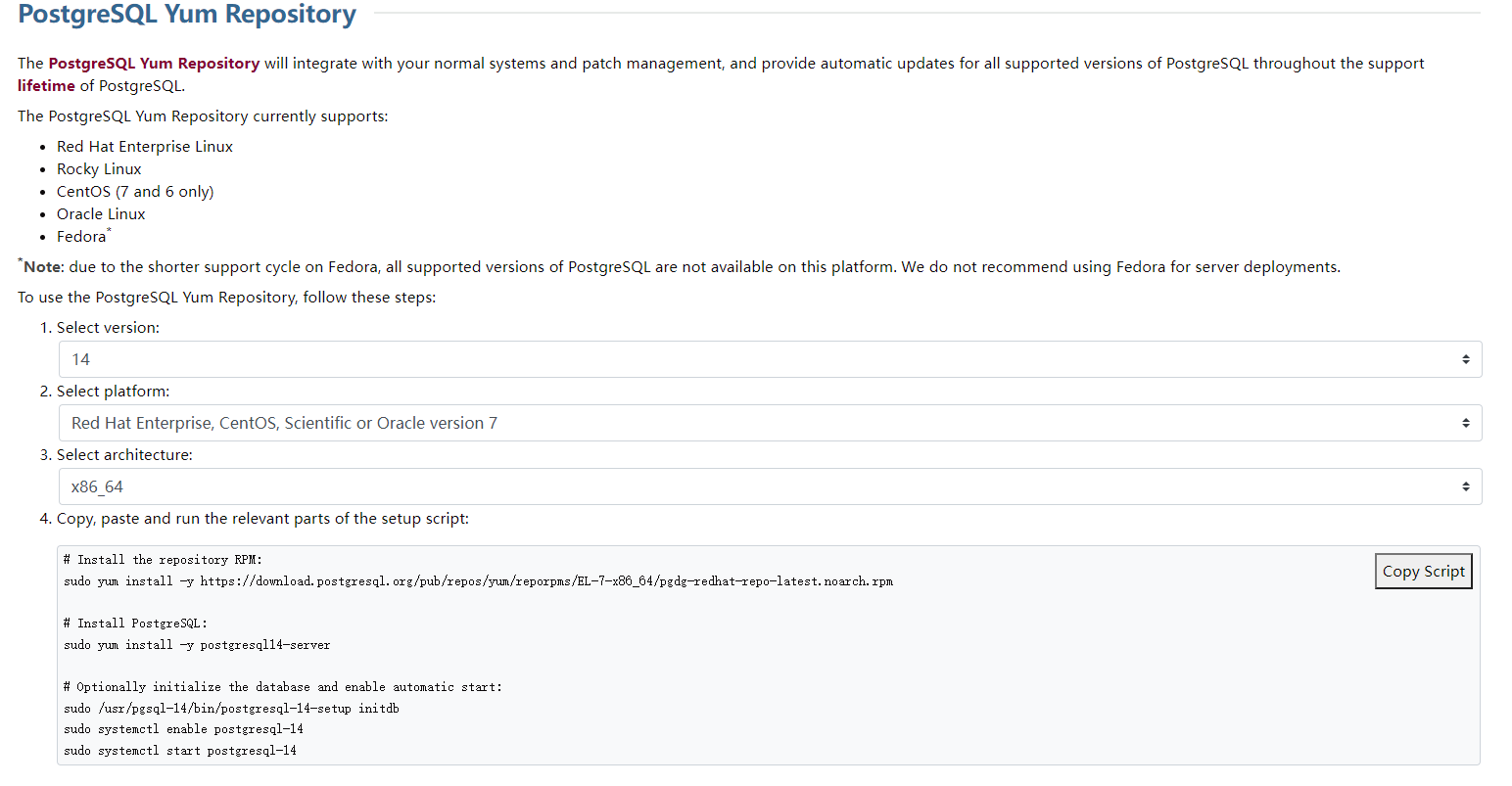
# Install the repository RPM:
sudo yum install -y https://download.postgresql.org/pub/repos/yum/reporpms/EL-7-x86_64/pgdg-redhat-repo-latest.noarch.rpm

# Install PostgreSQL:
sudo yum install -y postgresql14-server

# Optionally initialize the database and enable automatic start:
sudo /usr/pgsql-14/bin/postgresql-14-setup initdb
sudo systemctl enable postgresql-14
sudo systemctl start postgresql-14
三、修改配置文件
vim /var/lib/pgsql/14/data/postgresql.conf
listen_addresses = '*'
vim /var/lib/pgsql/14/data/pg_hba.conf
# IPv4 local connections:
host all all 0.0.0.0/0 scram-sha-256
systemctl restart postgresql-11
四、设置密码
passwd postgres
su postgres
psql
\password

 浙公网安备 33010602011771号