
为Kernel代码生成VSCODE索引,快速跳转
SUMMARY
直接通过生成clang索引,提供给VSCODE CPPTOOLS插件使用,避免多装一个CLAND插件造成冲突
生成索引
# 编译一次后
# 在kernel-6.10目录下
scripts/clang-tools/gen_compile_commands.py
VSCODE工程配置
CTRL+SHIFT+P => C/C++: Edit configurations (UI) => Advanced Settings => Compile commands
添加一行
${workspaceFolder}/compile_commands.json
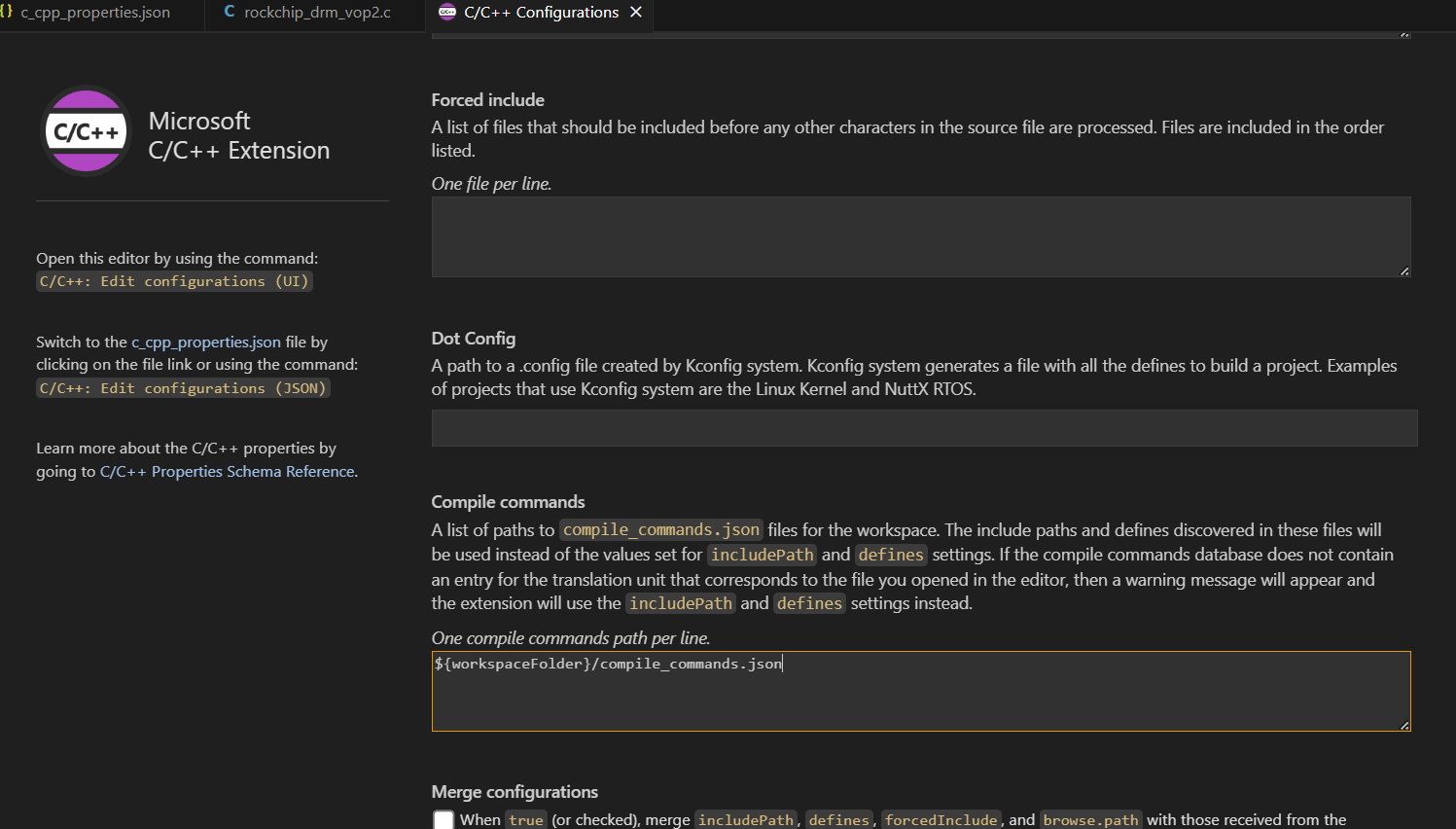
配置后的 .vscode/c_cpp_properties.json 大概如此:
{
    "configurations": [
        {
            "name": "Linux",
            "includePath": [
                "${workspaceFolder}/**"
            ],
            "defines": [],
            "compilerPath": "/usr/bin/gcc",
            "cStandard": "c17",
            "cppStandard": "gnu++17",
            "intelliSenseMode": "linux-gcc-x64",
            "compileCommands": [
                "${workspaceFolder}/compile_commands.json"
            ]
        }
    ],
    "version": 4
}
然后重启,等待索引完成即可。
NOTE
另外非内核普通程序也可以通过 cmake -DCMAKE_EXPORT_COMPILE_COMMANDS=True .. 生成CLAND索引 https://www.cnblogs.com/cong-wang/p/15026530.html
双语:
本文来自博客园,作者:蓝天上的云℡,采用 BY-NC-SA 许可协议,转载请注明:转载自作者蓝天上的云℡ 原文链接 https://www.cnblogs.com/yucloud/p/18985290/linux_kernel_vscode_cpptools_clangd_json

 浙公网安备 33010602011771号