1. https://github.com/mozilla/pdf.js/releases 去该网址下面下载对应的dist文件
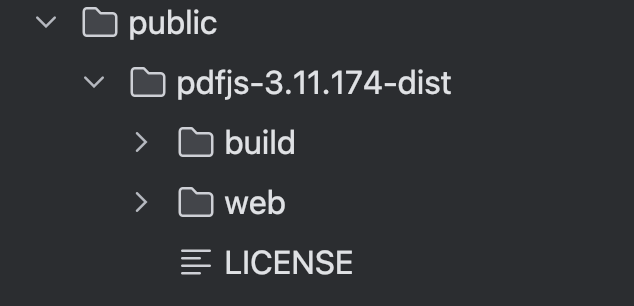
2.放在项目的public文件夹下,注意:3.11.174版本以上是mjs,服务器会报错: Failed to load module script: Expected a JavaScript module script but the server responded.
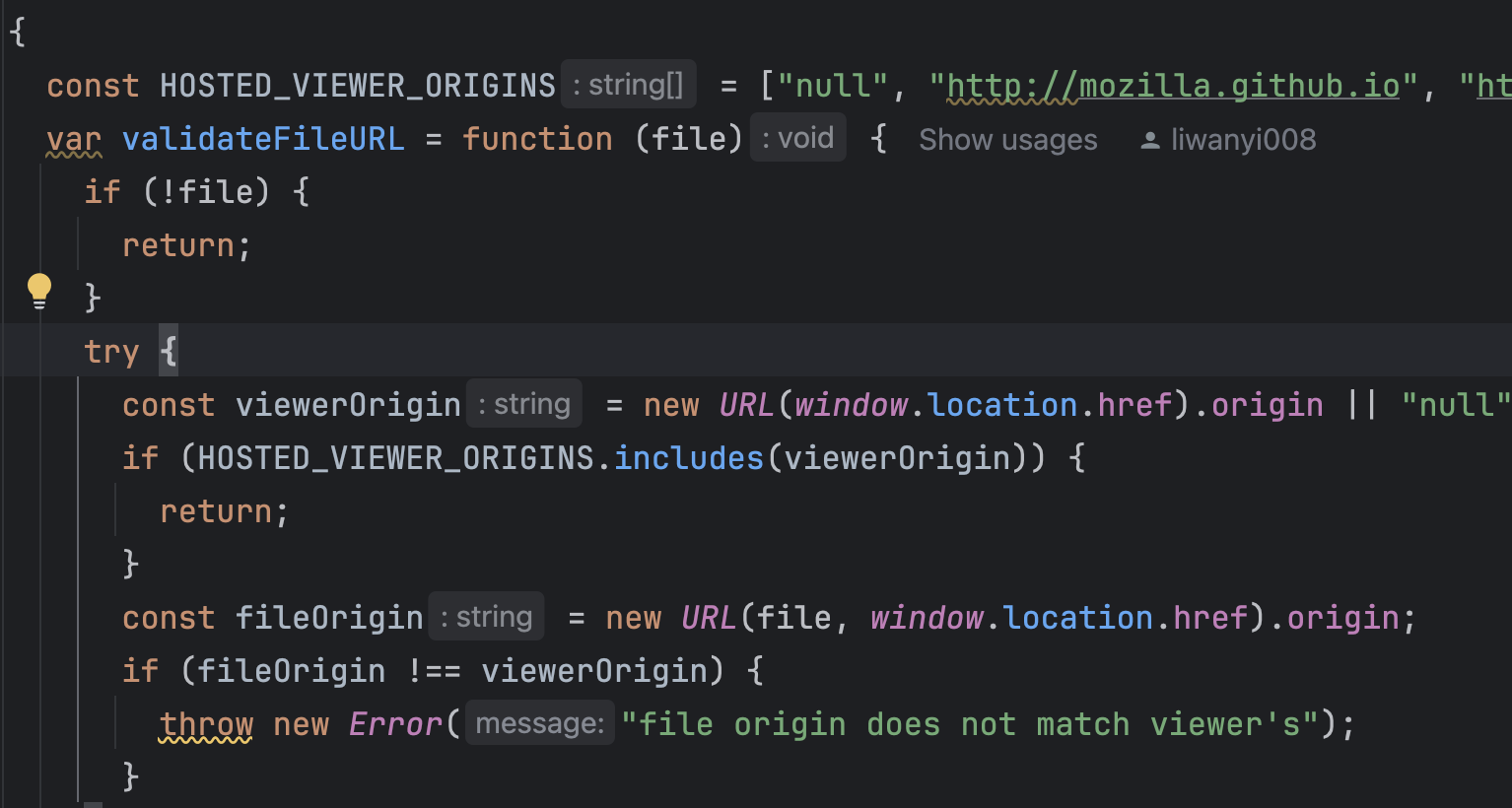
3. 还会报错:file origin does not match viewer's,修改web/viewer.js 把项目域名添加到HOSTED_VIEWER_ORIGINS里或者注释掉该校验方法
4. 在web/viewer.js run()里面添加decodeURIComponent方法

5. 具体使用
<iframe
  title="预览文档"
  src={`/pdfjs-3.11.174-dist/web/viewer.html?file=${encodeURIComponent(fileUrl)}`}
  width="100%"
  height="100%"
/>
6.需要去除下载等功能在web/viewer.html加上样式 style="display:none"
 posted on

 浙公网安备 33010602011771号