
HMVue3.5.2【组件间的父子关系、使用组件的3个步骤、vscode中vue开发的一些插件】
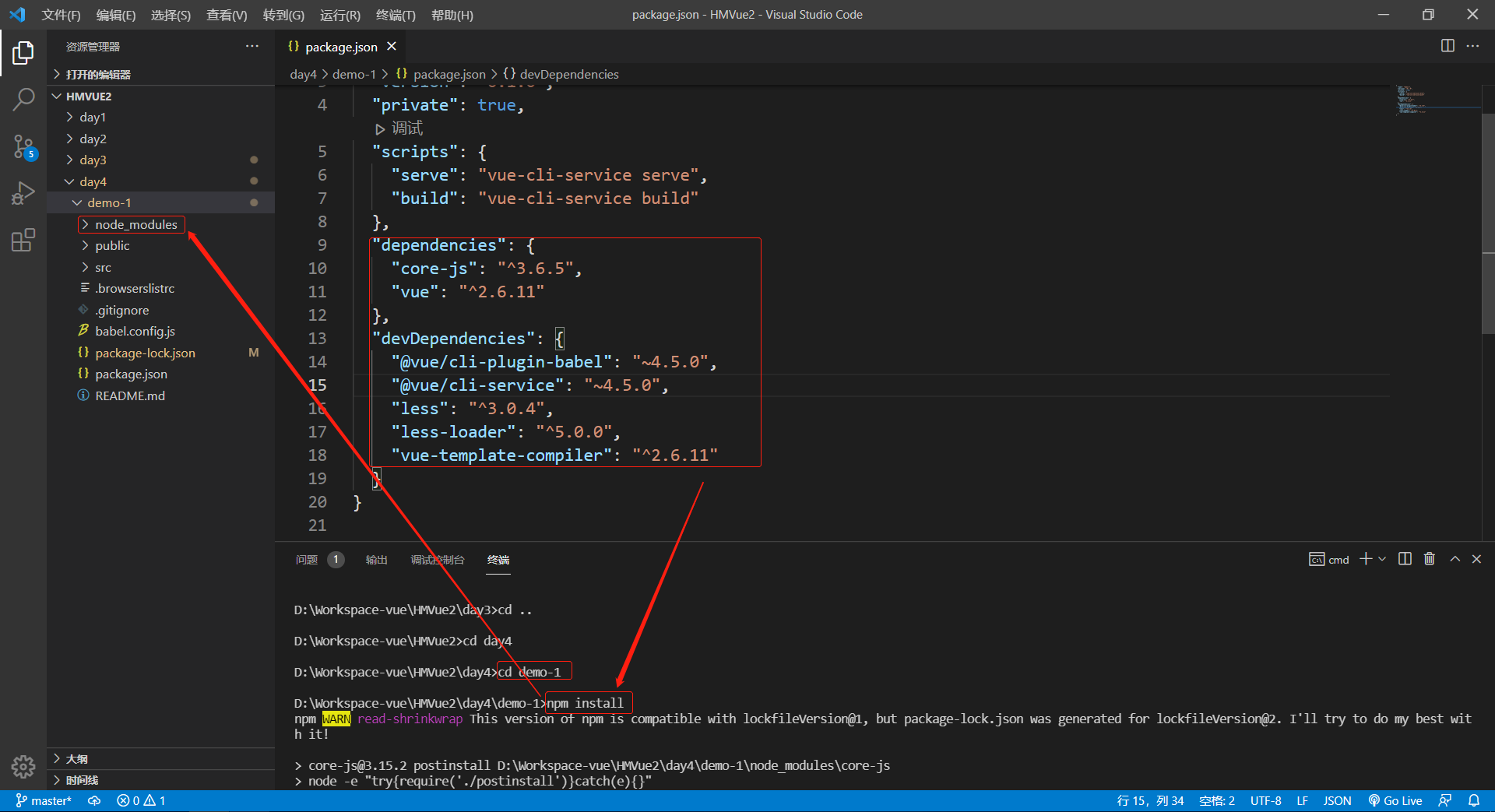
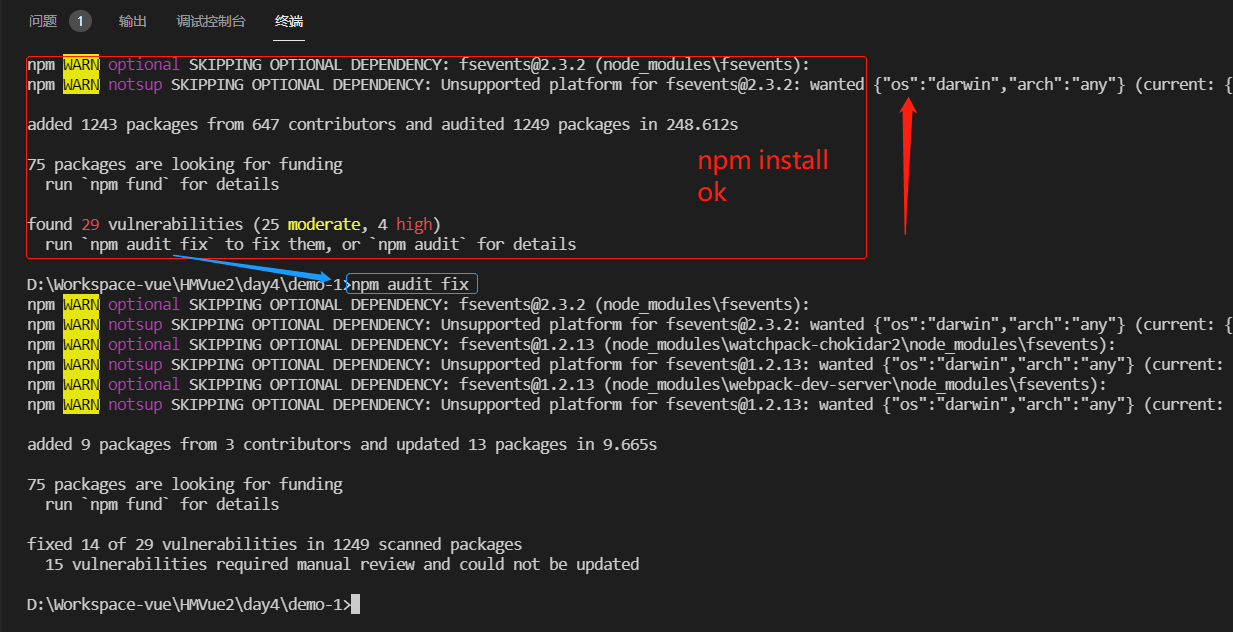
1 初始项目

2 课件


因为没有在组件C中注册组件F;在组件C中用component注册组件F就可以用了

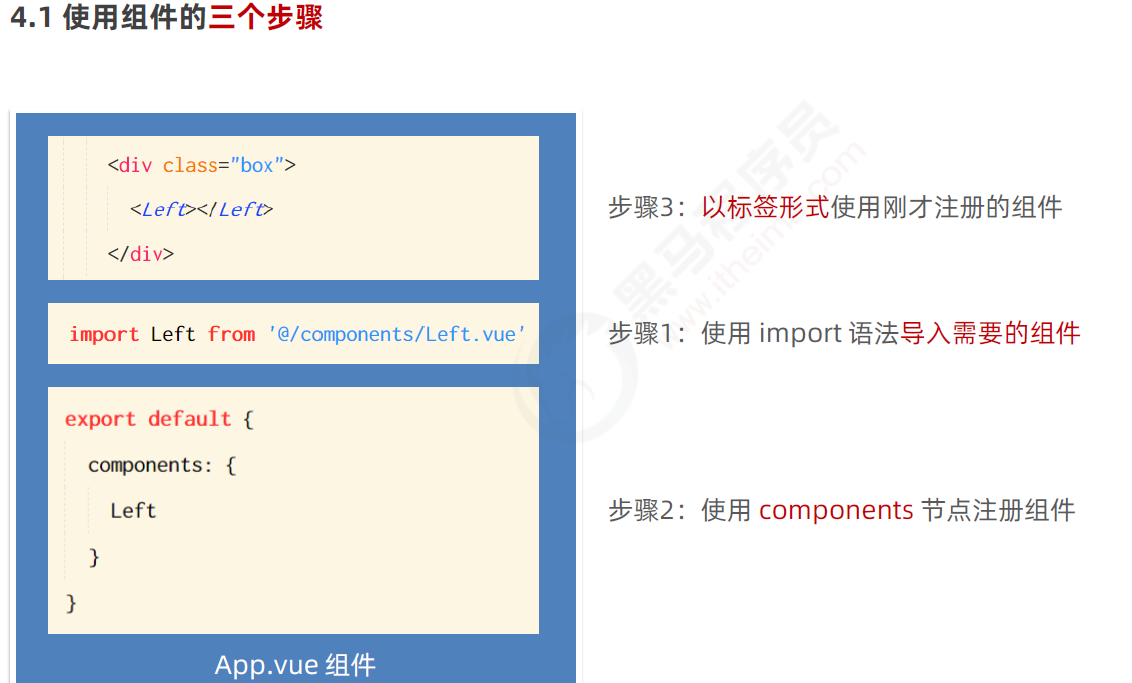
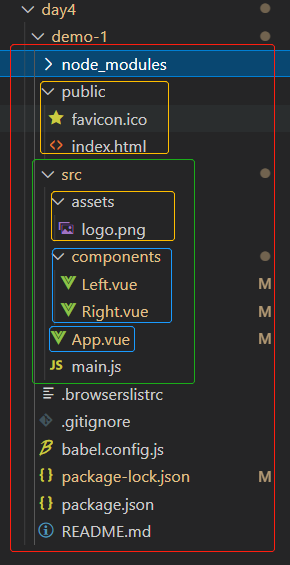
3 组件间的父子关系&使用组件的三个步骤


<template>
<div class="left-container">

  <h3>Left 组件</h3>

</div>
</template>


<script>
export default {}
</script>


<style lang="less">
.left-container {
  padding: 0 20px 20px;
  background-color: orange;
  min-height: 250px;
  flex: 1;
}
</style>
<template>
<div class="right-container">

  <h3>Right 组件</h3>

</div>
</template>


<script>
export default {}
</script>


<style lang="less">
.right-container {
  padding: 0 20px 20px;
  background-color: lightskyblue;
  min-height: 250px;
  flex: 1;
}
</style>
<template>
<div class="app-container">

    <h1>App 根组件</h1>
    <hr>
    <div class="box">
        <!-- 渲染 Left 组件和 Right 组件 -->
        <!-- 3. 以标签形式,使用注册好的组件 -->
        <Left></Left>
        <Right></Right>
    </div>

</div>
</template>


<script>
// 1. 导入需要使用的 .vue 组件
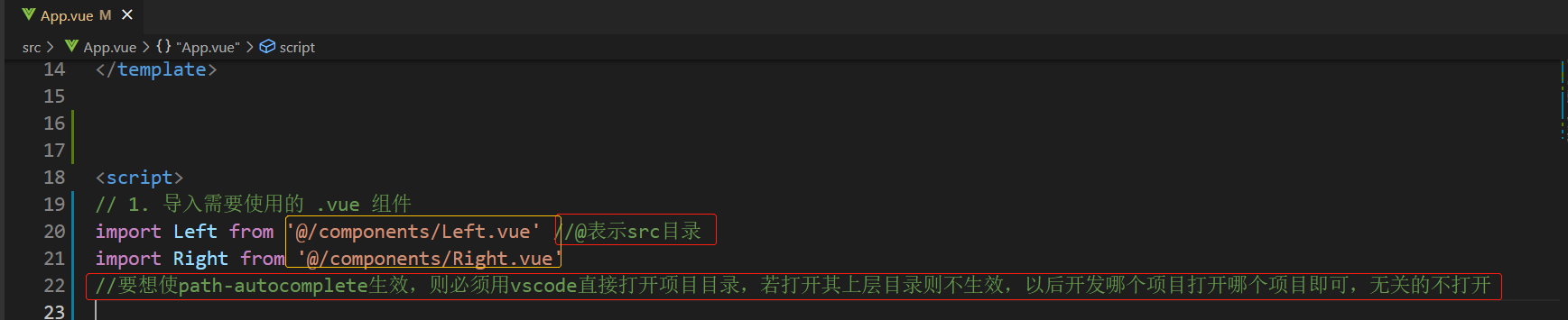
import Left from '@/components/Left.vue' //@表示src目录
import Right from '@/components/Right.vue'

export default {
    // 2. 注册组件
    components: {
        //完整写法
        // 'Left': Left, //键和值同名时可以省略键
        //简写
        Left,
        Right
    }
}
</script>


<style lang="less">
.app-container {
    padding: 1px 20px 20px;
    background-color: #efefef;
}
.box {
    display: flex;
}
</style>

4 配置@路径提示的插件


    //导入文件时是否携带文件的扩展名
    "path-autocomplete.extensionOnImport": true,
    //配置@的路径提示
    "path-autocomplete.pathMappings": {
        "@": "${folder}/src"
    },
5 私有子组件&全局组件、插件快速生成.vue模板文件


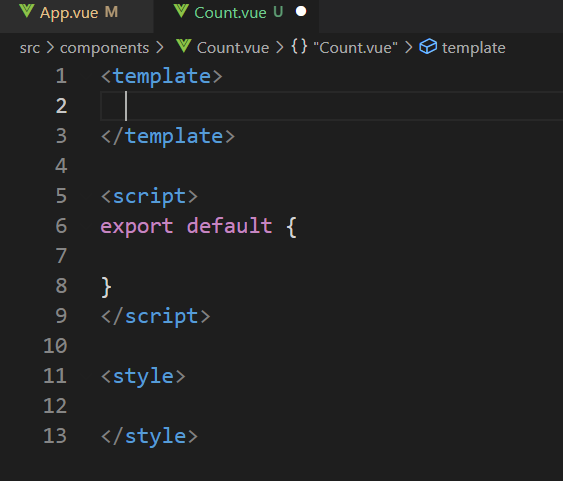
全局组件:导入一次,所有组件都可以使用它;频繁被使用的组件建议被全局注册
<template>
<div>

    <h5>Count组件</h5>
    <!-- <MyCount></MyCount>  不可以在自己中调用自己,会报错 -->

</div>
</template>

<script>
export default {

}
</script>

<style lang="less">

</style>


npm run serve,http://localhost:8080/

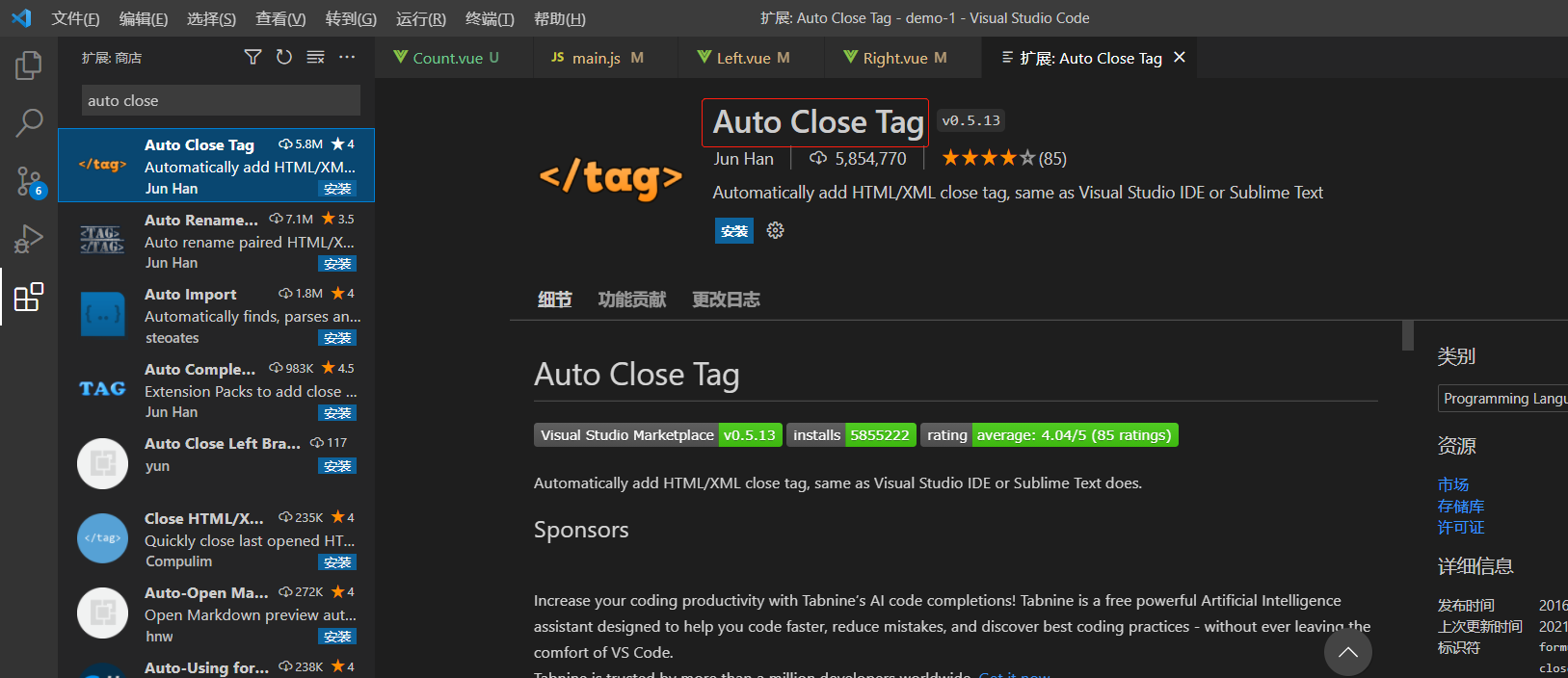
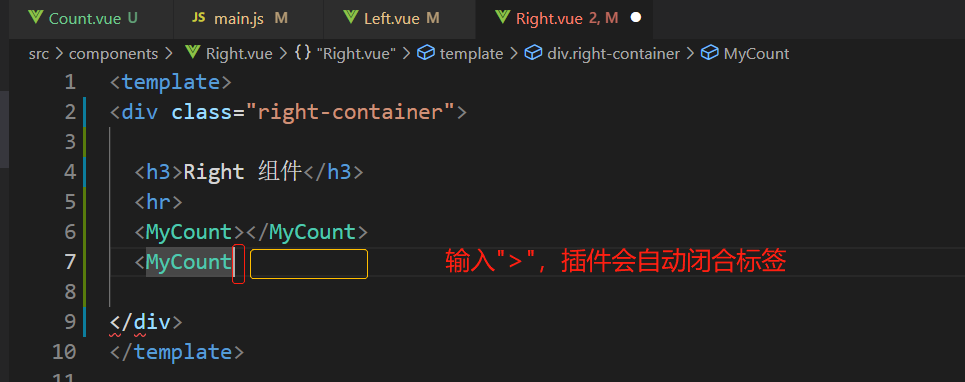
6 标签自动闭合插件

 浙公网安备 33010602011771号