
2019狂神说VUE【4、vue-router路由】
【狂神说Java】Vue最新快速上手教程通俗易懂_哔哩哔哩_bilibili
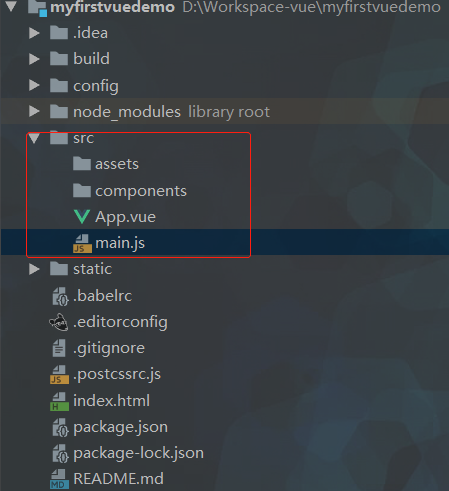
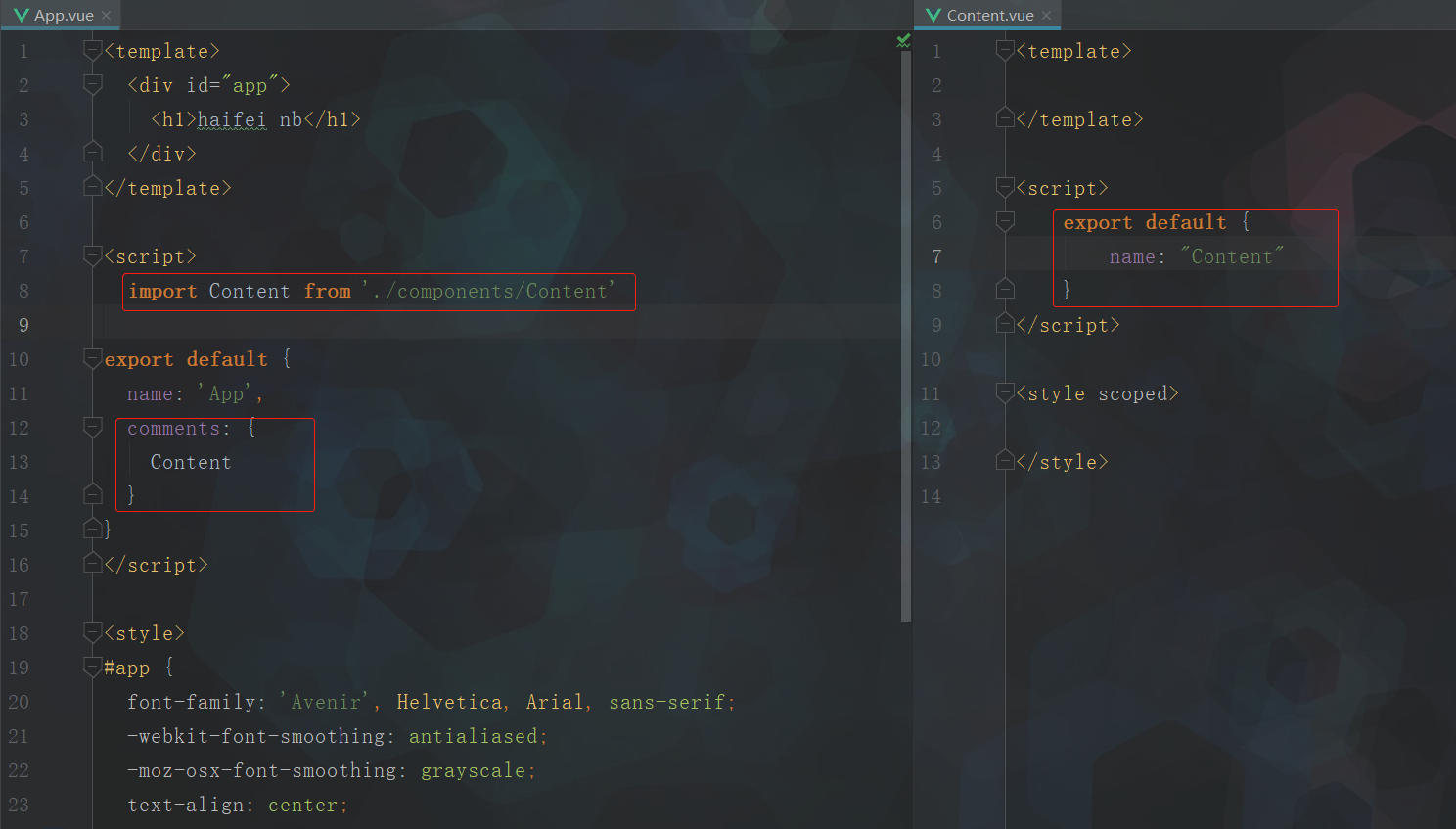
<template>
  <div id="app">

  </div>
</template>

<script>

export default {
  name: 'App'
}
</script>

<style>
#app {
  font-family: 'Avenir', Helvetica, Arial, sans-serif;
  -webkit-font-smoothing: antialiased;
  -moz-osx-font-smoothing: grayscale;
  text-align: center;
  color: #2c3e50;
  margin-top: 60px;
}
</style>
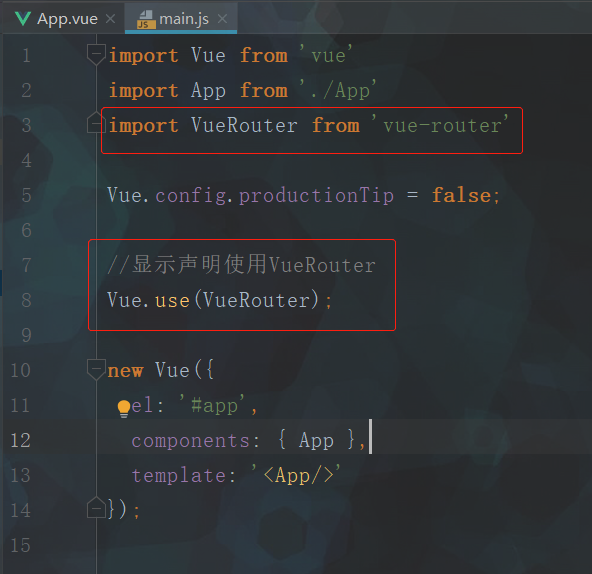
import Vue from 'vue'
import App from './App'

Vue.config.productionTip = false

new Vue({
  el: '#app',
  components: { App },
  template: '<App/>'
})
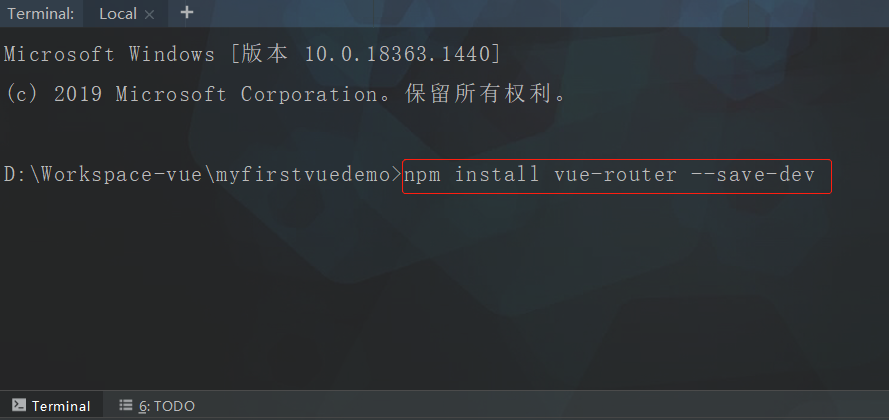
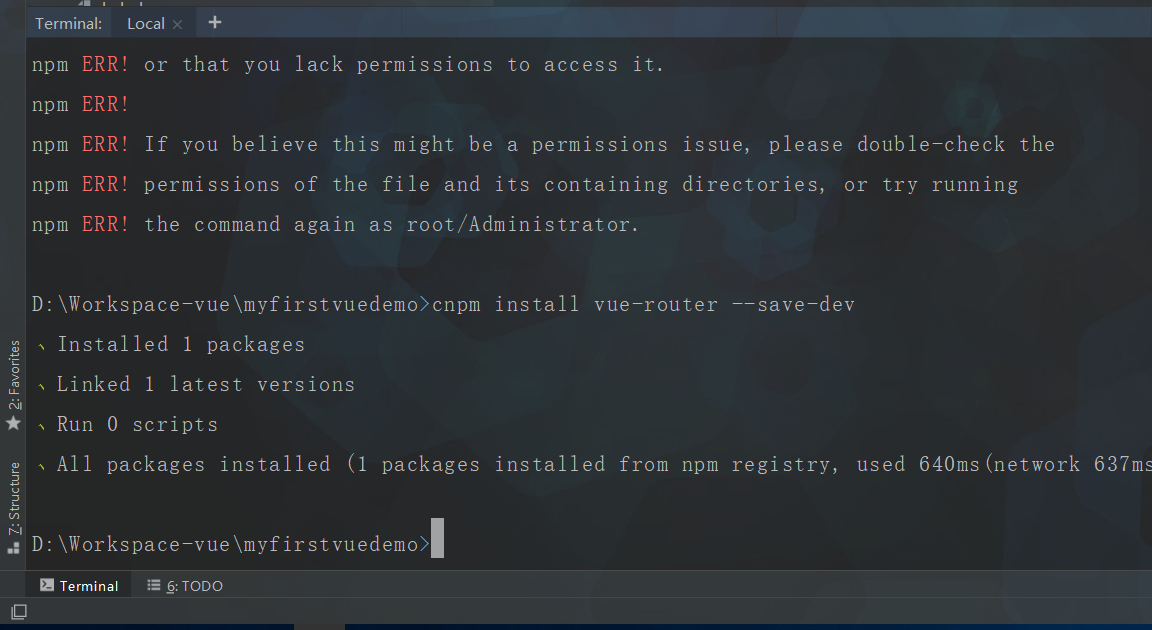
如果报错,安装失败,则使用cnpm命令
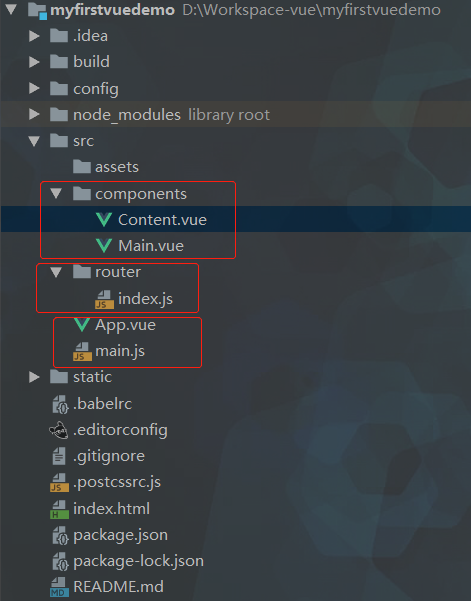
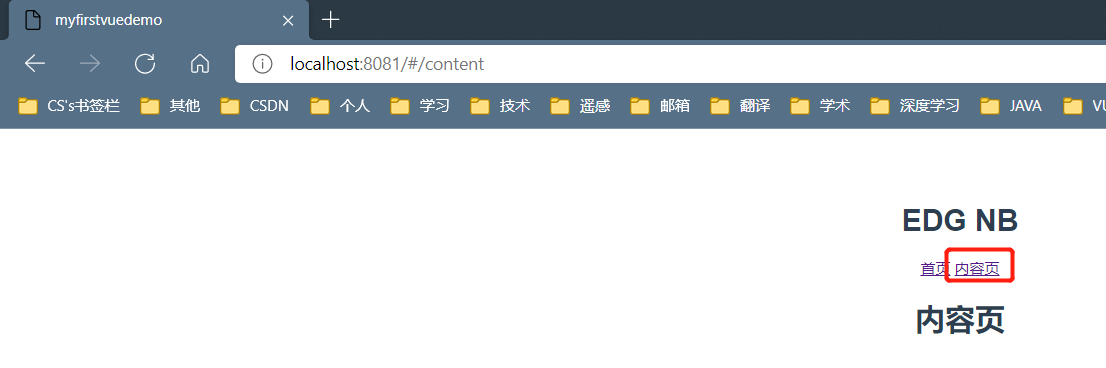
<template>
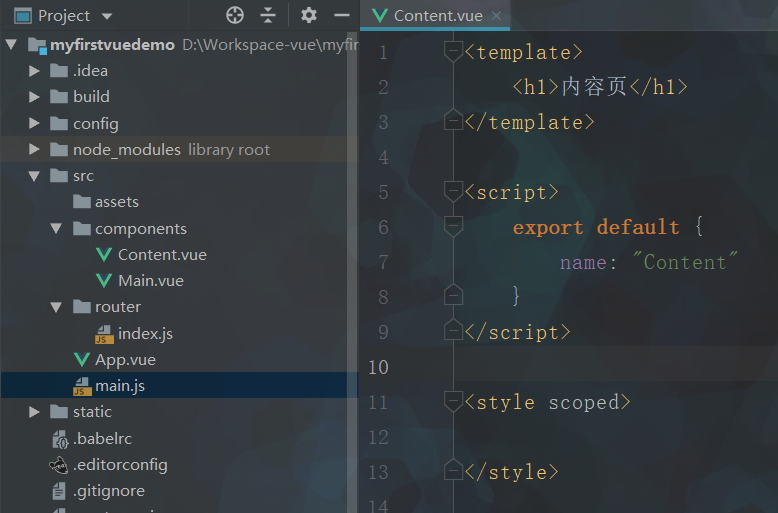
    <h1>内容页</h1>
</template>

<script>
    export default {
        name: "Content"
    }
</script>

<style scoped>

</style>
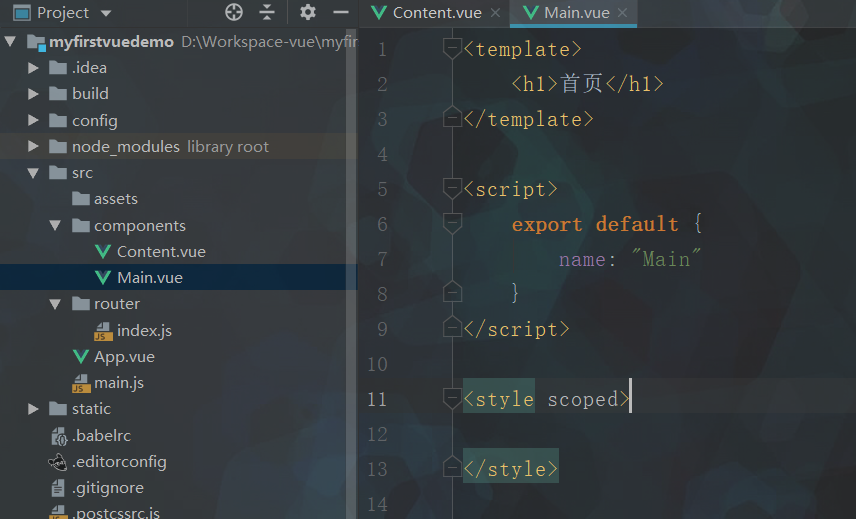
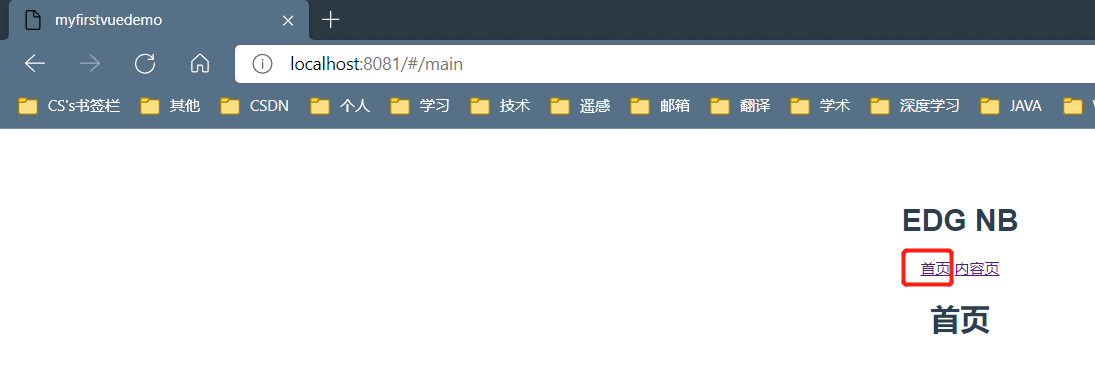
<template>
    <h1>首页</h1>
</template>

<script>
    export default {
        name: "Main"
    }
</script>

<style scoped>

</style>
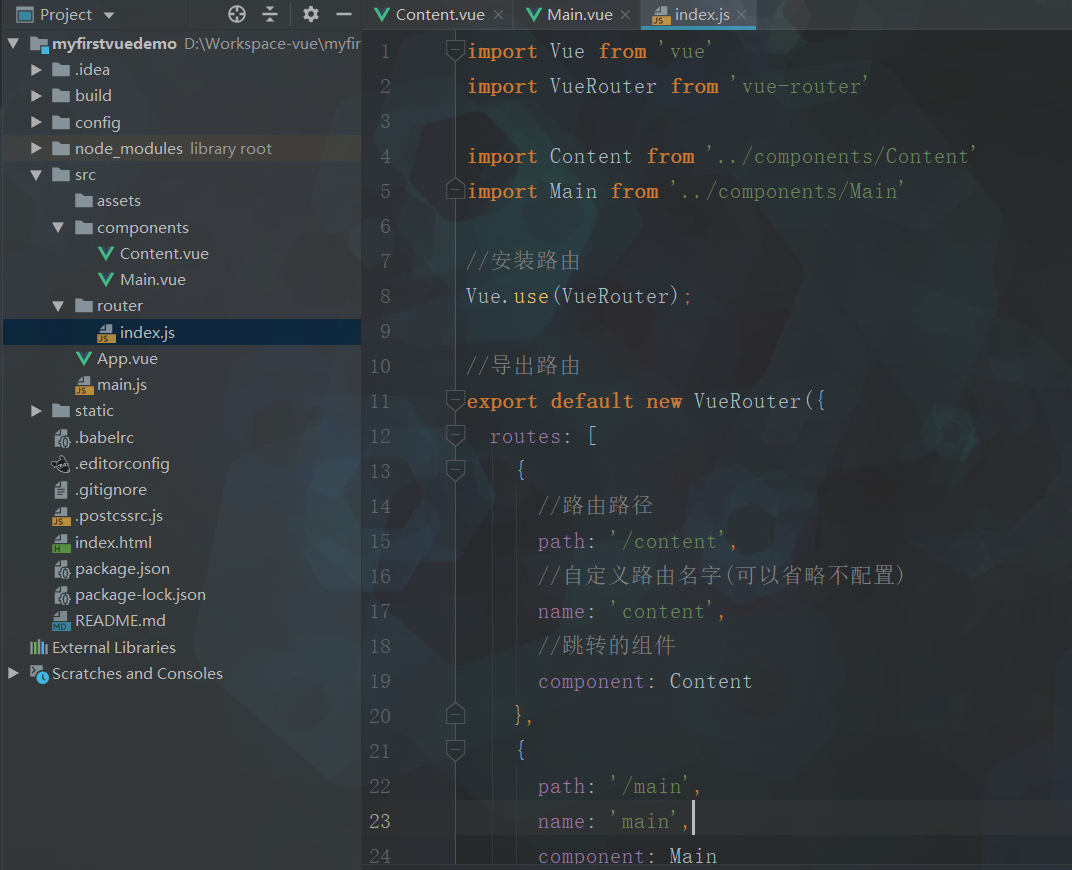
import Vue from 'vue'
import VueRouter from 'vue-router'

import Content from '../components/Content'
import Main from '../components/Main'

//安装路由
Vue.use(VueRouter);

//导出路由
export default new VueRouter({
  routes: [
    {
      //路由路径
      path: '/content',
      //自定义路由名字(可以省略不配置)
      name: 'content',
      //跳转的组件
      component: Content
    },
    {
      path: '/main',
      name: 'main',
      component: Main
    }
  ]
});
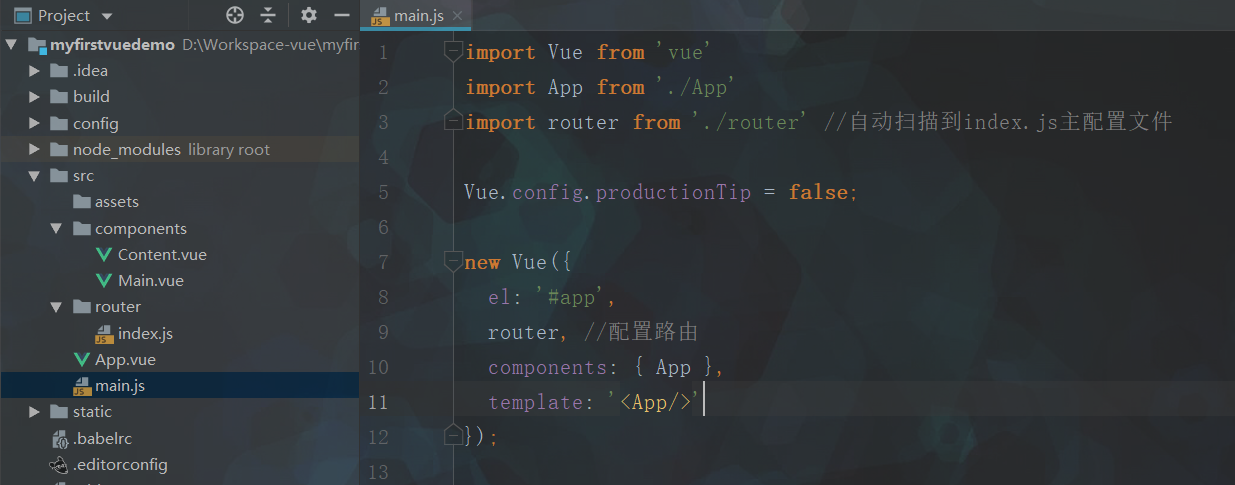
import Vue from 'vue'
import App from './App'
import router from './router' //自动扫描到index.js主配置文件

Vue.config.productionTip = false;

new Vue({
  el: '#app',
  router, //配置路由
  components: { App },
  template: '<App/>'
});
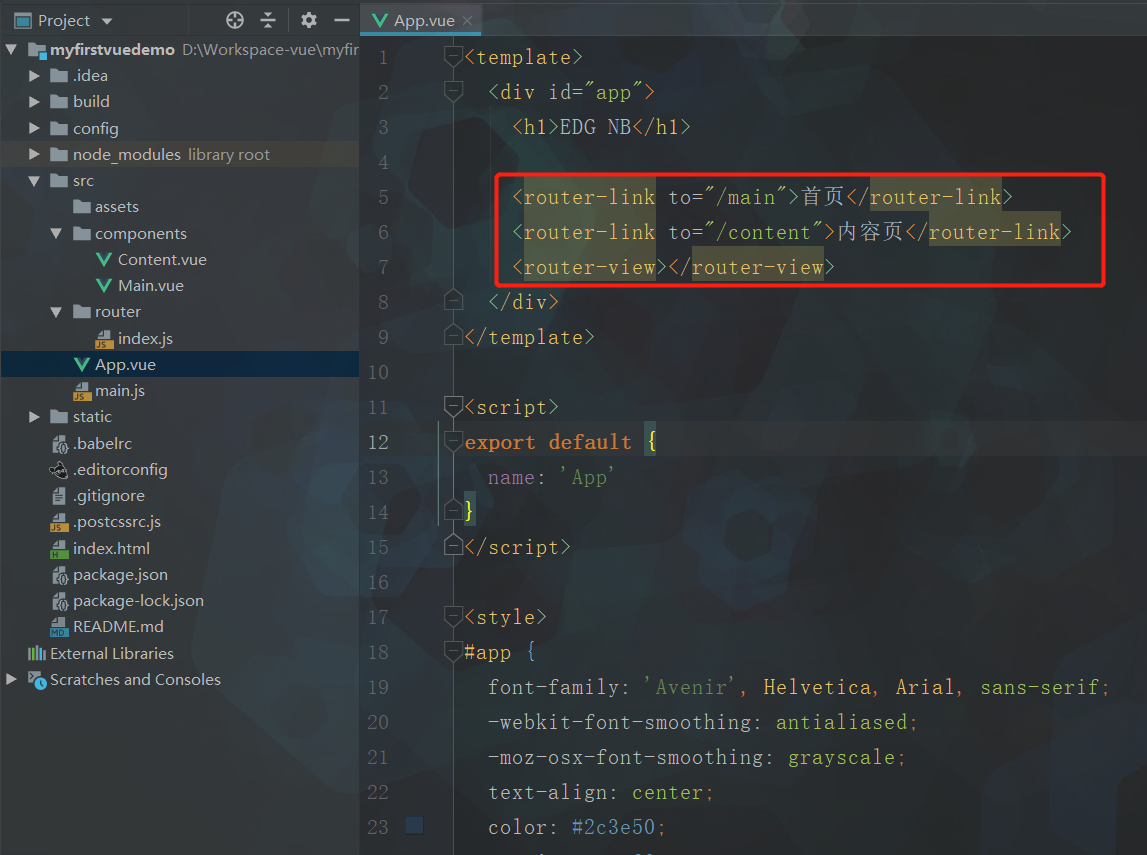
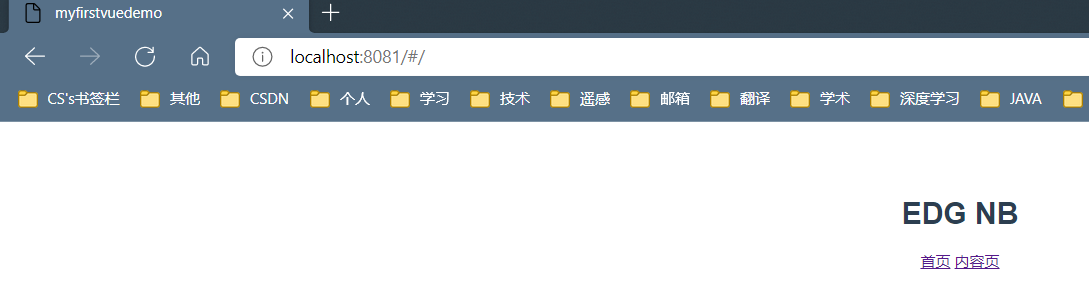
<template>
  <div id="app">
    <h1>EDG NB</h1>

    <router-link to="/main">首页</router-link>
    <router-link to="/content">内容页</router-link>
    <router-view></router-view>
  </div>
</template>

<script>
export default {
  name: 'App'
}
</script>

<style>
#app {
  font-family: 'Avenir', Helvetica, Arial, sans-serif;
  -webkit-font-smoothing: antialiased;
  -moz-osx-font-smoothing: grayscale;
  text-align: center;
  color: #2c3e50;
  margin-top: 60px;
}
</style>

 浙公网安备 33010602011771号