
windos 2008 r2 安装nginx
NGINX安装
-
一、下载相关文件
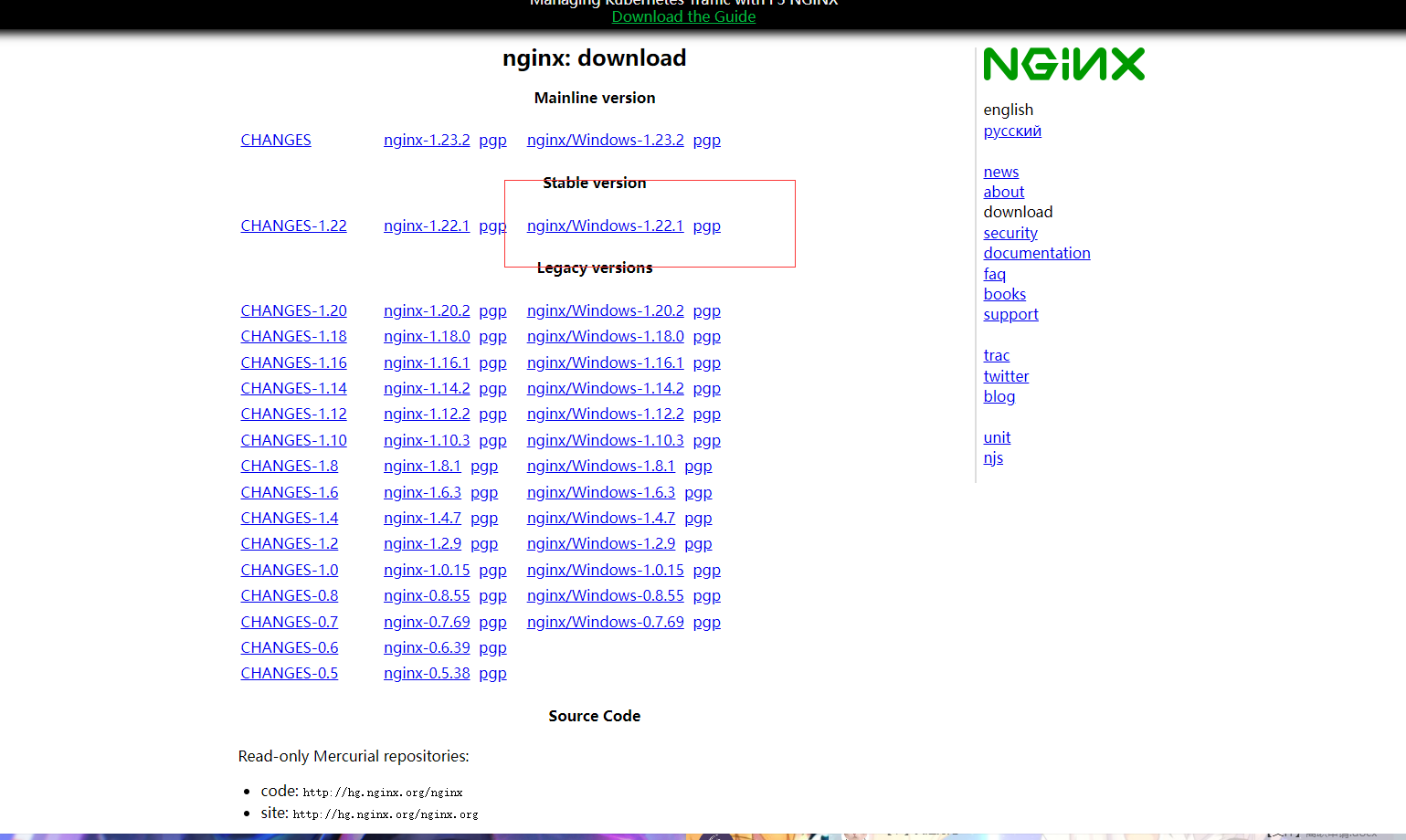
1、nginx
地址:http://nginx.org/en/download.html
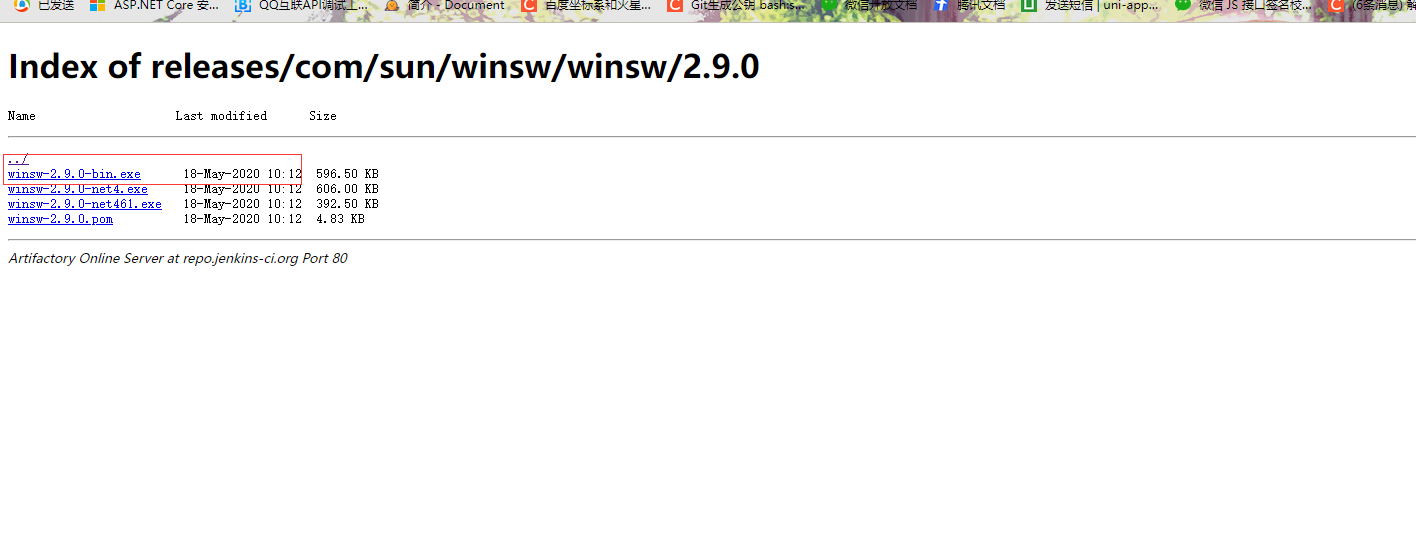
2、Windows Service Wrapper
地址:http://repo.jenkins-ci.org/releases/com/sun/winsw/winsw/
二、开始安装
1、解压nginx
2、将exe文件拷至nginx下nginx.exe的同级目录下,并更名"nginx-service.exe"
3、新建文件nginx-service.xml文件
4、nginx-service.xml文件内容
<?xml version="1.0" encoding="UTF-8" ?>
<service>
 <id>Nginx</id>
 <name>Nginx</name>
 <description>本服务用于加载Nginx服务,请确保开机启动。</description>
 <logpath>D:\nginx\nginx-1.16.0\logs</logpath>
 <executable>nginx.exe</executable>
 <stopexecutable>nginx.exe</stopexecutable>
 <stopargument>-s</stopargument>
 <stopargument>stop</stopargument>
 <logmode>rotate</logmode>
</service>
其中logpath下,是nginx下logs文件夹的路径
5、安装nginx系统服务,在nginx根目录下,shift+鼠标右键,在此处打开命令行,输入命令:
nginx-service.exe install6、卸载nginx系统服务,在nginx根目录下,shift+鼠标右键,在此处打开命令行,输入命令:
nginx-service.exe uninstall7、打开浏览器查看localhost,搞定
转载:https://www.javaclub.cn/server/77481.html


 浙公网安备 33010602011771号