
PyCharm连接Gitee教程
PyCharm连接Gitee教程
一、码云Gitee注册
二、电脑上安装Git
- 网址:https://git-scm.com/download/win
- 安装步骤:换一下保存地址,其余一直‘下一步’即可。
三、PyCharm配置
- File--Settings--Plugins--搜索Gitee,安装

- 重启PyCharm
- File--Settings--Version Control--Gitee,点击‘+’登录
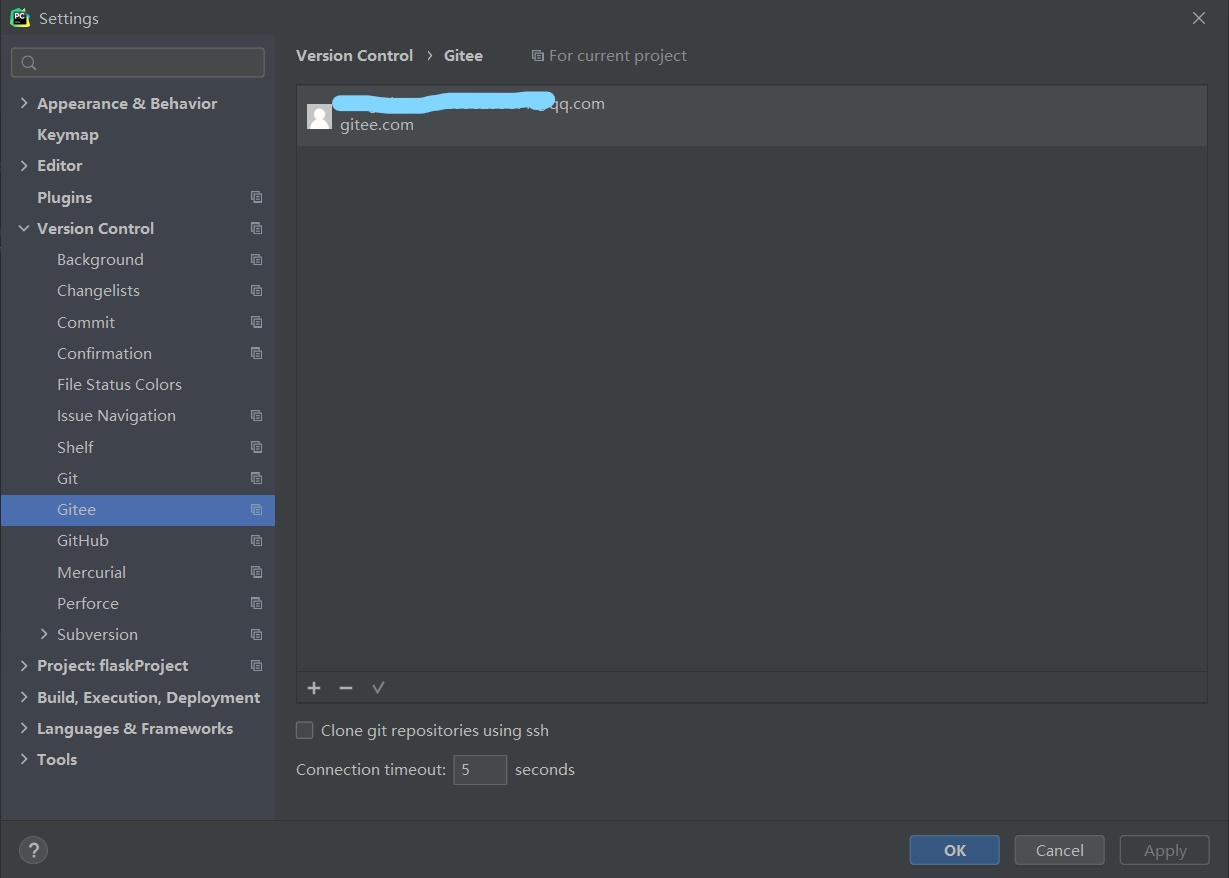
- 上方菜单栏VCS--Get from Version Control,在url中粘贴项目地址,点击Clone即可。


- 上传是先点Commit,再点Push
- 下载是点Pull

 浙公网安备 33010602011771号