
Redis安装教程
windows安装教程
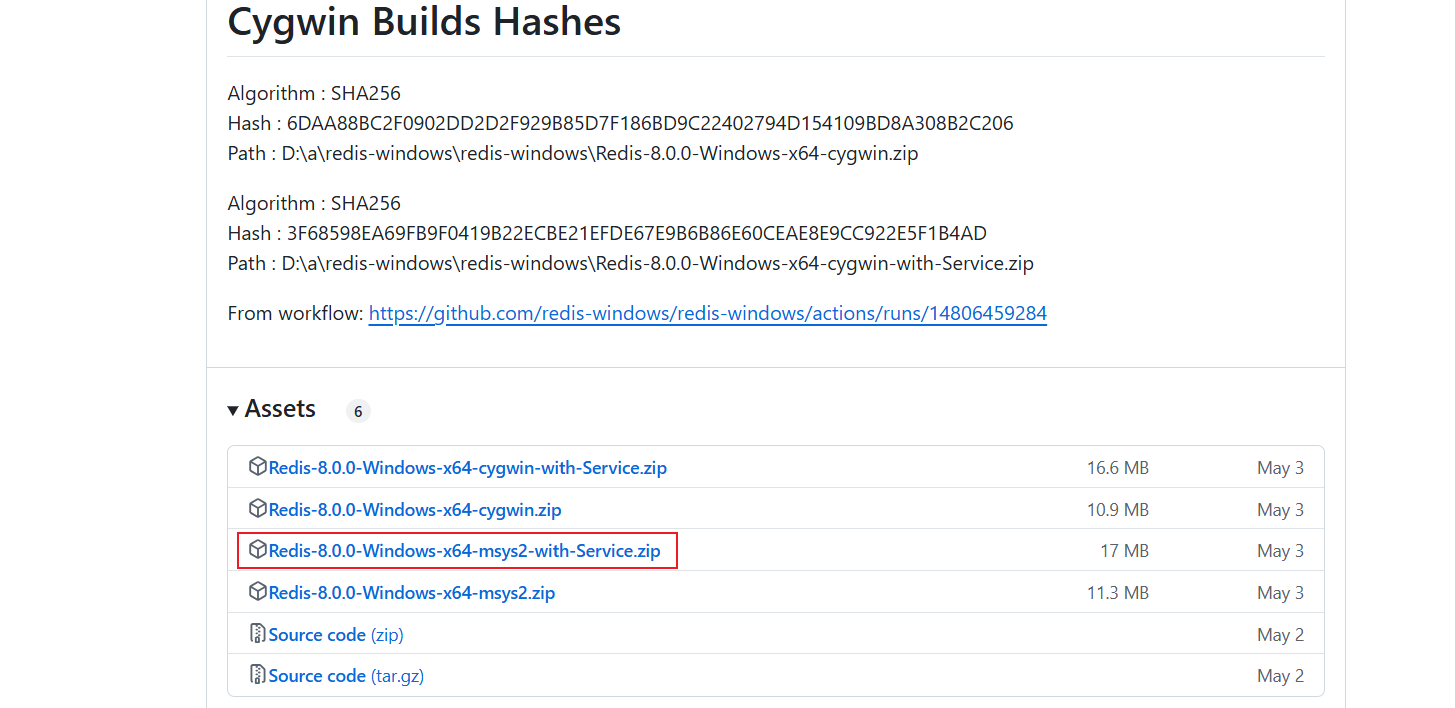
下载地址:https://github.com/redis-windows/redis-windows/releases
选择下面这个msys2-with-Service的下载。
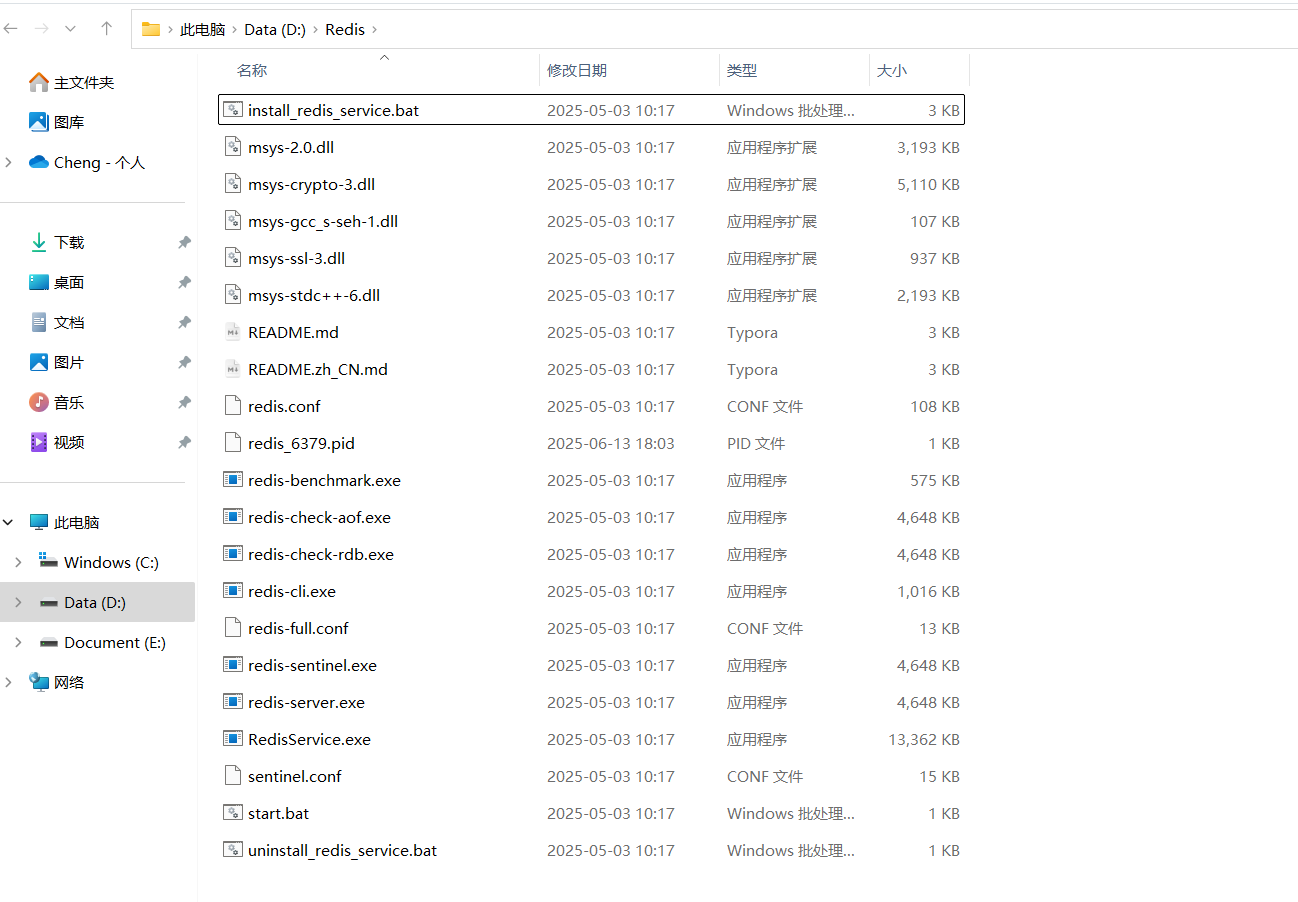
解压下载的文件夹,放到D盘当中,并重命名文件夹为Redis
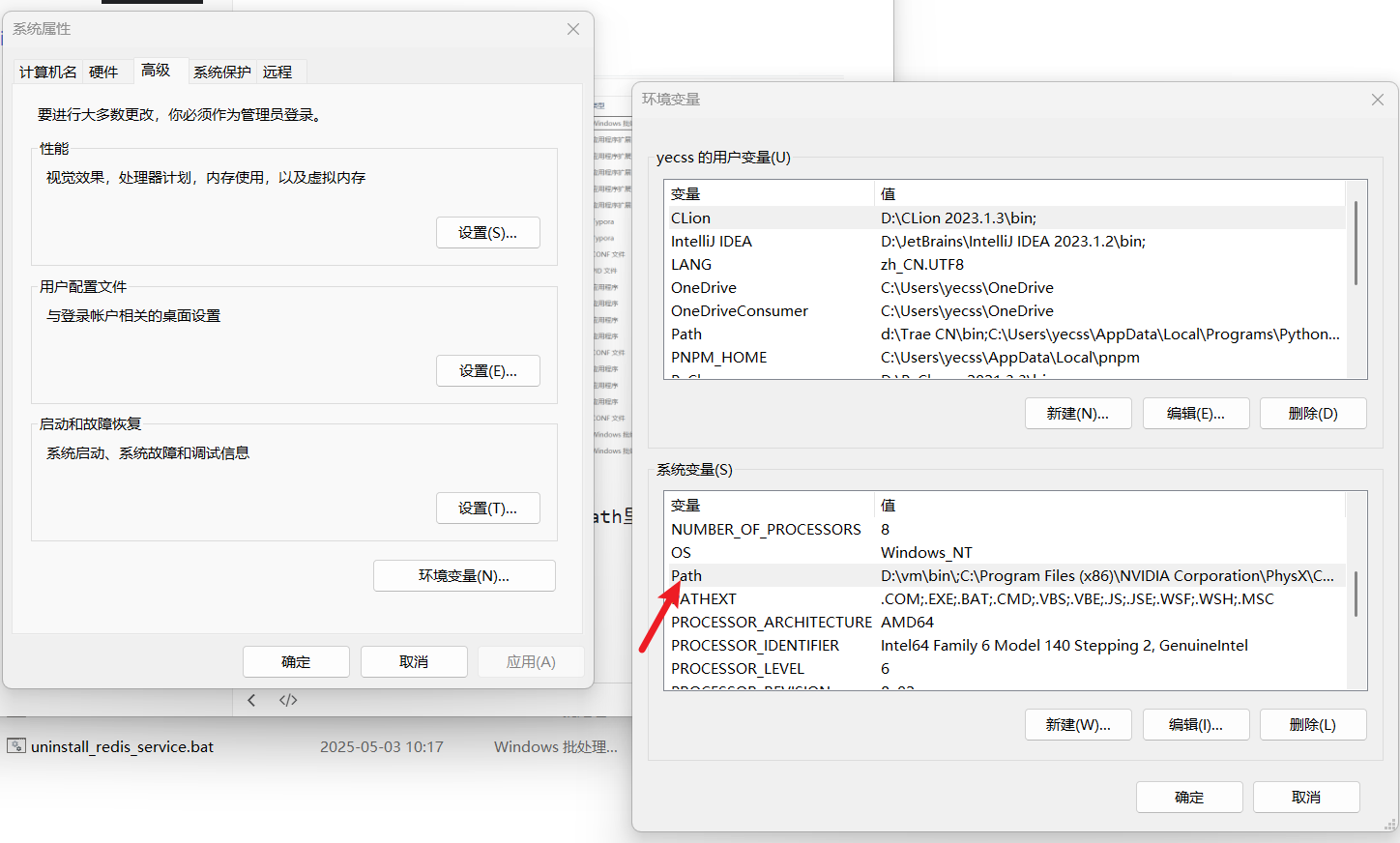
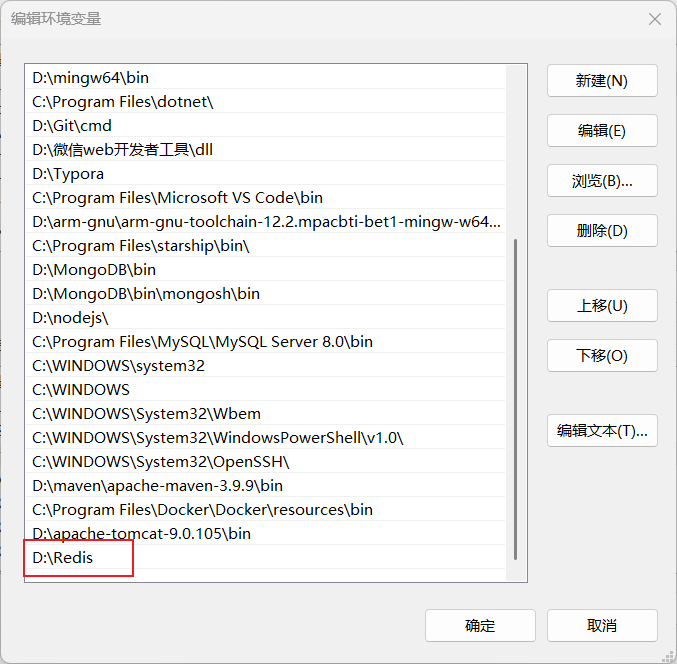
将这个路径添加到系统属性环境变量的Path里面
运行访问
打开一个 cmd 窗口,输入
redis-server.exe
回车,即可运行,注意这个窗口不要关闭,不然就无法访问服务端了。
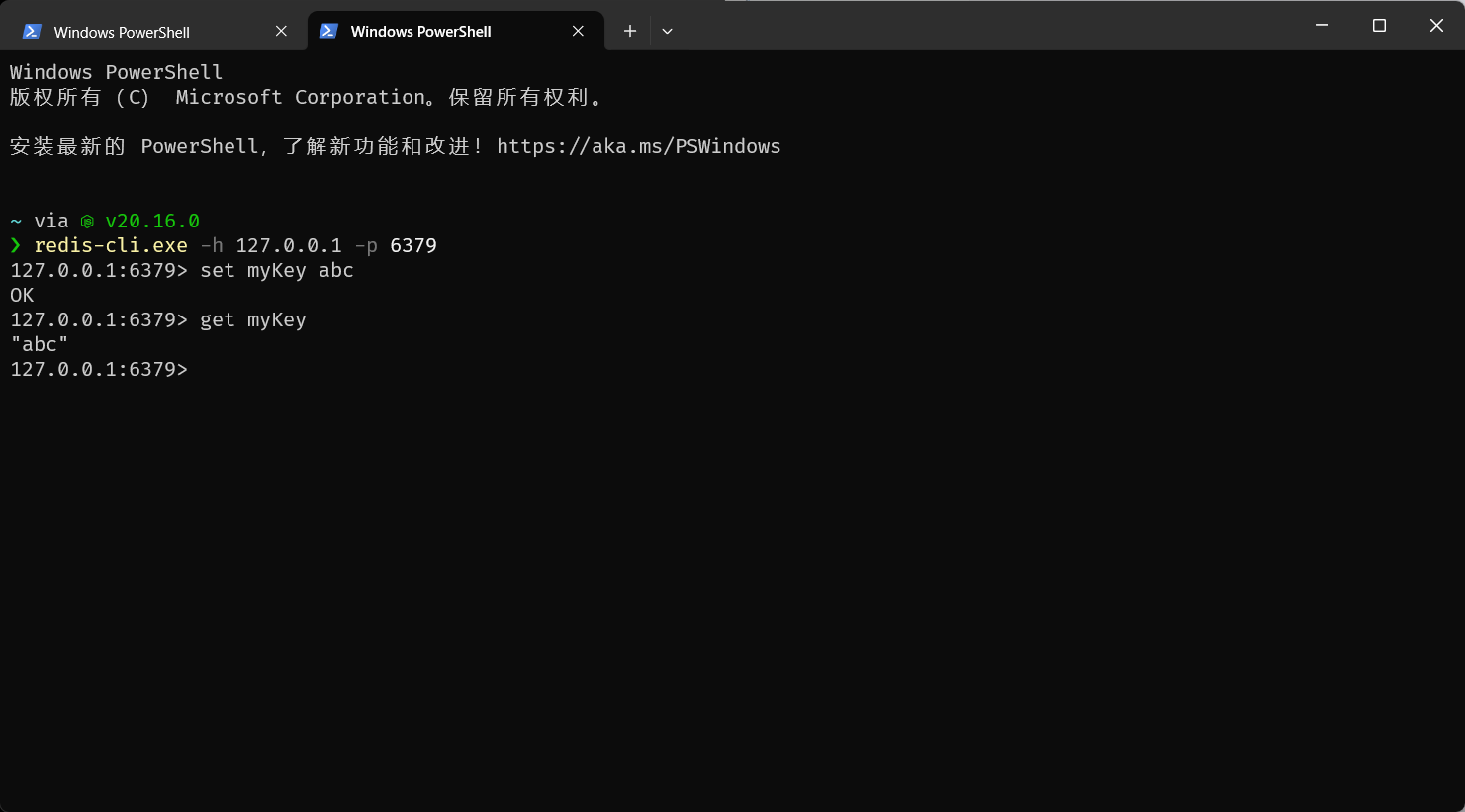
另开应该cmd窗口,输入
redis-cli.exe -h 127.0.0.1 -p 6379
设置键值对:
set myKey abc
取出键值对:
get myKey

 浙公网安备 33010602011771号