
git安装笔记
参考教程
1、史上最详细的Git使用教程!
https://zhuanlan.zhihu.com/p/610968187?utm_id=0
1、git安装
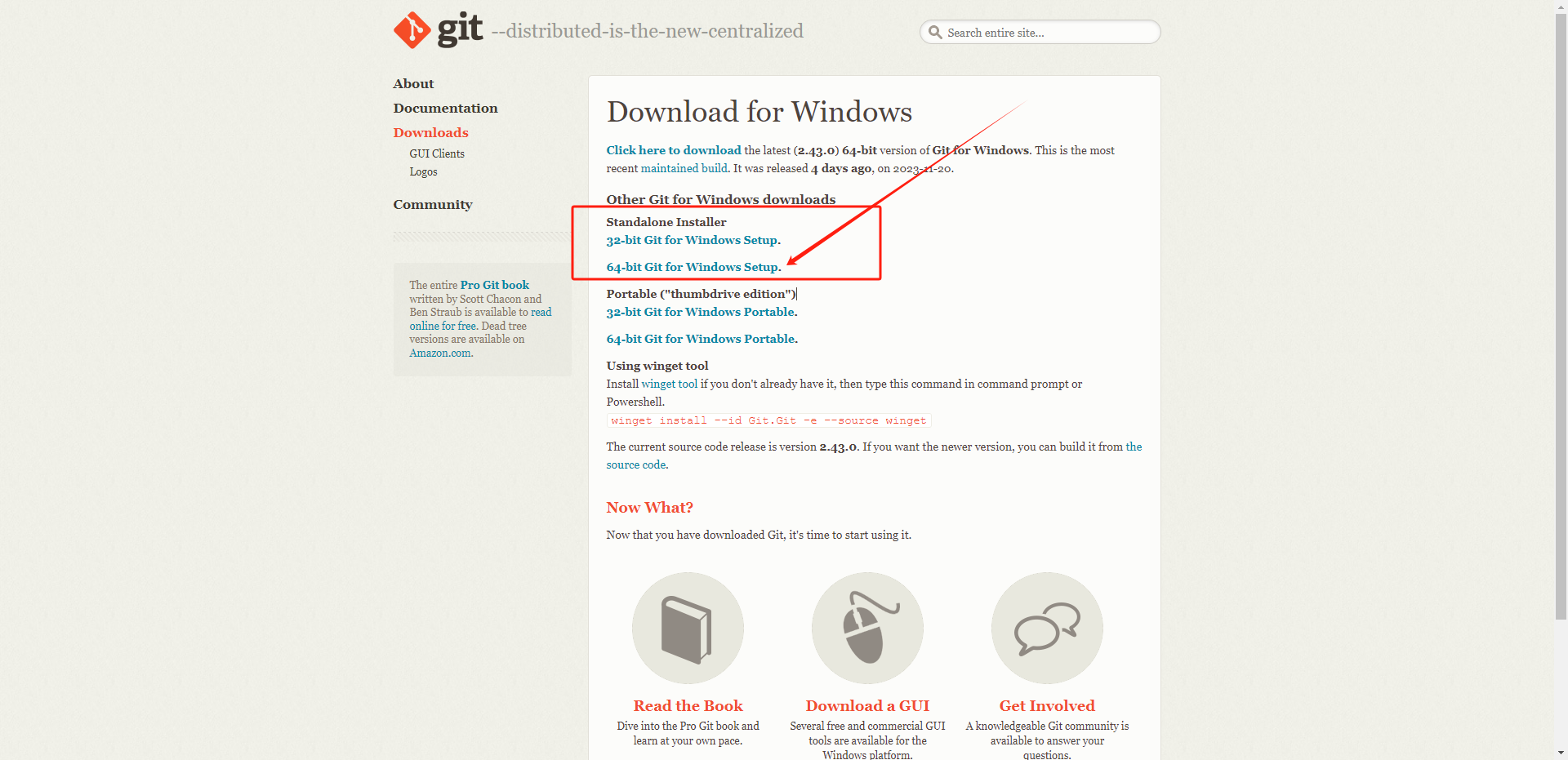
https://git-scm.com/download/win
我们选择独立安装程序
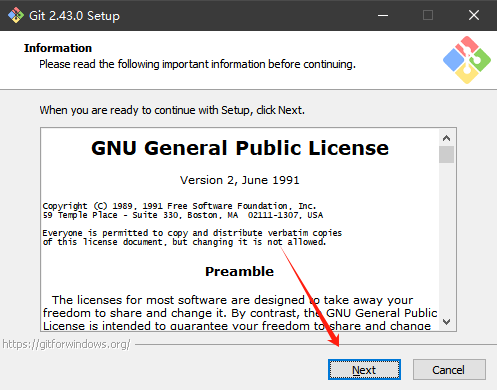
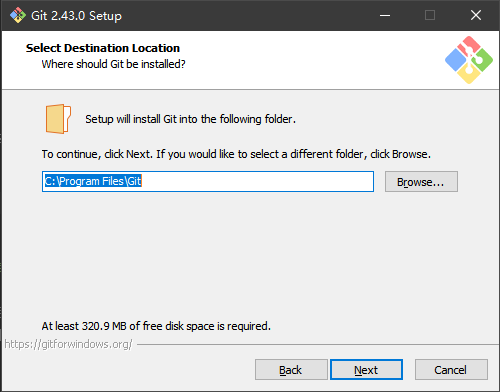
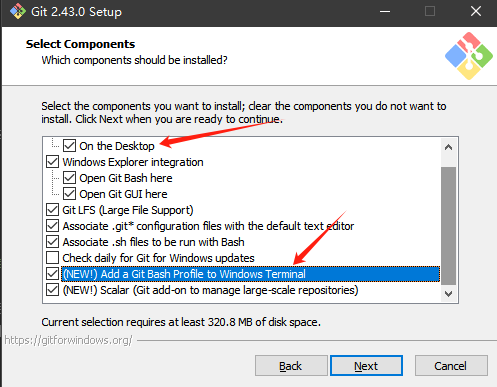
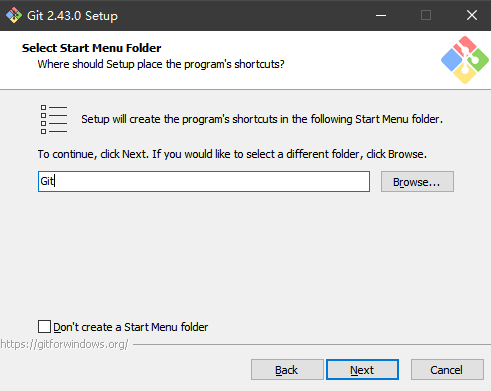
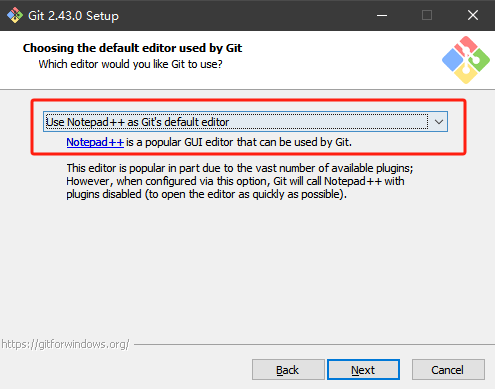
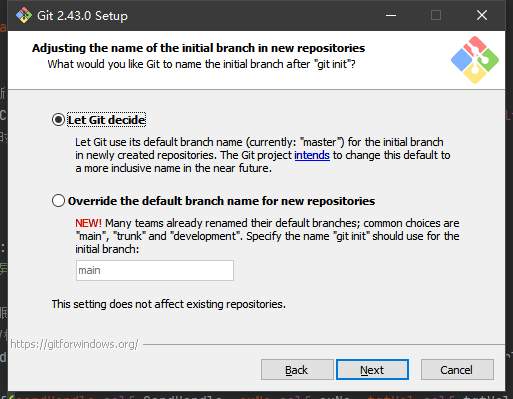
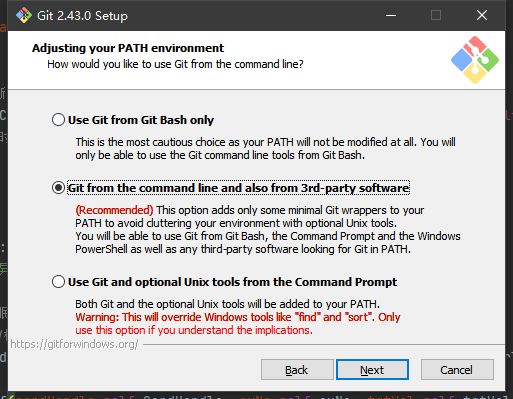
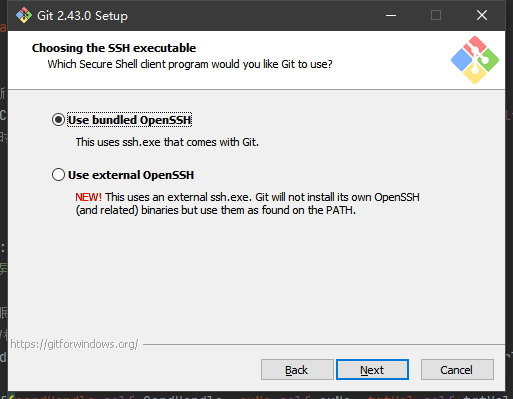
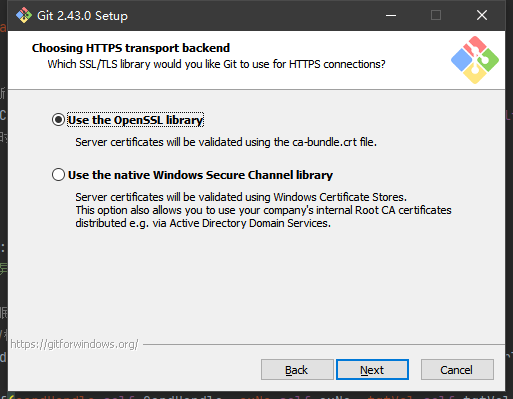
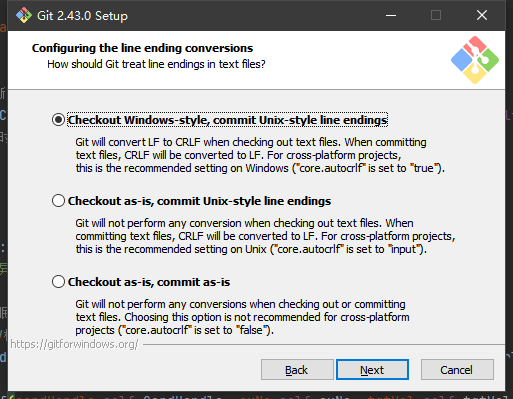
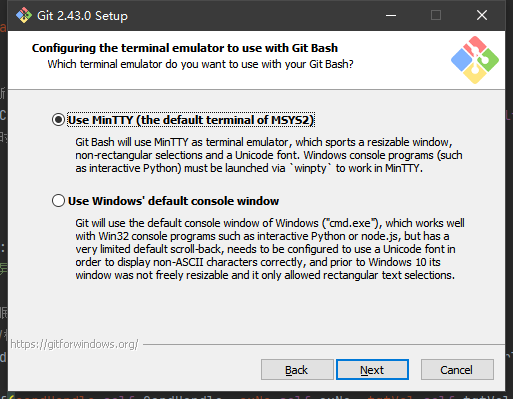
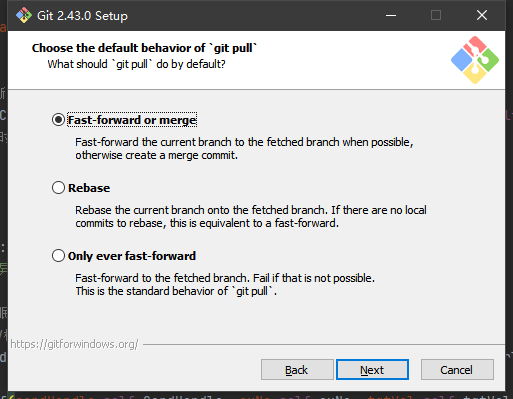
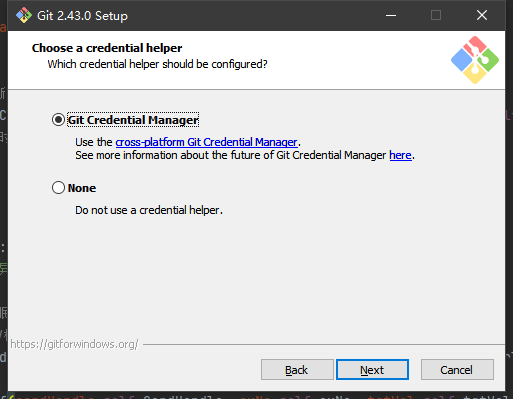
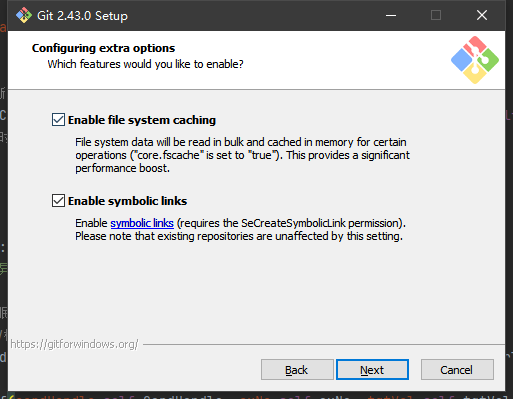
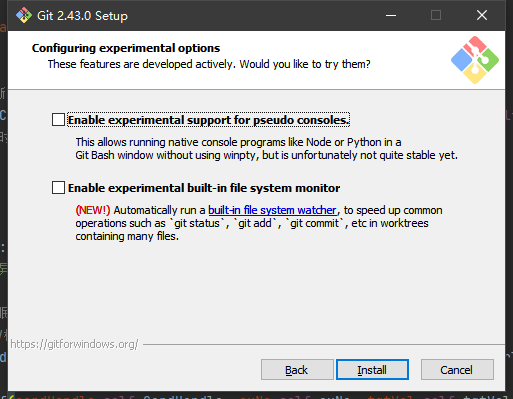
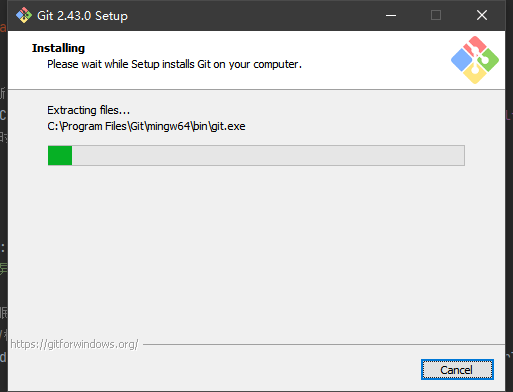
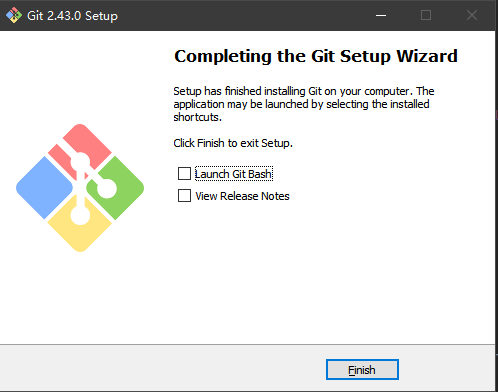
安装完成!
2、Git Bash 设置成中文
这个bash中文设置比较简单
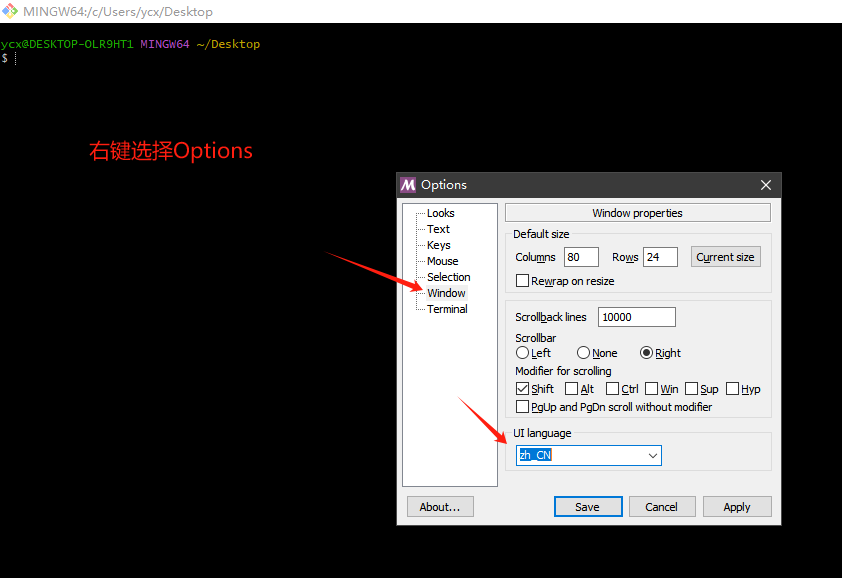
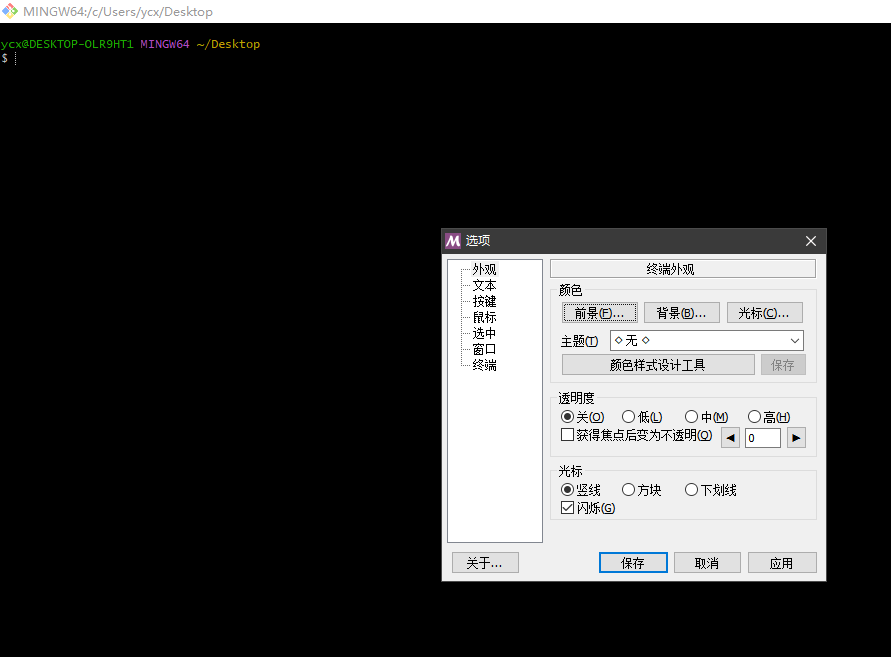
设置成功
3、Git GUI Here 设置成中文界面
参考教程:https://taotaoit.com/article/details/2030.html
默认打开时英文的
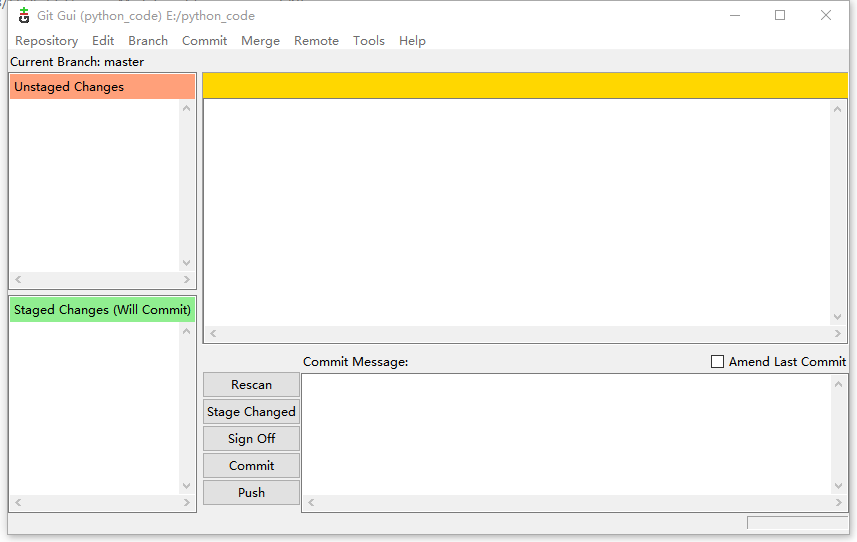
那么如何设置成中文呢
需要在git安装目录Git\mingw64\share\git-gui\lib下放上中文语言包,Git GUI Here就会自动显示中文了。
注:本人git安装目录为C:\Program Files\Git\mingw64\share\git-gui\lib
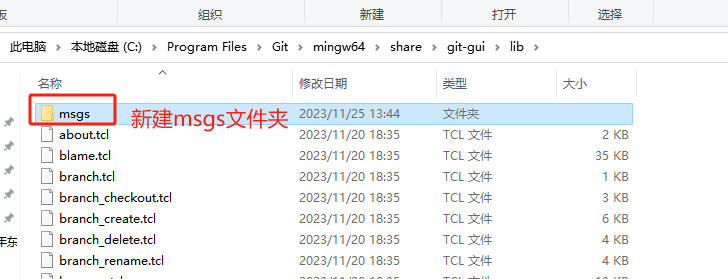
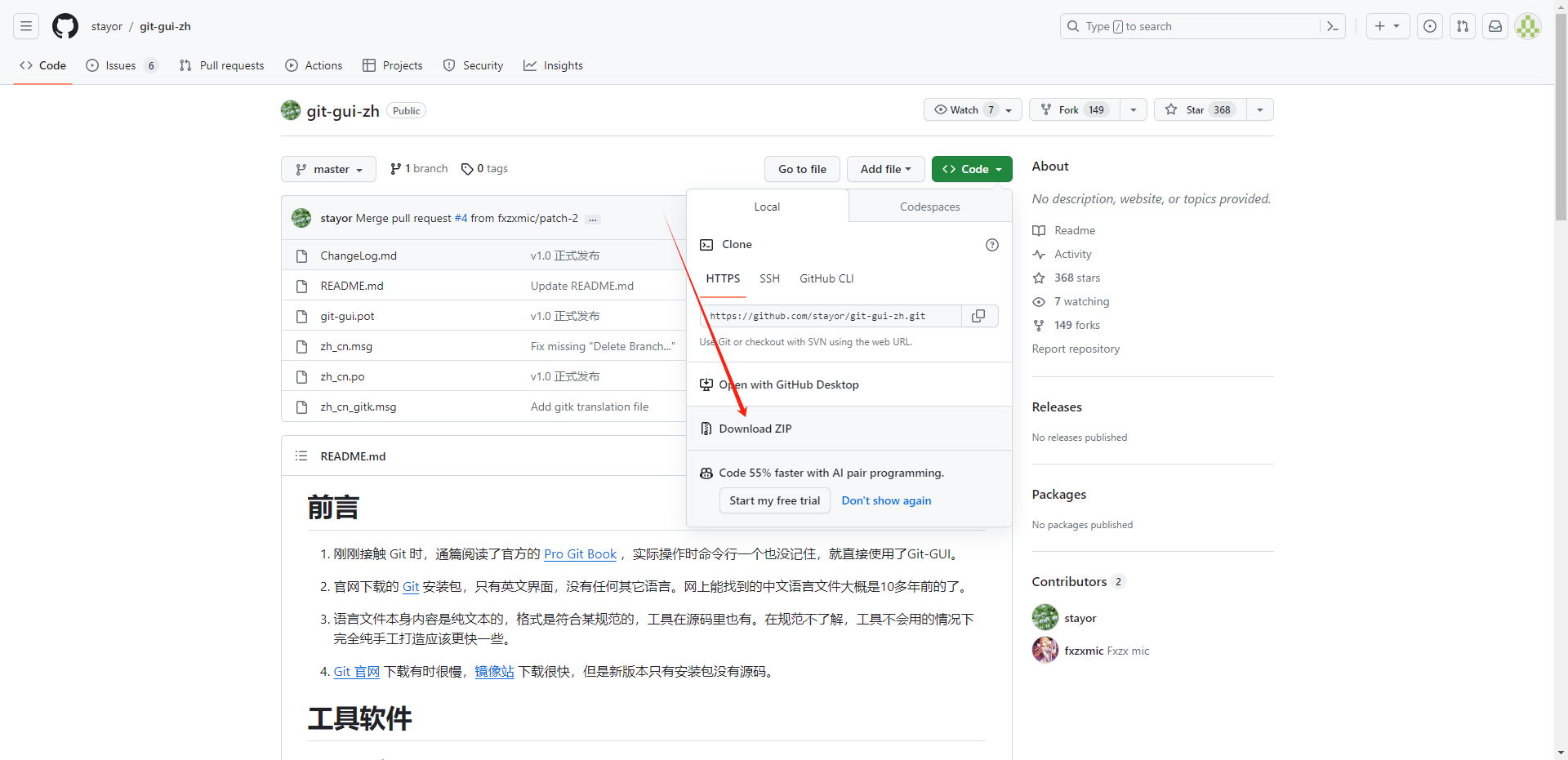
下载中文语言包,https://github.com/stayor/git-gui-zh
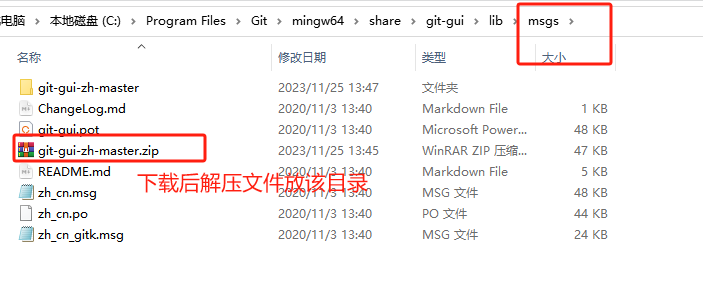
但是不生效,不知道为什么!!!
本文来自博客园,作者:JaxonYe,转载请注明原文链接:https://www.cnblogs.com/yechangxin/articles/17855354.html
侵权必究
 浙公网安备 33010602011771号