

AI编程之爬取静态Web页面
1.定义与特点
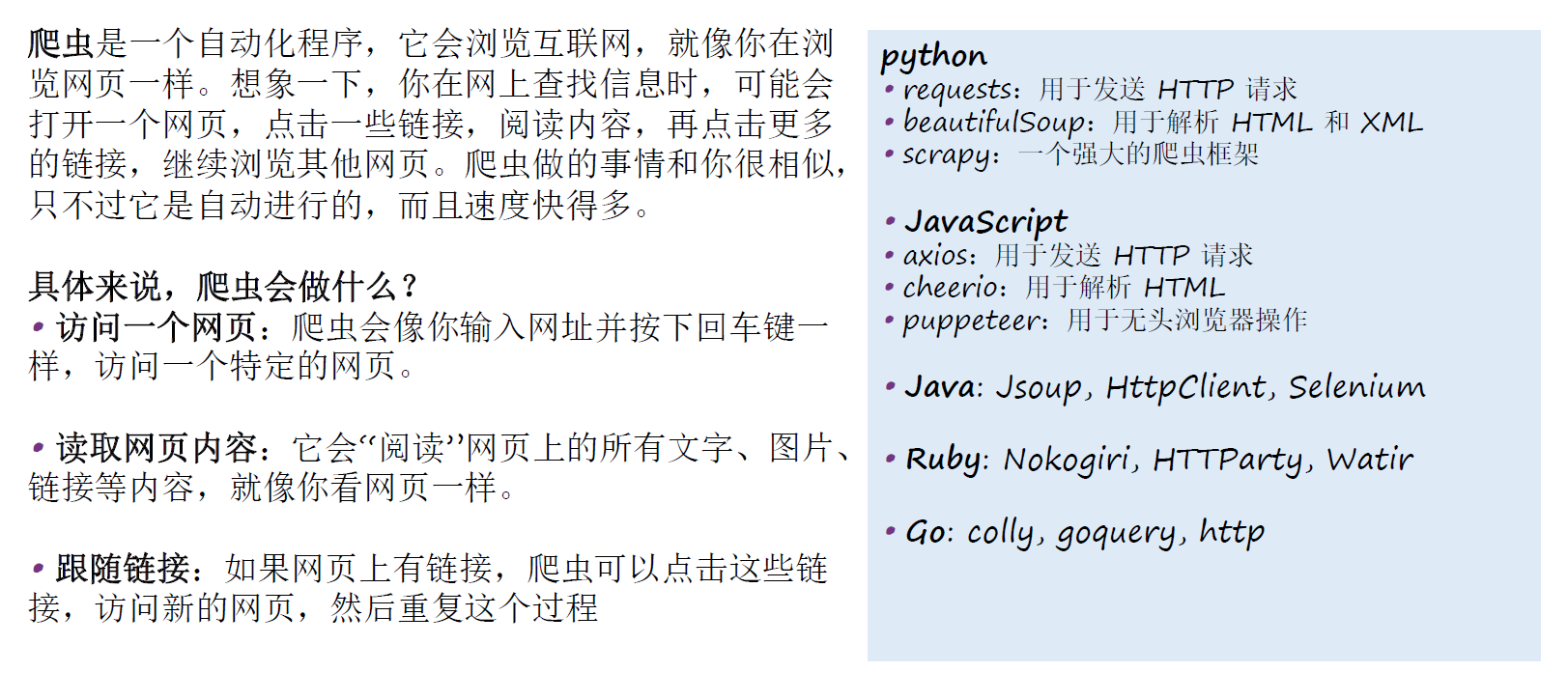
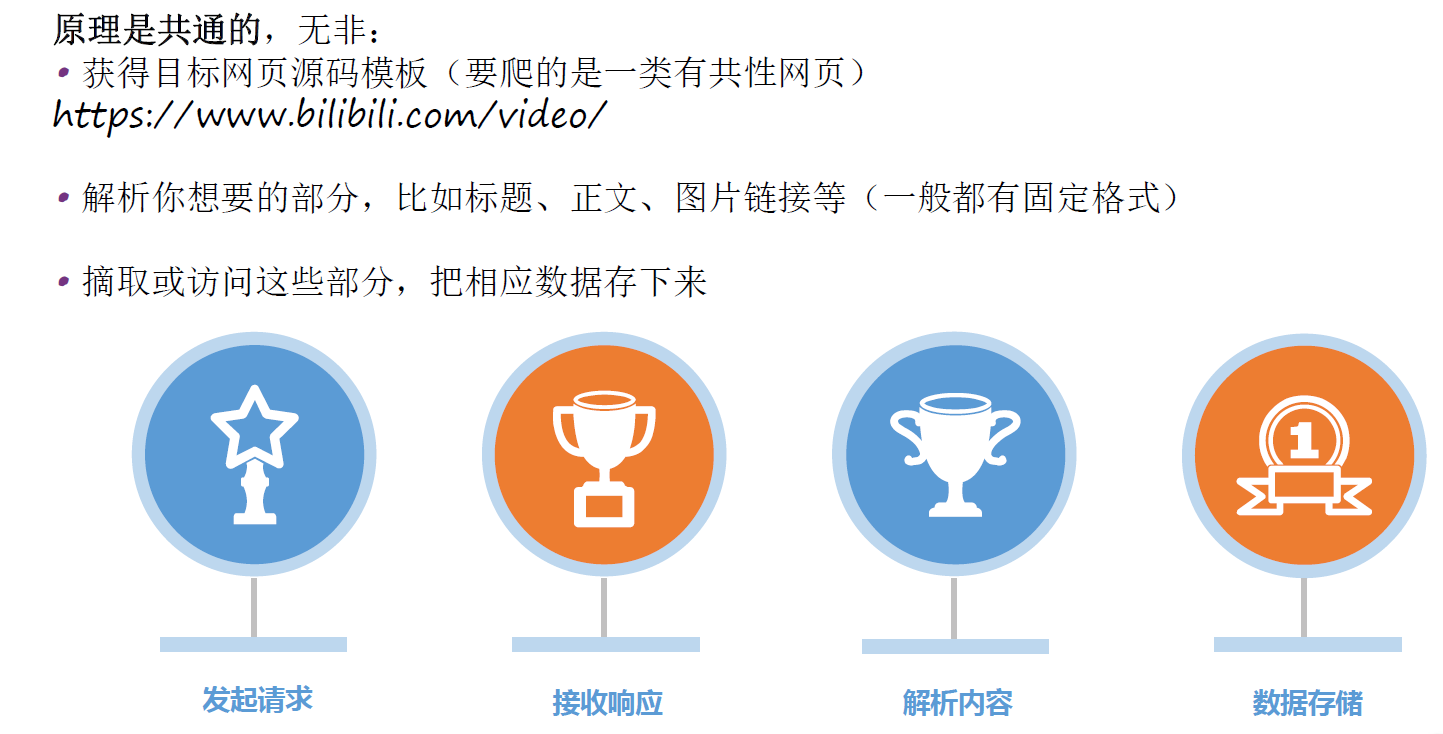
2.爬虫原理
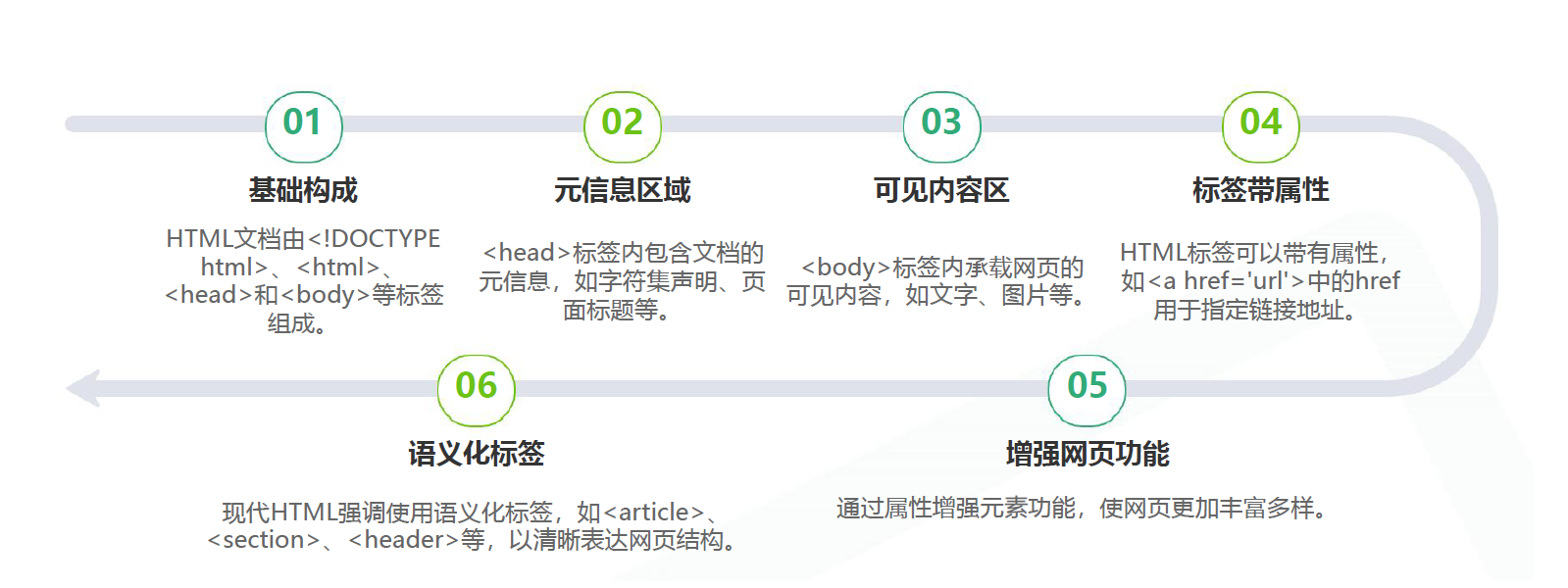
3.HTML文档结构
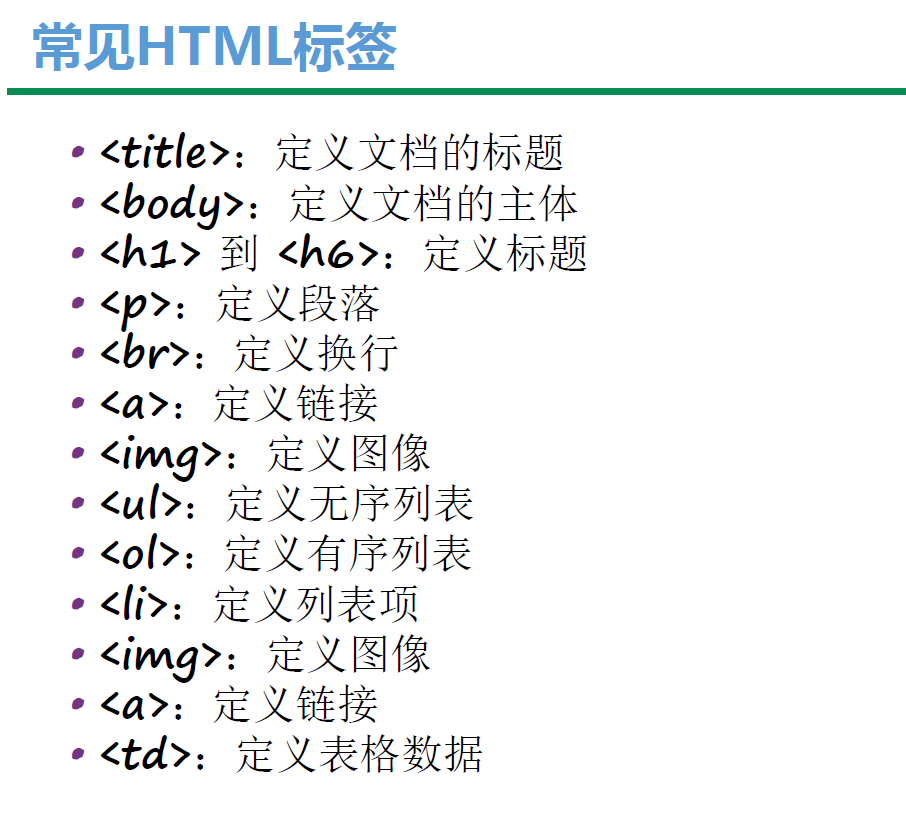
4.常见HTML标签
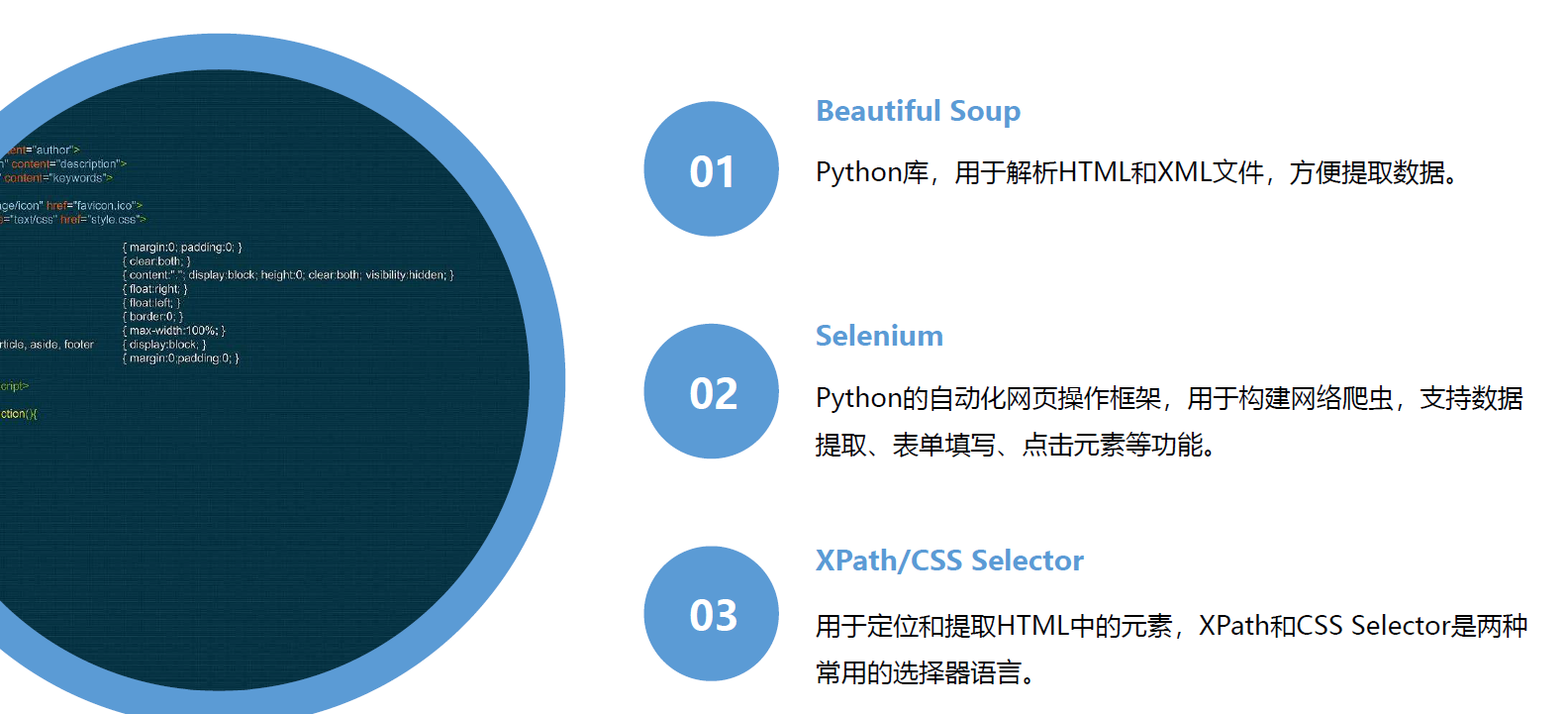
5.网页解析技术
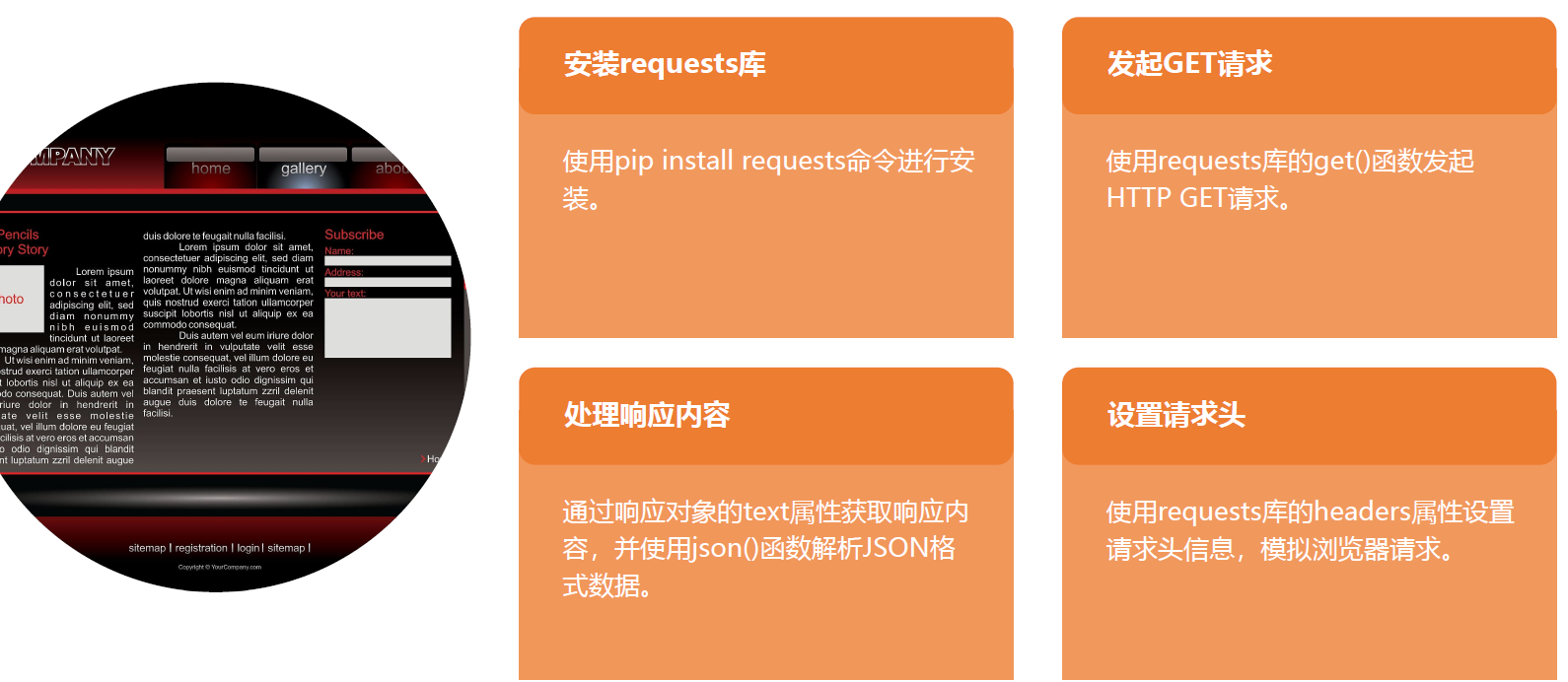
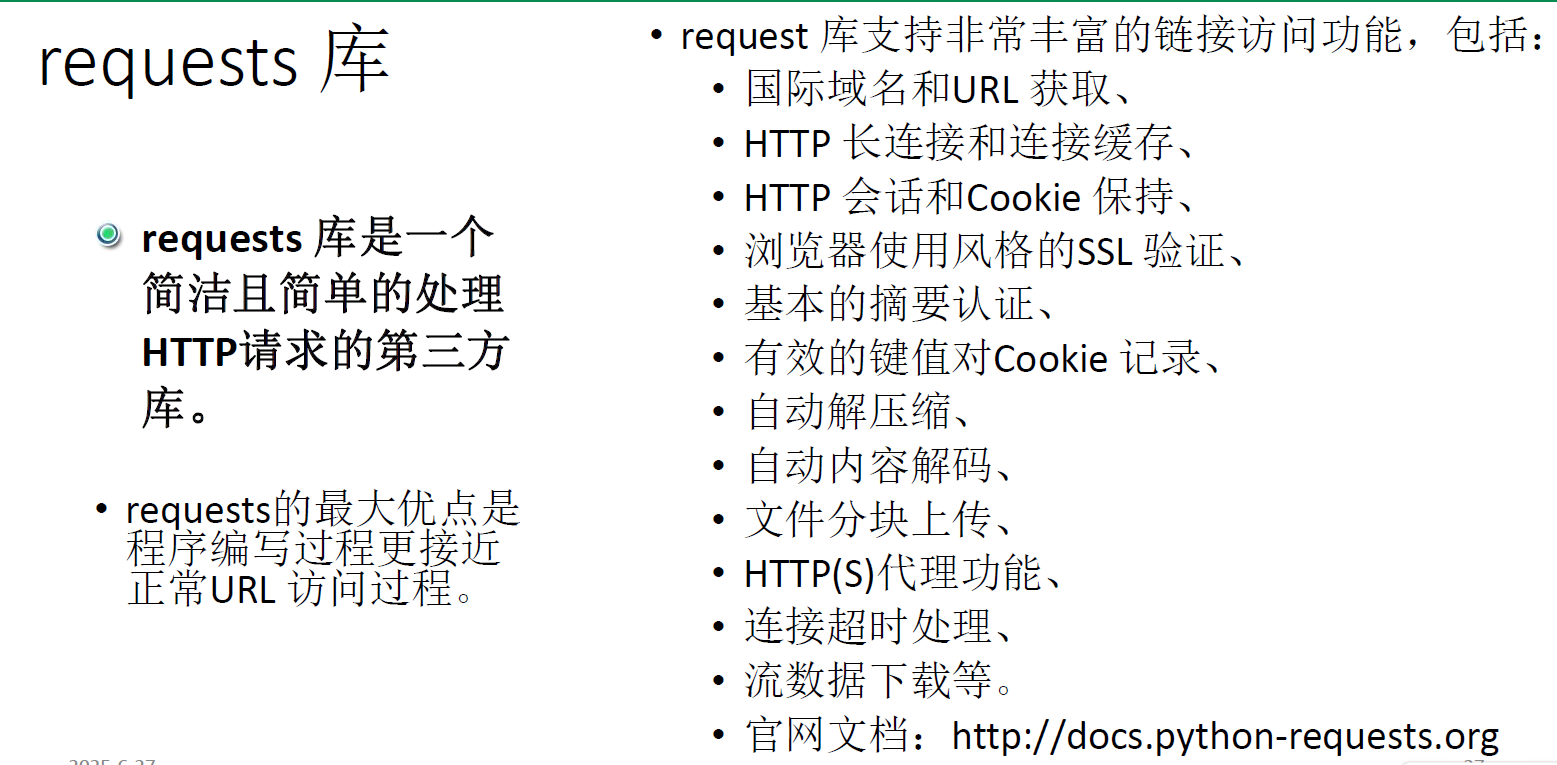
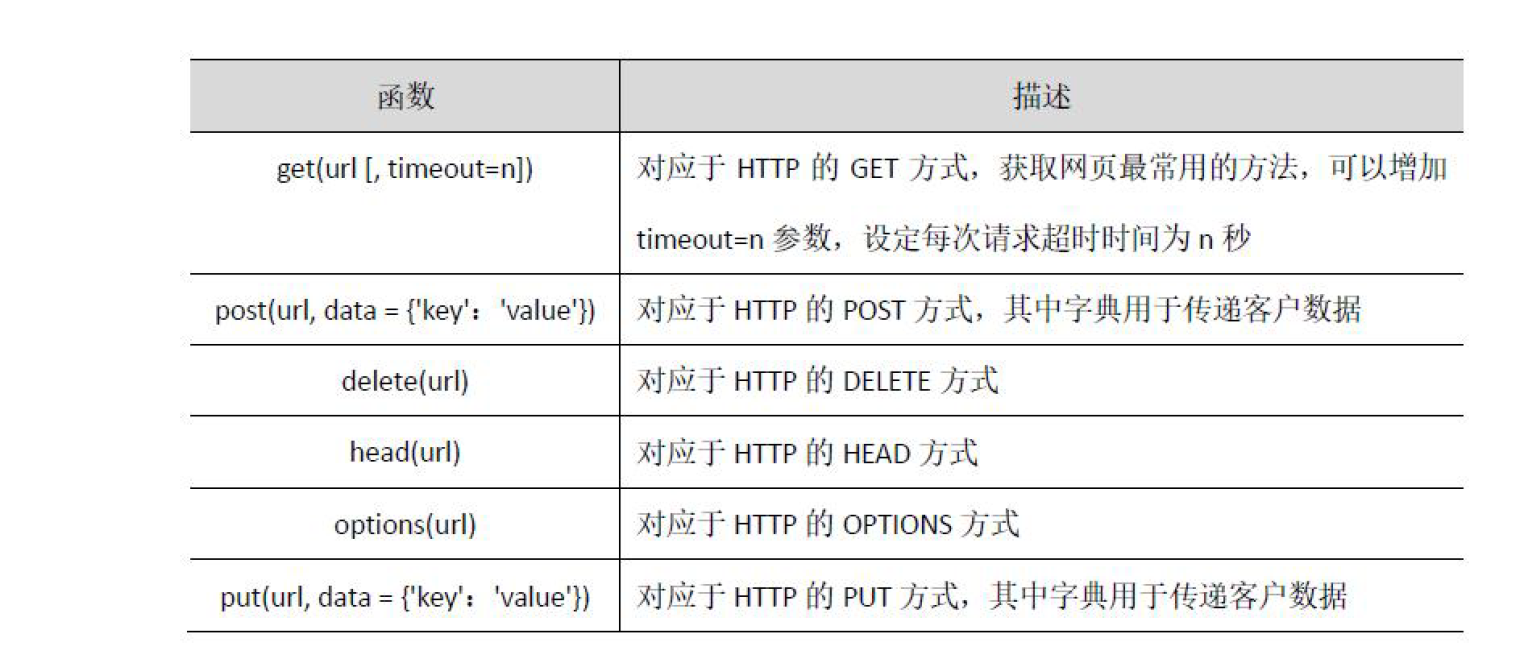
6.requests库的使用
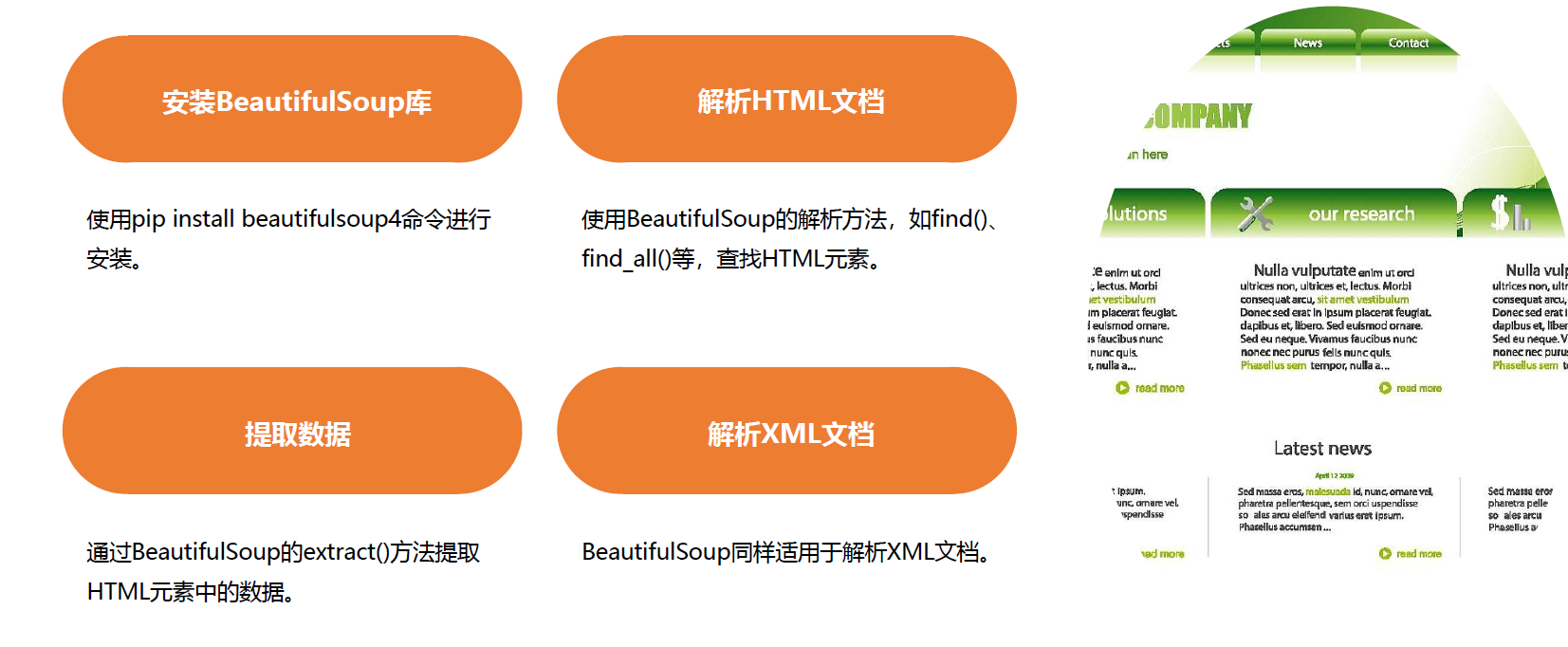
7.BeautifulSoup库的使用
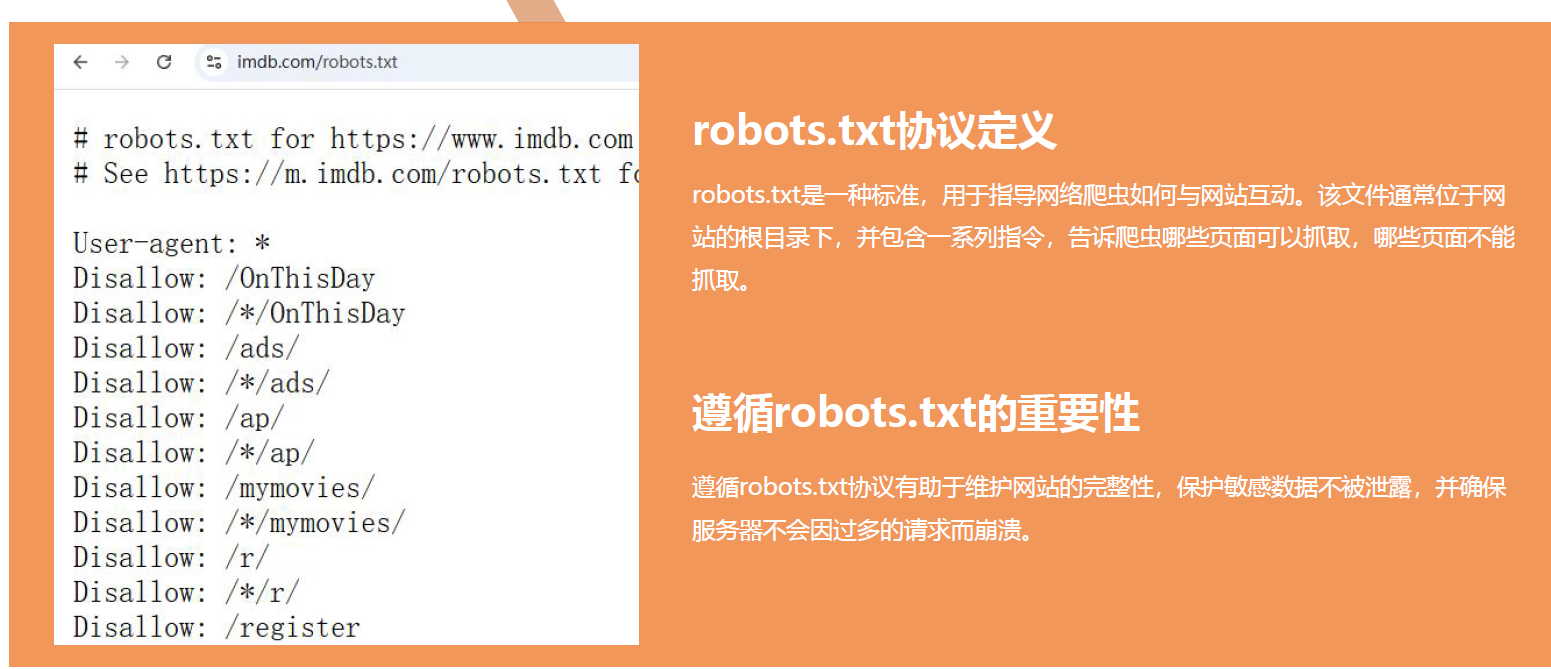
8.尊重网站robots.txt协议
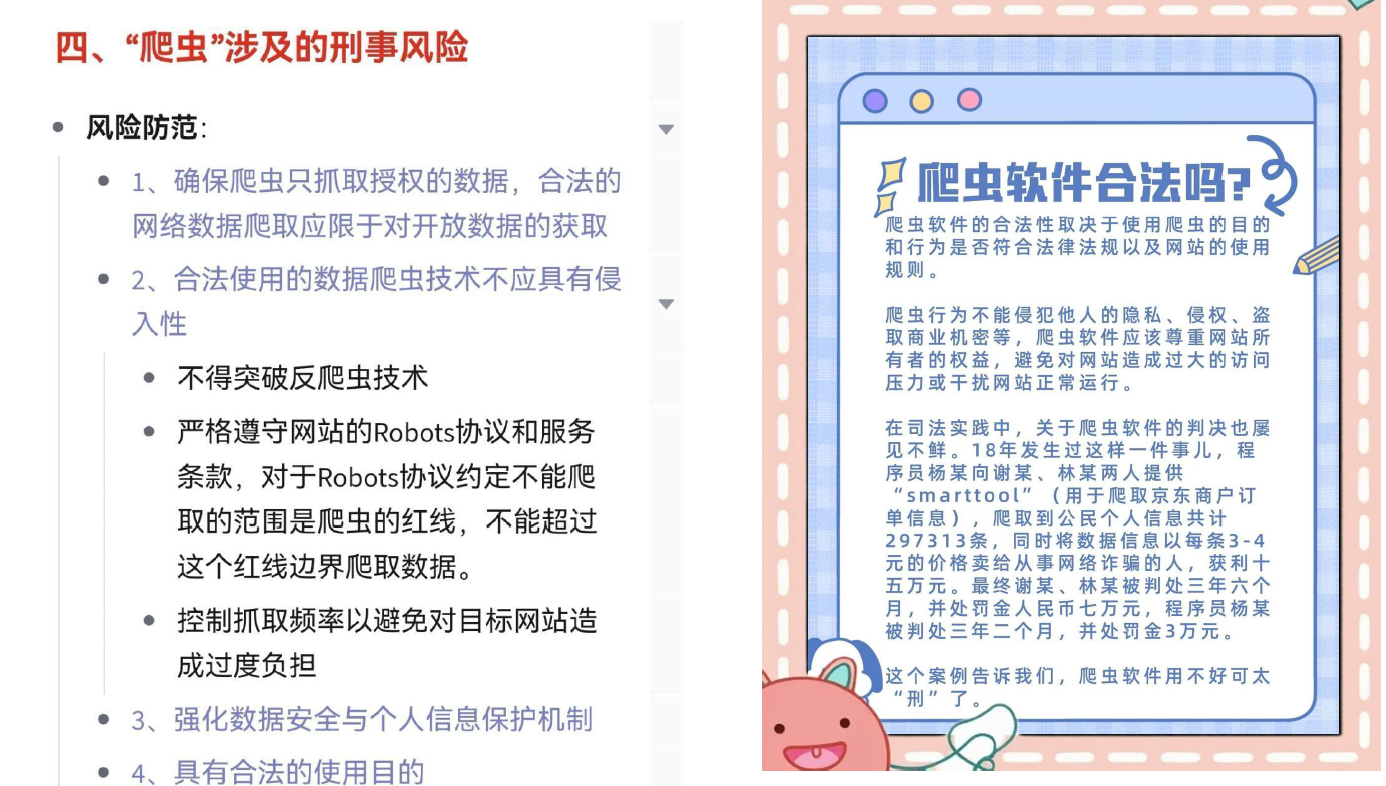
9.遵守法律法规和隐私保护
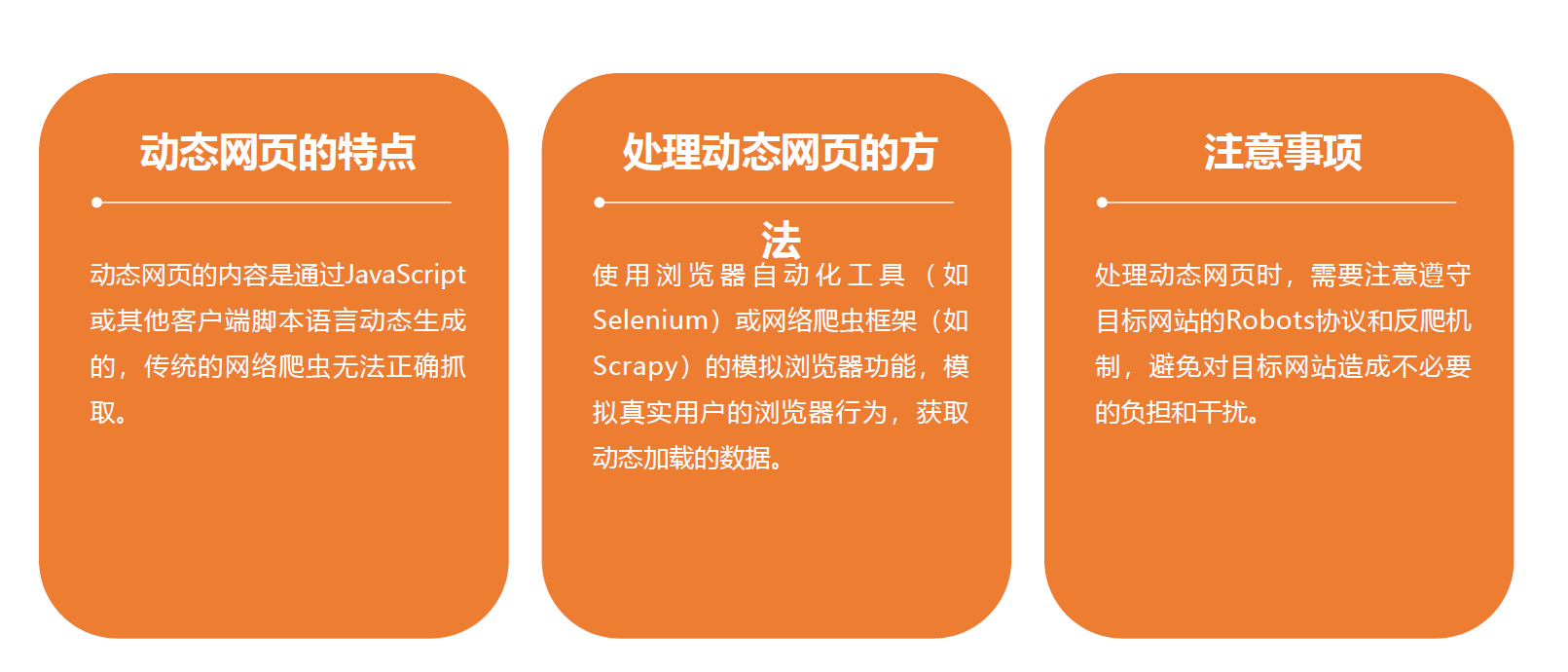
10.处理动态页面
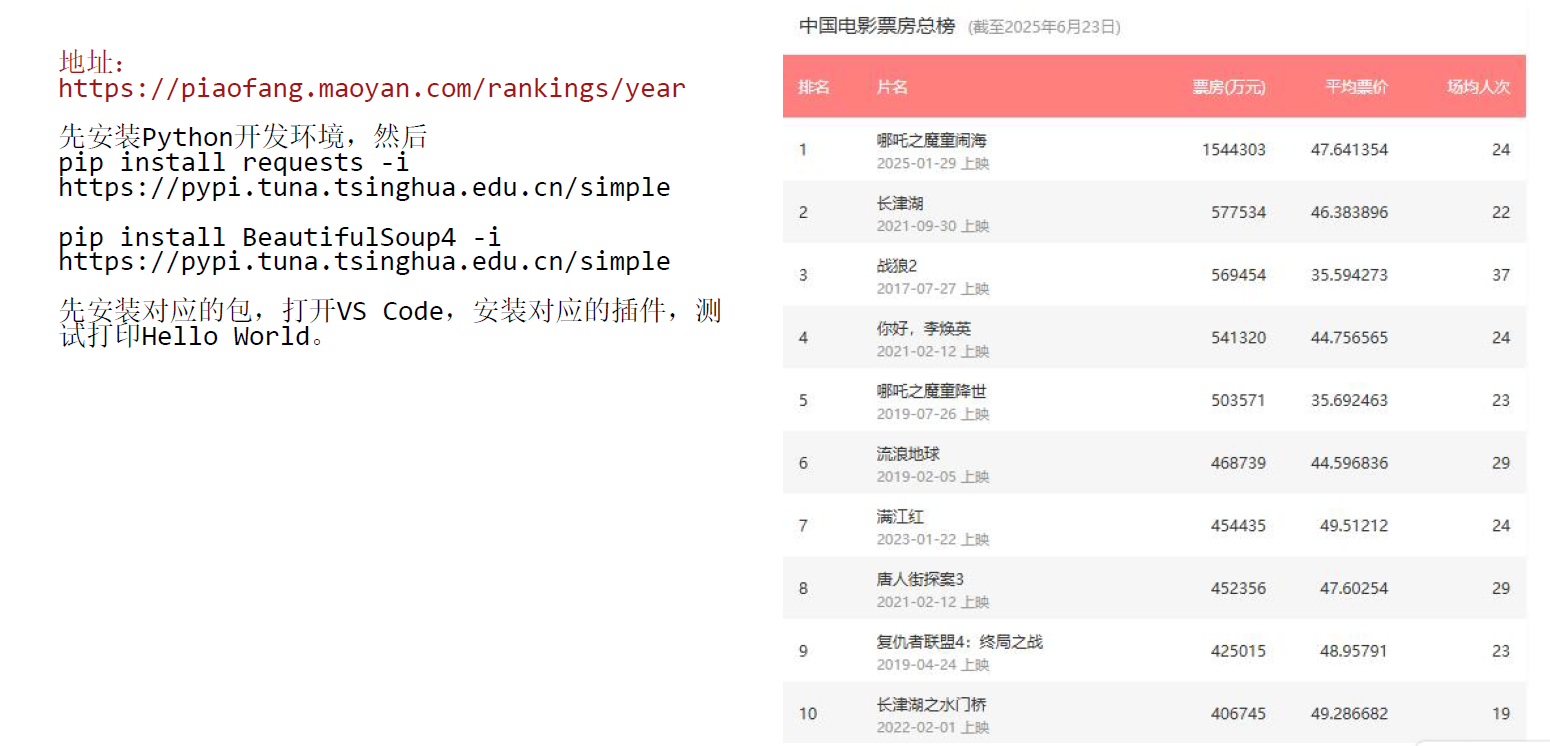
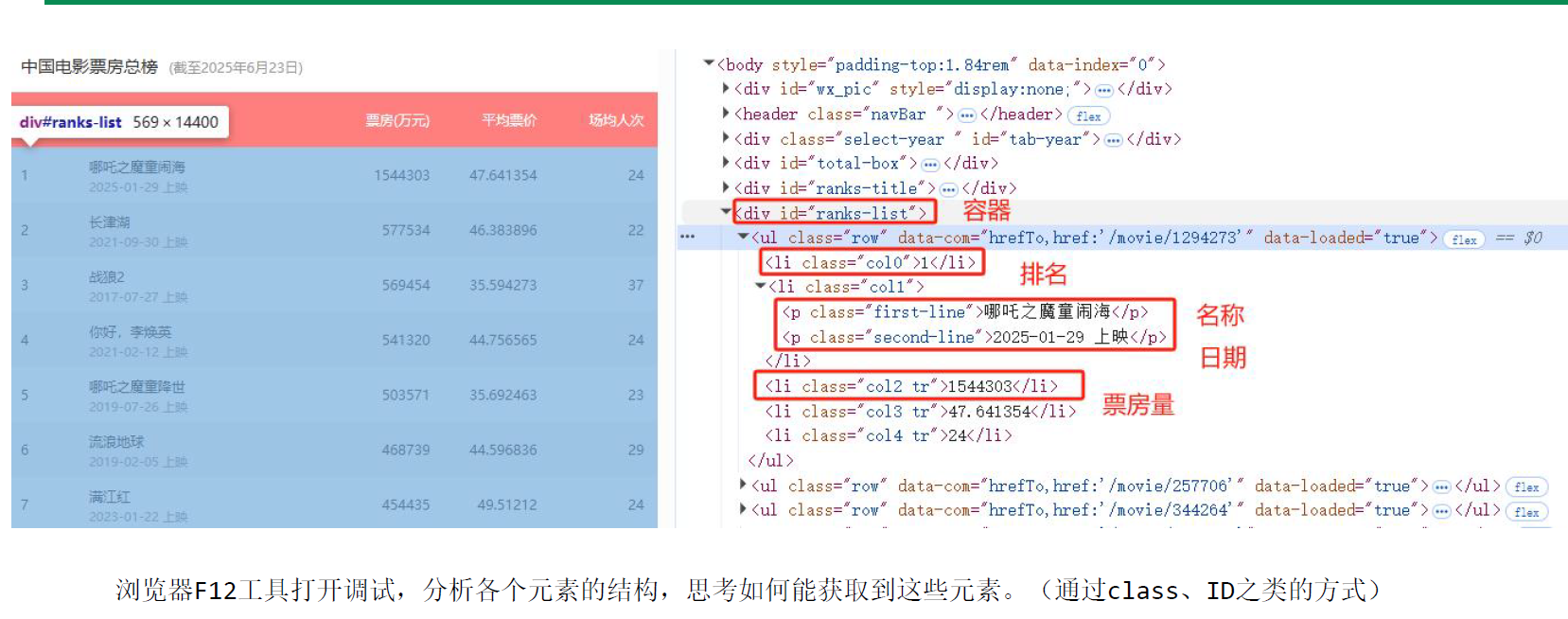
11.案例:利用request抓取猫眼电影票房榜
import requests # 导入 requests 库,用于发送 HTTP 请求
from bs4 import BeautifulSoup # 导入 BeautifulSoup 类,用于解析 HTML 文档
import csv # 导入 csv 库,用于读写 CSV 文件

url = "https://piaofang.maoyan.com/rankings/year" # 定义要爬取的网页 URL
headers = { #    定义请求头,模拟浏览器行为,避免被网站识别为爬虫
    "User-Agent": "Mozilla/5.0 ",
    "Accept": "text/html",
    "Accept-Language": "zh-CN,zh;",
}

 # 发送 HTTP 请求
response = requests.get(url, headers=headers) # 使用 requests 库发送 GET 请求,获取网页内容
soup = BeautifulSoup(response.text, "html.parser") # 使用 BeautifulSoup 解析 HTML 文档
movies = soup.select("#ranks-list ul.row") # 使用 select 方法选择所有符合条件的元素,返回一个列表

movies_data = [] # 定义一个空列表,用于存储电影数据

for movie in movies: # 遍历列表,对每个元素执行以下操作
    # 获取电影排名
    rank = movie.find("li", class_="col0").text
    # 获取电影名称
    name = movie.find("li", class_="col1").find("p", class_="first-line").text
    # 获取电影上映日期
    date = movie.select_one("li.col1 p.second-line").text
    # 获取电影票房
    tickets = movie.select_one("li.col2").text
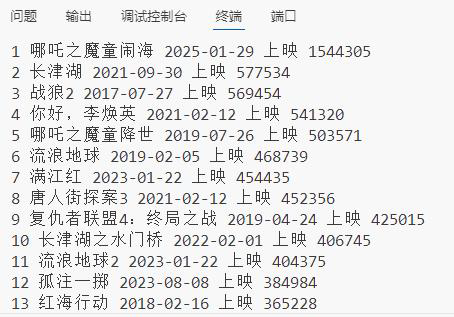
    print(rank, name, date, tickets)

    movies_data.append([rank, name, date, tickets]) # 将电影数据添加到列表中

# 写入 CSV 文件
with open('douban_top250.csv', 'w', newline='', encoding='utf-8-sig') as file:
    writer = csv.writer(file)
    writer.writerow(["排名", "电影名称", "上映日期", "票房"])  # 写入表头
    writer.writerows(movies_data)  # 写入数据

print(f"数据已保存到 douban_top250.csv,共 {len(movies_data)} 部电影")

 浙公网安备 33010602011771号