

终极笔记应用程序Alexandrie - 教程
简介
什么是 Alexandrie ?
Alexandrie是一个快速、开源的Markdown笔记应用程序,专为学生和创作者设计。它提供了一个现代而优雅的界面,用于使用扩展的Markdown编写笔记,并支持直观的组织、搜索和导出功能。
主要特点
- 增强型 Markdown 编辑器: 具有高级和独特的
Markdown功能。 - 即时搜索: 快速查找笔记。
- 直观的组织: 通过完整的侧边栏、工作区、类别、嵌套文档/类别、标签等轻松分类和归档笔记。
- 导出与打印: 将笔记保存为
PDF、Markdown等格式。 - 随时随地访问: 可从任何设备登录并检索笔记,支持
PWA离线访问。 - 共享笔记: 通过唯一链接或强大的权限系统与他人共享笔记。
应用场景
- 学生用于学习笔记和资料整理。
- 创作者用于内容创作、知识管理和项目记录。
- 任何需要高效
Markdown笔记和组织功能的用户。
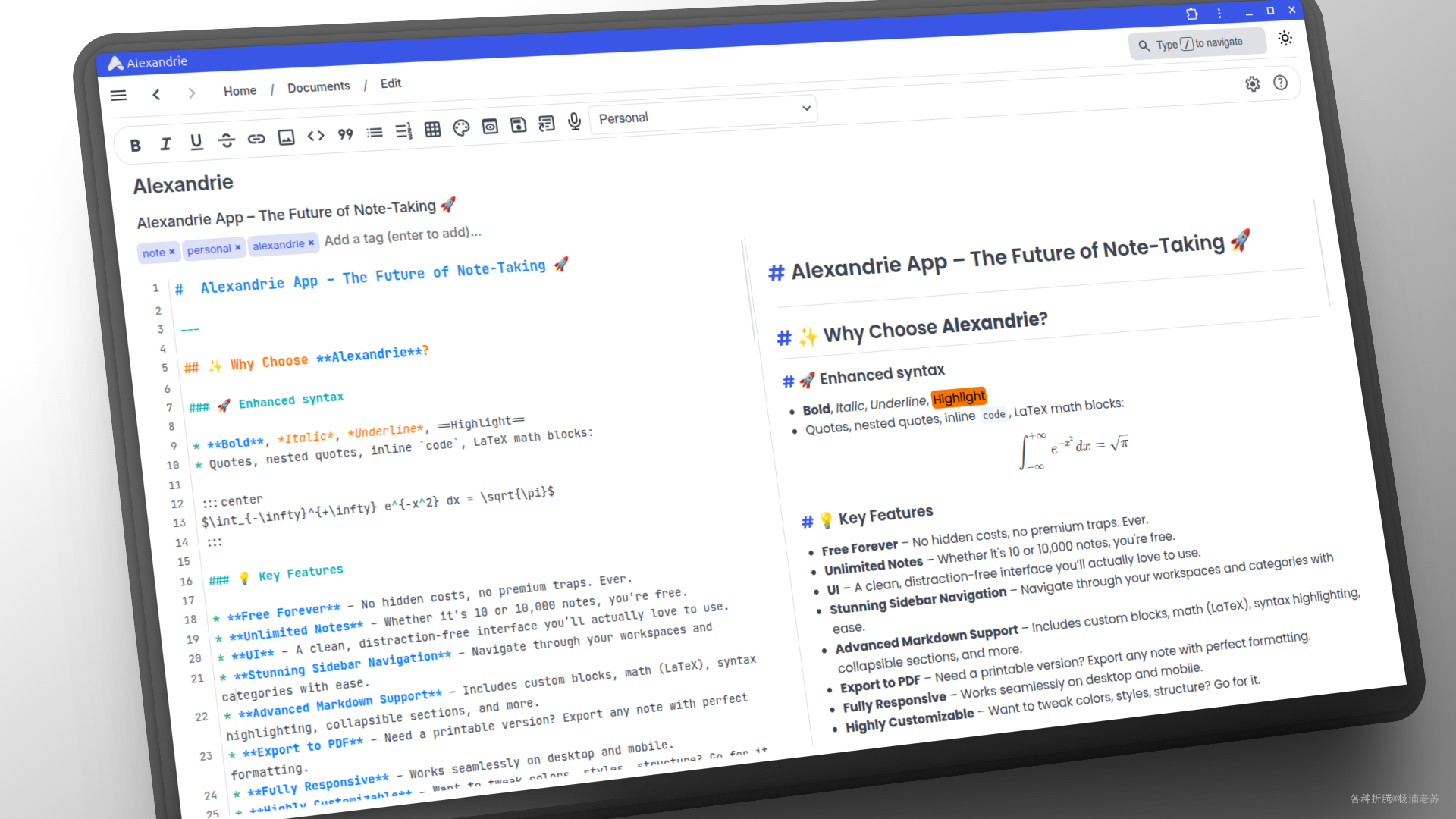
Alexandrie 是一个功能强大且用户友好的笔记应用,适合各种用户需求,尤其是在学习和创作方面提供了优越的支持。
安装
在群晖上以 Docker 方式安装。
采用 docker-compose 安装,将下面的内容保存为 docker-compose.yml 文件
# Docker Compose configuration for Alexandrie application stack
# This setup includes:
# - MySQL Database
# - RustFS Object Storage (S3 compatible)
# - Alexandrie Backend
# - Alexandrie Frontend
# For details please refer to the documentation (./docs/setup.md)
services:
# MySQL Database
mysql:
image: mysql:8.0
container_name: alexandrie-mysql
restart: unless-stopped
environment:
MYSQL_ROOT_PASSWORD: rootpassword
MYSQL_DATABASE: alexandrie
MYSQL_USER: alexandrie
MYSQL_PASSWORD: password
volumes:
- ./mysql_data:/var/lib/mysql
# ports:
#   - '3307:3306'
healthcheck:
test: ['CMD', 'mysqladmin', 'ping', '-h', 'localhost']
timeout: 10s
retries: 5
start_period: 30s
# Object Storage (RustFS, S3 compatible)
rustfs:
image: rustfs/rustfs:latest
container_name: alexandrie-rustfs
restart: unless-stopped
environment:
RUSTFS_ACCESS_KEY: alexandrie-key
RUSTFS_SECRET_KEY: alexandrie-secret
RUSTFS_CONSOLE_ENABLE: 'false' # Disable web console
RUSTFS_LOG_LEVEL: info
# ports:
#   - '9000:9000'
volumes:
- ./rustfs_data:/data
- ./rustfs_logs:/logs
healthcheck:
test: ['CMD-SHELL', 'nc -z localhost 9000 || exit 1']
interval: 30s
timeout: 10s
retries: 3
start_period: 20s
# Alexandrie Backend
backend:
image: ghcr.io/smaug6739/alexandrie-backend:latest
container_name: alexandrie-backend
environment:
# General configuration
BACKEND_PORT: 8201
GIN_MODE: release # Set to 'release' for production, 'debug' for development
# Database Configuration
DATABASE_HOST: mysql
DATABASE_PORT: 3306
DATABASE_NAME: alexandrie
DATABASE_USER: alexandrie
DATABASE_PASSWORD: password
# Object storage configuration (S3 compatible like RustFS, MinIO, etc.)
# OPTIONAL: If you don't want to use the CDN feature you can leave these variables empty
MINIO_ENDPOINT: rustfs:9000
MINIO_ACCESSKEY: alexandrie-key
MINIO_SECRETKEY: alexandrie-secret
MINIO_BUCKET: alexandrie
# SMTP Configuration (only for password reset emails)
# OPTIONAL: If you don't want to use email features, you can leave these variables empty
SMTP_HOST: ''
SMTP_MAIL: ''
SMTP_PASSWORD: ''
# Application authentication and security
JWT_SECRET: your-secure-jwt-secret-key-change-this-in-production # Change this secret in production!
FRONTEND_URL: http://192.168.0.197:8200 # URL where the frontend is hosted
ALLOW_UNSECURE: 'true' # Set to 'true' if you run without HTTPS (e.g., local dev);
ports:
- '8201:8201'
depends_on:
mysql:
condition: service_healthy
rustfs:
condition: service_healthy
# Alexandrie Frontend
frontend:
image: ghcr.io/smaug6739/alexandrie-frontend:latest
container_name: alexandrie-frontend
restart: unless-stopped
environment:
PORT: 8200
# Runtime configuration - builds with these values at startup
NUXT_PUBLIC_BASE_API: http://192.168.0.197:8201
NUXT_PUBLIC_BASE_CDN: http://192.168.0.197:9000/alexandrie
NUXT_PUBLIC_BASE_URL: http://192.168.0.197:8200
ports:
- '8200:8200'
depends_on:
- backend
关于环境变量的简单说明,其中 192.168.0.197 为群晖主机 IP,需要替换为你自己的主机 IP
| 容器 | 环境变量 | 作用说明 |
|---|---|---|
| mysql | MYSQL_ROOT_PASSWORD | 设置 MySQL 的根用户密码。 |
MYSQL_DATABASE | 创建时自动生成的数据库名称。 | |
MYSQL_USER | 创建的 MySQL 用户名。 | |
MYSQL_PASSWORD | 创建的 MySQL 用户的密码。 | |
| rustfs | RUSTFS_ACCESS_KEY | RustFS 的访问密钥,用于认证访问对象存储。 |
RUSTFS_SECRET_KEY | RustFS 的秘密密钥,用于认证访问对象存储。 | |
RUSTFS_CONSOLE_ENABLE | 是否启用 RustFS 的 web 控制台,设置为 false 表示禁用。 | |
RUSTFS_LOG_LEVEL | 设置 RustFS 的日志级别,通常为 info。 | |
| backend | BACKEND_PORT | 设置后端服务监听的端口。 |
GIN_MODE | 设置 Gin 框架的运行模式,release 表示生产模式,debug 表示开发模式。 | |
DATABASE_HOST | MySQL 数据库的主机地址。 | |
DATABASE_PORT | MySQL 数据库的端口。 | |
DATABASE_NAME | MySQL 数据库名称。 | |
DATABASE_USER | MySQL 用户名。 | |
DATABASE_PASSWORD | MySQL 用户密码。 | |
MINIO_ENDPOINT | 对象存储的端点地址(如 RustFS 或 MinIO)。 | |
MINIO_ACCESSKEY | 对象存储的访问密钥。 | |
MINIO_SECRETKEY | 对象存储的秘密密钥。 | |
MINIO_BUCKET | 对象存储中使用的桶名称。 | |
SMTP_HOST | SMTP 邮件服务器地址,用于发送密码重置邮件(可选)。 | |
SMTP_MAIL | SMTP 用户邮箱(可选)。 | |
SMTP_PASSWORD | SMTP 用户密码(可选)。 | |
JWT_SECRET | JWT 认证的秘密密钥,生产环境中应更改为安全的随机字符串。 | |
FRONTEND_URL | 前端应用的访问 URL。 | |
ALLOW_UNSECURE | 如果不使用 HTTPS,设置为 true 以允许不安全的连接(如本地开发时)。 | |
| frontend | PORT | 设置前端服务监听的端口。 |
NUXT_PUBLIC_BASE_API | 前端访问后端 API 的基本 URL。 | |
NUXT_PUBLIC_BASE_CDN | 前端访问对象存储的基本 URL。 | |
NUXT_PUBLIC_BASE_URL | 前端应用的基本 URL。 |
然后通过 SSH 登录到您的群晖,执行下面的命令:
# 新建文件夹 alexandrie 和 子目录
mkdir -p /volume1/docker/alexandrie/{mysql_data,rustfs_data,rustfs_logs}
# 进入 alexandrie 目录
cd /volume1/docker/alexandrie
# 将 docker-compose.yml 放入当前目录
# 一键启动
docker-compose up -d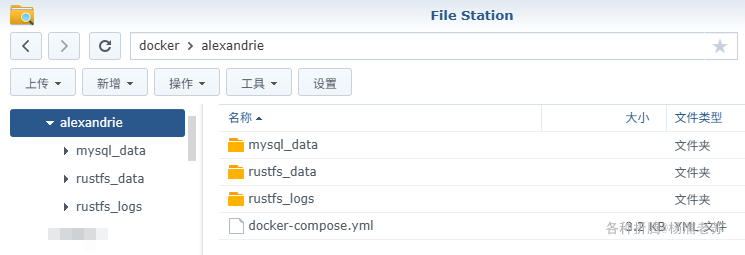
运行
在浏览器中输入 http://群晖IP:8200 就能看到应用介绍界面
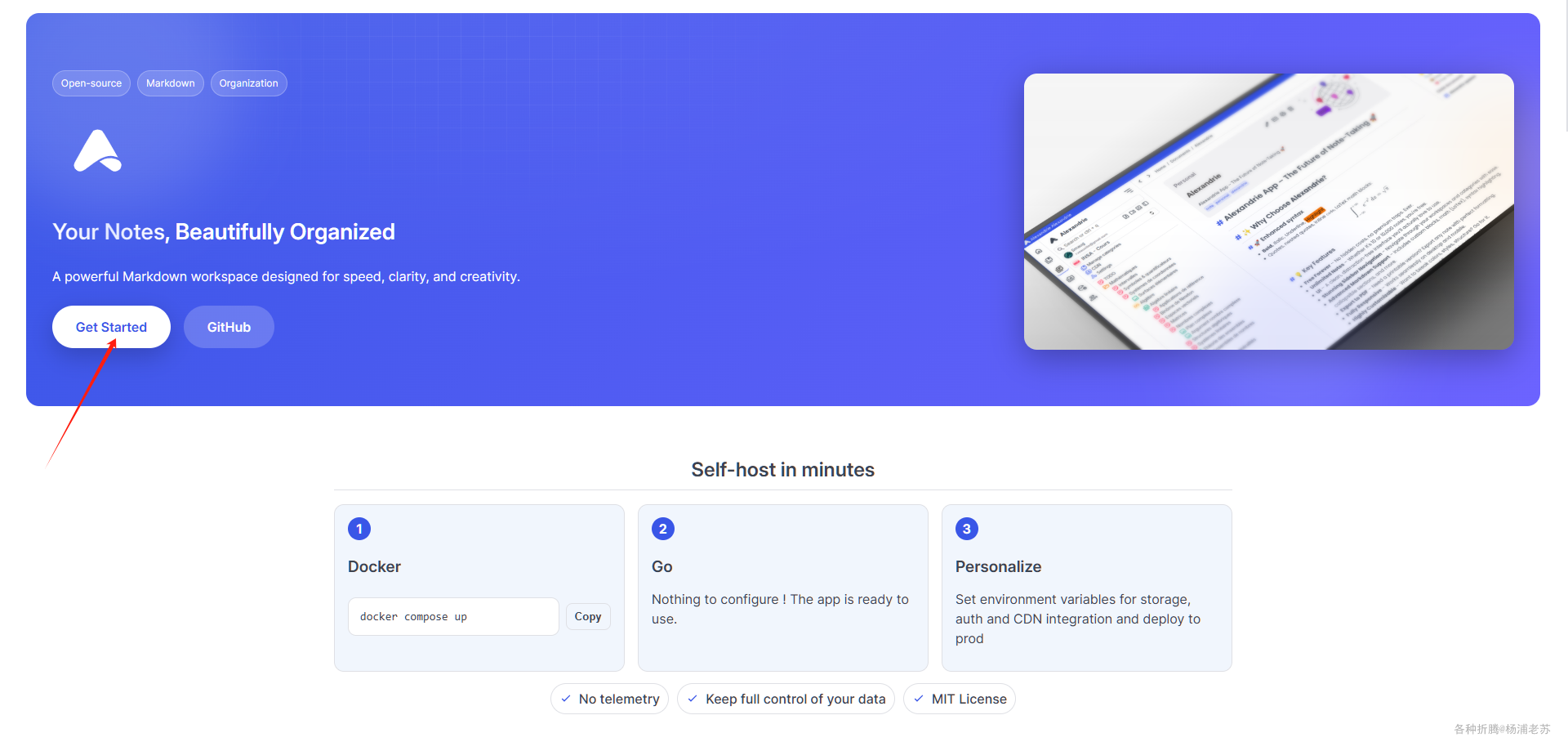
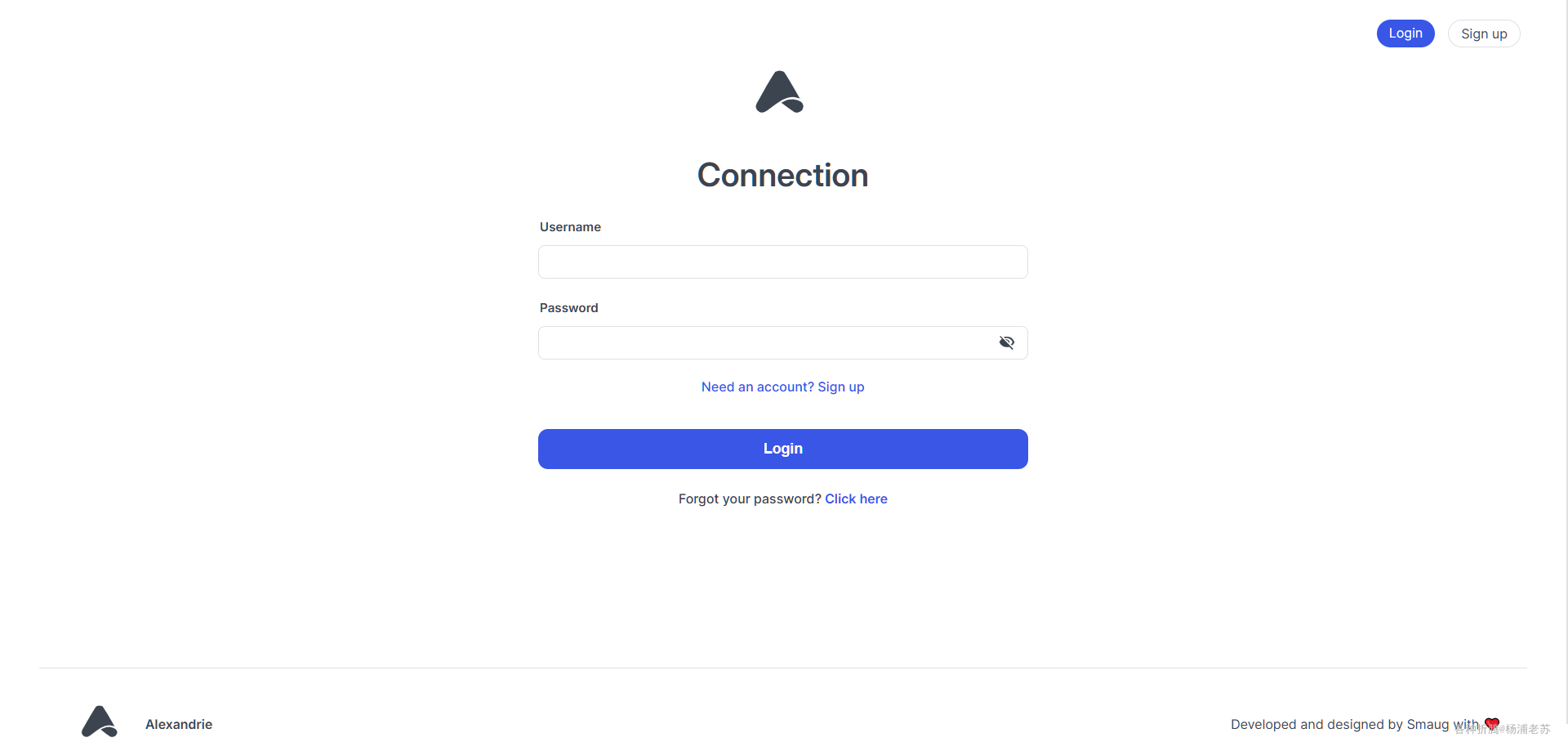
点 Get Started 进入登录界面
如果是第一次,需要先注册用户
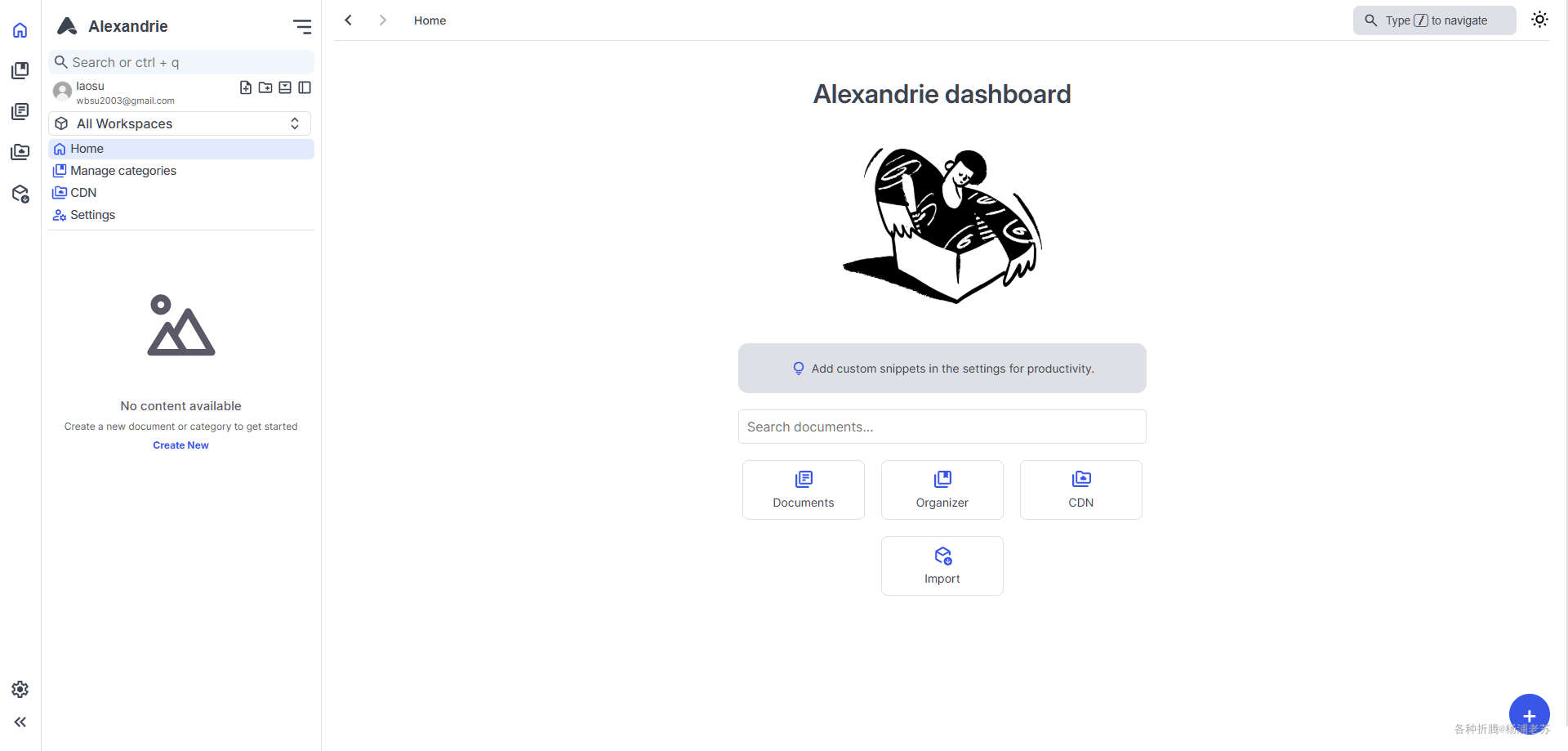
登录成功后的主界面
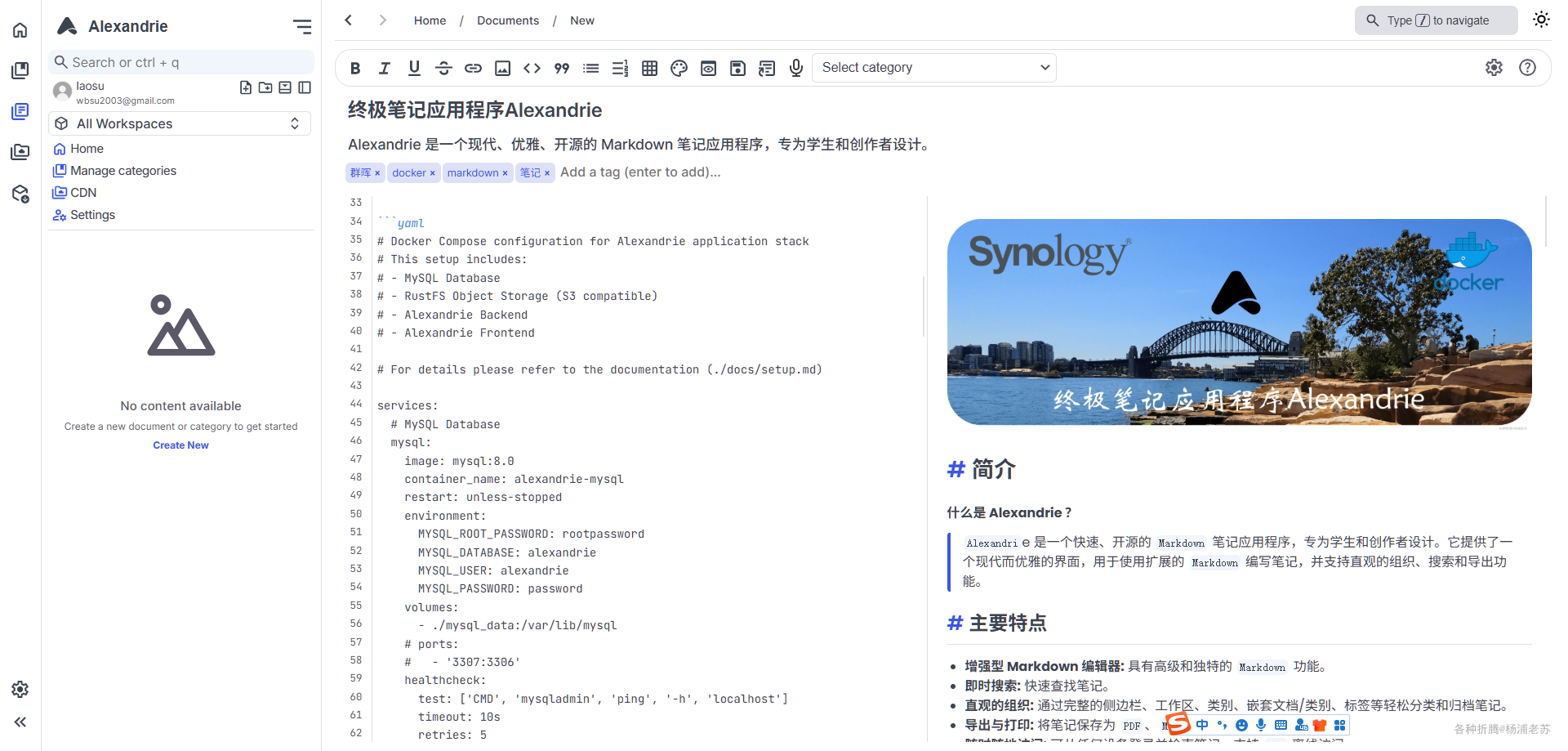
虽然不支持中文,但使用还是很简单的
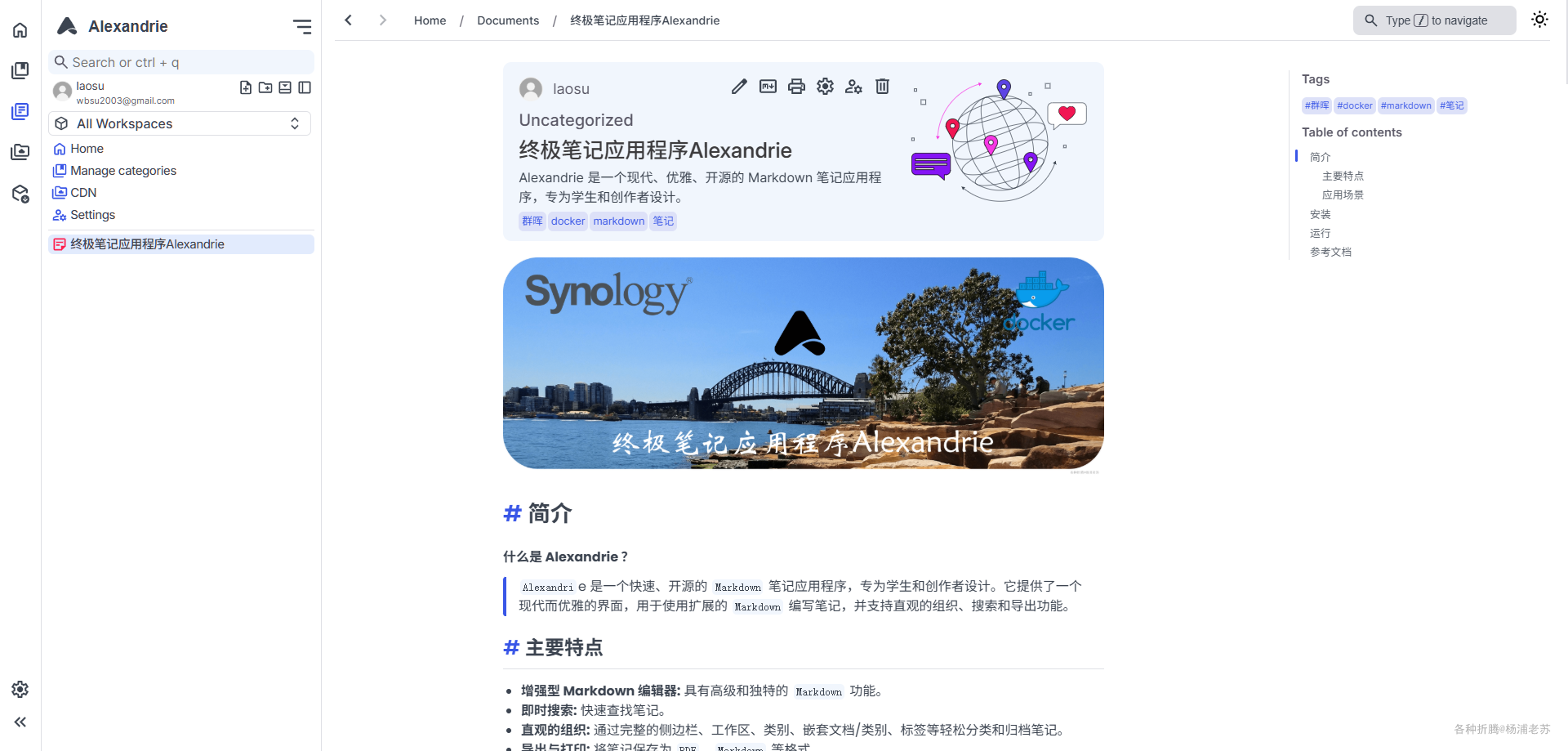
效果看起来也挺不错
参考文档
Smaug6739/Alexandrie: A fast, open-source Markdown note-taking app for students and creators
地址:https://github.com/Smaug6739/Alexandrie

 浙公网安备 33010602011771号