


完整教程:人脸识别4-Windows下基于MSVC编译SeetaFace6
人脸识别4-Windows下基于MSVC编译SeetaFace6
- 0、环境说明
- 1、下载SeetaFace6
- 2 基于MSVC编译SeetaFace6
- 3 在Qt项目中使用SeetaFace6
0、环境说明
| 环境项 | 版本 |
|---|---|
| cmake | 3.30.5 |
| Visual Studio | 2022 |
| cmake产生器 | Visual Studio 17 2022 |
1、下载SeetaFace6
SeetaFace6官网:
- https://github.com/SeetaFace6Open
- https://github.com/SeetaFace6Open/index
把下载的index-master.zip解压到D:\QtDepLibrary\SeetaFace\SeetaFace6目录下,这个目录可以根据自己的实际设定。如下图: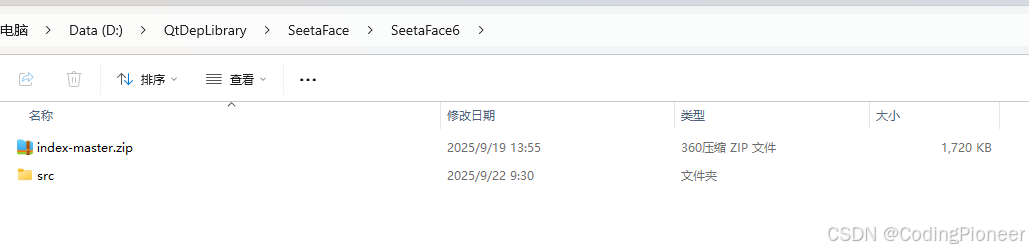
下载https://github.com/SeetaFace6Open下的各模块源码,解压至D:\QtDepLibrary\SeetaFace\SeetaFace6\index-master目录下,覆盖各模块文件夹。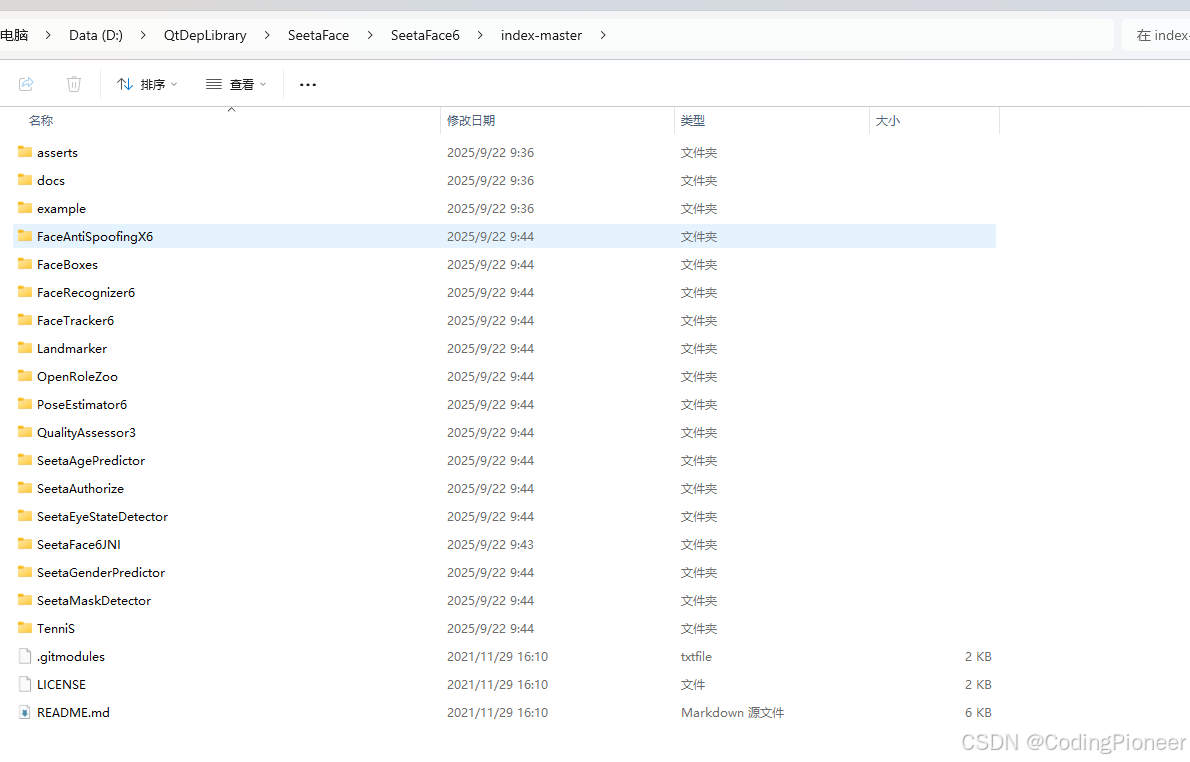
2 基于MSVC编译SeetaFace6
2.0 编译顺序说明
- OpenRoleZoo 为常用操作的集合
- SeetaAuthorize 为模型解析工程
- TenniS 为前向计算框架。需要重点说明的是,此次 TenniS 同时放出了 GPU 计算源码,可以编译出 GPU 版本进行使用。
上述三个模块为基础模块,各个 SDK 的编译均依赖上述模块,因此需要优先编译出 OpenRoleZoo, SeetaAuthorize 和 TenniS,然后再进行其他 SDK 模块的编译。具体需进入每个目录的craft下选择对应的脚本进行执行。
2.1 编译OpenRoleZoo
2.1.1 pot.h代码补丁
解决以下问题
- error C2039: “function”: 不是 “std” 的成员
- error C2061: 语法错误: 标识符“function”
- error C4430: 缺少类型说明符 - 假定为 int
- error C2143: 语法错误: 缺少“,”(在“&”的前面)
- error C3646: “m_allocator”: 未知重写说明符
- error C4430: 缺少类型说明符 - 假定为 int
- error C2665: “orz::Pot::Pot”: 没有重载函数可以转换所有参数类型
修改SeetaFace6\index-master\OpenRoleZoo\include\orz\mem\pot.h,增加以下代码:
#include <functional> // 必须添加,用于 std::function增加后的完整代码
//
// Created by Lby on 2017/8/12.
//
#ifndef ORZ_MEM_POT_H
#define ORZ_MEM_POT_H
#include <functional>  // 必须添加,用于 std::function
  #include <mutex>
    #include <memory>
      namespace orz {

      class Pot {

      public:
      using allocator = std::function<std::shared_ptr<void>(size_t)>;
        Pot();
        Pot(const allocator &ator);
        void *malloc(size_t _size);
        void *relloc(size_t _size);
        template<typename T>
          T *calloc(size_t _count, bool copy = false) {

          if (copy)
          return reinterpret_cast<T *>(this->relloc(sizeof(T) * _count));
            else
            return reinterpret_cast<T *>(this->malloc(sizeof(T) * _count));
 浙公网安备 33010602011771号