2-OpenResty 安装使用(Windows)
下载 OpenResty
1. https://gitee.com/yang456/LearnOpenResty.git
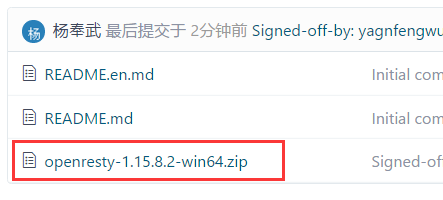
2. http://openresty.org/cn/download.html

双击启动
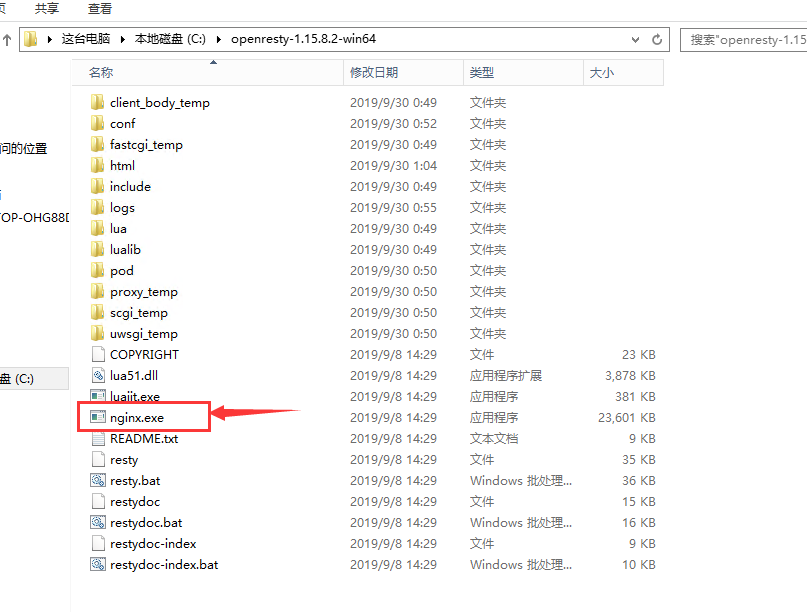
然后看 任务管理器里面

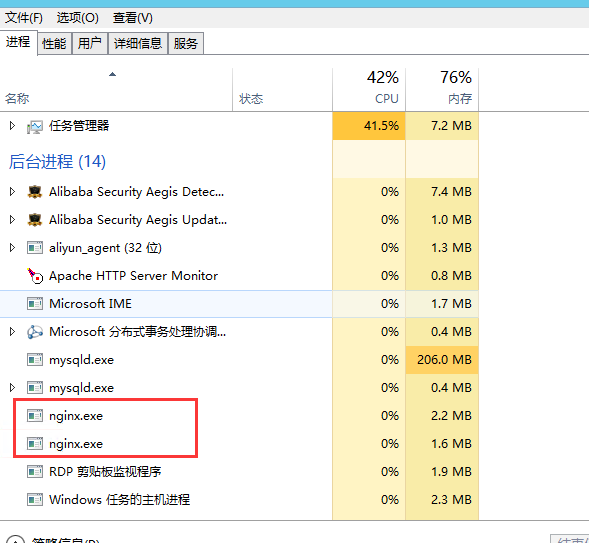
就说明可以了
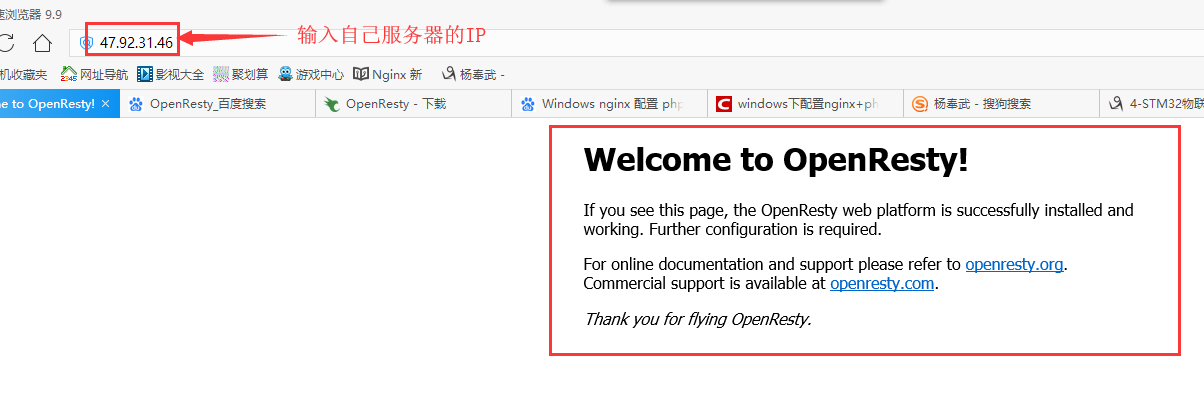
http 默认访问的根目录

下载 OpenResty
1. https://gitee.com/yang456/LearnOpenResty.git
2. http://openresty.org/cn/download.html
双击启动
然后看 任务管理器里面
就说明可以了
http 默认访问的根目录




 浙公网安备 33010602011771号