
SQL审计平台之Yearning安装
一、简介
Yearning是一个非常流行的的MySQL web端SQL审核平台,基于GO语言开发。Yearning后端及前端代码基于AGPL3.0协议,审核引擎项目Juno代码没有开源。
具体请参考官网地址和文档
二、安装
1.下载
wget https://github.com/cookieY/Yearning/releases/Yearning-2.3.4-linux-amd64.zip
unzip Yearning-2.3.4-linux-amd64.zip
2.配置启动
修改配置
vim conf.toml
修改数据库配置,Yearning程序使用的数据库
[Mysql]
Db = "Yearning"
Host = "127.0.0.1"
Port = "3357"
Password = "123456"
User = "root"

[General]
SecretKey = "dbcjqheupqjsuwsm"
Hours = 4
SecretKey 是 token/数据库密码加密/解密的 salt。
建议所有用户在初次安装 Yearning 之前将 SecretKey 更改(不更改将存在安全风险)
格式: 大小写字母均可, 长度必须为 16 位 如长度不是16位将会导致无法新建数据源
特别注意:
此 key 仅可在初次安装时更改!之后不可再次更改!如再次更改会导致之前已存放的数据源密码无法解密,最终导致无法获取相关数据源信息。
创建数据库
CREATE DATABASE Yearning DEFAULT CHARACTER SET utf8mb4;
查看帮助
./Yearning -h
Yearning Mysql数据审核平台 (Version: 2.3.4 Neptune)
Usage:
  ./Yearning [Global Options...] {command} [--option ...] [argument ...]

Global Options:
  -h, --help              Display the help information
      --no-color          Disable color when outputting message
      --no-interactive    Disable interactive confirmation operations
      --no-progress       Disable display progress message
      --verbose           Set error reporting level(quiet 0 - 4 debug) (default 1)
  -V, --version           Display app version information

Available Commands:
  genac        Generate auto complete scripts for current application (alias: gen-ac)
  install      Yearning安装及数据初始化
  migrate      破坏性版本升级修复
  reset_super  重置超级管理员密码
  run          启动Yearning

  help         Display help information

Use "./Yearning {COMMAND} -h" for more information about a command
安装
./Yearning install
启动
./Yearning run
检查更新.......
数据已更新!

    __  __
    _ \/ /_________
    __  /_  _ \  _ \
    _  / /  __/  __/
    /_/  \___/\___/   yee v0.2.1
-----Easier and Faster-----
Creator: Henry Yee
三、访问配置
访问http://10.0.0.51:8000/
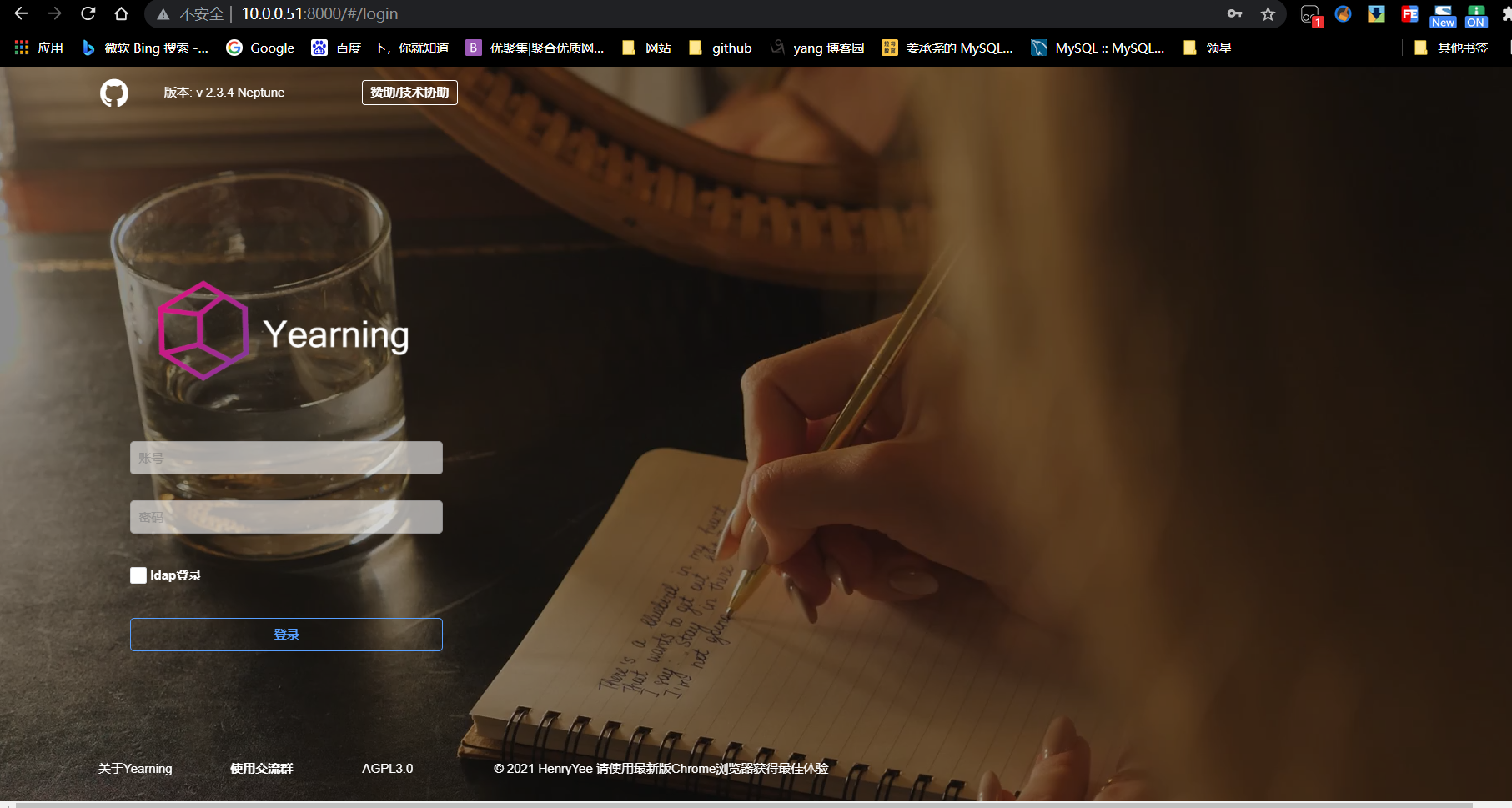
默认管理员账号密码
账号:admin
密码:Yearning_admin
登陆界面
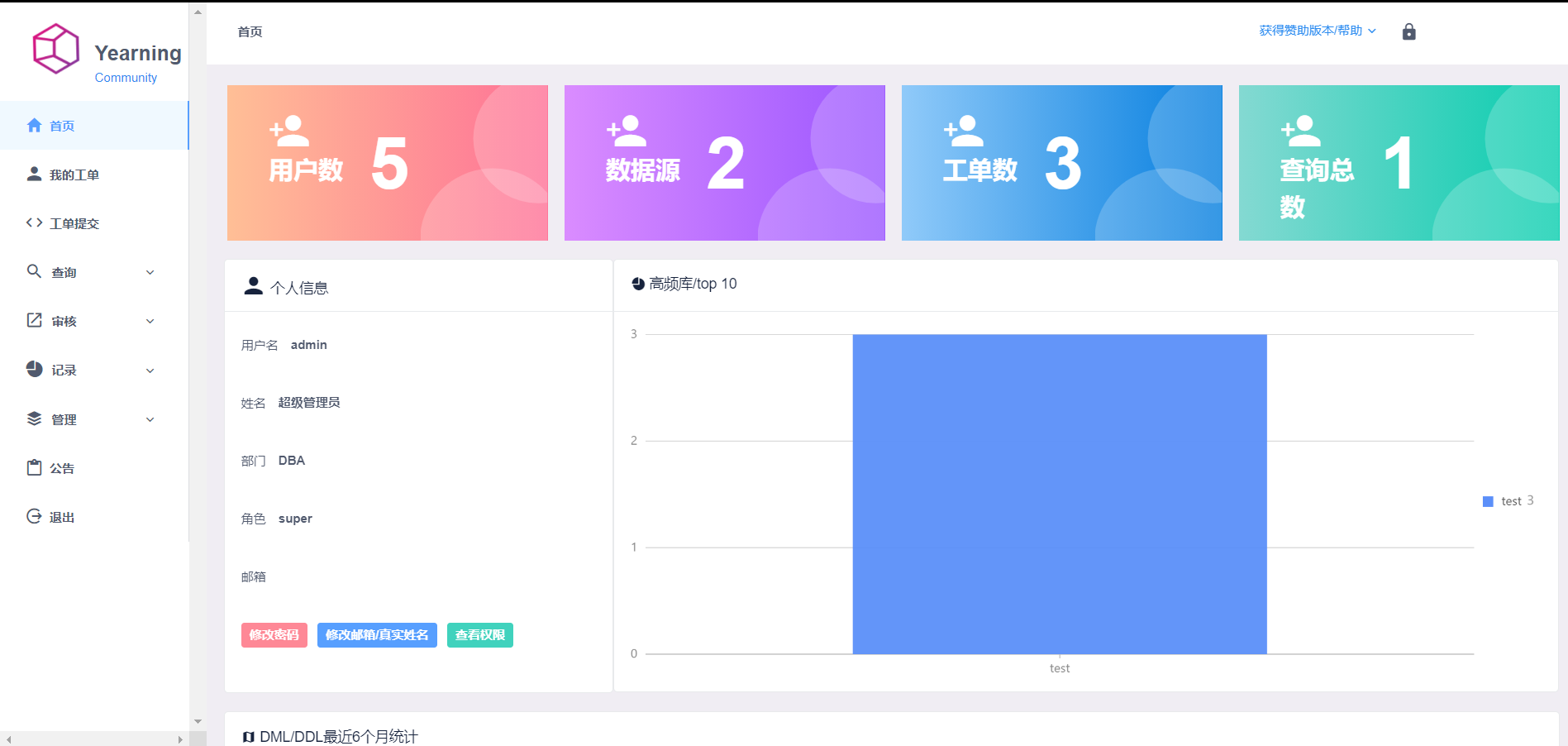
其它配置请参考文档。

 浙公网安备 33010602011771号