

网页交互
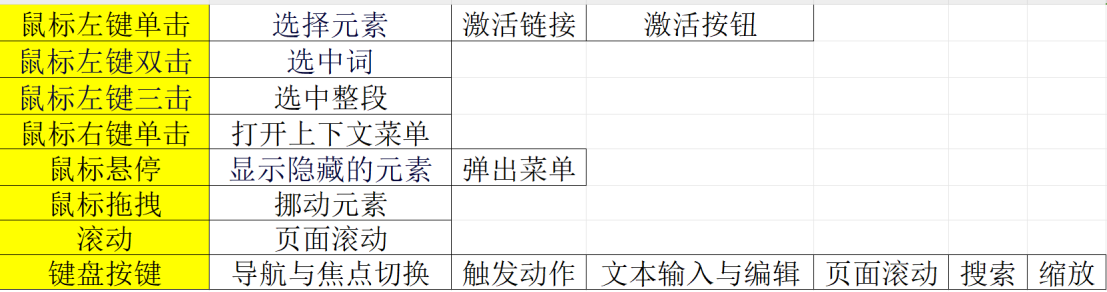
- 单击 选择元素 (html)
<!DOCTYPE html>
<html lang="en">
<head>
    <meta charset="UTF-8">
    <meta name="viewport" content="width=device-width, initial-scale=1.0">
    <title>Document</title>
</head>
<body>
    <form>
        <input type="radio" id="option1" name="choose" value="1">
        <label for="option1">1</label><br>
        <input type="radio" id="option2" name="choose" value="2">
        <label for="option2">2</label><br>
    </form>
</body>
</html>
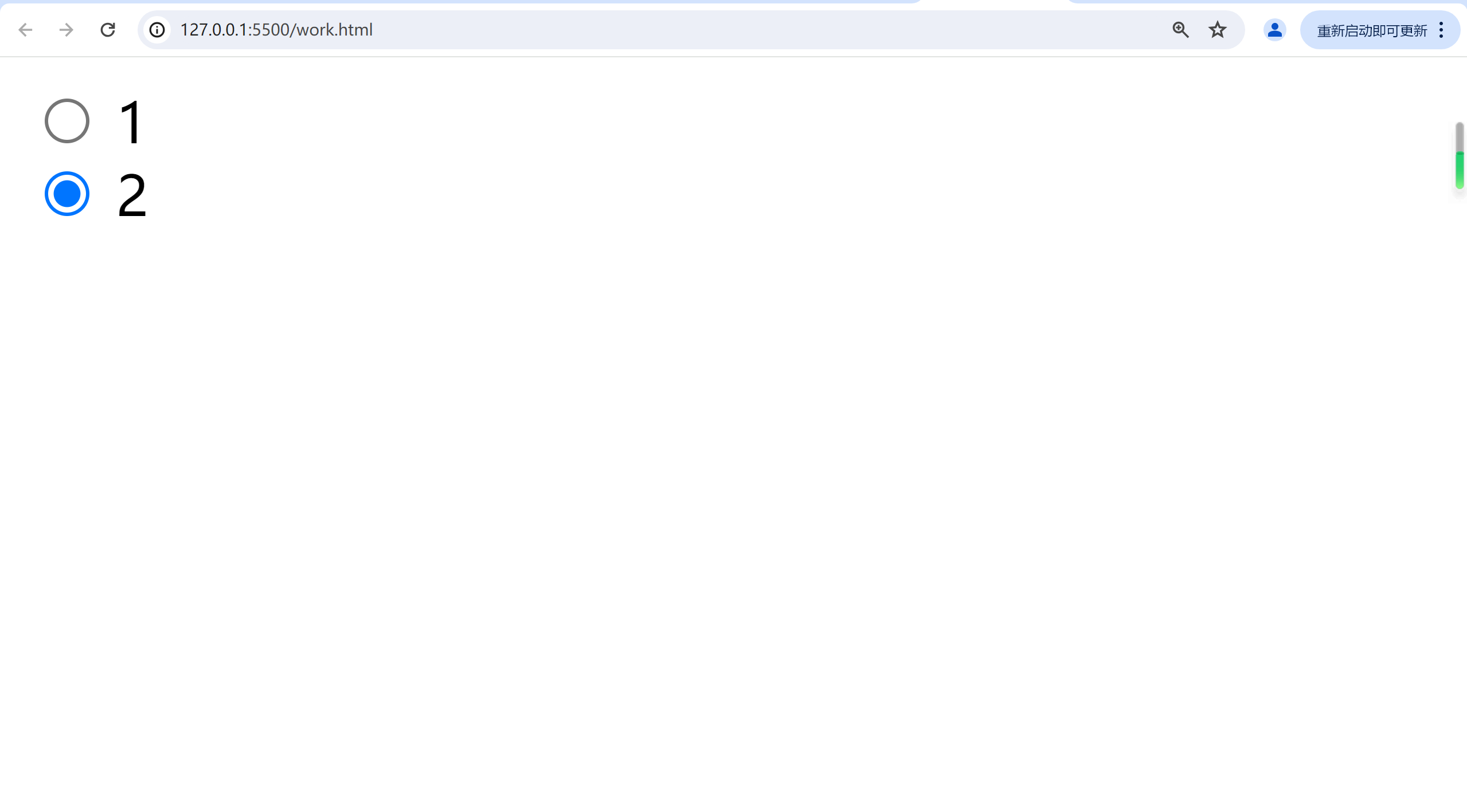
显示效果:可通过鼠标点击选择的选项框
- 单击激活链接
<!DOCTYPE html>
<html lang="en">
<head>
    <meta charset="UTF-8">
    <meta name="viewport" content="width=device-width, initial-scale=1.0">
    <title>Document</title>
</head>
<body>
    <button id="openNewPage">打开百度</button>
    <script src="work.js"></script>
</body>
</html>
work.js
let button=document.getElementById('openNewPage');
button.addEventListener('click', function() {
    window.open("https://www.baidu.com", '_blank');
  });
显示效果:

点击后可以打开百度
- 单击跳转链接
<!DOCTYPE html>
<html lang="en">
<head>
    <meta charset="UTF-8">
    <meta name="viewport" content="width=device-width, initial-scale=1.0">
    <title>Document</title>
</head>
<body>
    <a href="https://www.baidu.com" target="_blank">https://www.baidu.com</a>
</body>
</html>
这会显示一个可以点击后跳转到百度的超链接

- 悬停
<!DOCTYPE html>
<html lang="en">
<head>
    <meta charset="UTF-8">
    <meta name="viewport" content="width=device-width, initial-scale=1.0">
    <title>Document</title>
</head>
<body>
    <button class="hover-button" id="hoverButton">hover</button>
    <script src="work.js"></script>
</body>
</html>
work.js
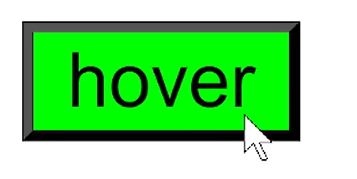
document.getElementById('hoverButton').addEventListener('mouseover', function() {
    this.style.backgroundColor = '#00ff00';
});

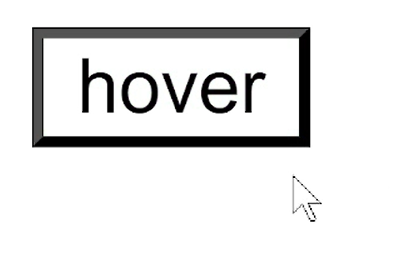
document.getElementById('hoverButton').addEventListener('mouseout', function() {
    this.style.backgroundColor = '#ffffff';
});
悬停时:
离开时:
- 键盘输入
<!DOCTYPE html>
<html lang="en">
<head>
    <meta charset="UTF-8">
    <meta name="viewport" content="width=device-width, initial-scale=1.0">
    <title>Document</title>
</head>
<body>
    <form>
        <label for="name">input:</label>
        <input type="text" id="input" name="input">
        <br><br>
        <input type="submit" value="submit">
    </form>
</body>
</html>
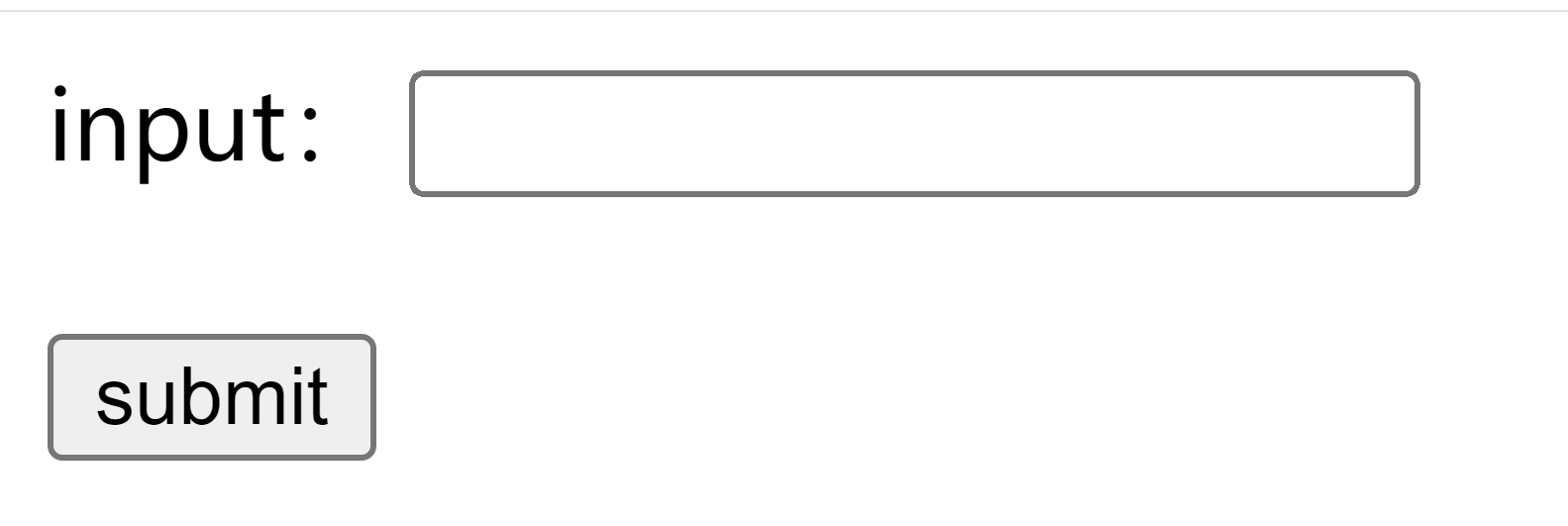
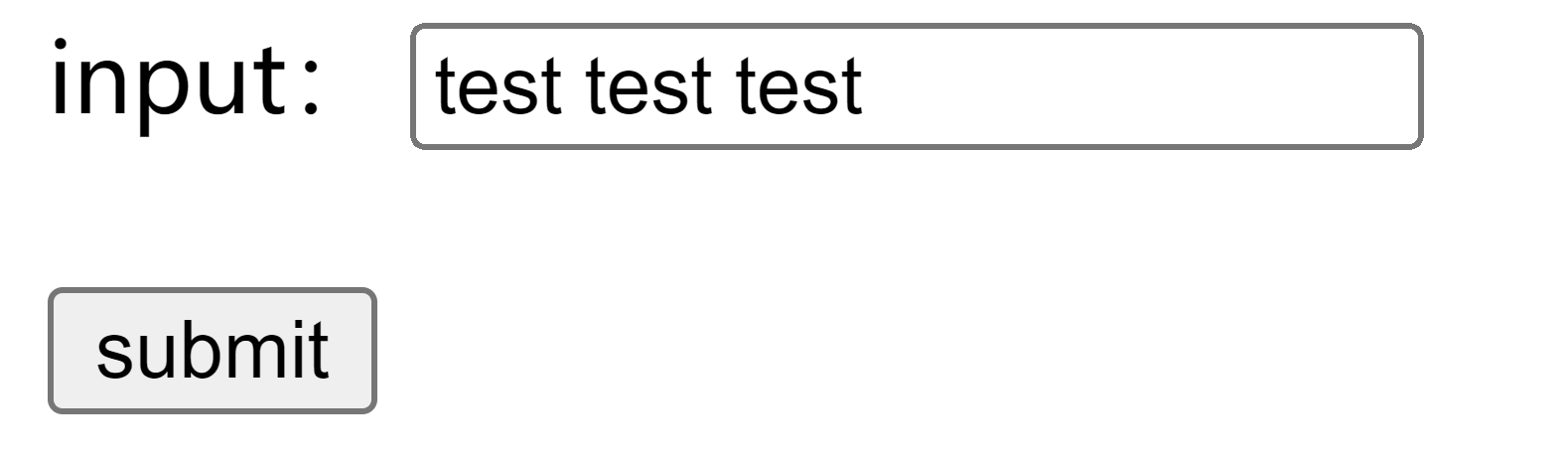
会显示一个输入框和提交按钮:
- 其他
双击三击选中,右键打开菜单,键盘快捷操作可以直接使用,不需要额外实现。

 浙公网安备 33010602011771号