
prometheus永久数据存储
1、HA多活+持久化(本地磁盘持久化)
2、远程存储方案(基于集群FS或者集群块设备)
3、远程存储(基于thanos)
S3远端存储实现
下载远端存储工具
wget http://dl.minio.org.cn/server/minio/release/linux-amd64/minio
添加可执行权限
chmod a+x minio
启动 minio
nohup ./minio server /media/ &
启动之后访问minio
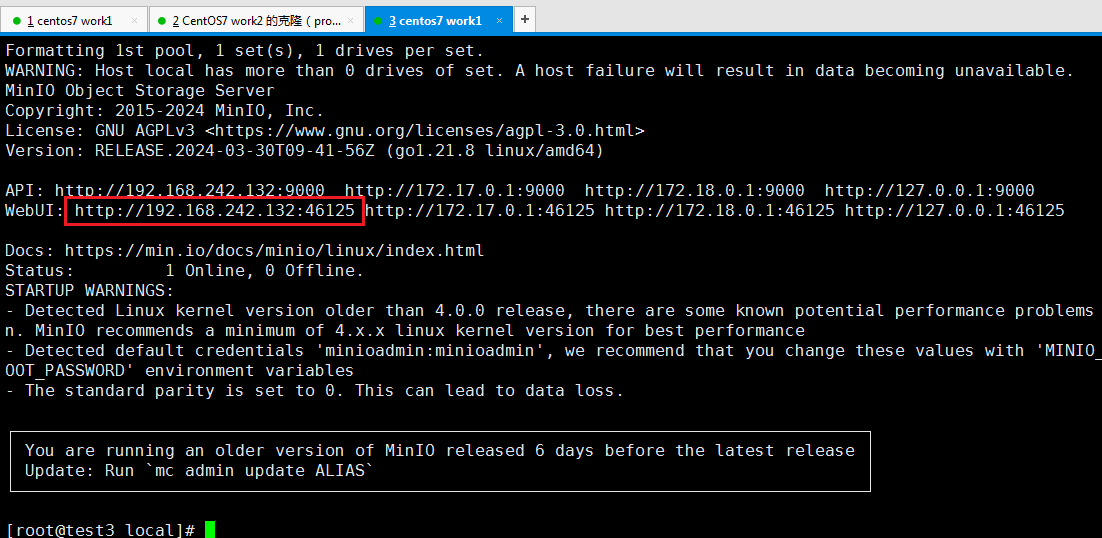
默认登录用户名、密码
minioadmin:minioadmin
创建Bucket
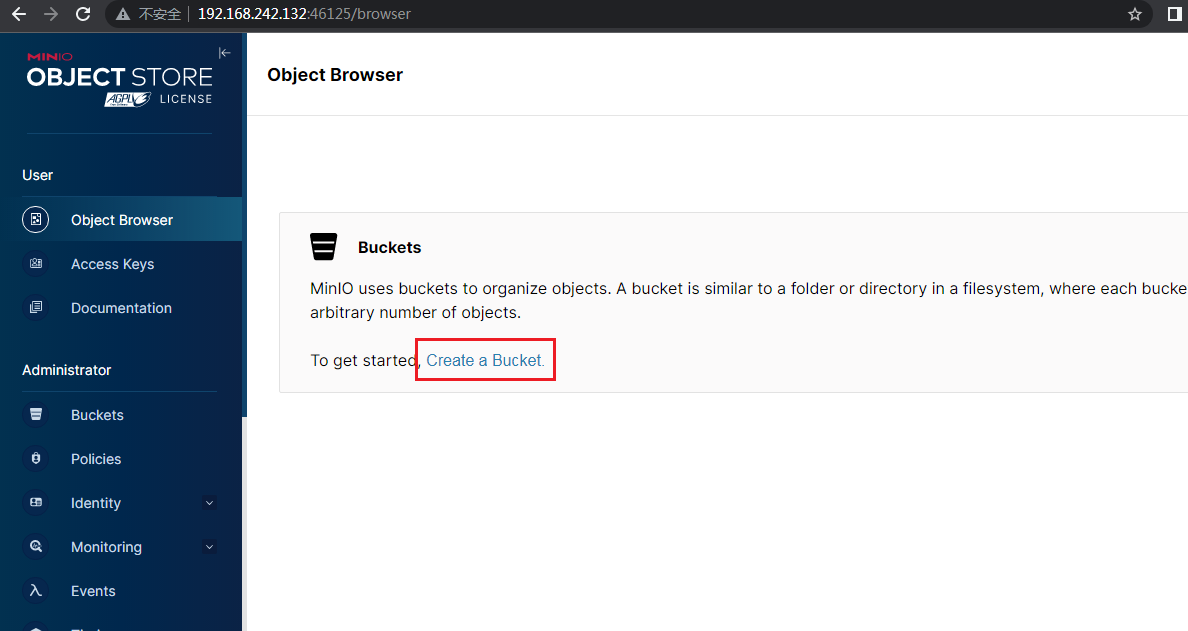
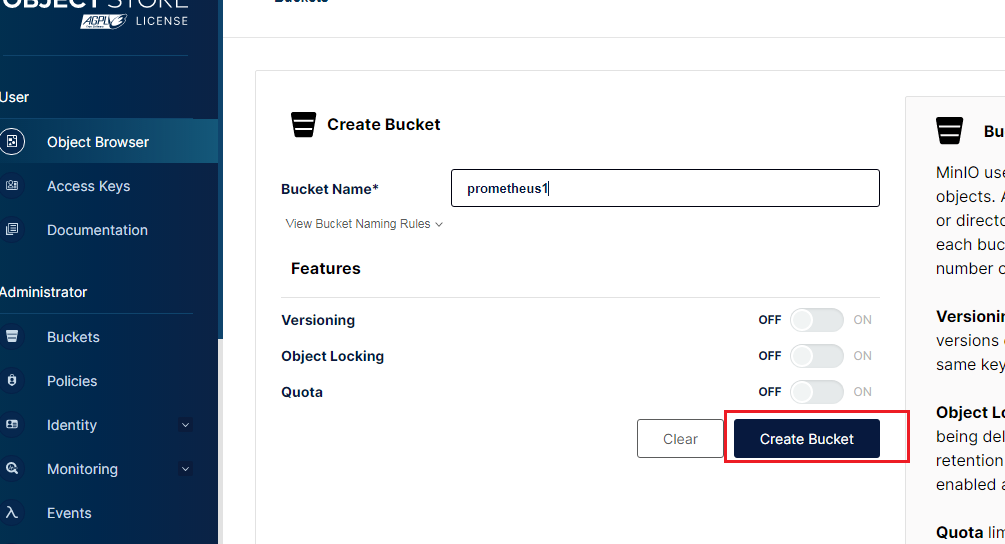
设置存储桶权限
点击存储桶设置权限
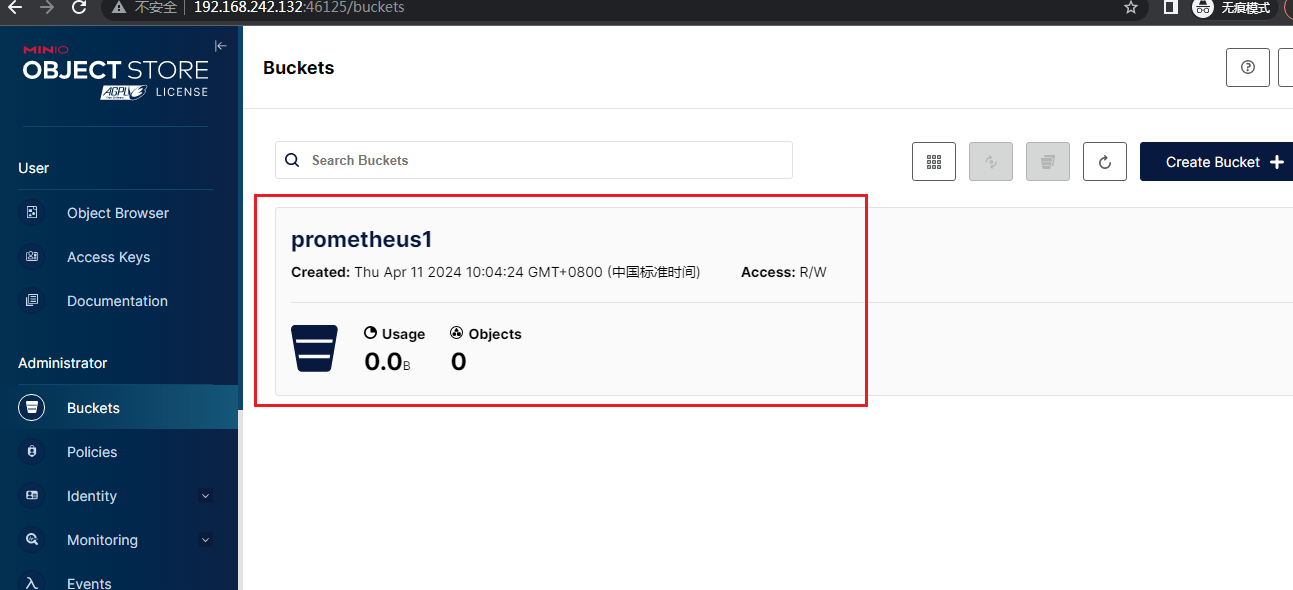
设置Access Policy设置权限
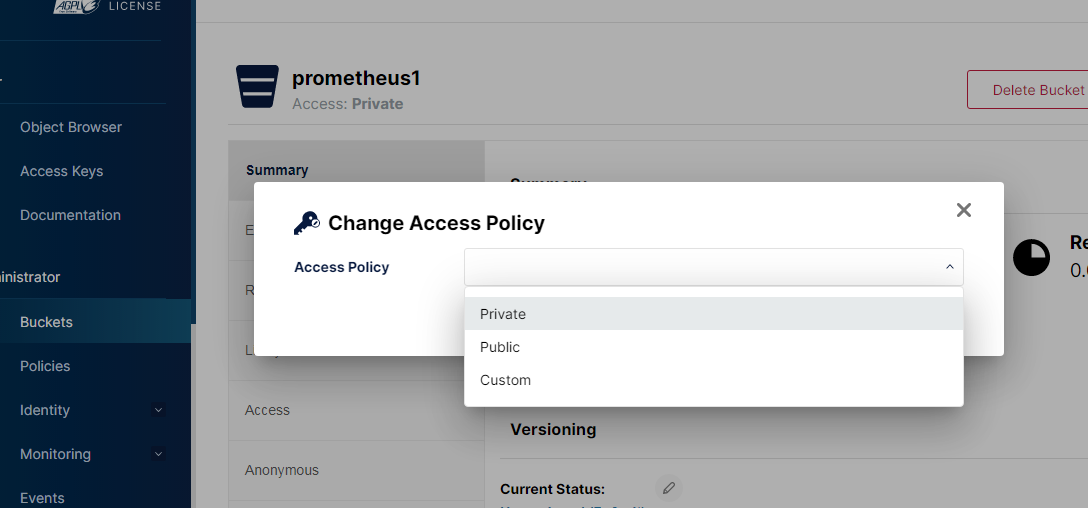
至此s3存储桶设置成功
更改prometheus.yml配置文件
添加下面字段
external_labels:
cluster: test-cluster
monitor: prometheus
replica: 1
注意配置的缩进格式
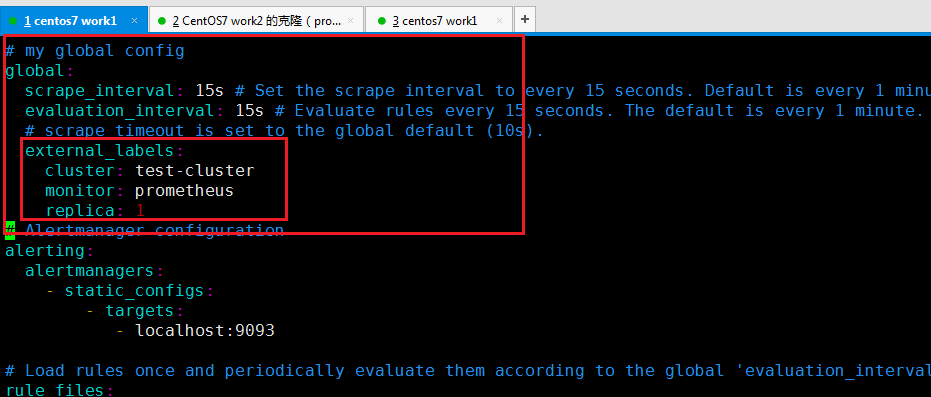
编辑更改prometheus的配置文件
这些是thanos用来处理多副本prometheus的数据所需的字段
--storage.tsdb.max-block-duration=2h --storage.tsdb.min-block-duration=2h --storage.tsdb.wal-compression --storage.tsdb.retention=7d
--storage.tsdb.max-block-duration=2h
这个参数定义了TSDB中每个数据块的最大持续时间
--storage.tsdb.min-block-duration=2h
这个参数定义了TSDB中每个数据块的最小持续时间
--storage.tsdb.wal-compression
WAL代表“Write-Ahead Logging”,是Prometheus用于确保数据持久性的一个机制
--storage.tsdb.retention=7d
这个参数定义了Prometheus中数据的保留时间
在这个例子中,它被设置为7天,这意味着Prometheus会保留最近7天的数据,而更旧的数据则会被自动删除以释放磁盘空间
配置好后prometheus配置文件后重新加载配置文件
systemctl daemon-reload
查看prometheus完整错误日志
journalctl -u prometheus.service -l
下载thanos
https://github.com/thanos-io/thanos/releases/download/v0.32.5/thanos-0.32.5.linux-amd64.tar.gz
解压
tar -zxvf thanos-0.32.5.linux-amd64.tar.gz
vim /usr/lib/systemd/system/thanos.service
[Unit]
Description=thanos
[Service]
ExecStart=/usr/local/thanos/thanos sidecar --prometheus.url=http://localhost:9090 --tsdb.path=/usr/local/prometheus/data --http-address=0.0.0.0:19191 --grpc-address=0.0.0.0:19090 --objstore.config-file=/usr/local/thanos/bucket_config.yml
Restart=on-failure
[Install]
WantedBy=multi-user.target
保存退出
编辑thanos的配置文件
vim /usr/local/thanos/bucket_config.yml
type: S3
config:
bucket: prometheusbucket1
endpoint: 192.168.242.132:9000
access_key: minioadmin
secret_key: minioadmin
insecure: true
endpoint: 192.168.242.132:9000 为安装的minio的服务器地址ip
启动thanos服务
systemctl start thanos.service
查看thanos服务状态
systemctl status thanos.service
查看minio控制台
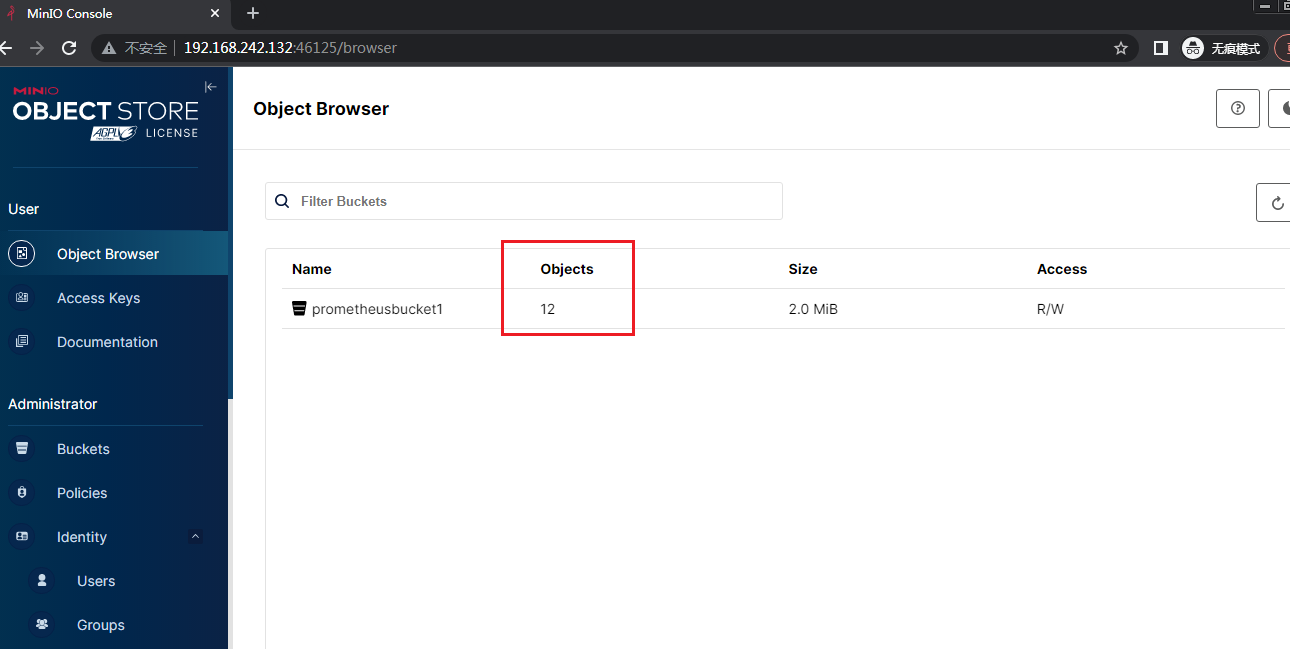
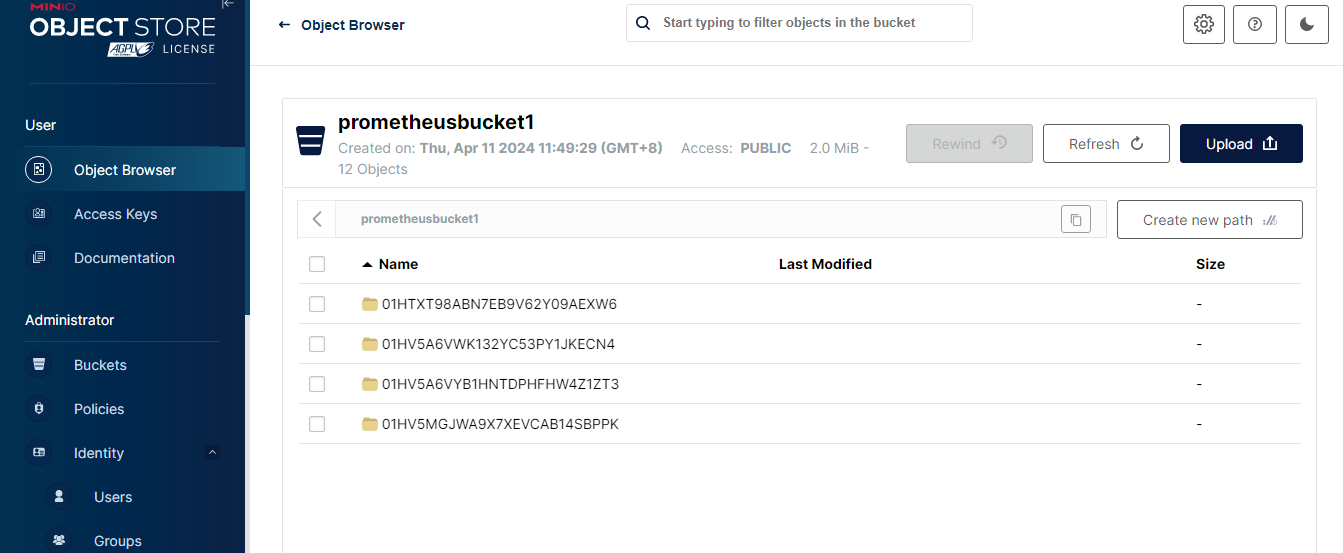
看到已经有文件上传到minio上了
另外一台节点机器上也配上thanos
编辑prometheus配置文件
vim /usr/local/prometheus/prometheus.yml
注意 replica和上一台不同这里值设为2
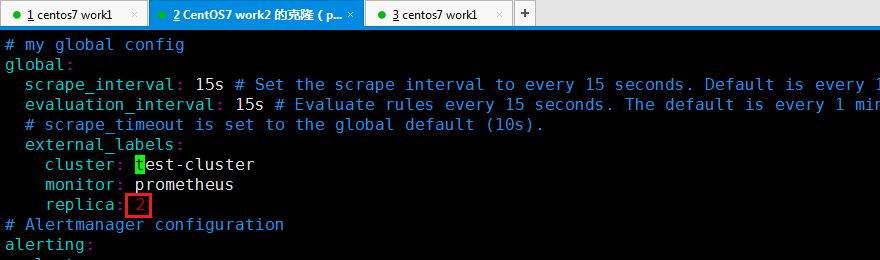
vim /usr/lib/systemd/system/prometheus.service
--storage.tsdb.max-block-duration=2h --storage.tsdb.min-block-duration=2h --storage.tsdb.wal-compression --storage.tsdb.retention=7d
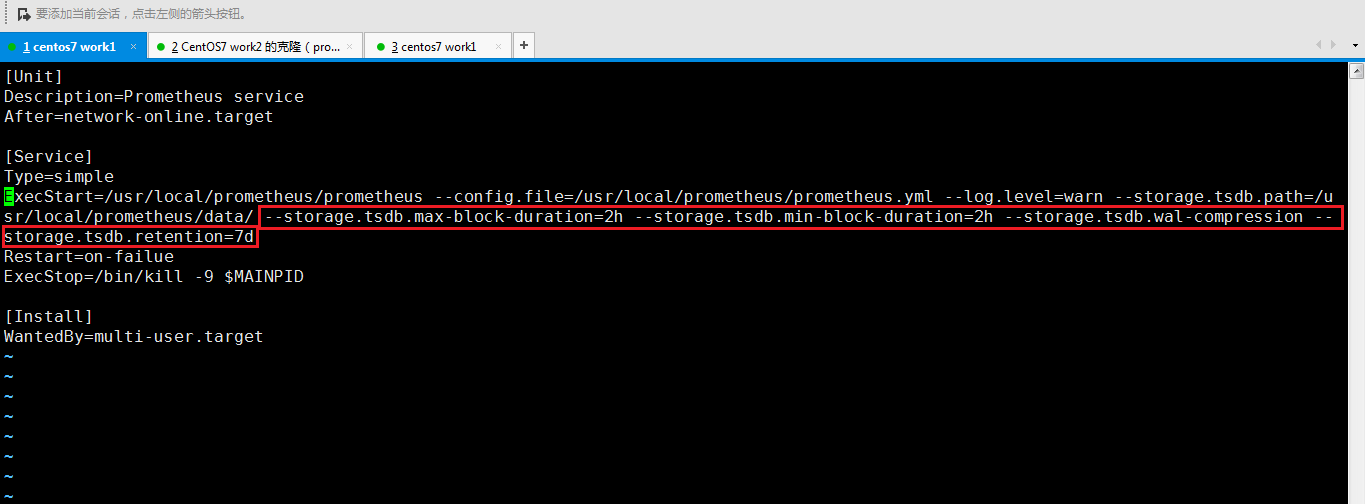
配置好后prometheus配置文件后重新加载配置文件
systemctl daemon-reload
重启prometheus
systemctl restart prometheus.service
查看prometheus状态
接着上传thanos
编辑thanos的启动service文件
然后和配置第一台机器的thanos的操作一样
如果启动失败则可以查看thanos的日志
journalctl -u thanos.service
如果出现下面的报错查看下是否配置文件的格式是否有问题
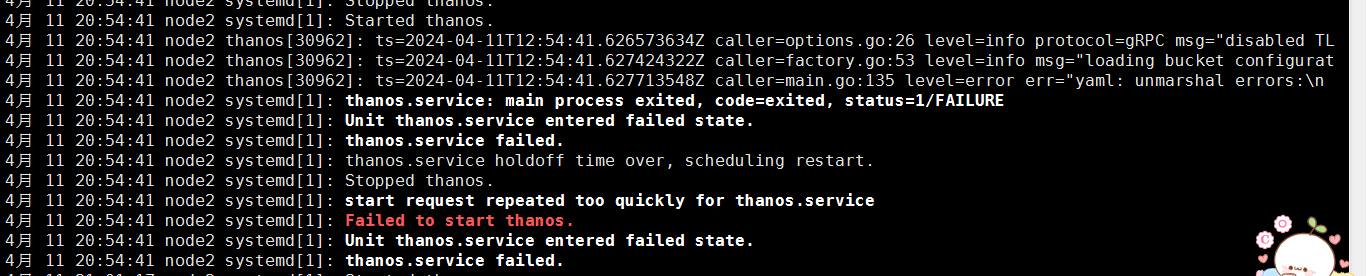
配置好后再次访问minio控制台可以查看到存储桶有多了些文件
配置grafana远端存储
启动thanos
./thanos query --http-address 0.0.0.0:19192 --store 0.0.0.0:19090 --store 192.168.242.135:19090
-
/thanos query命令用于启动thanos的查询组件。thanos是一个用于长时间存储和查询 Prometheus 数据的开源项目,它支持将 Prometheus 数据存储在对象存储(如 Amazon S3、Google Cloud Storage 等)中,并提供一个与 Prometheus 兼容的查询接口。当你运行
./thanos query命令时,它会启动一个 HTTP 服务器,该服务器提供与 Prometheus 兼容的查询 API,允许你通过 PromQL(Prometheus Query Language)查询存储在thanos中的数据。
--http-address 0.0.0.0:19192:设置查询组件的 HTTP 服务监听地址和端口号。0.0.0.0表示监听所有网络接口,19192是端口号。(表示thanos以19192端口启动)--store 0.0.0.0:19090:添加一个存储地址。thanos允许连接多个 Prometheus 存储,这个参数用于指定一个 Prometheus 存储的地址。这里的0.0.0.0:19090指向了本地的一个 Prometheus 存储实例。(一个本机的prometheus 0.0.0.0表示所有)--store 192.168.242.135:19090:再添加一个存储地址。这表示thanos还会从192.168.242.135这个 IP 地址上的19090端口上的 Prometheus 存储实例获取数据。(表示另一台机器的地址)
启动好后访问 thanos-query的控制台
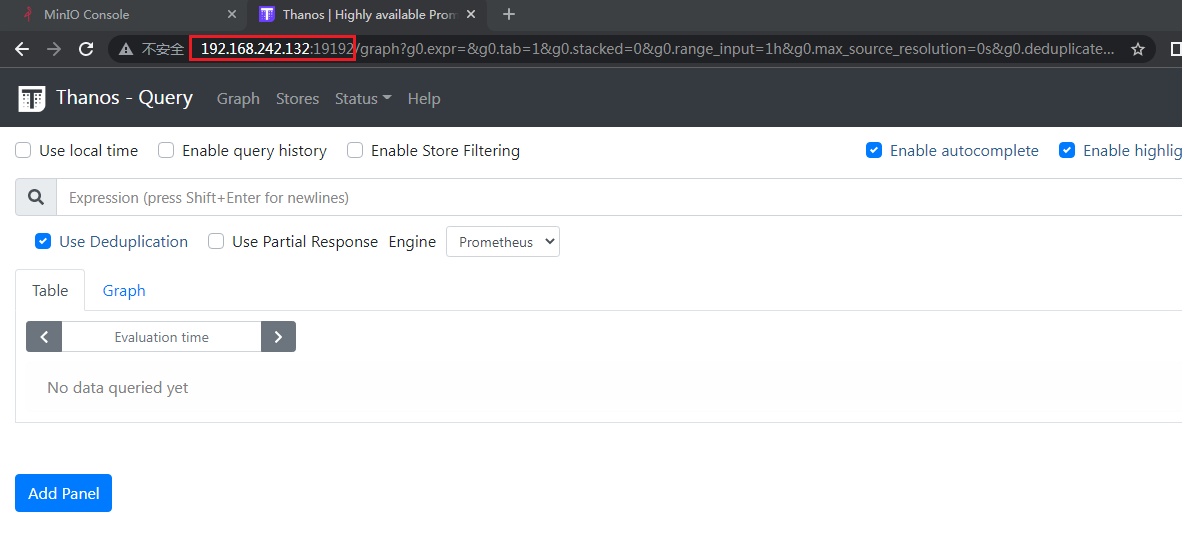
点击Targets可以看到两台机器上的prometheus数据
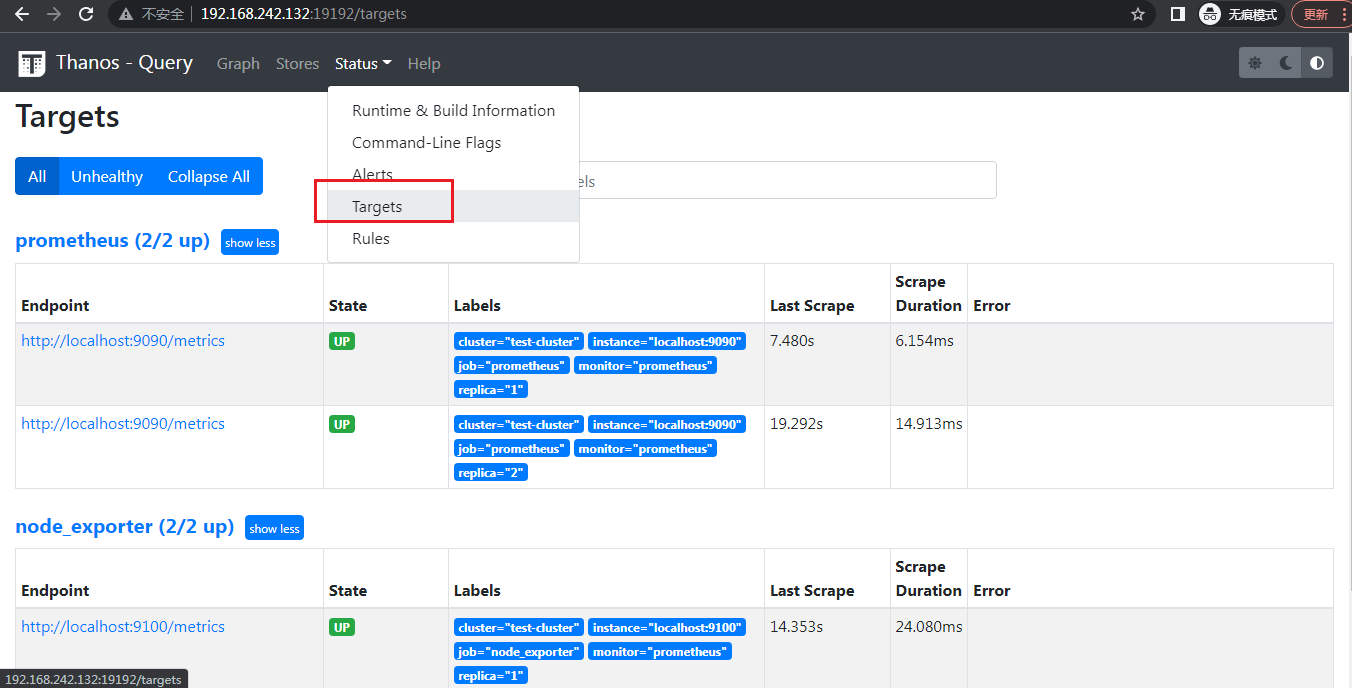
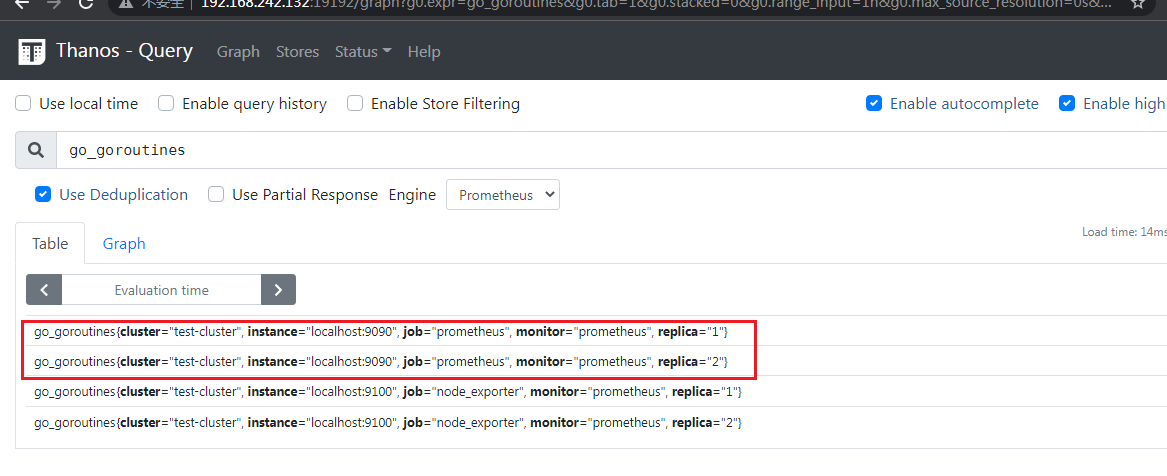
prometheus上可以看到有重复的数据
加入去重参数后再次查看
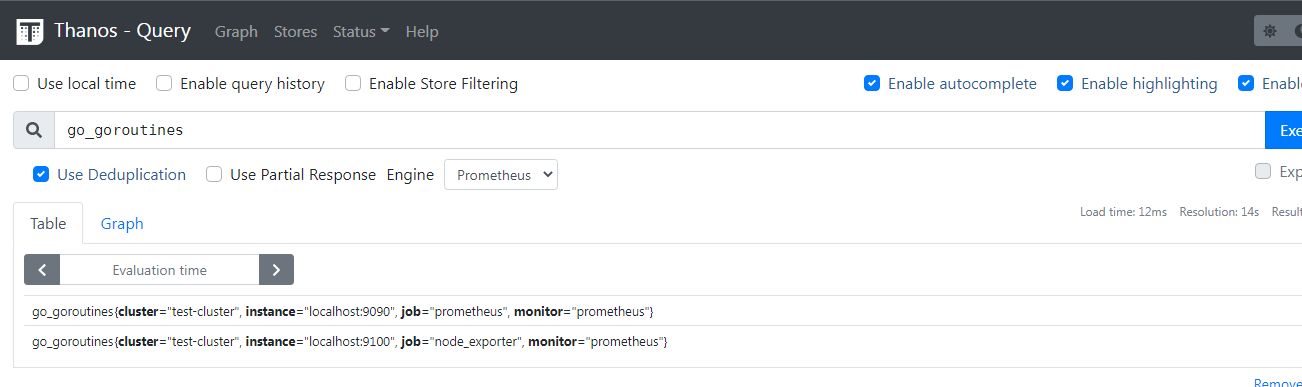
./thanos query --http-address 0.0.0.0:19192 --store 0.0.0.0:19090 --store 192.168.242.135:19090 --query.replica-label replica
接着启动好thanos query后再配置grafana的数据源
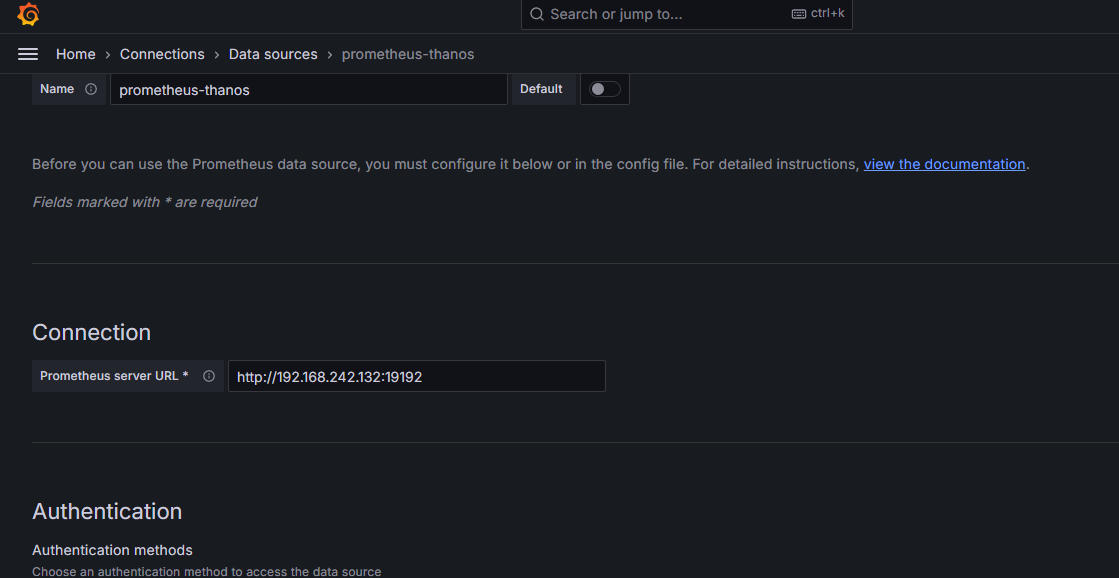
查看dashboard仪表盘图数据 数据不变
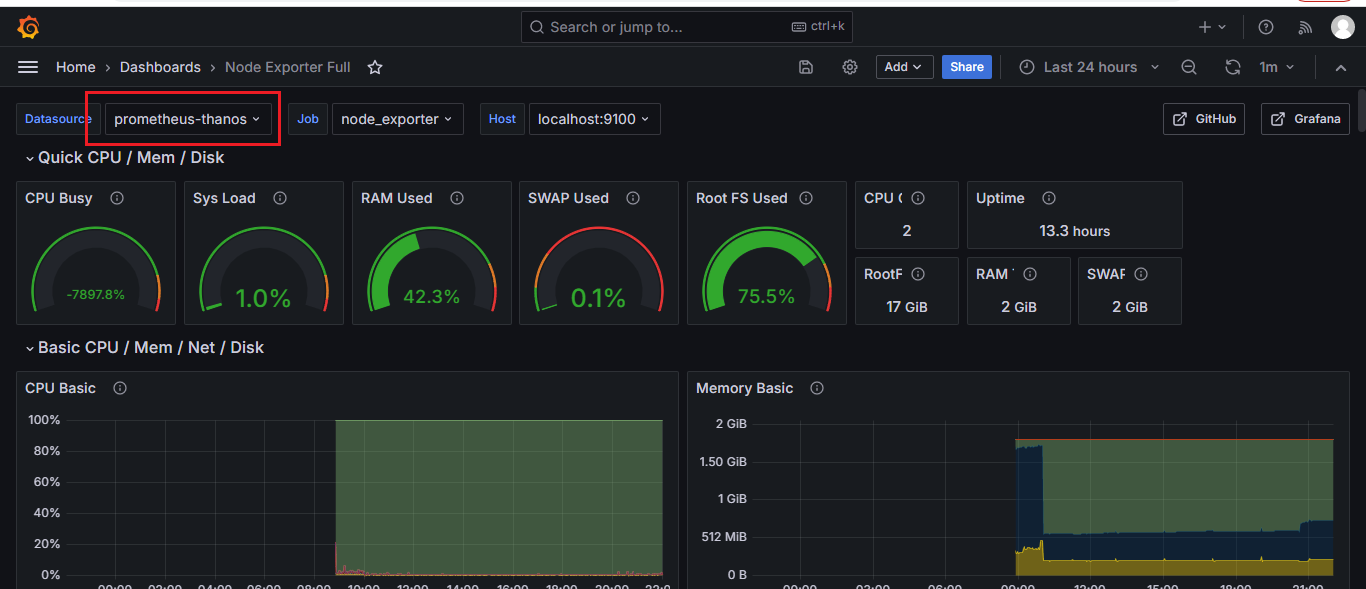
多活thanos这一块还要好好理解

 浙公网安备 33010602011771号