
如何跟随系统主题切换,sass定制主题开发
主题切换的css写法 利用vue的全局性响应式,将当前主题放在localstroge,
利用根元素 document.doucumentElement.dataset.theme = theme.value
//暗色主题
html[data-theme='dark'] {
   --test-color: #000;
   --bg:#000
}

//默认亮色主题
:root {
   --test-color: #fff;
   --bg:#fff
}
如果需要根据系统来切换
第一种:css中提供了一个媒体查询功能
@media (prefers-color-scheme: dark){  //如果匹配上系统的颜色为 深色的话就执行下面的样式
  --bg:#000
  ...
}
  @media (prefers-color-scheme: light){  //如果匹配上系统的颜色为 深色的话就执行下面的样式
  --bg:#fff
  ...
}
第二种:js
const match = matchMedia('(prefers-color-scheme:dark)')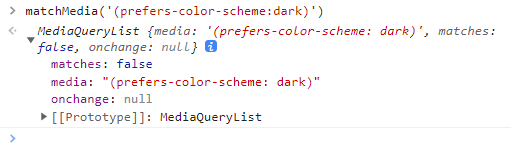
matches:false 表示没有被匹配
const match = matchMedia('(prefers-color-scheme:dark)')

function followOs(){
  if(match.matches){
      document.documentElement.dataset.theme = 'dark'
  }else{
      document.documentElement.dataset.theme = 'light'
  }
}

watchEffect(() => {
   localStorage.setItem('key', theme.value)
    if(theme.value == 'os'){  //如果用户选择的跟随系统
        followOs()
        match.addEventListener('change',followOs)
    } else {
        document.documentElement.dataset.theme = theme.value
        match.removeEventListener('change',followOs())
    }

})
sass如何定制主题开发呢?
//---theme.scss

$themes: (              //定义一个主题的map集合
    light: (
        bgColor: #eee,
        textColor: #000,
    ),
    dark: (
        bgColor: #888,
        textColor: #fff,
        borderRadius:20px

    )
);

$currentTheme: light;
@mixin useTheme() {                       //循环这个集合,动态获取当前主题的对应样式对象
    @each $key, $value in $themes {
        $currentTheme: $key !global;
        html[data-theme='#{$key}'] & {   // & 为调用该方法的 选择器 这里便是 .abc
            @content;                    //content 继承和接收useTheme方法中自定义的样式,类似vueSlot
        }
    }
};

@function getVar($key) {                        //定义一个方法(参数:属性名) 根据当前主题来 动态获取该主题下的样式属性
    $itemObj: map-get($themes, $currentTheme);
    @return map-get($itemObj, $key)
};

.abc{
    width: 100px;
    height: 100px;
    transition: all .5s linear;
    @include useTheme {
        background: getVar('bgColor');
        color: getVar('textColor');
        border-radius: getVar(('borderRadius'));
    }

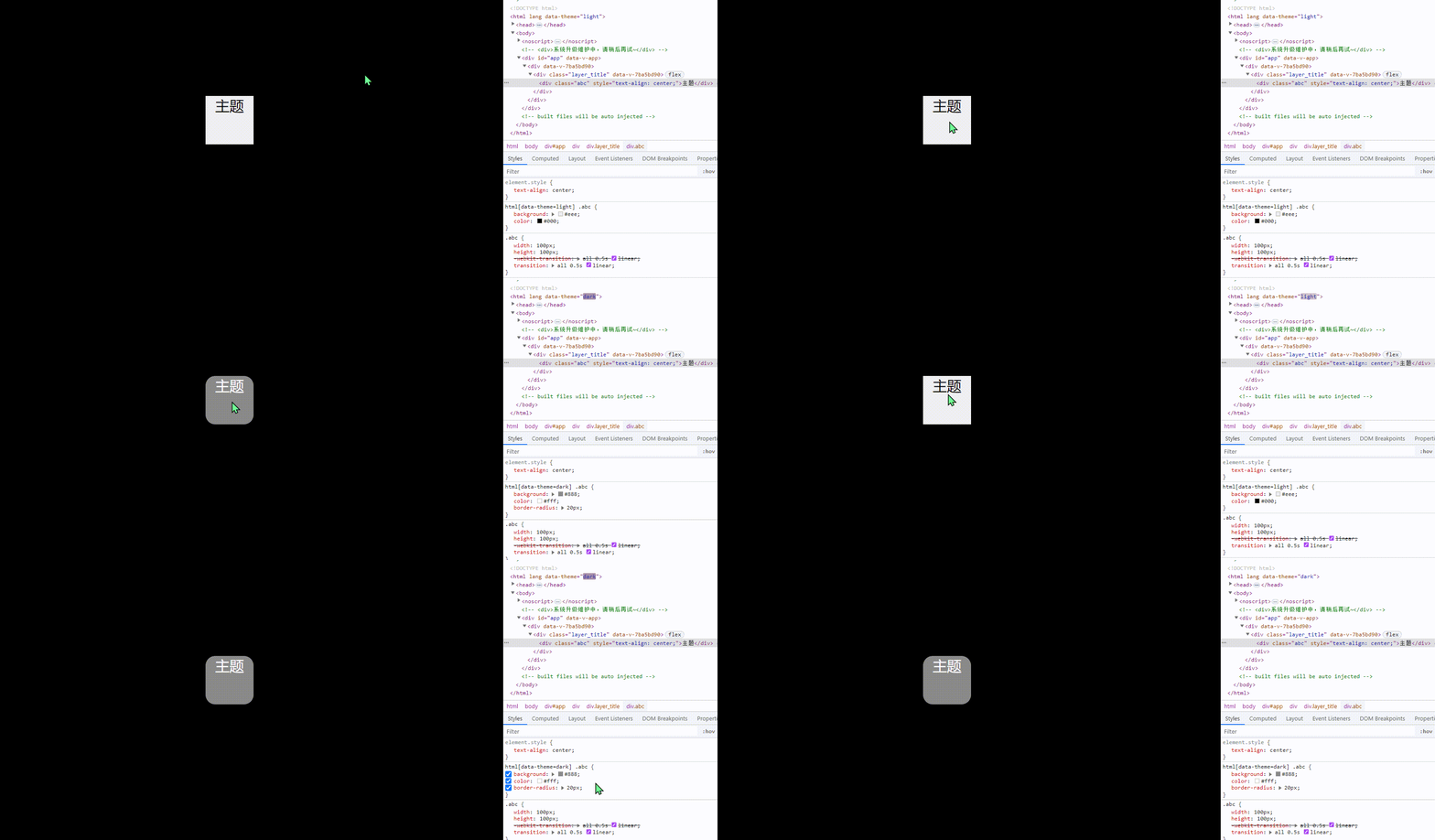
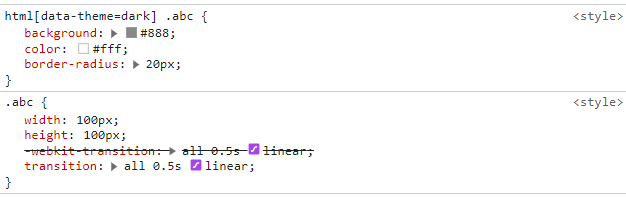
}

 浙公网安备 33010602011771号