
Allure 生成报告
官网:http://allure.qatools.ru/
mac: brew install allure #下载
国内安装homebrew: /bin/zsh -c "$(curl -fsSL https://gitee.com/cunkai/HomebrewCN/raw/master/Homebrew.sh)"
安装 allure-pytest 插件: pip install allure-pytest
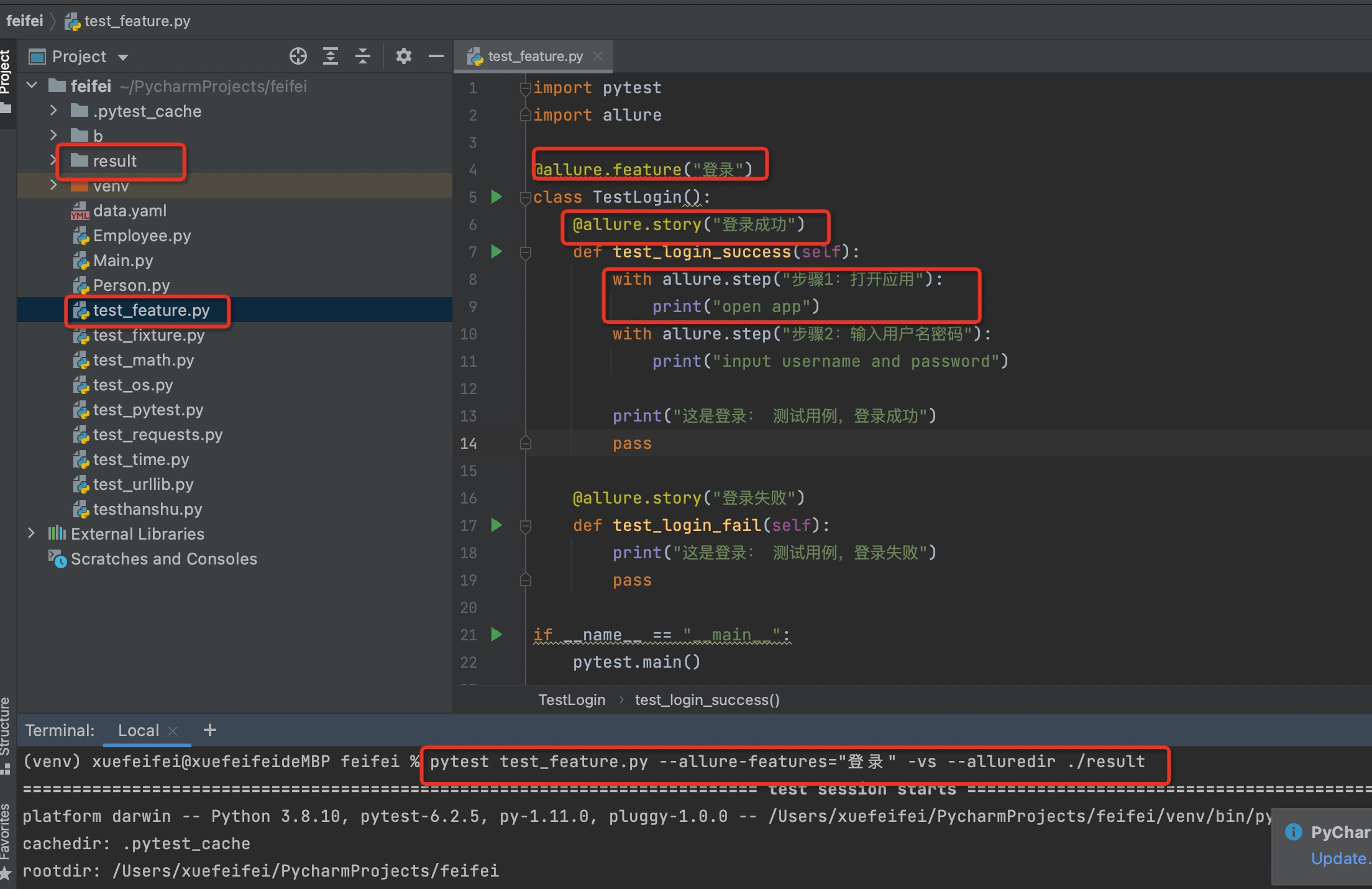
import pytest
import allure

@allure.feature("登录")
class TestLogin():
    @allure.story("登录成功")
    def test_login_success(self):
        with allure.step("步骤1:打开应用"):
            print("open app")
        with allure.step("步骤2:输入用户名密码"):
            print("input username and password")

        print("这是登录: 测试用例,登录成功")
        pass

    @allure.story("登录失败")
    def test_login_fail(self):
        print("这是登录: 测试用例,登录失败")
        pass

if __name__ == "__main__":
    pytest.main()
执行:
pytest test_feature.py --allure-features="登录" -vs --alluredir ./result
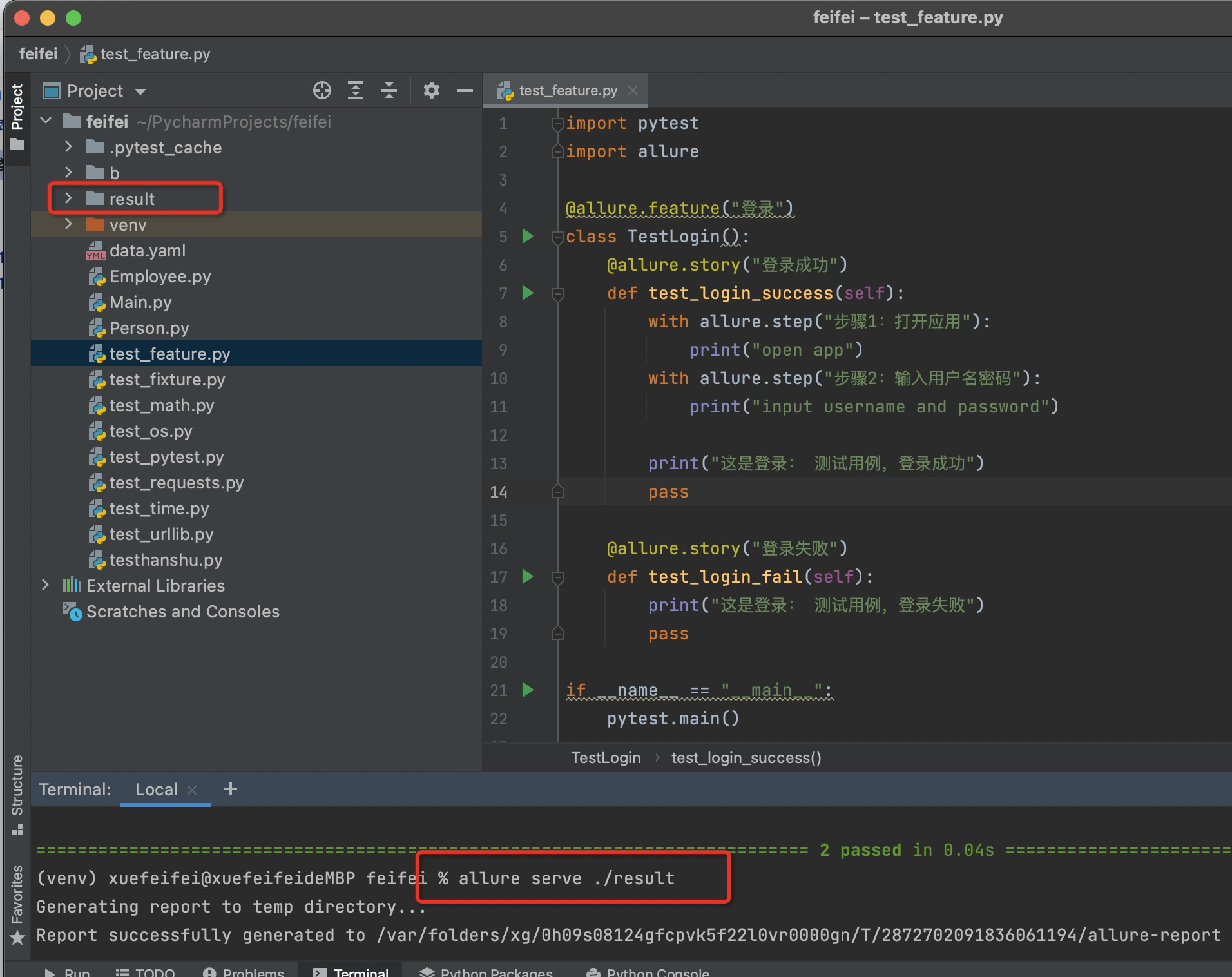
生成报告:
allure serve ./result


 浙公网安备 33010602011771号