


node.js安装
下载地址:https://nodejs.org/en/download/
https://nodejs.cn/download/

下载之后,点击文件一路下一步安装就行,安装完成后
打开dos命令窗口:
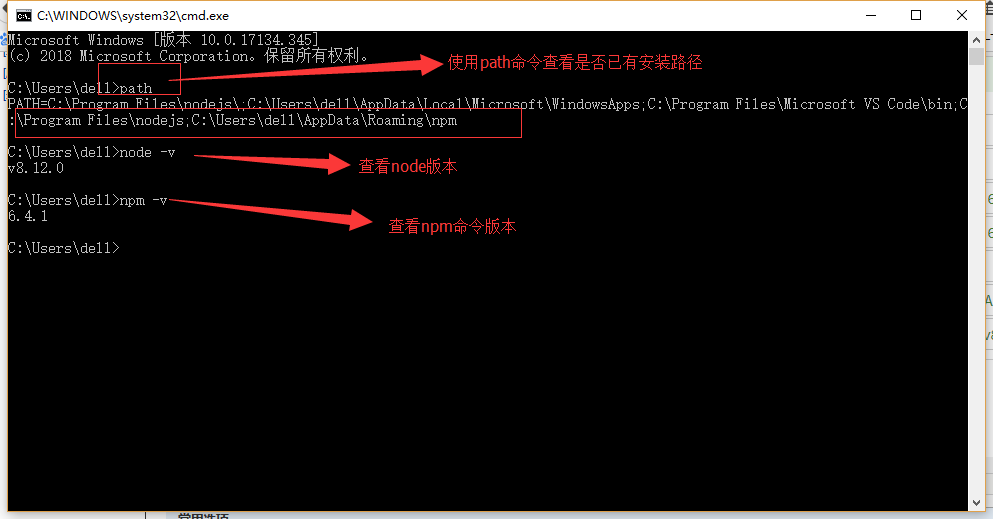
安装nod命令窗口---Windows 二进制文件 (.exe)安装
下载:http://nodejs.org/dist/-----选择相应版本下载
例如:http://nodejs.org/dist/v0.8.12/node.exe
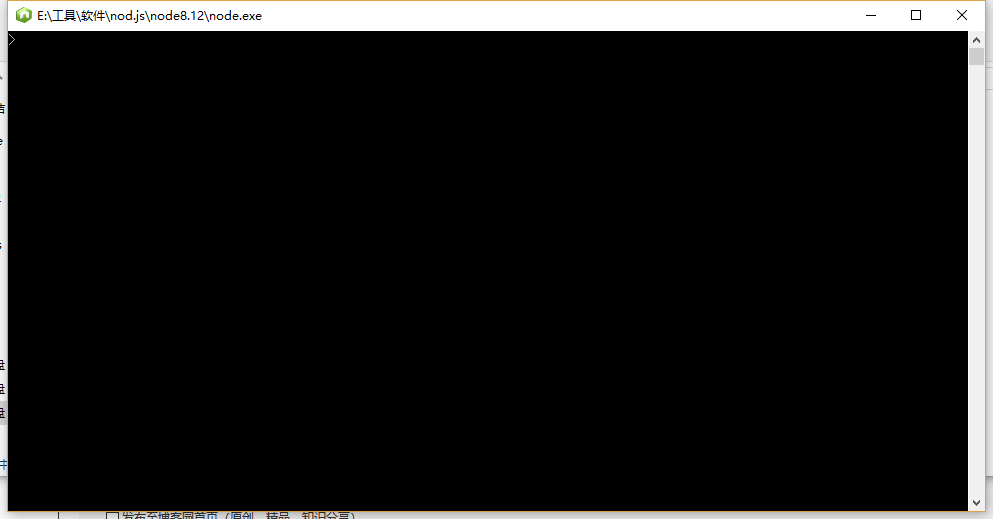
下载之后直接点击弹出如下命令窗口,可以在这个窗口中执行node的一些命令
可以看:https://www.runoob.com/nodejs/nodejs-install-setup.html
-
查看当前镜像源
在命令行输入npm config get registry,若显示为https://registry.npmjs.org/(默认国外源),需更换为国内镜像。 -
更换为淘宝镜像
输入命令npm config set registry https://registry.npm.taobao.org,确认后再次检查镜像源是否变更。 -
更换为其他国内镜像
若淘宝镜像无效,可尝试更换为https://registry.npmmirror.com,命令为npm config set registry https://registry.npmmirror.com。
清除缓存
使用命令 npm cache clean --force 清除缓存(注意该命令可能存在风险,需谨慎操作)。若失败,可尝试 npm cache verify 进行缓存验证。

 浙公网安备 33010602011771号