
python 3.6 安装 tensorflow , keras (新手)
1. 安装 python
通过Anaconda 安装 https://www.anaconda.com/products/individual
2. 使用 conda (Anaconda 包管理工具) 创建/激活 虚拟环境
1. 创建环境
conda create -n evn_name python=3.6
2. 激活环境
activate evn_name
3. 在虚拟环境中, 安装 tensorflow / keras (使用豆瓣源)
python / tensorflow / keras 版本对应关系
pip install tensorflow==2.1 -i http://pypi.douban.com/simple --trusted-host pypi.douban.com
pip install keras==2.3.1 -i http://pypi.douban.com/simple --trusted-host pypi.douban.com
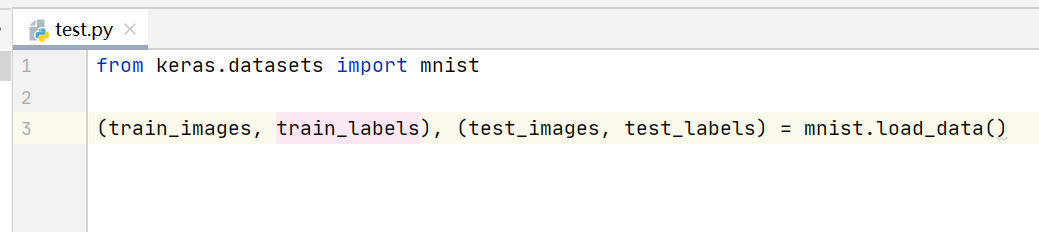
4. 在 PyCharm 中, 使用建好的虚拟环境 , 创建测试项目


 浙公网安备 33010602011771号