Jenkins部署自动化测试
1.安装Jenkins 安装目录下: java -jar jenkins.war 运行
修改插件安装源
https://pypi.tuna.tsinghua.edu.cn/simple
2.安装插件 git mawen jdk
3.Jenkins Manage Jenkins tools配置git mawen jdk publish over ssh
4.Maven项目 clean install
5.用jar包运行,问题运行jar报错
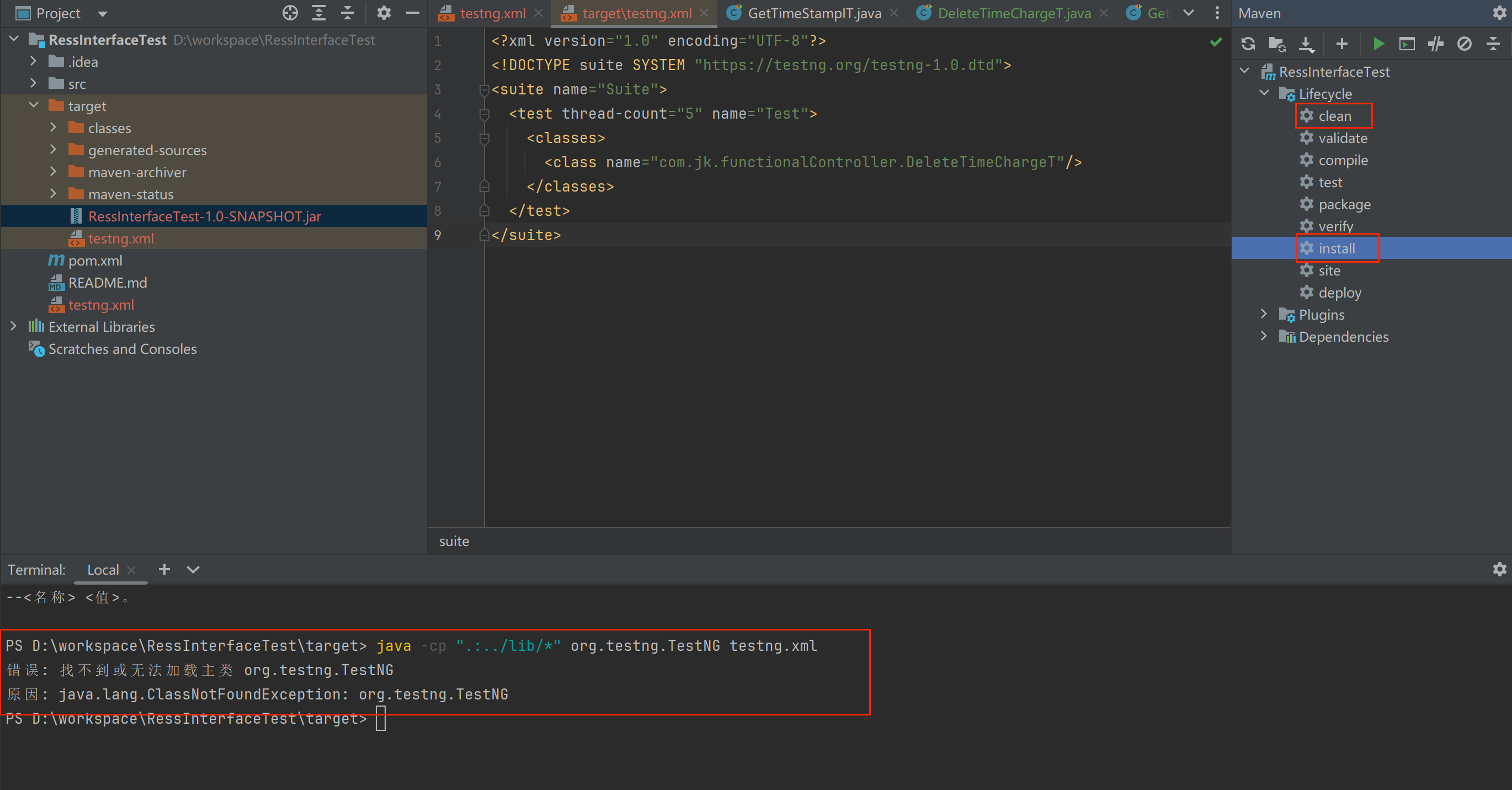
pom.xml 添加插件并指定testng.xml位置
  <build>
        <plugins>
            <plugin>
                <groupId>org.apache.maven.plugins</groupId>
                <artifactId>maven-compiler-plugin</artifactId>
                <version>3.8.1</version>
                <configuration>
                    <source>1.8</source>
                    <target>1.8</target>
                </configuration>
            </plugin>
            <plugin>
                <groupId>org.apache.maven.plugins</groupId>
                <artifactId>maven-surefire-plugin</artifactId>
                <version>2.22.2</version>
                <configuration>
                    <suiteXmlFiles>
                        <suiteXmlFile>testng.xml</suiteXmlFile>
                    </suiteXmlFiles>
                </configuration>
            </plugin>
        </plugins>
    </build>
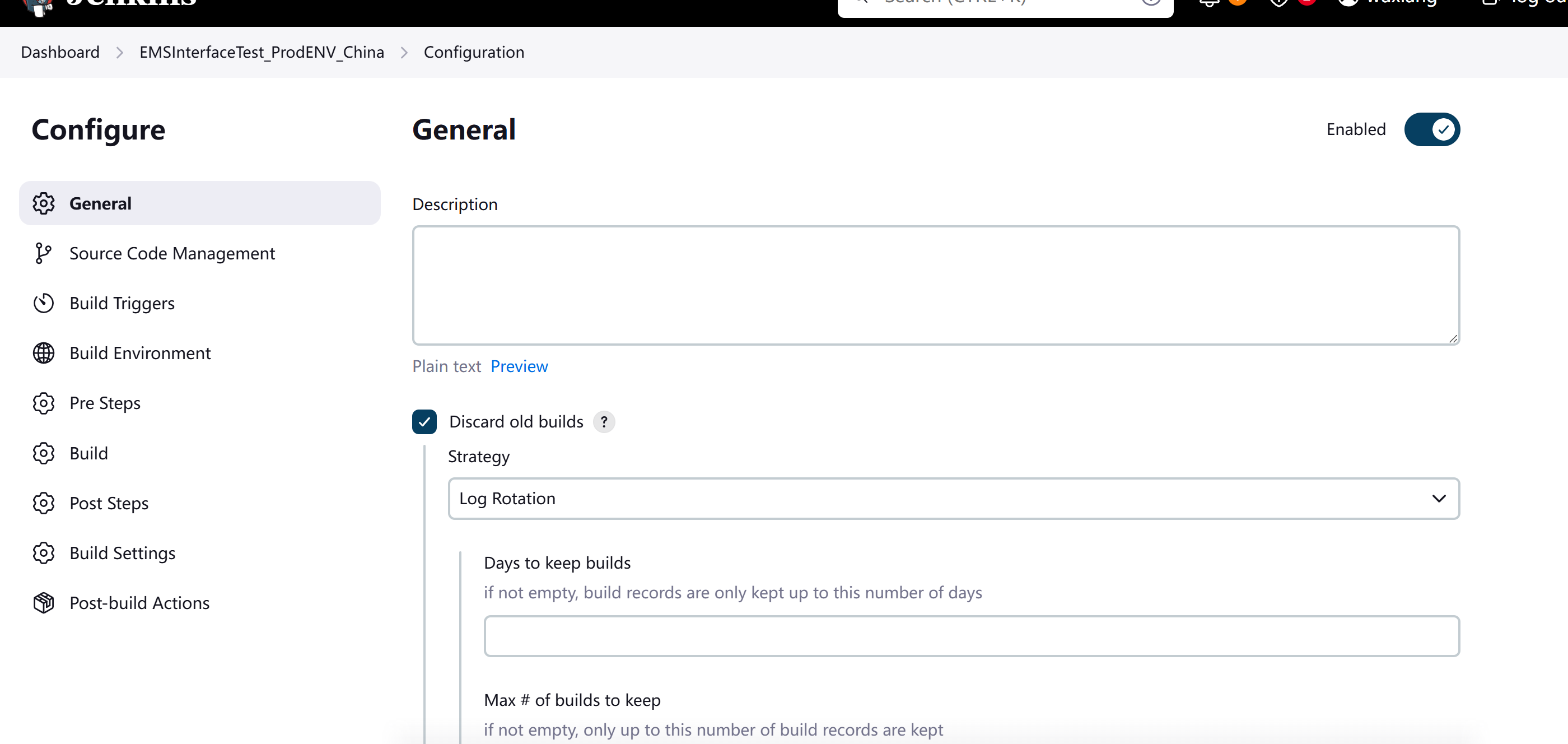
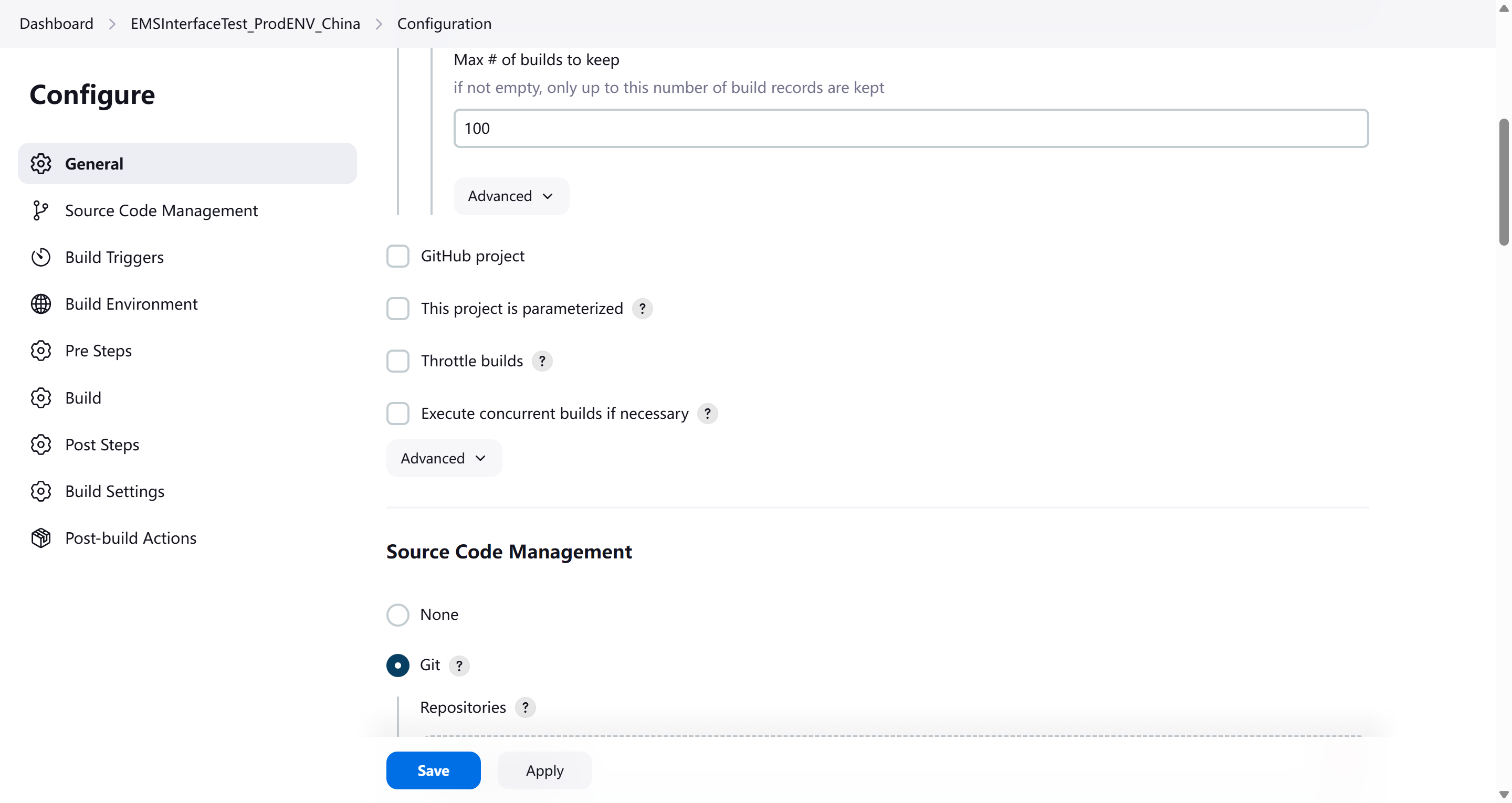
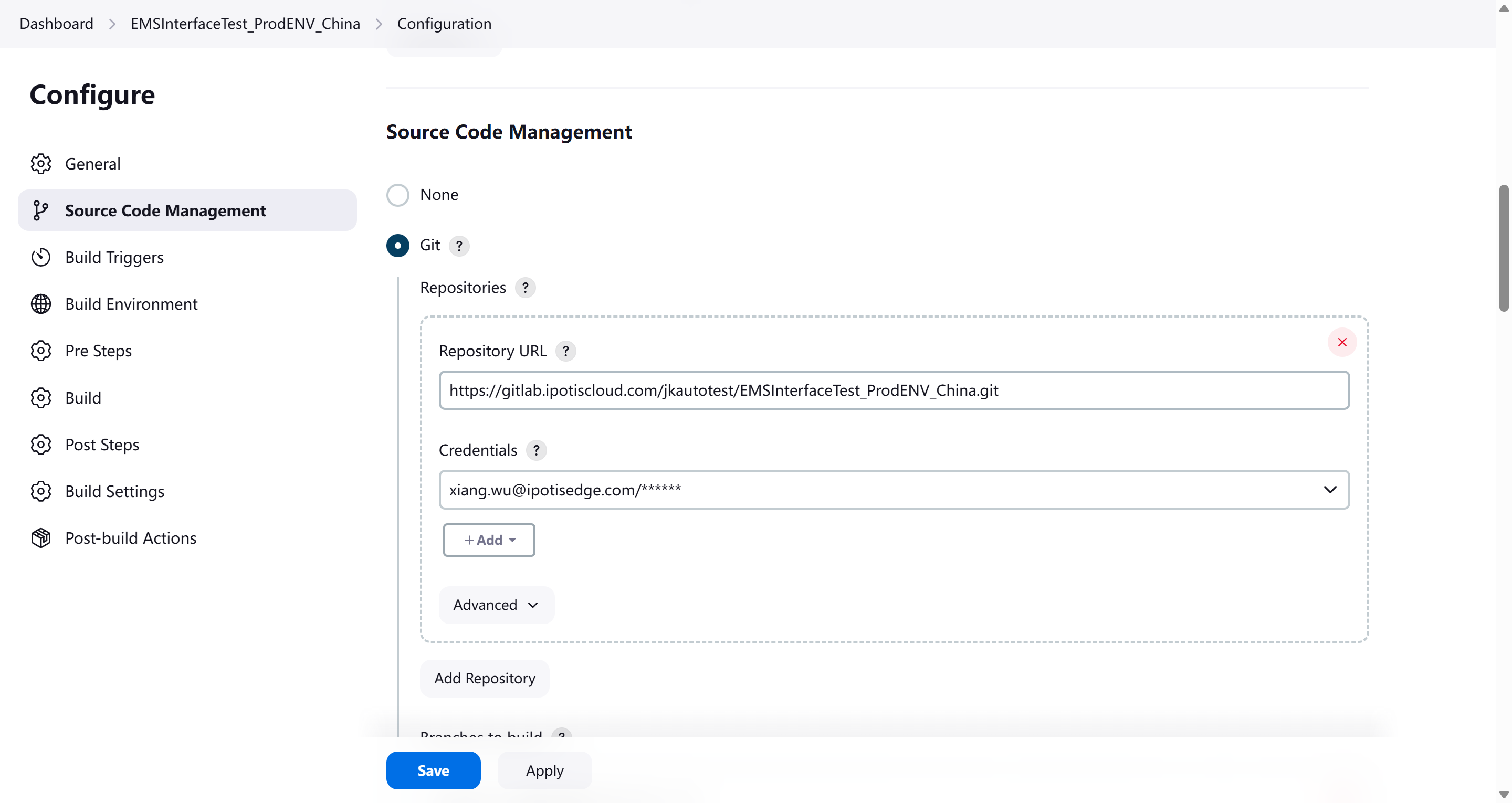
git 远程仓库账号密码 xiang.wu@ipotisedge.com 12801280@wx
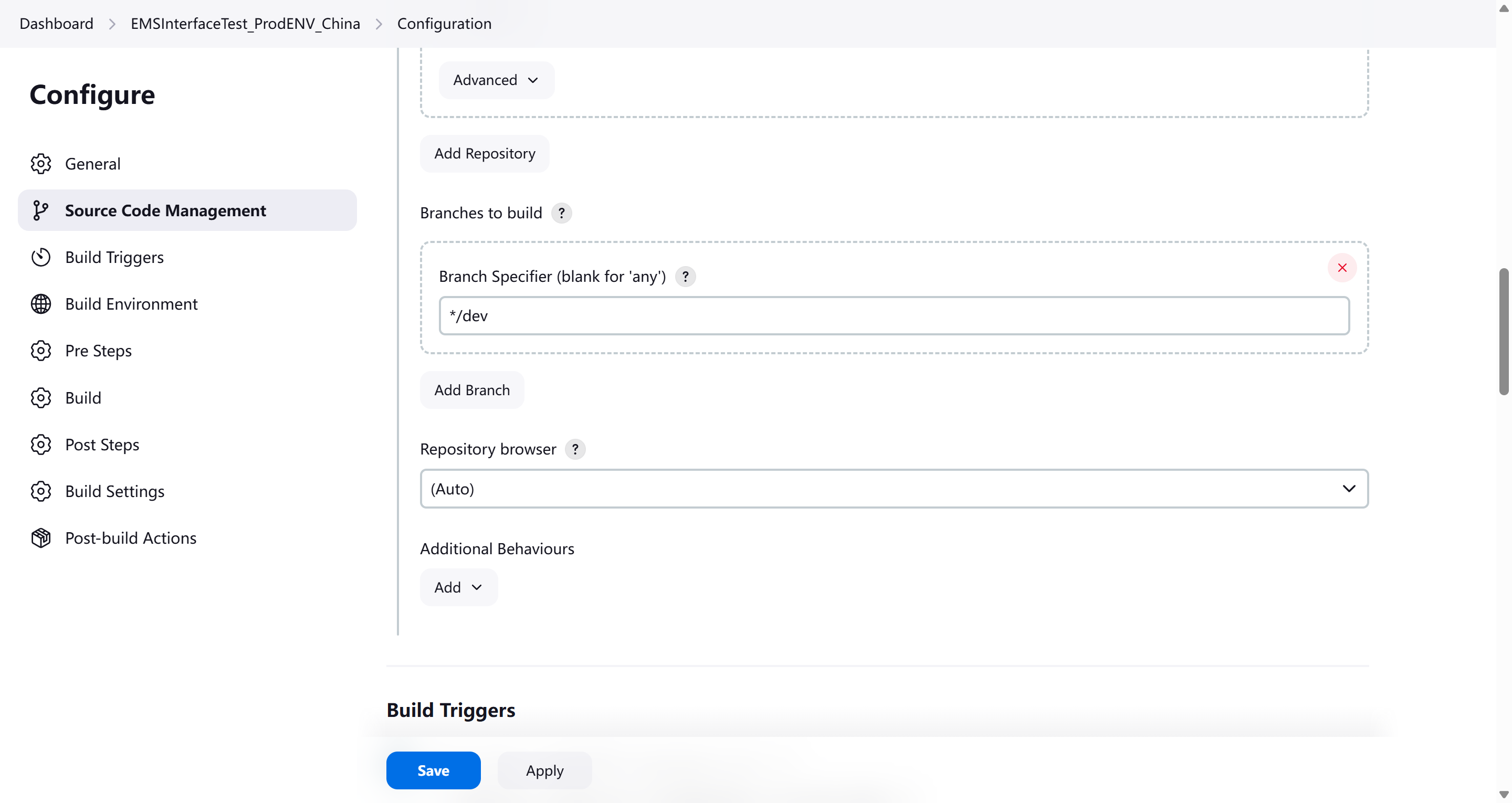
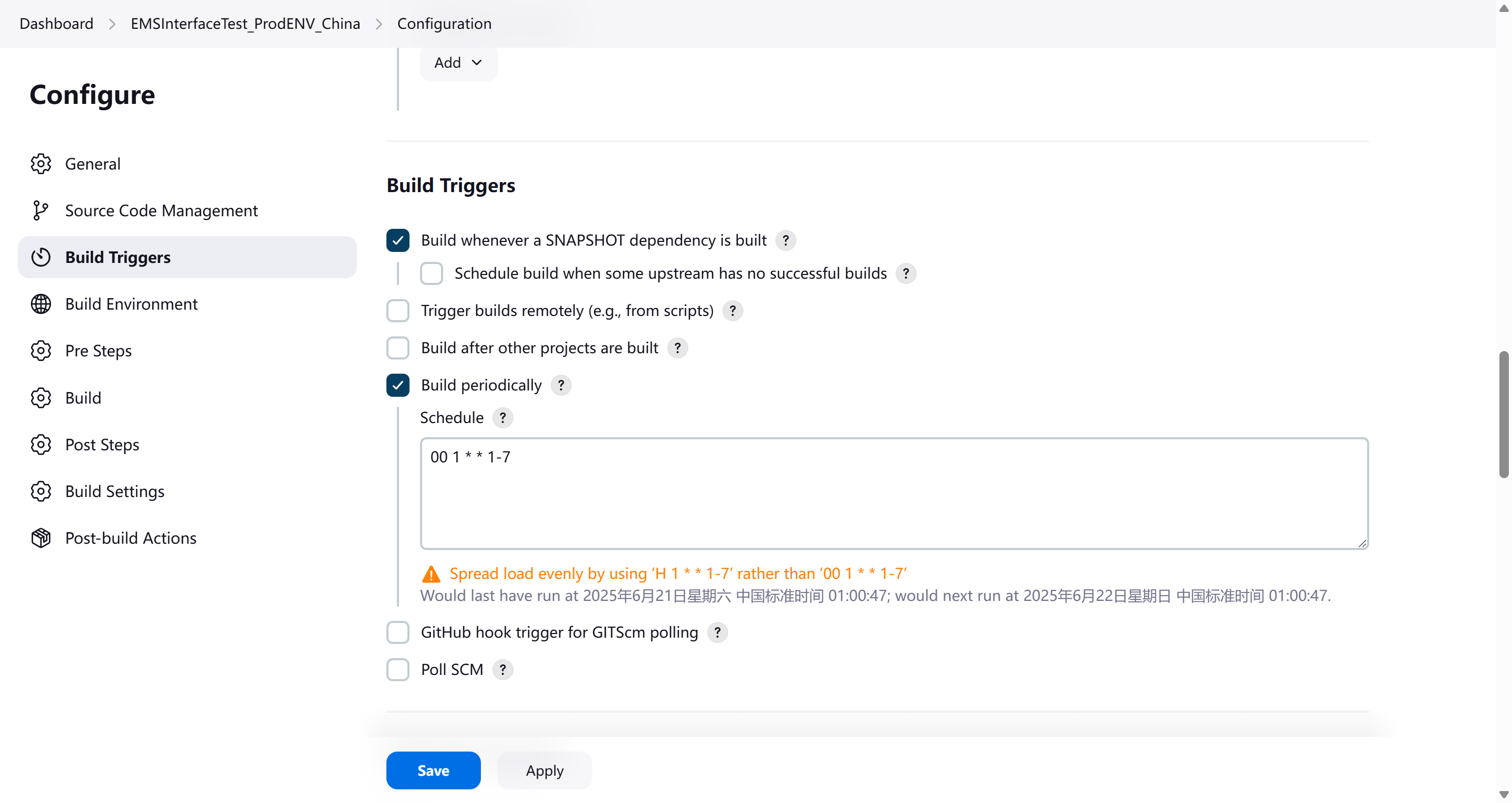
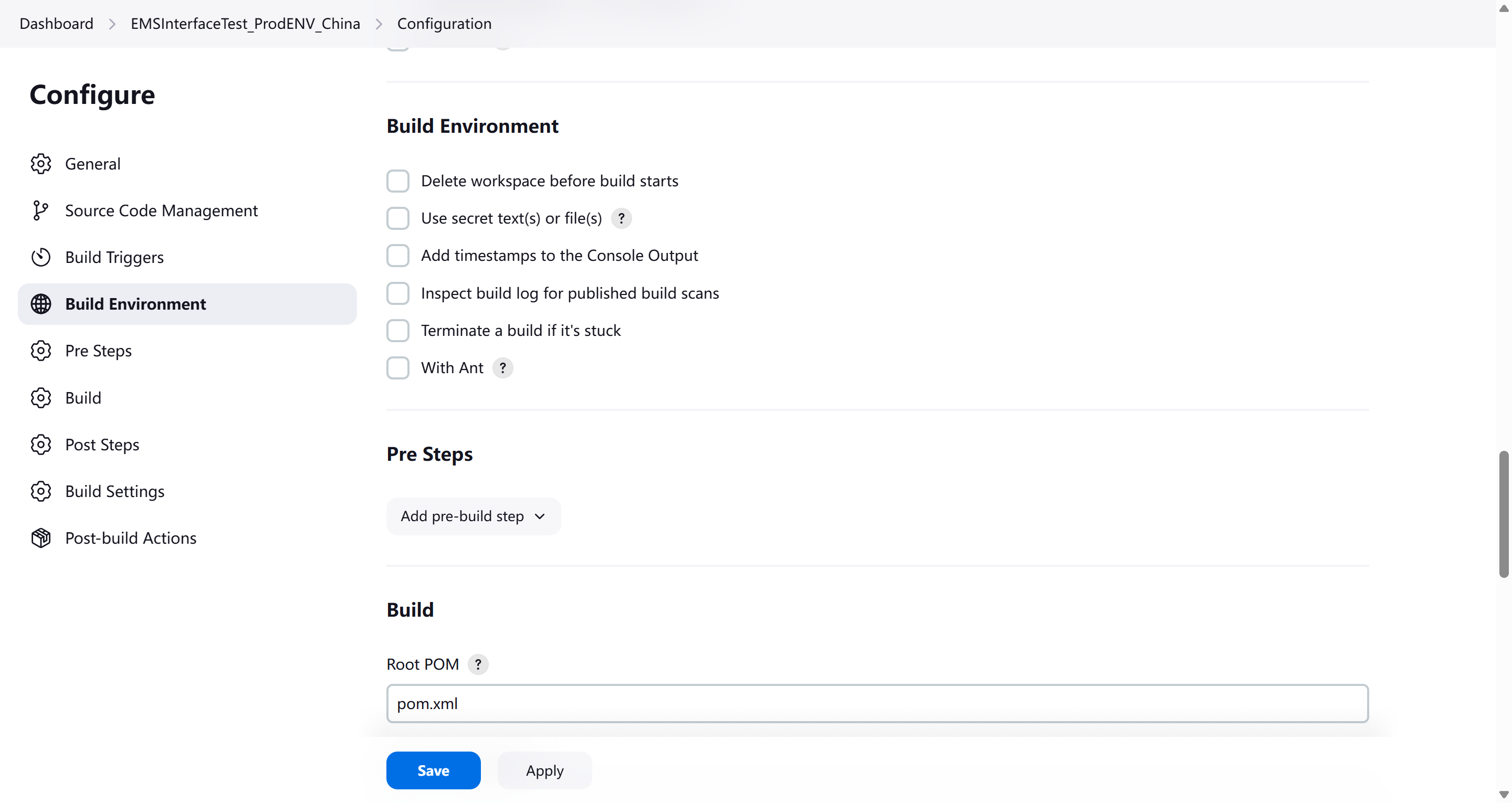
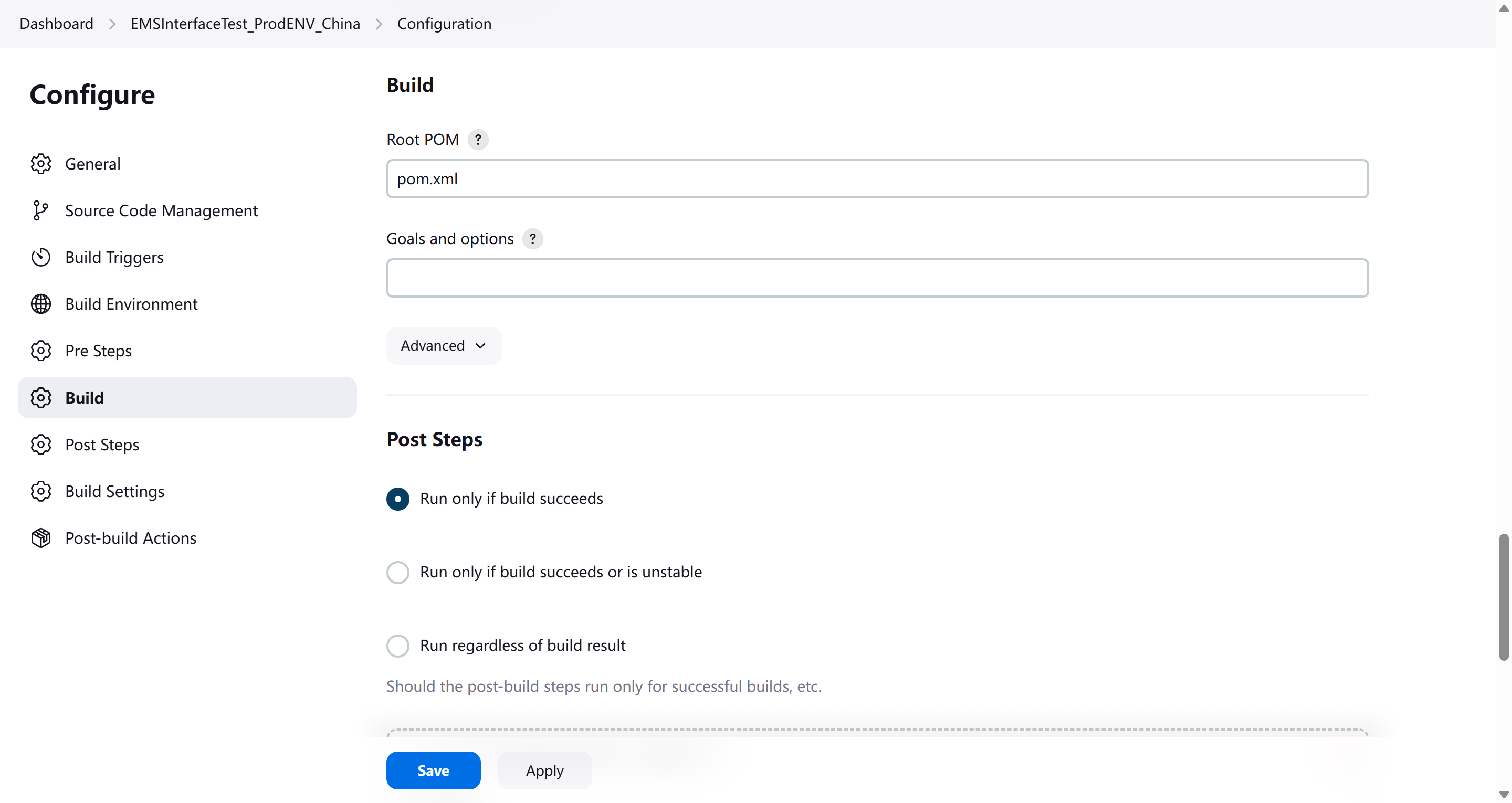
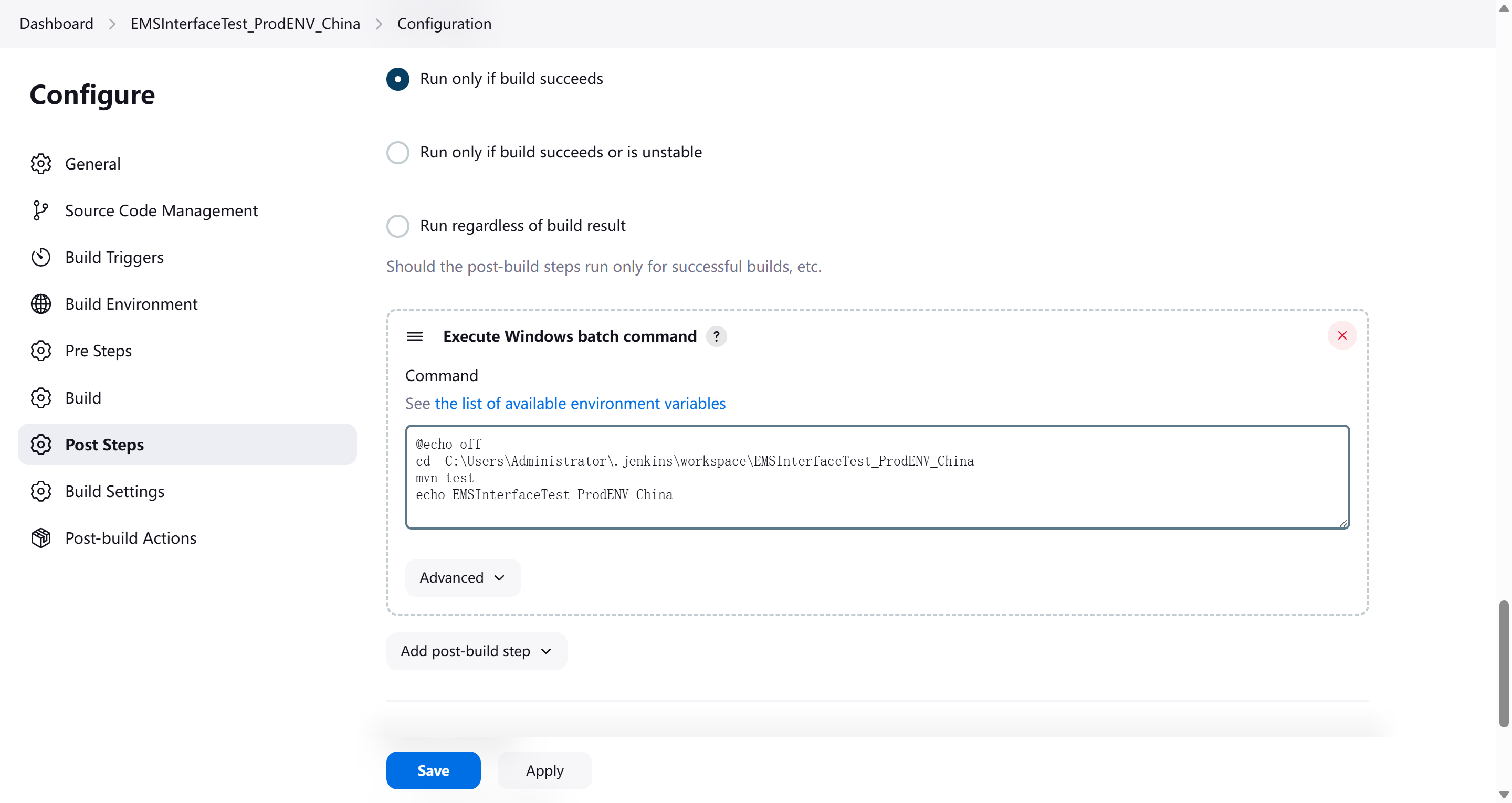
git获取代码后,直接进入目录进行运行mvn test
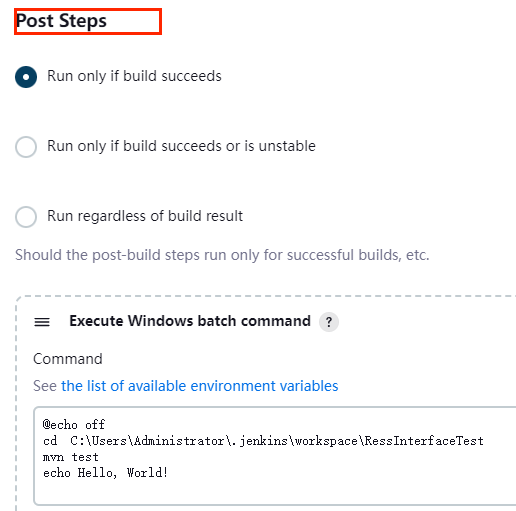
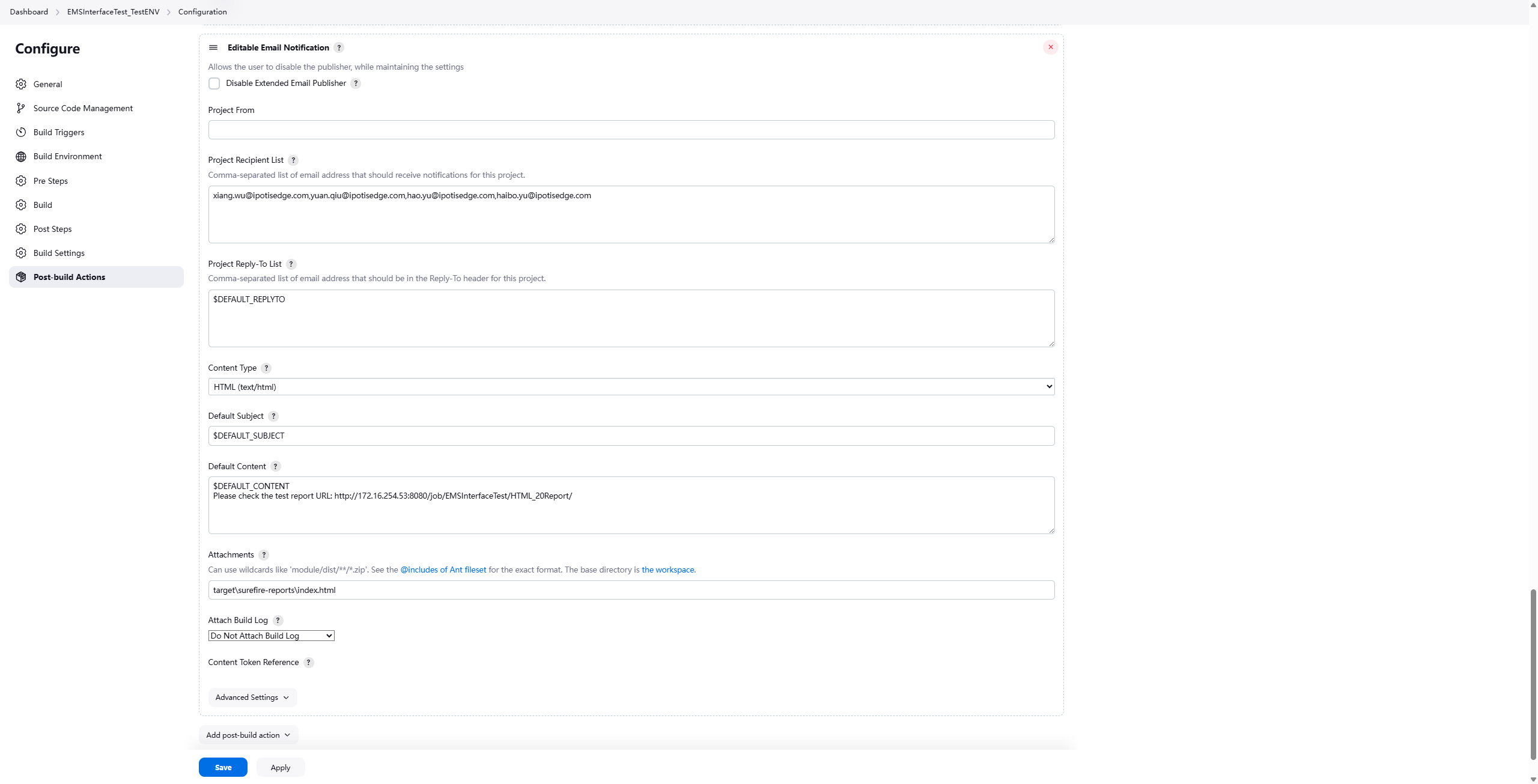
发送邮件
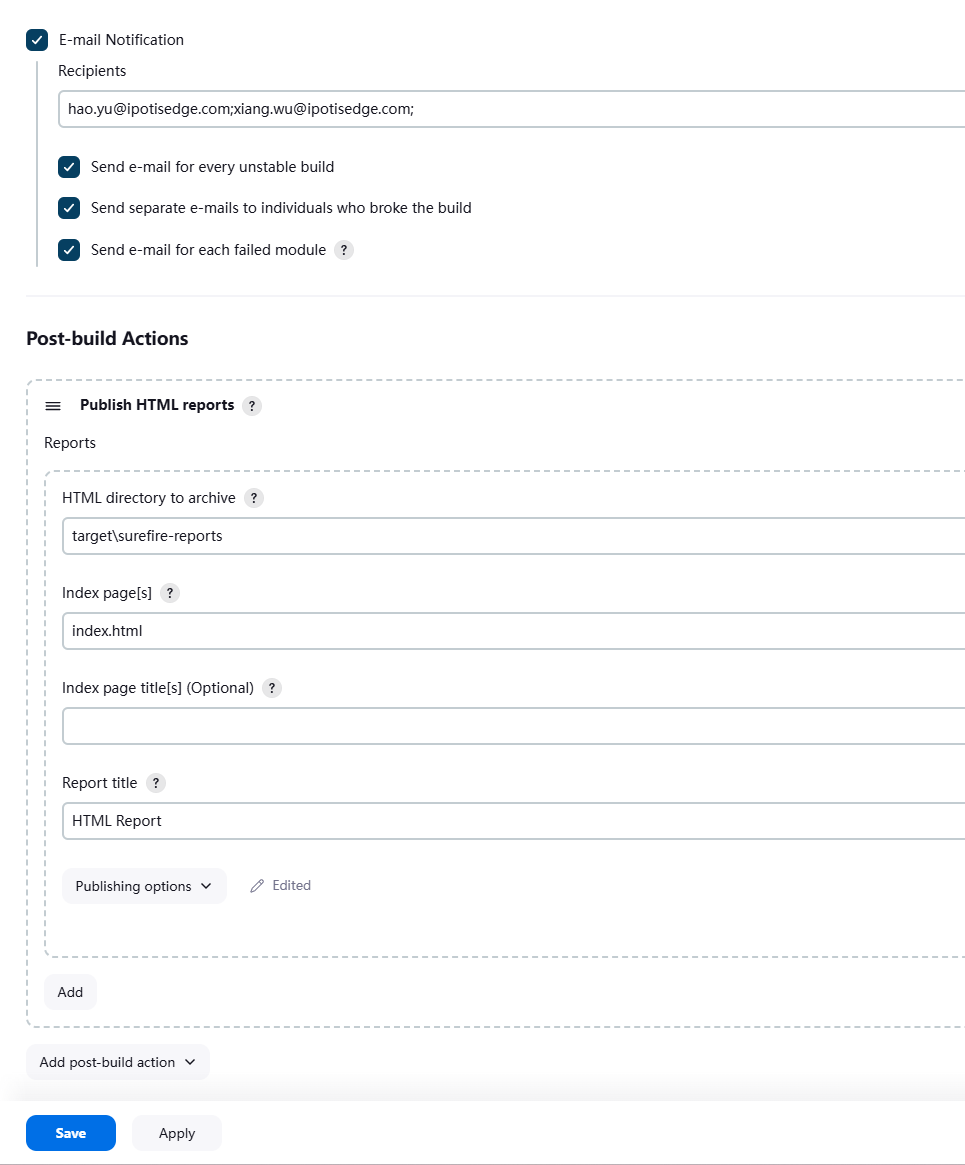
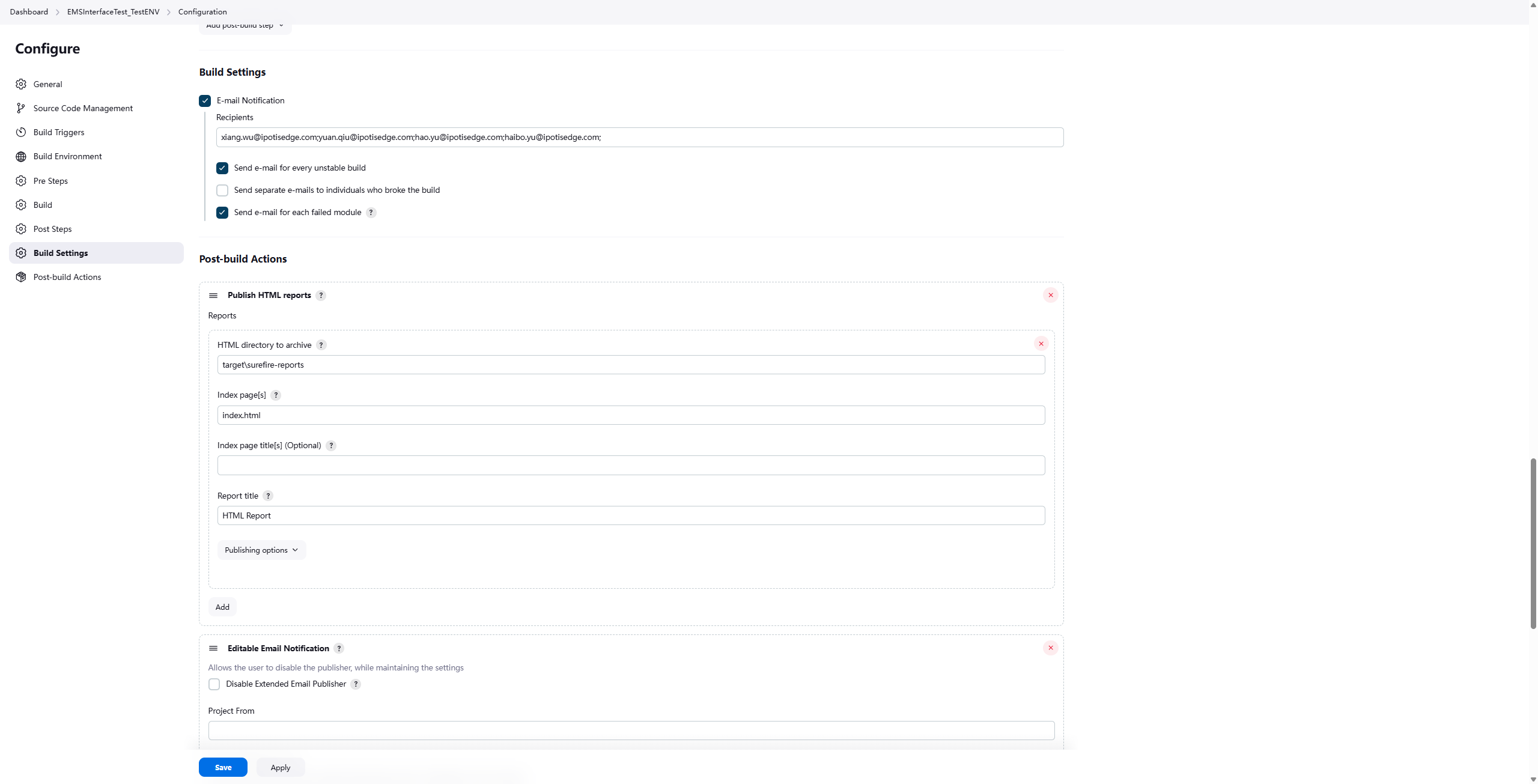
在Maven测试中传递参数并获取参数值
当使用mvn test命令运行TestNG测试时,可以通过以下几种方式传递参数并在项目中获取这些参数:
1. 使用系统属性传递参数
传递参数方式:
mvn test -Darg1=value1 -Darg2=value2
import org.testng.annotations.Test;
public class ParameterTest {
@Test
public void testWithSystemProperty() {
String arg1 = System.getProperty("arg1");
String arg2 = System.getProperty("arg2");
System.out.println("arg1: " + arg1);
System.out.println("arg2: " + arg2);
// 使用参数进行测试...
}
}
2. 通过Maven Surefire插件配置参数
在pom.xml中配置:
<build>
<plugins>
<plugin>
<groupId>org.apache.maven.plugins</groupId>
<artifactId>maven-surefire-plugin</artifactId>
<version>3.0.0-M5</version>
<configuration>
<systemPropertyVariables>
<arg1>${arg1}</arg1>
<arg2>${arg2}</arg2>
</systemPropertyVariables>
</configuration>
</plugin>
</plugins>
</build>
mvn test -Darg1=value1 -Darg2=value2
3. 使用TestNG的@Parameters注解结合系统属性
修改testng.xml:
<!DOCTYPE suite SYSTEM "https://testng.org/testng-1.0.dtd">
<suite name="TestSuite">
<parameter name="arg1" value="${arg1}"/>
<test name="Test1">
<classes>
<class name="com.example.ParameterTest"/>
</classes>
</test>
</suite>

 浙公网安备 33010602011771号