

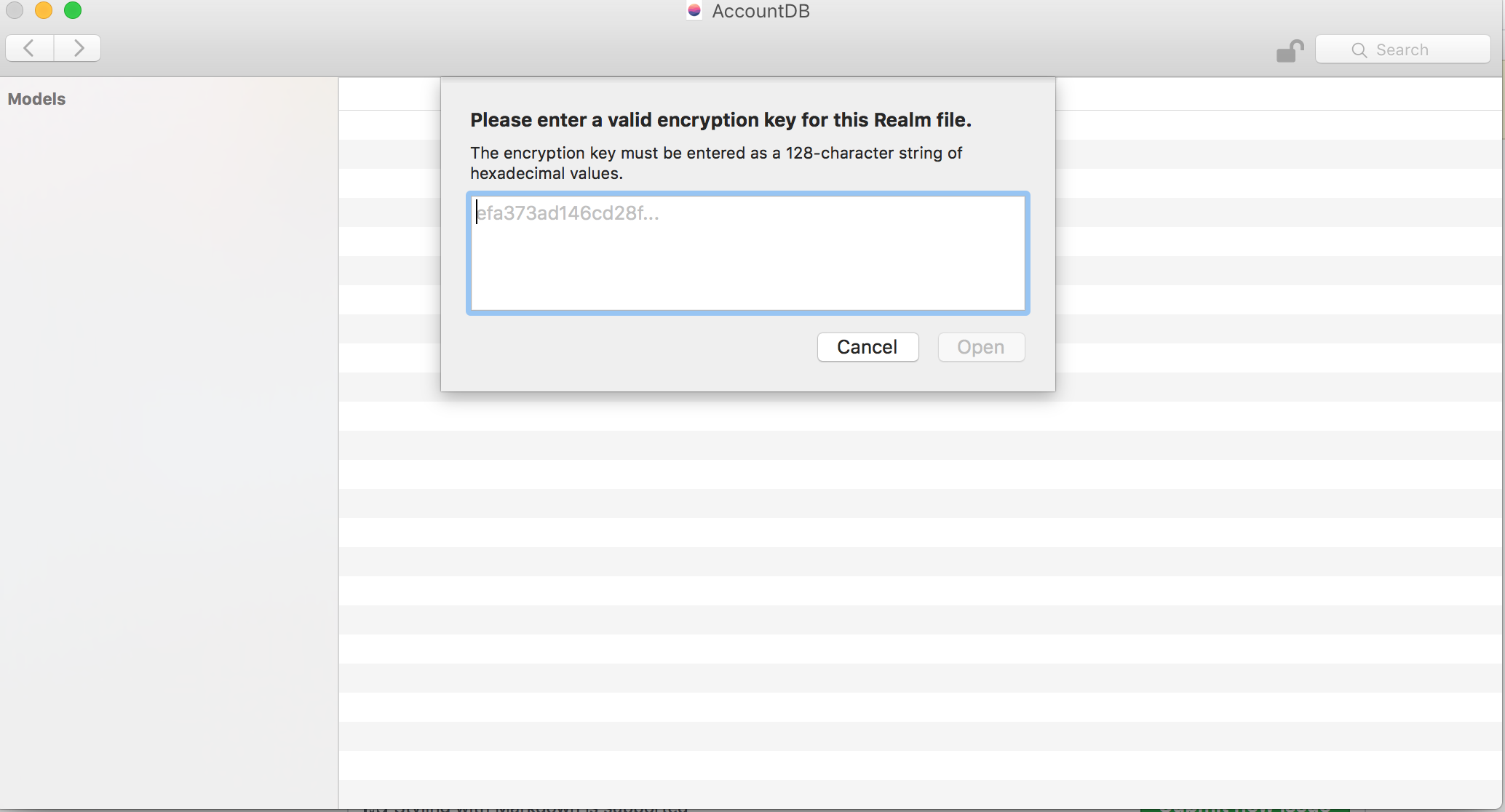
RealmSwift或者RLMRealm生成的xxdb.realm打不开,提示Please enter a valid encryption key for this Realm file.
问题描述:
使用RealmSwift生成的数据库文件xxdb.realm,在目前的Realm Browser中打不开,提示:
Please enter a valid encryption key for this Realm file.
The encryption key must be entered as a 128-character string of
hexadecimal values.

用代码设置了生成encryptionKey,并打印了128位16进制的
encryptionKey,输入也无效。不设置encryptionKey也不行。
问题原因:
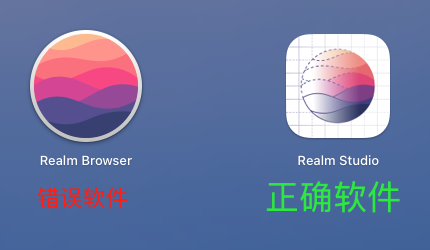
Realm Browser无法打开xxdb.realm文件,需要用【Realm Studio】打开。该问题在https://github.com/realm/realm-swift/issues/4795 中有提及,需下载【Realm Studio】打开。
下载地址列举:
To download, go to "Get Started with Realm" section near the bottom of below page and you'll find it:
Download Realm Studio here
or
realm.io docs
or
download realm Studio in 在此下载: https://docs.realm.io/sync/realm-studio
原文作者:aiq西米 www.sujiansong.com
以上。
劝君莫惜金缕衣,劝君惜取少年时。

 浙公网安备 33010602011771号