233_尚硅谷_收支软件-面向对象方式
1.familyaccount_utils_familyAccount.go中的功能代码![1.familyaccount_main_main.go中的代码]()
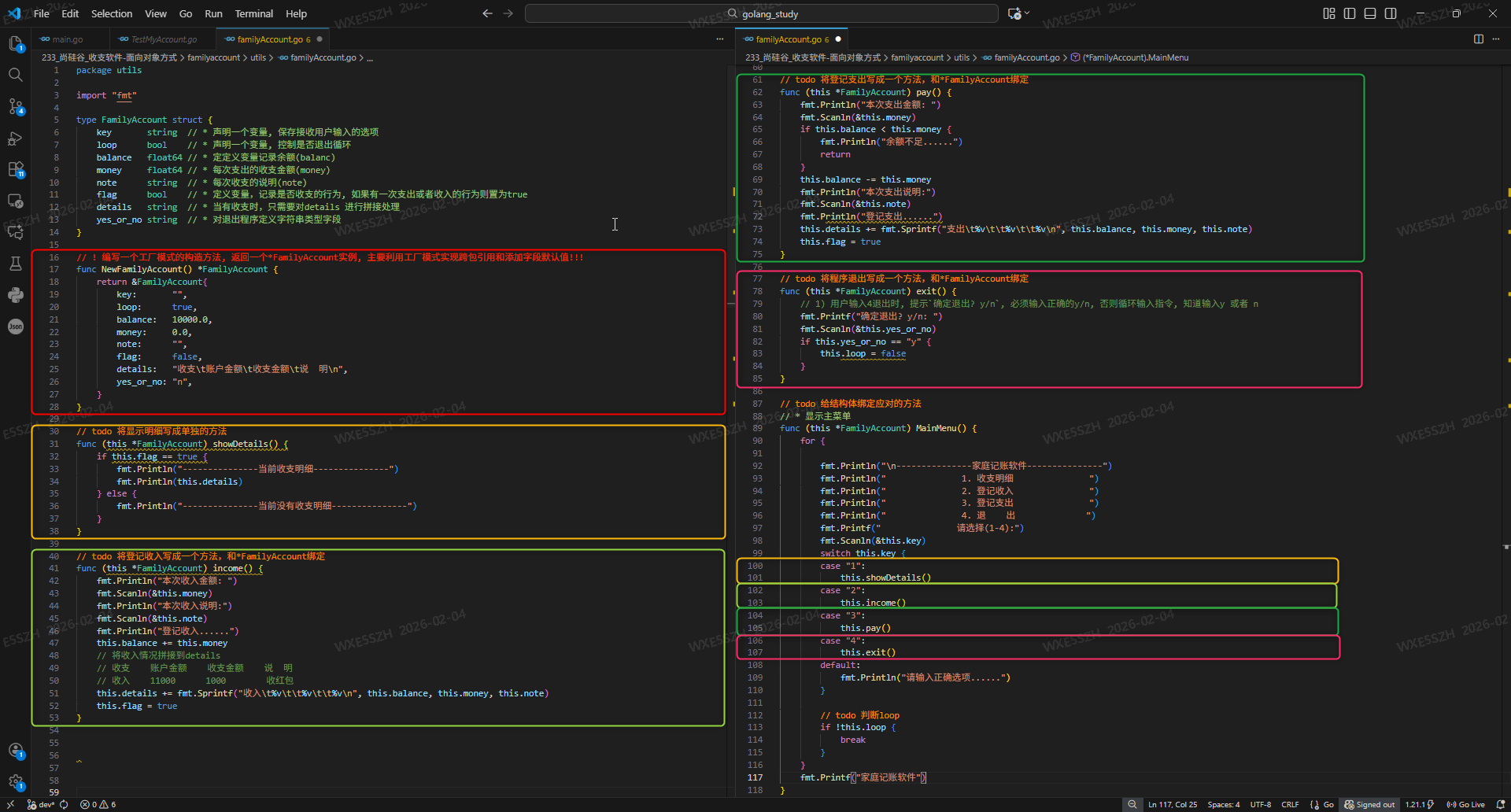
package utils

import "fmt"

type FamilyAccount struct {
	key       string  // * 声明一个变量, 保存接收用户输入的选项
	loop      bool    // * 声明一个变量, 控制是否退出循环
	balance   float64 // * 定定义变量记录余额(balanc)
	money     float64 // * 每次支出的收支金额(money)
	note      string  // * 每次收支的说明(note)
	flag      bool    // * 定义变量,记录是否收支的行为, 如果有一次支出或者收入的行为则置为true
	details   string  // * 当有收支时,只需要对details 进行拼接处理
	yes_or_no string  // * 对退出程序定义字符串类型字段
}

// ! 编写一个工厂模式的构造方法, 返回一个*FamilyAccount实例, 主要利用工厂模式实现跨包引用和添加字段默认值!!!
func NewFamilyAccount() *FamilyAccount {
	return &FamilyAccount{
		key:       "",
		loop:      true,
		balance:   10000.0,
		money:     0.0,
		note:      "",
		flag:      false,
		details:   "收支\t账户金额\t收支金额\t说  明\n",
		yes_or_no: "n",
	}
}

// todo 将显示明细写成单独的方法
func (this *FamilyAccount) showDetails() {
	if this.flag == true {
		fmt.Println("---------------当前收支明细---------------")
		fmt.Println(this.details)
	} else {
		fmt.Println("---------------当前没有收支明细---------------")
	}
}

// todo 将登记收入写成一个方法,和*FamilyAccount绑定
func (this *FamilyAccount) income() {
	fmt.Println("本次收入金额: ")
	fmt.Scanln(&this.money)
	fmt.Println("本次收入说明:")
	fmt.Scanln(&this.note)
	fmt.Println("登记收入......")
	this.balance += this.money
	// 将收入情况拼接到details
	// 收支    账户金额    收支金额    说  明
	// 收入    11000      1000        收红包
	this.details += fmt.Sprintf("收入\t%v\t\t%v\t\t%v\n", this.balance, this.money, this.note)
	this.flag = true
}

// todo 将登记支出写成一个方法,和*FamilyAccount绑定
func (this *FamilyAccount) pay() {
	fmt.Println("本次支出金额: ")
	fmt.Scanln(&this.money)
	if this.balance < this.money {
		fmt.Println("余额不足......")
		return
	}
	this.balance -= this.money
	fmt.Println("本次支出说明:")
	fmt.Scanln(&this.note)
	fmt.Println("登记支出......")
	this.details += fmt.Sprintf("支出\t%v\t\t%v\t\t%v\n", this.balance, this.money, this.note)
	this.flag = true
}

// todo 将程序退出写成一个方法,和*FamilyAccount绑定
func (this *FamilyAccount) exit() {
	// 1) 用户输入4退出时, 提示`确定退出? y/n`, 必须输入正确的y/n, 否则循环输入指令, 知道输入y 或者 n
	fmt.Printf("确定退出? y/n: ")
	fmt.Scanln(&this.yes_or_no)
	if this.yes_or_no == "y" {
		this.loop = false
	}
}

// todo 给结构体绑定应对的方法
// * 显示主菜单
func (this *FamilyAccount) MainMenu() {
	for {

		fmt.Println("\n---------------家庭记账软件---------------")
		fmt.Println("               1. 收支明细               ")
		fmt.Println("               2. 登记收入               ")
		fmt.Println("               3. 登记支出               ")
		fmt.Println("               4. 退    出              ")
		fmt.Printf("               请选择(1-4):")
		fmt.Scanln(&this.key)
		switch this.key {
		case "1":
			this.showDetails()
		case "2":
			this.income()
		case "3":
			this.pay()
		case "4":
			this.exit()
		default:
			fmt.Println("请输入正确选项......")
		}

		// todo 判断loop
		if !this.loop {
			break
		}
	}
	fmt.Printf("家庭记账软件")

}
2.familyaccount_main_main.go中的代码调用familyaccount_utils_familyAccount.go中的方法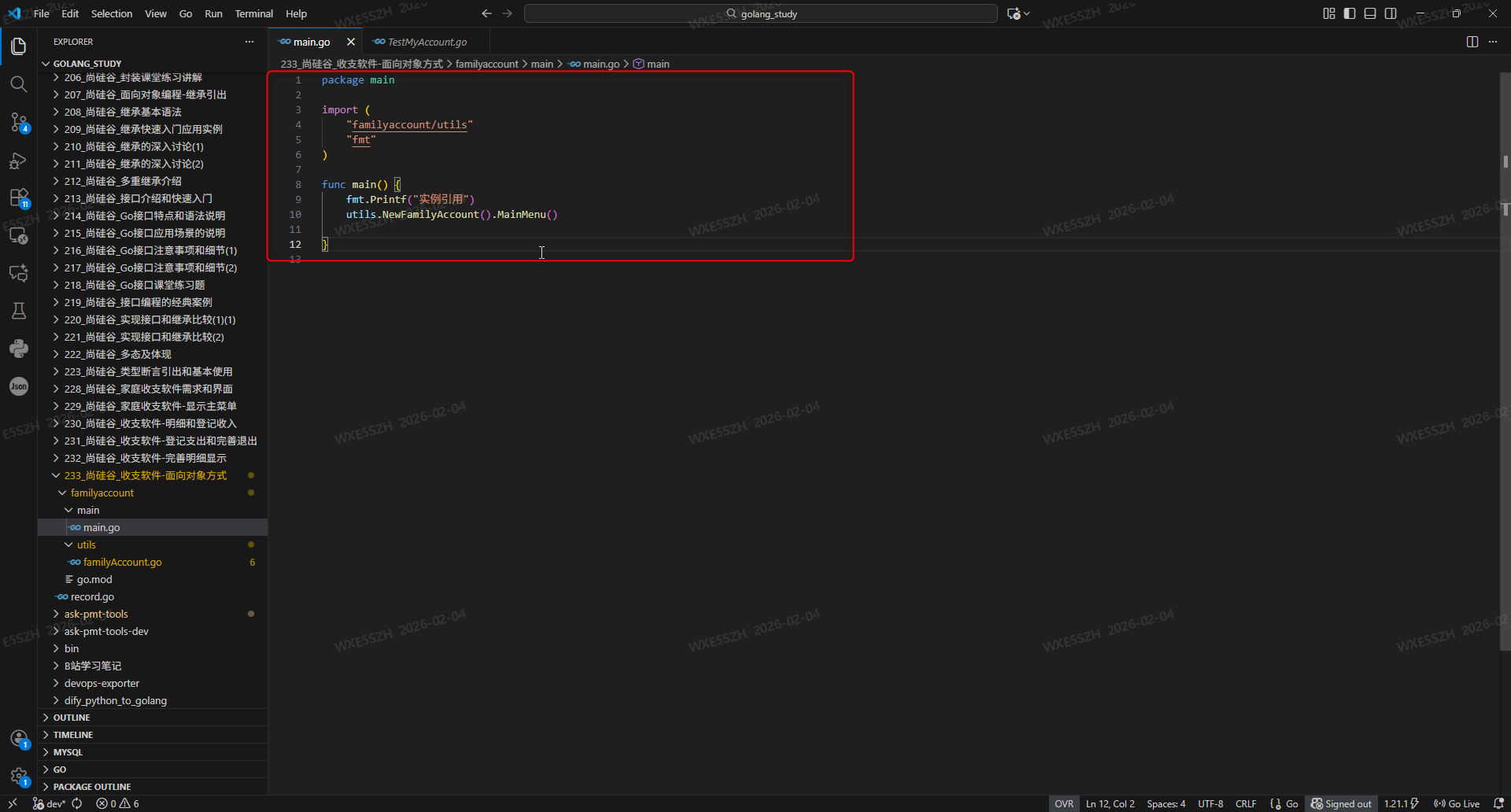
package main

import (
	"familyaccount/utils"
	"fmt"
)

func main() {
	fmt.Printf("实例引用")
	utils.NewFamilyAccount().MainMenu()

}
3.收支软件面向对象方式输出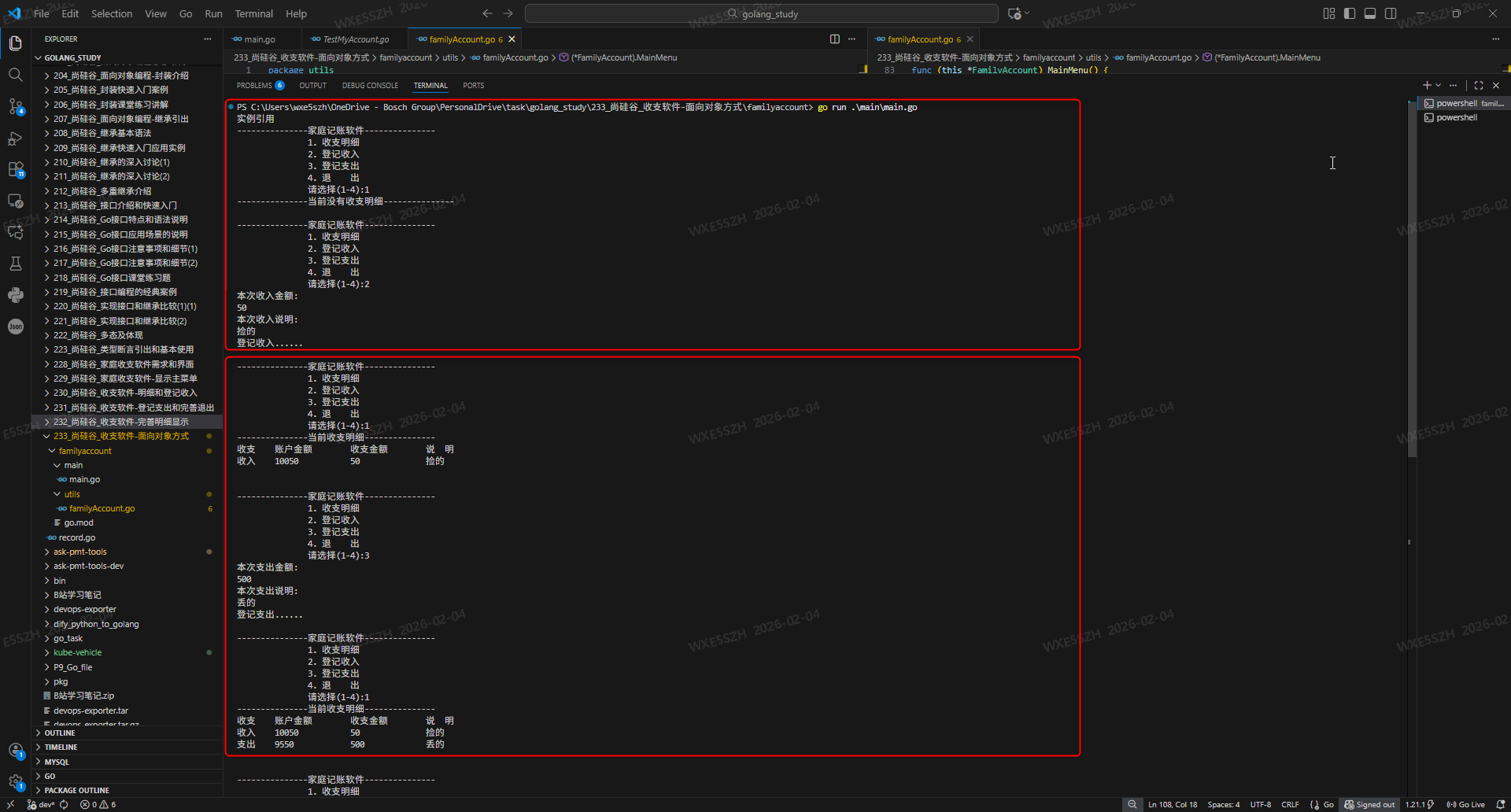

 浙公网安备 33010602011771号