
Ubuntu24.04部署Frigate
1、Docker部署Frigate,上传frigate.sh脚本到Ubuntu服务器上,执行sudo ./frigate.sh运行脚本安装Docker,frigate.sh脚本下载https://files.cnblogs.com/files/xiykj/frigate.sh?t=1762757789&download=true
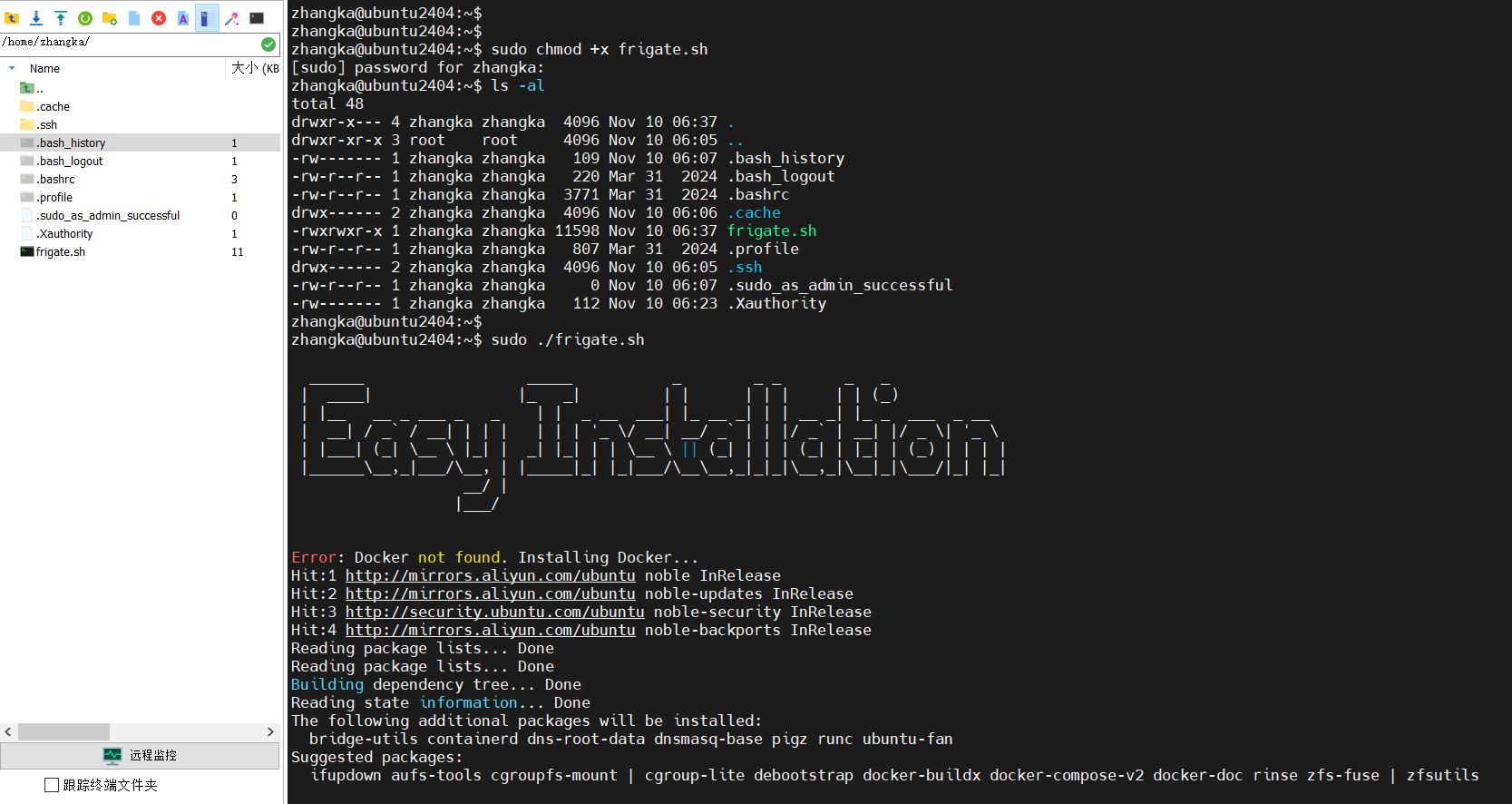
2、检查安装的Docker版本,sudo docker --version

3、Docker命令拉取frigate镜像,官方安装文档https://docs.frigate-cn.video/frigate/installation#docker
sudo docker run -d \
  --name frigate \
  --restart=unless-stopped \
  --stop-timeout 30 \
  --mount type=tmpfs,target=/tmp/cache,tmpfs-size=1000000000 \
  --device /dev/bus/usb:/dev/bus/usb \
  --device /dev/dri/renderD128 \
  --shm-size=64m \
  -v /path/to/your/storage:/media/frigate \
  -v /path/to/your/config:/config \
  -v /etc/localtime:/etc/localtime:ro \
  -e FRIGATE_RTSP_PASSWORD='password' \
  -e TZ='Asia/Shanghai' \
  -e HF_ENDPOINT='https://huggingface.mirror.frigate-cn.video' \
  -e GITHUB_ENDPOINT='https://github.mirror.frigate-cn.video' \
  -p 8971:8971 \
  -p 8554:8554 \
  -p 8555:8555/tcp \
  -p 8555:8555/udp \
  docker.cnb.cool/frigate-cn/frigate:stable
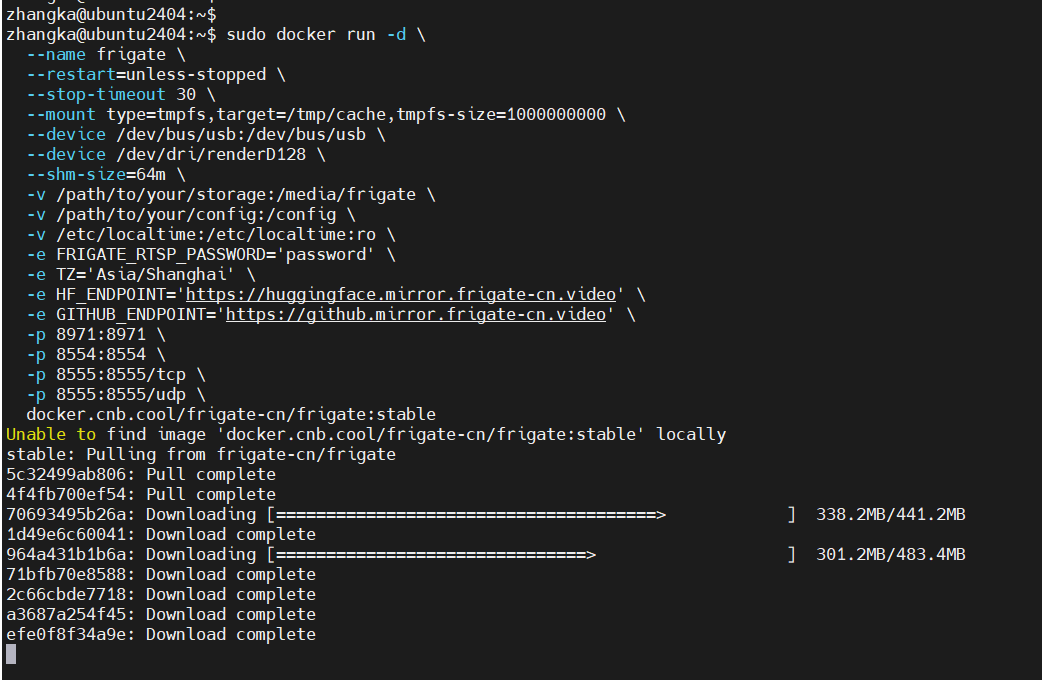
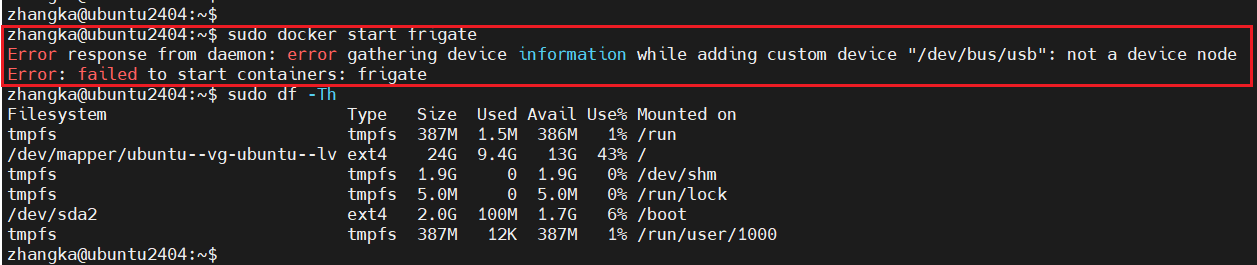
4、我这里frigate镜像一直无法启动,报错 /dev/bus/usb,没有这个设备节点,是我之前把虚拟机的USB移除了,我不知道frigate还需要使用USB设备,然后我把Ubuntu关机重新添加USB设备启动frigate就可以了
5、登录frigate后台管理,账号密码初次启动会在日志中生成,这里的密码信息只会显示一次,请复制记录下来
sudo docker logs --tail 1000 frigate #查看frigate日志信息,可以使用管道符来过滤信息 | grep Password

6、登录frigate后台,https://服务器IP:8971
账号:admin
密码:刚在日志信息里看到的密码
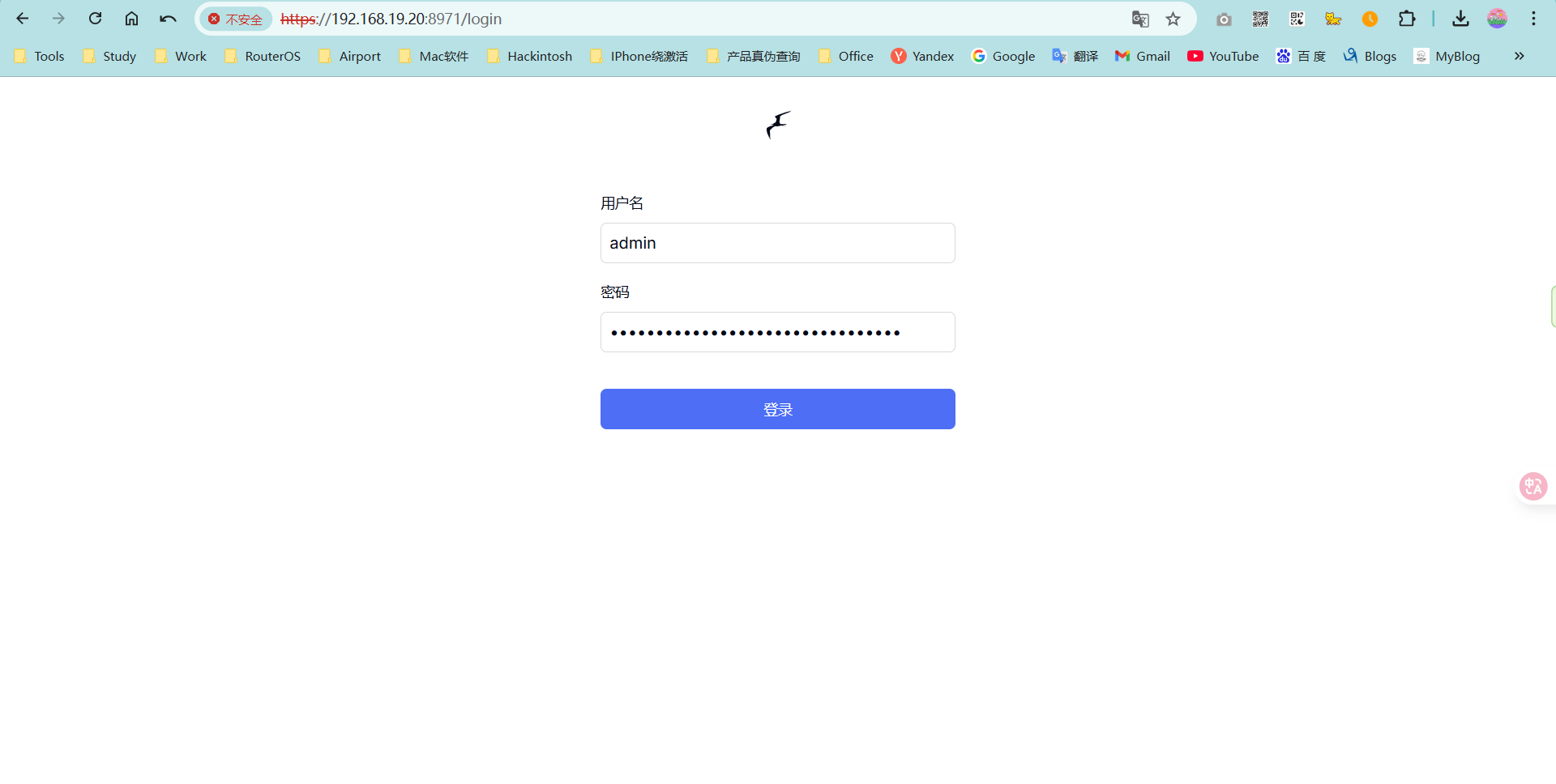
7、frigate后台页面
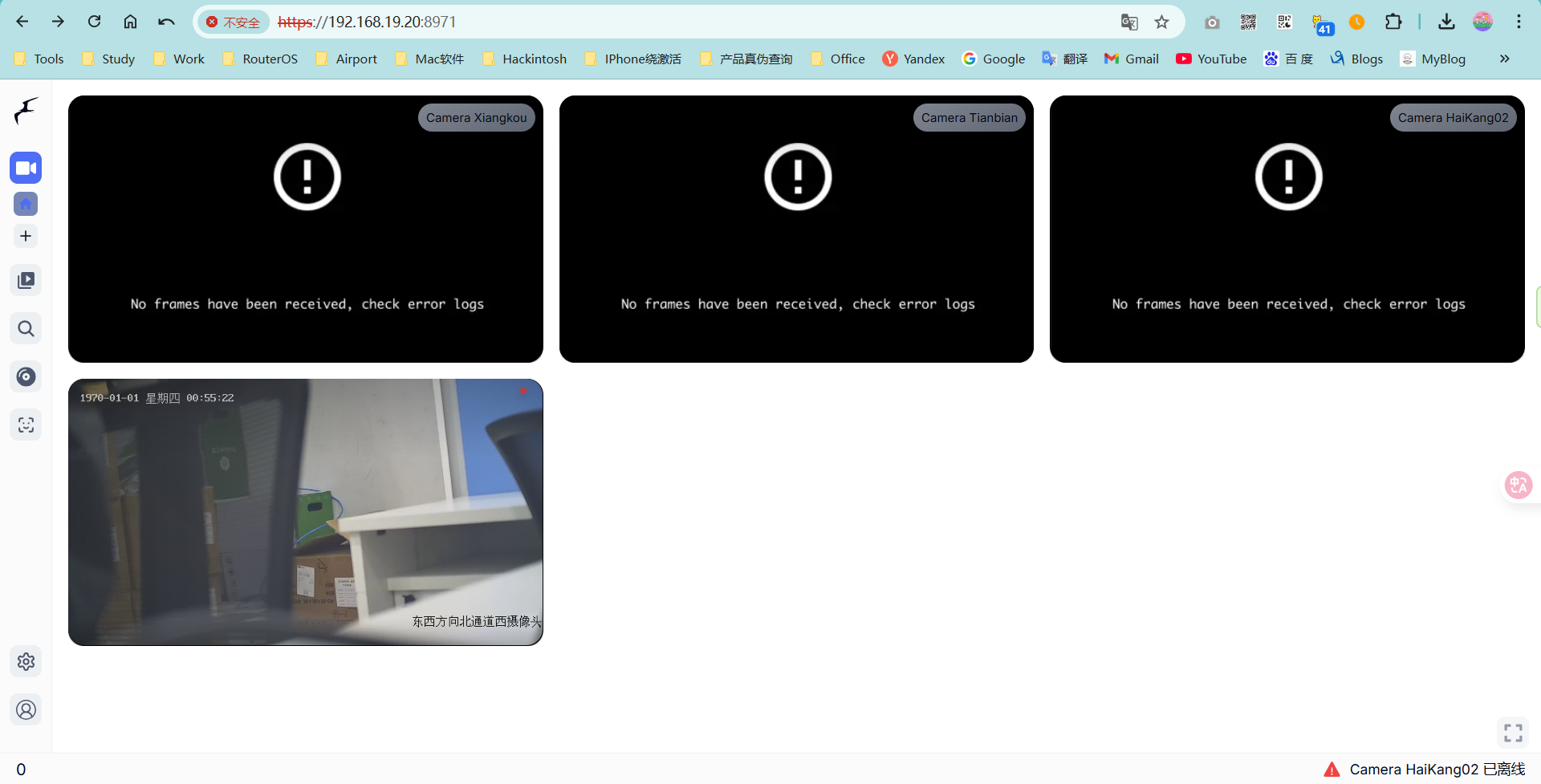
8、配置摄像头信息,设置------配置编辑器,frigate所有摄像头配置都在这里操作
下面是frigate初始配置
mqtt:
  enabled: false

cameras:
  name_of_your_camera: # <------ Name the camera    这里填写你摄像头显示名称
    enabled: true
    ffmpeg:
      inputs:
        - path: rtsp://10.0.10.10:554/rtsp # <----- The stream you want to use for detection    这里是摄像头RSTP串流地址
          roles:
            - detect
    detect:
      enabled: false # <---- disable detection until you have a working camera feed
      width: 1280
      height: 720
detect:
  enabled: true
version: 0.16-0
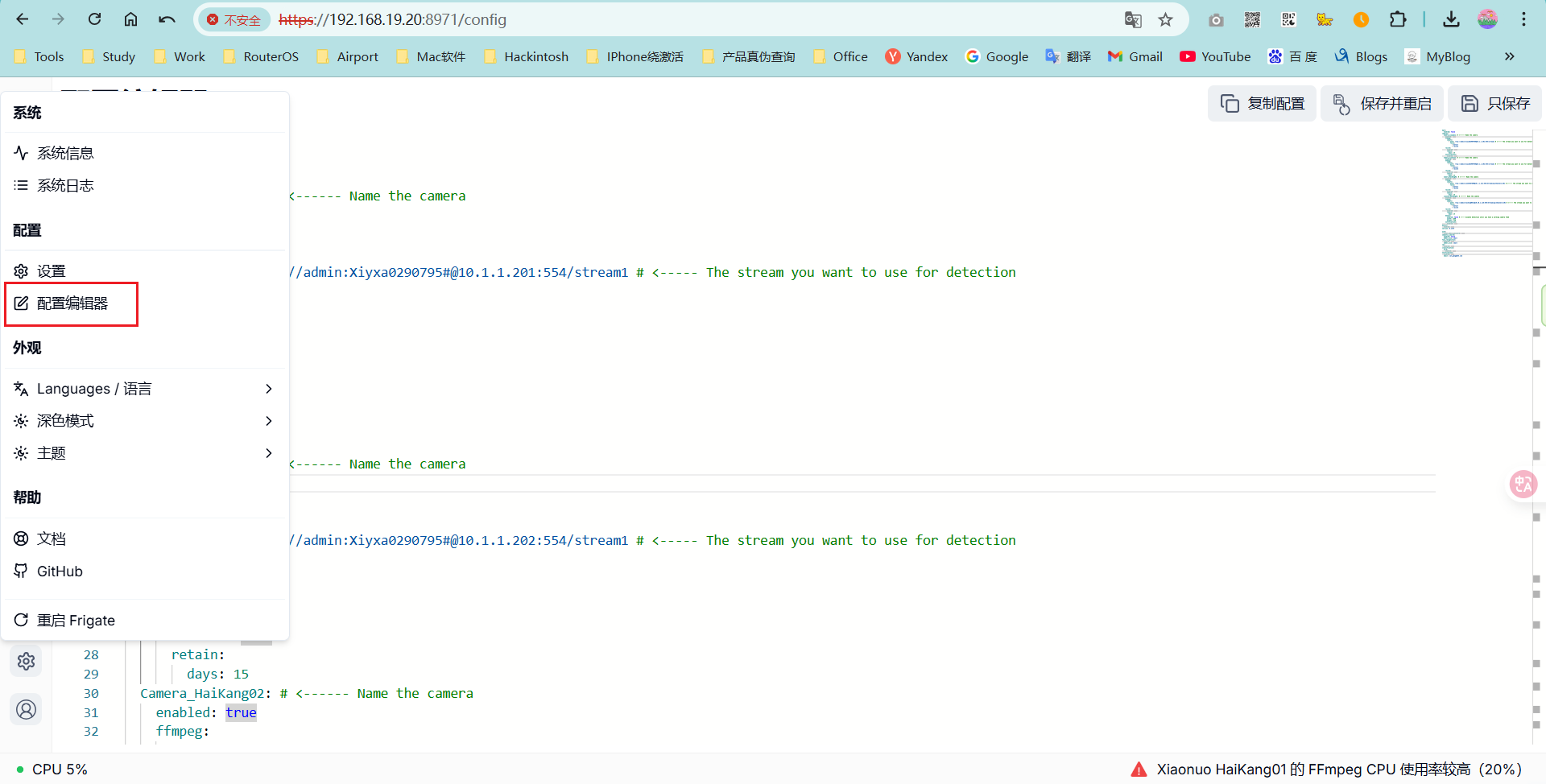
9、添加摄像头信息,下面是我添加摄像头的信息,配置完成后点击右上角“保存并重启”
mqtt:
  enabled: false
cameras:
  Camera_xiangkou: # <------ Name the camera
    enabled: true
    ffmpeg:
      inputs:
        - path: rtsp://admin:a1234567890@10.1.1.201:554/stream1 # <----- The stream you want to use for detection
          roles:
            - detect
            - record    #开启录像功能
    record:
      enabled: true
      retain:
        days: 15    #保存录像15天
    notifications:
      enabled: true
  Camera_tianbian: # <------ Name the camera
    enabled: true
    ffmpeg:
      inputs:
        - path: rtsp://admin:a1234567890@10.1.1.202:554/stream1 # <----- The stream you want to use for detection
          roles:
            - detect
            - record
    record:
      enabled: true
      retain:
        days: 15
  Camera_HaiKang02: # <------ Name the camera
    enabled: true
    ffmpeg:
      inputs:
        - path: rtsp://admin:a1234567890@10.1.1.221:554/Streaming/Channels/101 # <----- The stream you want to use for detection
          roles:
            - detect
            - record
    record:
      enabled: true
      retain:
        days: 15
  xiaonuo_HaiKang01: # <------ Name the camera
    enabled: true
    ffmpeg:
      inputs:
        - path: rtsp://admin:Suzhou@0512@10.10.1.116:554/Streaming/Channels/101 # <----- The stream you want to use for detection
          roles:
            - detect
            - record
    record:
      enabled: true
      retain:
        days: 15
    detect:
      enabled: false # <---- disable detection until you have a working camera feed
      width: 1280
      height: 720
    notifications:
      enabled: true
detect:
  enabled: true
version: 0.16-0

auth:    #重置密码
  reset_admin_password: true    #重置密码后记得将其删除
semantic_search:
  enabled: false
  model_size: small
face_recognition:
  enabled: true
  model_size: small
lpr:
  enabled: true
classification:
  bird:
    enabled: true
notifications:
  enabled: true
  email: test_it@163.com
- rtsp://admin:a1234567890@10.1.1.201:554/stream1 #TP-Link摄像头RSTP取流地址格式,admin为账号,a1234567890为密码,10.1.1.201为摄像头IP地址,554是RSTP默认端口
- rtsp://admin:a1234567890@10.1.1.221:554/Streaming/Channels/101 #海康摄像头RSTP取流地址格式
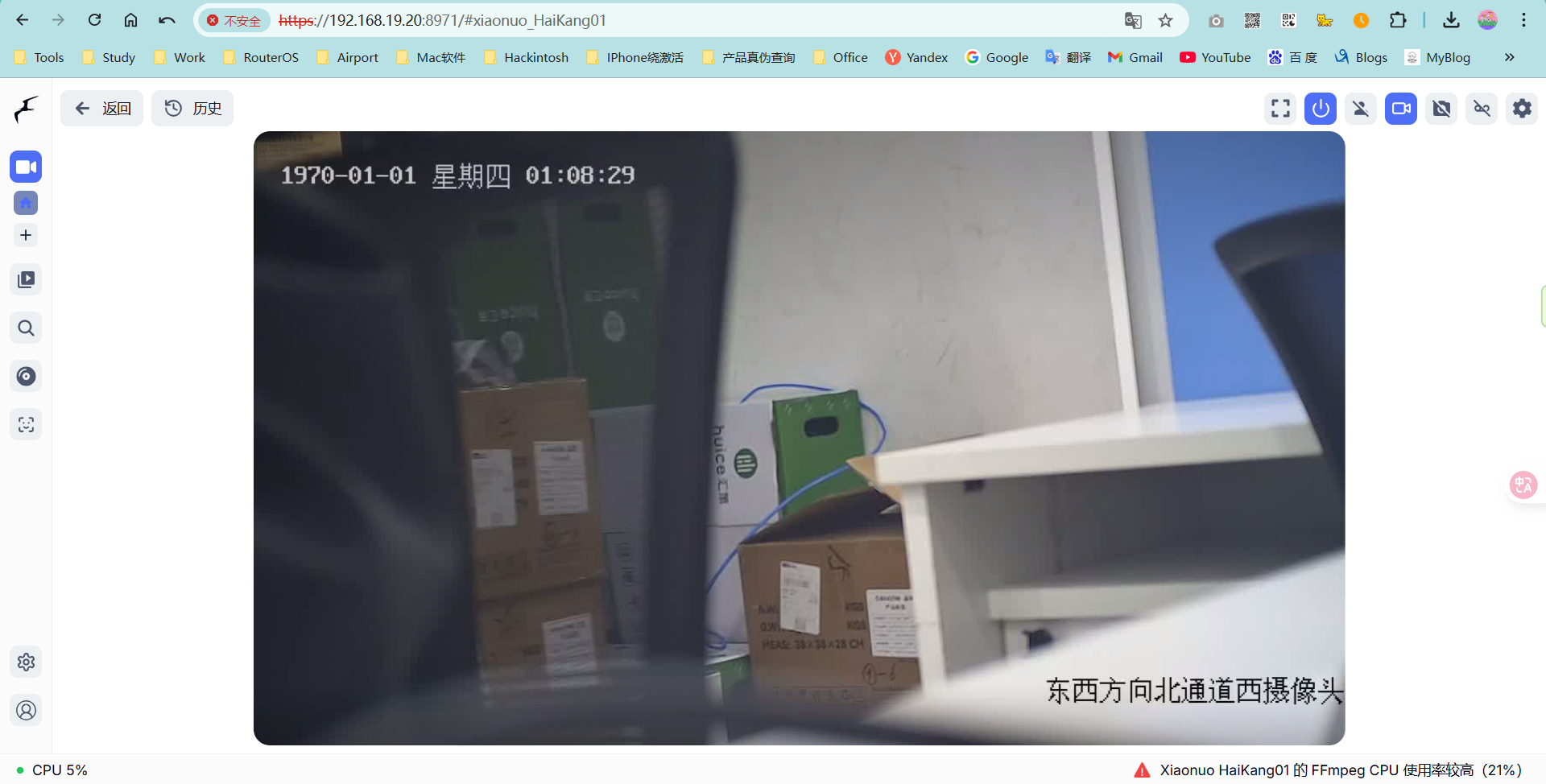
10、返回首页即可看到摄像头实时画面,也可以查看历史录像记录
- firgate摄像头录像文件存放路径:/path/to/your/storage/recordings
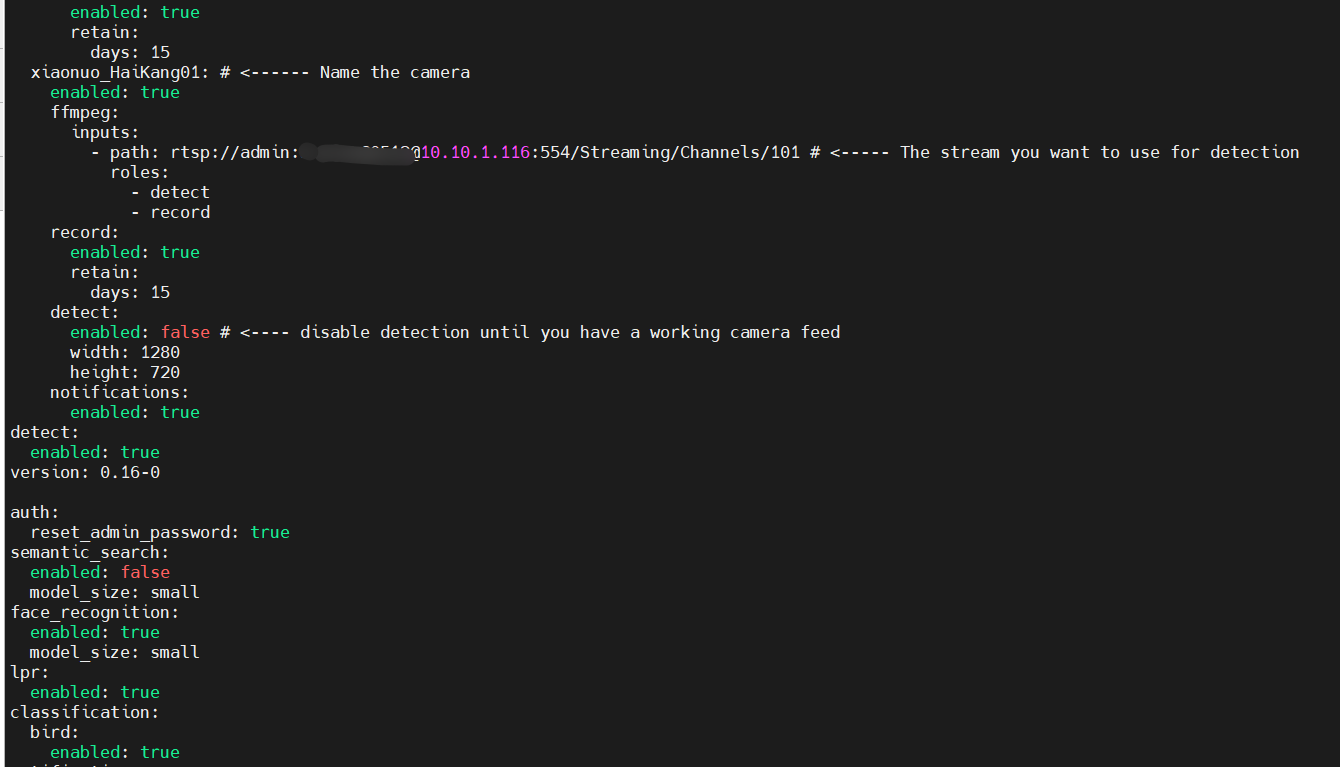
12、忘记frigate登录密码,可以通过重置密码登录,sudo vim /path/to/your/config/config.yaml,在文件末尾添加如下代码,重启frigate即可在日志中查看新密码,修改密码后记得将其删除,否则下次frigate重启后又会重置新密码
auth:
  reset_admin_password: true
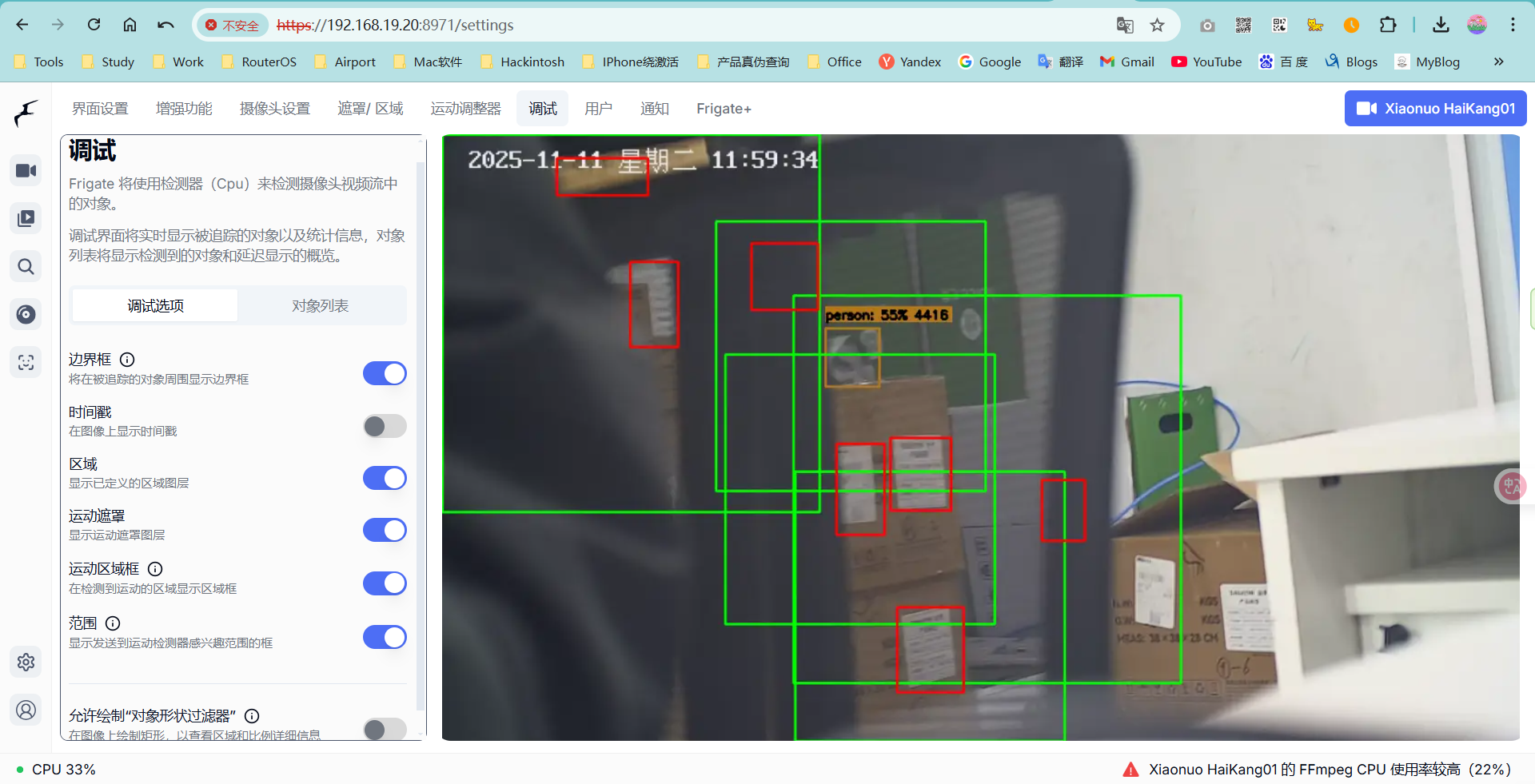
13、frigate将检查项分为“警报”和“检测”,默认情况下,所有的人、汽车对象都将视为警报
#####其它一些Docker命令
sudo docker restart frigate        #重启frigate服务
sudo docker logs --tail 1000 frigate        #查看frigate最近的1000行日志信息
sudo docker logs --tail 1000 frigate | grep Password        #查看frigate最近的1000行日志信息并过滤Password关键字字段
sudo docker logs --tail 1000 frigate | grep -i "password"        #查看frigate最近的1000行日志信息并过滤password关键字字段,-i表示不区分password大小写
sudo docker -f frigate        #查看frigate实时日志

sudo docker images        #查看Docker镜像
sudo docker ps -a        #查看Docker镜像
sudo docker start frigate        #启动frigate
sudo docker stop frigate        #停止frigate
frigate官网配置资料参考:https://docs.frigate-cn.video/frigate/
B站教程:https://www.bilibili.com/video/BV1F18QzzERD/
github开源地址:https://github.com/blakeblackshear/frigate
frigate安装脚本:https://github.com/blakeblackshear/frigate/issues/9206
https://github.com/kornyhiv/frigatenvr-easyinstallation
https://www.reddit.com/r/frigate_nvr/comments/18ygd8p/frigate_ubuntu_installation_script/?tl=zh-hans
重置管理员密码:https://www.thinkxyz.org/article/reset-frigate-password

 浙公网安备 33010602011771号