

APP UI自动化元素定位高频问题
1. 打开APP后,先向下滑动再开始定位元素
有时候打开APP后,需要定位的元素不在视野内,需要先向下滑动,可以自定义swipeDown(drive)方法,向下滑动后,再开始定位元素
/**
 * 向下滑动屏幕
 * @param driver Appium驱动
 */
static void swipeDown(AndroidDriver driver) {
    log.info("swipeDown")
    def windowSize = driver.manage().window().size
    println("屏幕尺寸: ${windowSize}")

    int startX = windowSize.width / 2          // 屏幕中心X
    int startY = windowSize.height * 0.7       // 从屏幕70%位置开始滑动
    int endY = windowSize.height * 0.3         // 滑动到30%位置(向上滑动效果等同于手指向下拖拽)


    // 创建W3C标准滑动动作
    PointerInput finger = new PointerInput(PointerInput.Kind.TOUCH, "finger")

    // 构建动作序列(华为设备需要延长持续时间)
    Sequence swipe = new Sequence(finger, 0)
            .addAction(finger.createPointerMove(Duration.ofMillis(0), PointerInput.Origin.viewport(), startX, startY))
            .addAction(finger.createPointerDown(PointerInput.MouseButton.LEFT.asArg()))
    // 延长滑动时间解决华为动画问题
            .addAction(finger.createPointerMove(Duration.ofMillis(800), PointerInput.Origin.viewport(), startX, endY))
            .addAction(finger.createPointerUp(PointerInput.MouseButton.LEFT.asArg()));

    // 执行滑动操作
    driver.perform(Arrays.asList(swipe))

    // 华为设备特殊处理:添加延迟确保动画完成
    Thread.sleep(500)  // 等待500ms让滑动动画完成

}
2. 一个页面多个功能按钮开关,不同功能按钮resource_id一样,如何定位,既获取指定resource_id下的指定元素
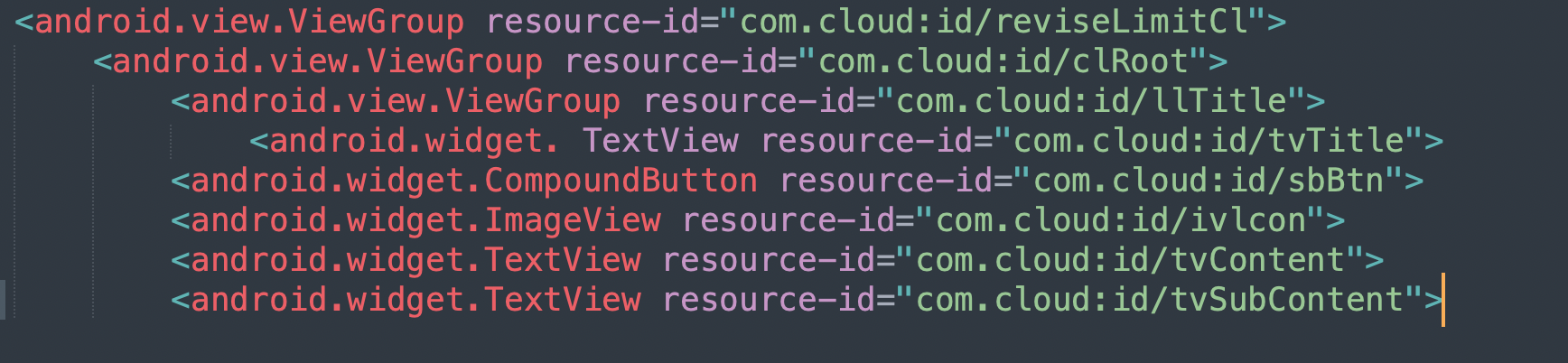
def element = driver.findElement(By.xpath(""//android.view.ViewGroup[@resource-id='com.cloud:id/reviseLimitCl']" +

        "//android.widget.CompoundButton[@resource-id='com.cloud:id/sbBtn']"
"));
例如:获取right_text
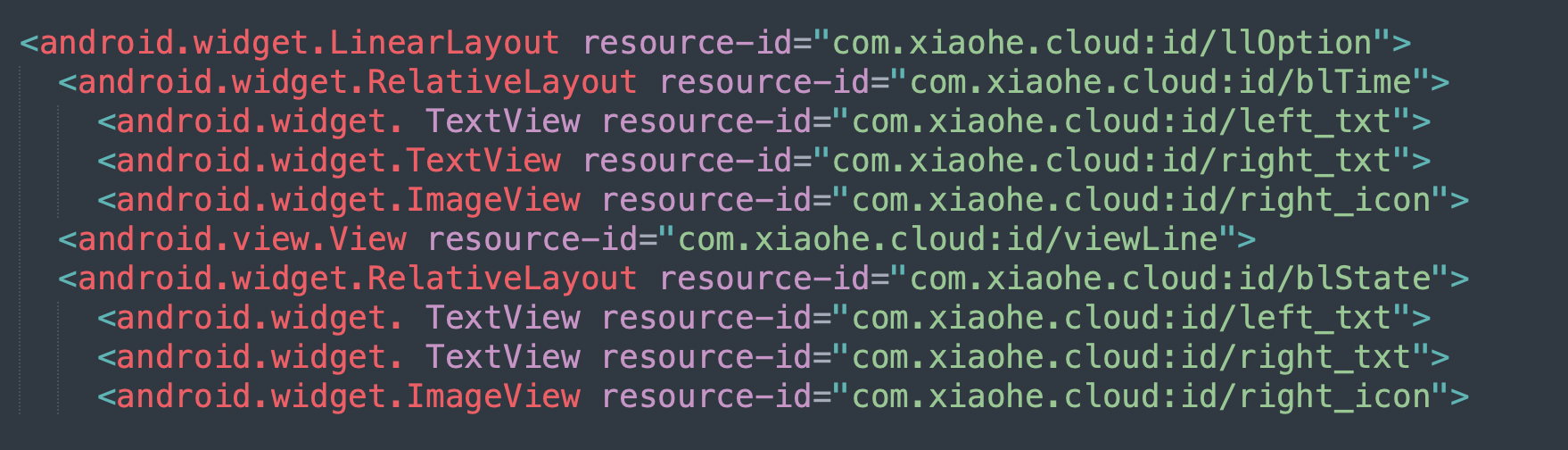
1. 使用 XPath 精确定位

 浙公网安备 33010602011771号