


项目部署github实现线上阅览
1. 创建存储库(Create a repository)
注意创建一个名为
username.GitHub.io的新存储库,其中username是您在GitHub上的用户名

2.克隆存储库到本地(Clone the repository)
进入存储项目的文件夹,然后将项目提交至新存储库。
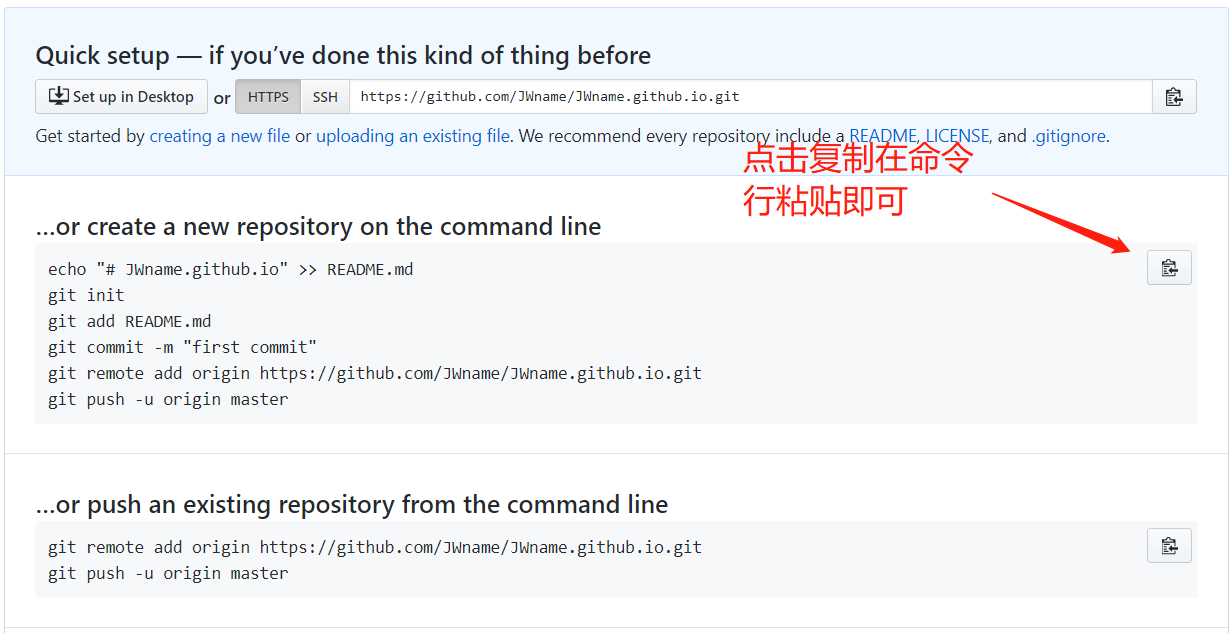
<!--此时已经可以在线上进行查看,地址为 https://username.github.io, -->
3. 将打包好的项目文件进行提交
通过 npm run build 将需要部署的项目进行打包,生成dist文件夹,内容如下,将下列文件复制至本地仓库,并提交至线上仓库。PS:注意一定是
index.html

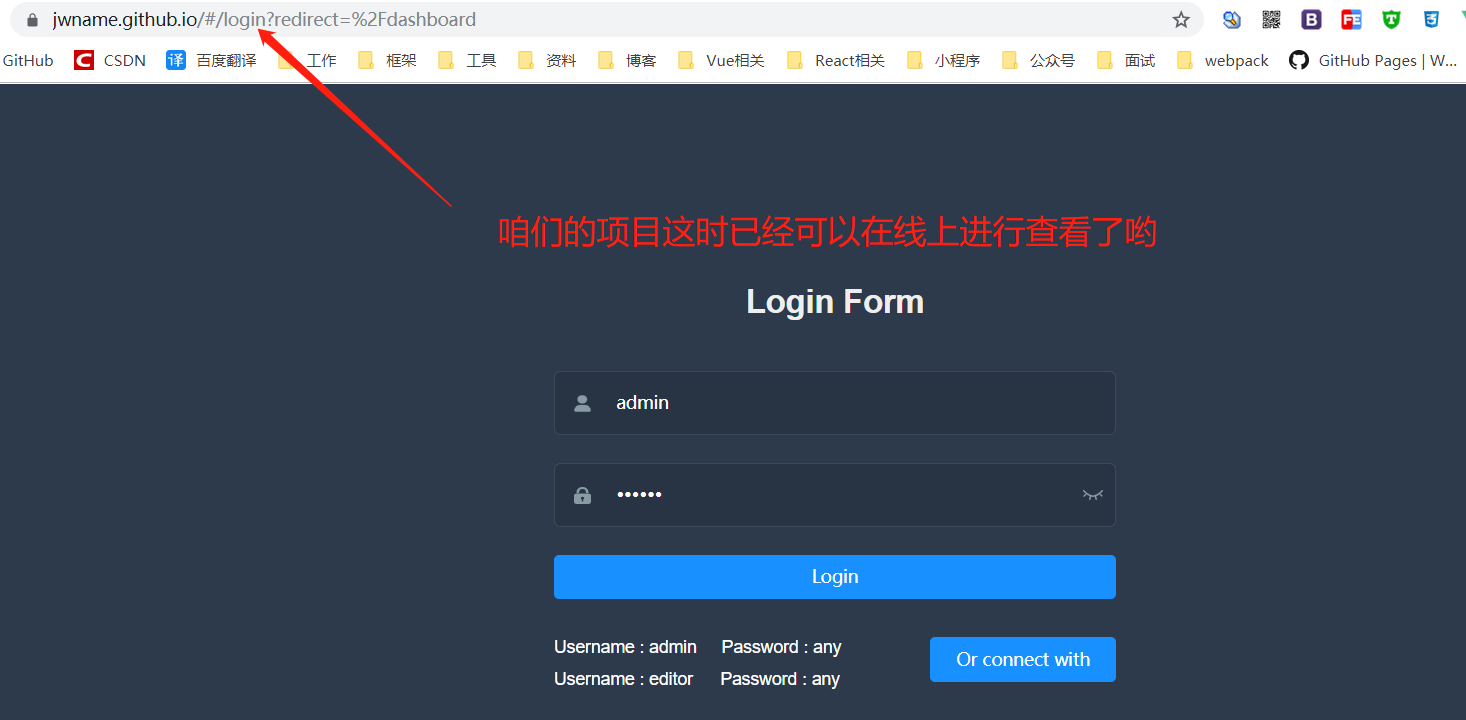
4. 此时咱们的项目github线上部署已经完成咯
在浏览器输入https://username.github.io

 浙公网安备 33010602011771号