
css之选择器
CSS之选择器
一,CSS有三种方式引入样式表:
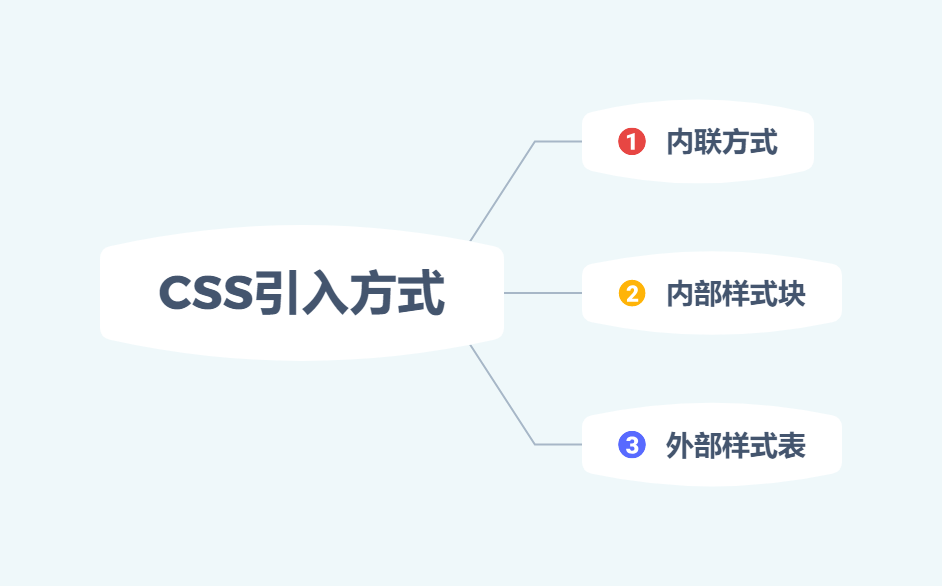
1,内联方式 Inline Styles
内联定义即是在对象的标记内使用对象的 style 属性定义适用其的样式表属性。
示例代码:
<p style="color:red">这一行的字体颜色将显示为红色</p>
2,内部样式块对象 Embedding a Style Block
在你的 HTML 文档的<head>标记里插入一个<style>块对象。
示例代码:
<style>
    .test2 {
        color: red;
    }
</style>
3,外部样式表 Linking to a Style Sheet
先建立外部样式表文件*.css,然后使用 HTML 的 link 对象。或者使用 @import 来引入。
示例代码:
<!-- Use link elements -->
<link rel="stylesheet" href="core.css">
<!-- Use @imports -->
<style>
  @import url("more.css");
</style>
二,选择器的分类
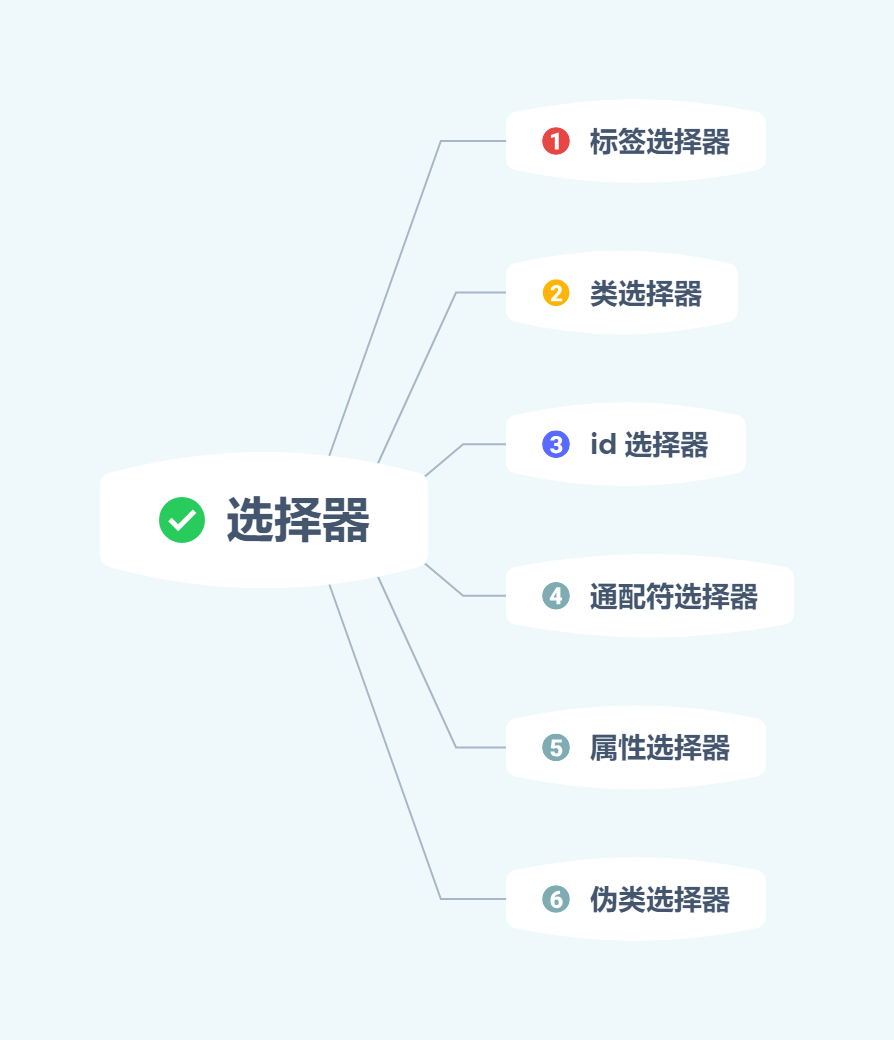
1,标签选择器
<div>
  <p>Sample Paragraph</p>
  <p>Sample Paragraph</p>
  <p>Sample Paragraph</p>
</div>
<style type="text/css">
  p {
    color: blue;
  }
</style>
2,类选择器
<div>
  <p>Sample Paragraph</p>
  <p class="special bold">Sample Paragraph</p>
  <p>Sample Paragraph</p>
</div>
<style type="text/css">
  p {
    color: blue
  }
  .special {
    color: orange;
  }
  .bold {
    font-weight: bold;
  }
</style>
3,id 选择器
<div>
  <p id="special">Sample Paragraph</p>
</div>
<style type="text/css">
  #special {
    color: red;
  }
</style>
4,通配符选择器
<div>
  <p>Sample Paragraph</p>
  <p>Sample Paragraph</p>
</div>
<style type="text/css">
  * {
    color: blue;
  }
</style>
5,属性选择器
<div>
  <form action="">
    <input type="text" value="Xinyang" disabled>
    <input type="password" placeholder="Password">
    <input type="button" value="Button">
  </form>
</div>
<style type="text/css">
  [disabled] {
    background-color: orange;
  }
  [type=button] {
    color: blue;
  }
</style>
6,伪类选择器
<div>
  <a href="http://sample-site.com" title="Sample Site">Sample Site</a>
</div>
<style type="text/css">
  /* 伪类属性定义有顺序要求! */
  a:link {
    color: gray;
  }
  a:visited {
    color:red;
  }
  a:hover {
    color: green;
    /* 鼠标悬停 */
  }
  a:active {
    color: orange;
    /* 鼠标点击 */
  }
</style>
7,还有其他类型的选择器,如伪元素选择器,组合选择器等,实际用的不多,我也记不住,需要的话可以去查
三,选择器权重
权重主要分为 4 个等级:
- :代表内联样式,如:
style="",权值为1000 - :代表ID选择器,如:
#content,权值为100 - :代表类,伪类和属性选择器,如
.content,权值为10 - :代表类型选择器和伪元素选择器,如
div p,权值为1
计算方法:
- a = 行内样式
- b = id 选择器的数量
- c = 类、伪类的属性选择器的数量
- d = 标签选择器和伪元素选择器的数量
NOTE:从上到下优先级一次降低,且优先级高的样式会将优先级低的样式覆盖。大致公式(并不准确)如下。
value = a * 1000 + b * 100 + c * 10 + d
四,总结
- 选择器都有一个权值,权值越大越优先
- 当权值相等时,后出现的样式表设置要优于先出现的样式表设置
- 创作者的规则高于浏览者:即网页编写者设置的 CSS 样式的优先权高于浏览器所设置的样式
- 继承的 CSS 样式不如后来指定的 CSS 样式
- 在同一组属性设置中标有
!important规则的优先级最大

 浙公网安备 33010602011771号