

WPF 引用项目内图片
参考
- https://blog.csdn.net/lzziaini/article/details/84035724
- https://www.cnblogs.com/sntetwt/p/5402098.html
环境
| 软件/系统 | 版本 | 说明 |
|---|---|---|
| Windows | Windows 10 专业版 22H2 19045.4046 | |
| Microsoft Visual Studio | Microsoft Visual Studio Community 2022 (64 位) - 17.6.5 | |
| Microsoft .Net SDK | 8.0.101 | 手动安装 |
| Microsoft .Net SDK | 7.0.306 | Microsoft Visual Studio 携带 |
| .net | 6.x | 创建当前文章演示 WPF 项目时指定 .net 版本所选择的框架 |
步骤
-
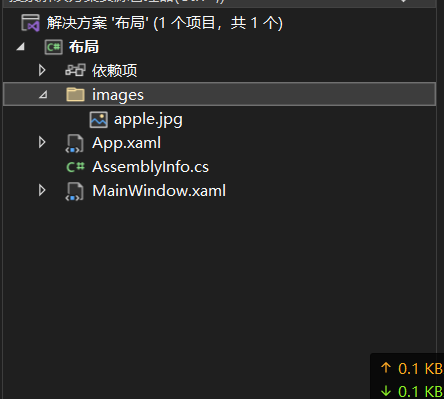
项目目录下创建
images文件夹,将apple.jpg放入该文件夹下。
-
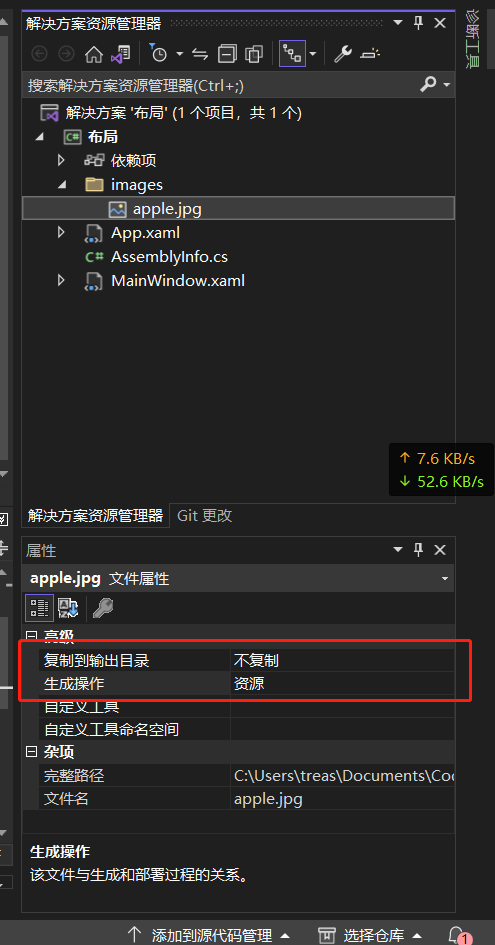
选中
apple.jpg文件,在编辑器属性窗口设置以下参数:- 复制到输出目录:不复制
- 生成操作:资源
-
XAML
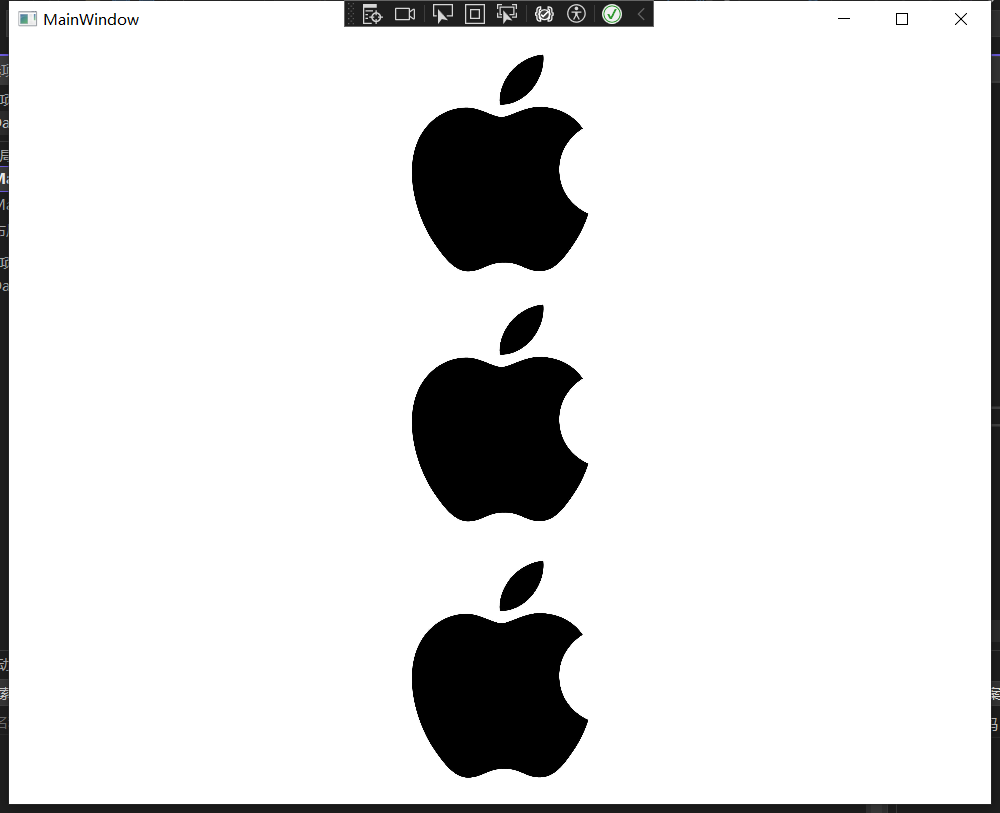
<StackPanel Orientation="Vertical"> <Image Width="200" Height="200" Source="/images/apple.jpg" /> <Image Width="200" Height="200" Source="pack://application:,,,/images/apple.jpg" /> <Image Grid.Row="1" Grid.Column="1" Width="200" Margin="5"> <Image.Source> <BitmapImage UriSource="images/apple.jpg" /> </Image.Source> </Image> </StackPanel> -
预览
博 主 :夏秋初
地 址 :https://www.cnblogs.com/xiaqiuchu/p/18032643
如果对你有帮助,可以点一下 推荐 或者 关注 吗?会让我的分享变得更有动力~
转载时请带上原文链接,谢谢。
地 址 :https://www.cnblogs.com/xiaqiuchu/p/18032643
如果对你有帮助,可以点一下 推荐 或者 关注 吗?会让我的分享变得更有动力~
转载时请带上原文链接,谢谢。

 浙公网安备 33010602011771号