
Docker安装
前言
希望把自己的博客建立到购买的华为云服务器中,首先安装Docker容器平台,接下来从Docker标准的软件源中安装最新版本的Docker。
Docker安装
首先更新软件包索引,安装必要的依赖软件。
sudo apt upgrade
sudo apt install apt-transport-https ca-certificates curl gnupg-agent software-properties-common
使用下面的 curl 导入源仓库的 GPG key:
curl -fsSL https://download.docker.com/linux/ubuntu/gpg | sudo apt-key add -

将 Docker APT 软件源添加到你的系统:
sudo add-apt-repository "deb [arch=amd64] https://download.docker.com/linux/ubuntu $(lsb_release -cs) stable"

到目前为止,Docker软件源被启用了。
安装最新版本的Docker
sudo apt update
sudo apt install docker-ce docker-ce-cli containerd.io
验证安装
sudo systemctl status docker
若输出下列内容,说明安装成功
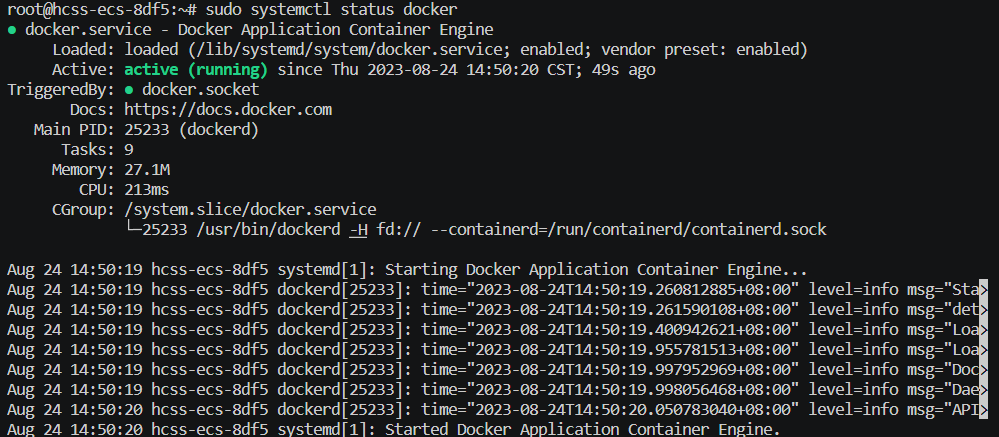
验证安装过程
想要验证Docker是否被正确安装,只需要执行docker命令,不执行sudo命令,运行一个Docker容器。
docker container run hello-world
若出现下方打印内容,则说明安装成功。
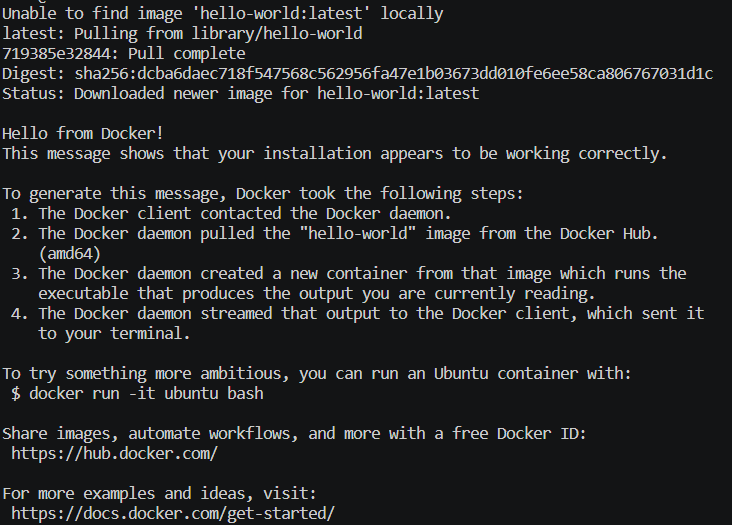
默认情况下,Docker 从 Docker Hub 拉取镜像。它是一个云端服务,主要用来储存 公有和私有源中的 Docker 镜像。
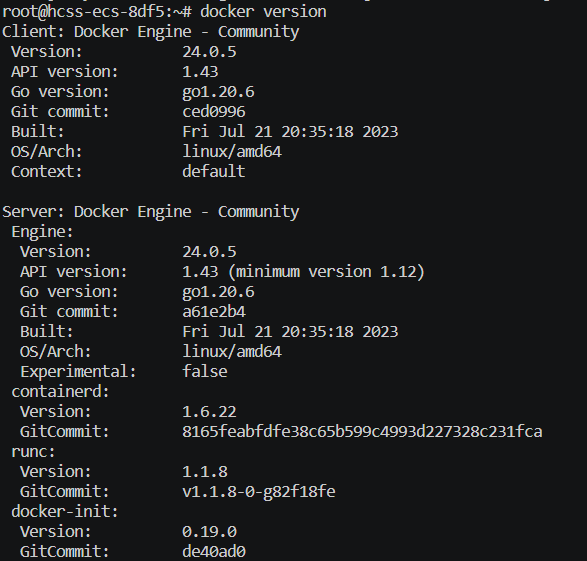
查看Docker版本
docker version

 浙公网安备 33010602011771号