
my first mfc application
- project wizard
- class wizard
- add window title
- Instantiation
project wizard
Create an empty Win32 project.
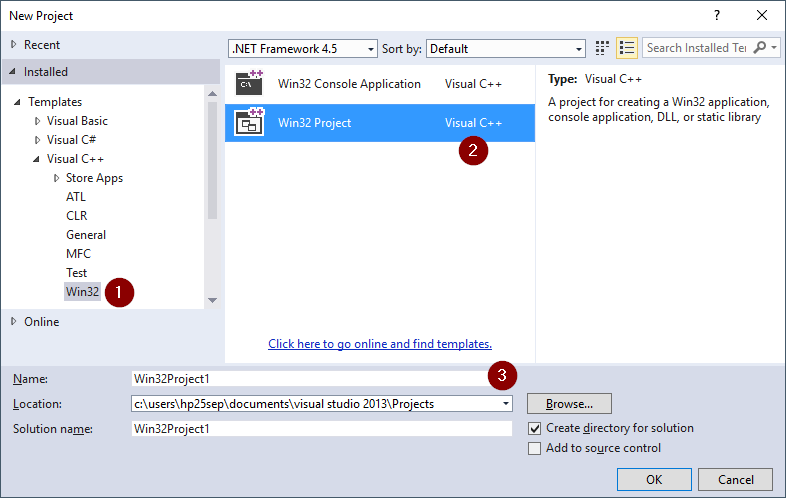
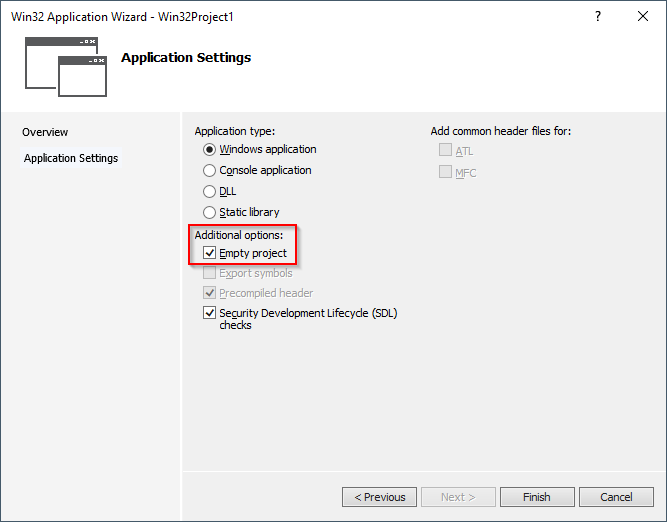
VS2022
Windows Desktop Wizard
d: VS2022 is the fourth version of v14.
14(17.14): 14 is the last minor version of VS2022.

Generate using the class wizard
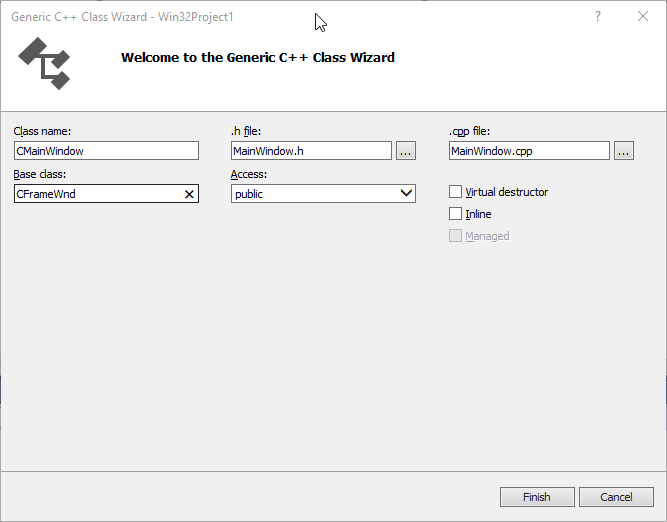
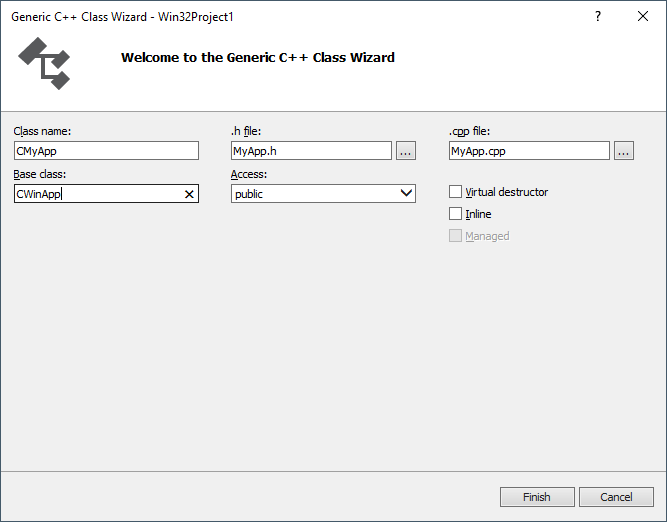
Note:
You need to include "afxwin.h" in all header files.
add window caption - MainWindow
Add constructor
- declare
public:
    CMainWindow();
- impl
CMainWindow::CMainWindow()
{
    Create(NULL, _T("Hello MFC"));
}
add initial instance - MyApp
- declare
public:
    virtual BOOL InitInstance();
- impl
BOOL CMyApp::InitInstance()
{
    m_pMainWnd = new CMainWindow();
    m_pMainWnd->ShowWindow(SW_SHOW);
    m_pMainWnd->UpdateWindow();
    return TRUE;
}
include head file
#include "CMainWindow.h"
done
Add it to MyApp.cpp
CMyApp myApp;
compile
error C1189: #error :  Building MFC application with /MD[d] (CRT dll version) requires MFC shared dll version.
Please #define _AFXDLL or do not use /MD[d]
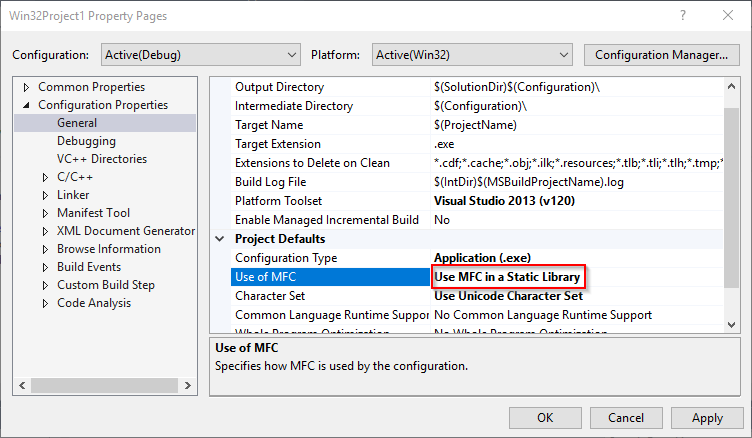
- VC6


 浙公网安备 33010602011771号