Pytest生成html测试报告
安装pytest-html插件
- pytest-html 是 pytest 的一个插件,它为测试结果生成 HTML 报告
- 要求: Python >=3.6
- 安装:pip install pytest-html
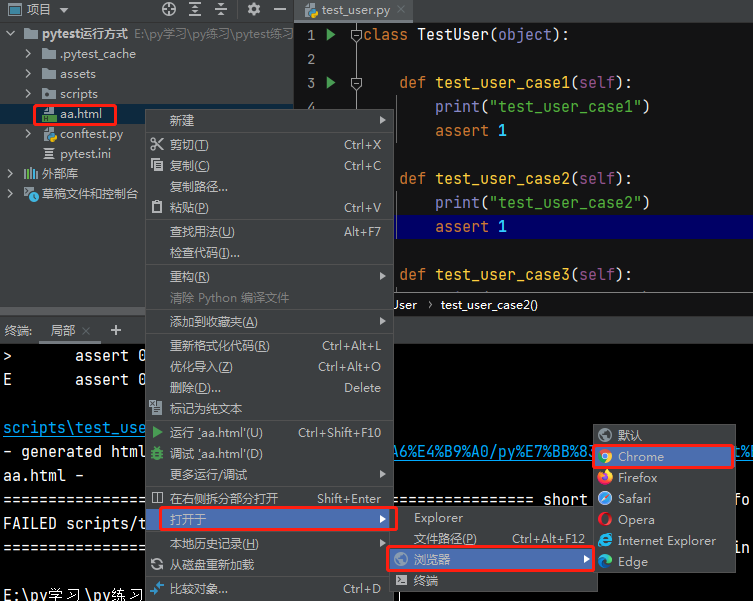
当前项目下生成报告
- 在运行时加上:--html=report.html;report.html为生成报告的名字(自己可以改成xx.html)
![]()
指定路径生成报告
- 在运行时加上:pytest --html=./report/report.html;指在根路径下的report文件夹下生成report.html
![]()
- 报告生成如下:
![]()

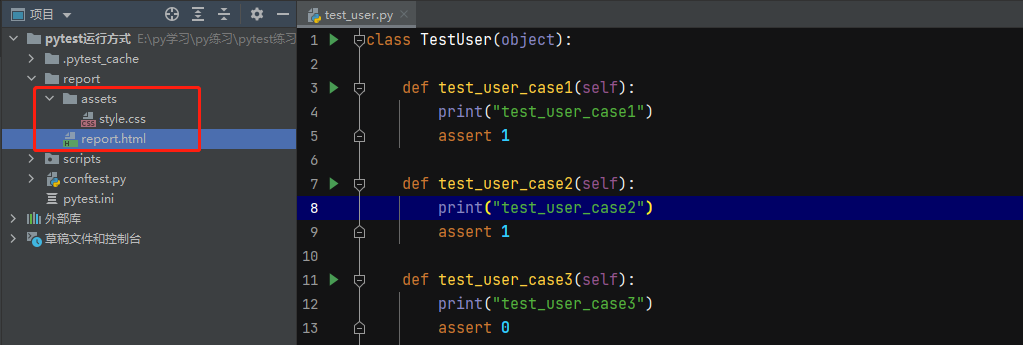
注:上面生成的报告与css样式分开存储的,分享报告的时候css会丢失,会了后面需要通过邮件发送报告,需要把css和html合并到一起
创建一个独立的html报告(css和thml合并到一起)
- 在运行时加上:pytest --html=./report/report.html --self-contained-htm
![]()
- 报告生成后,只有一个html
![]()

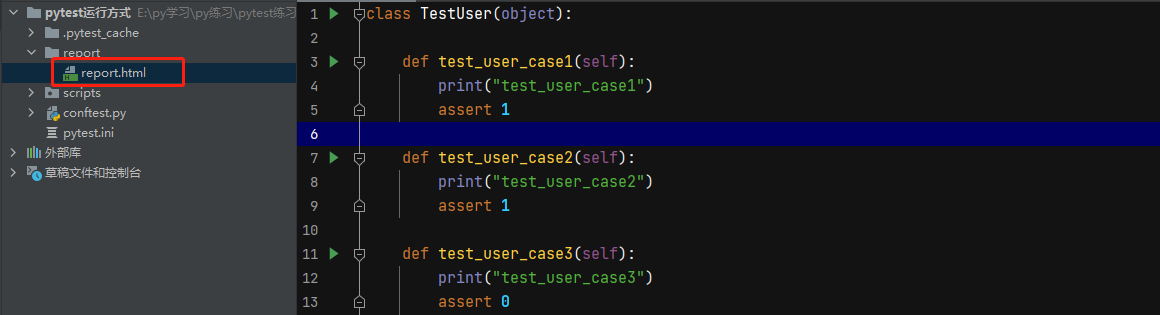
通过配置pytest.ini文件生成报告
- 在pytest.ini文件中addopts参数中加入--html=./report/report.html ,需要合并css加入 --self-contained-html
![]()
- 注:在配置文件中加入后,执行测试用例的时候会自动读取pytest.ini中的配置,然后生成报告


 浙公网安备 33010602011771号