
VSCode github copilot All In One
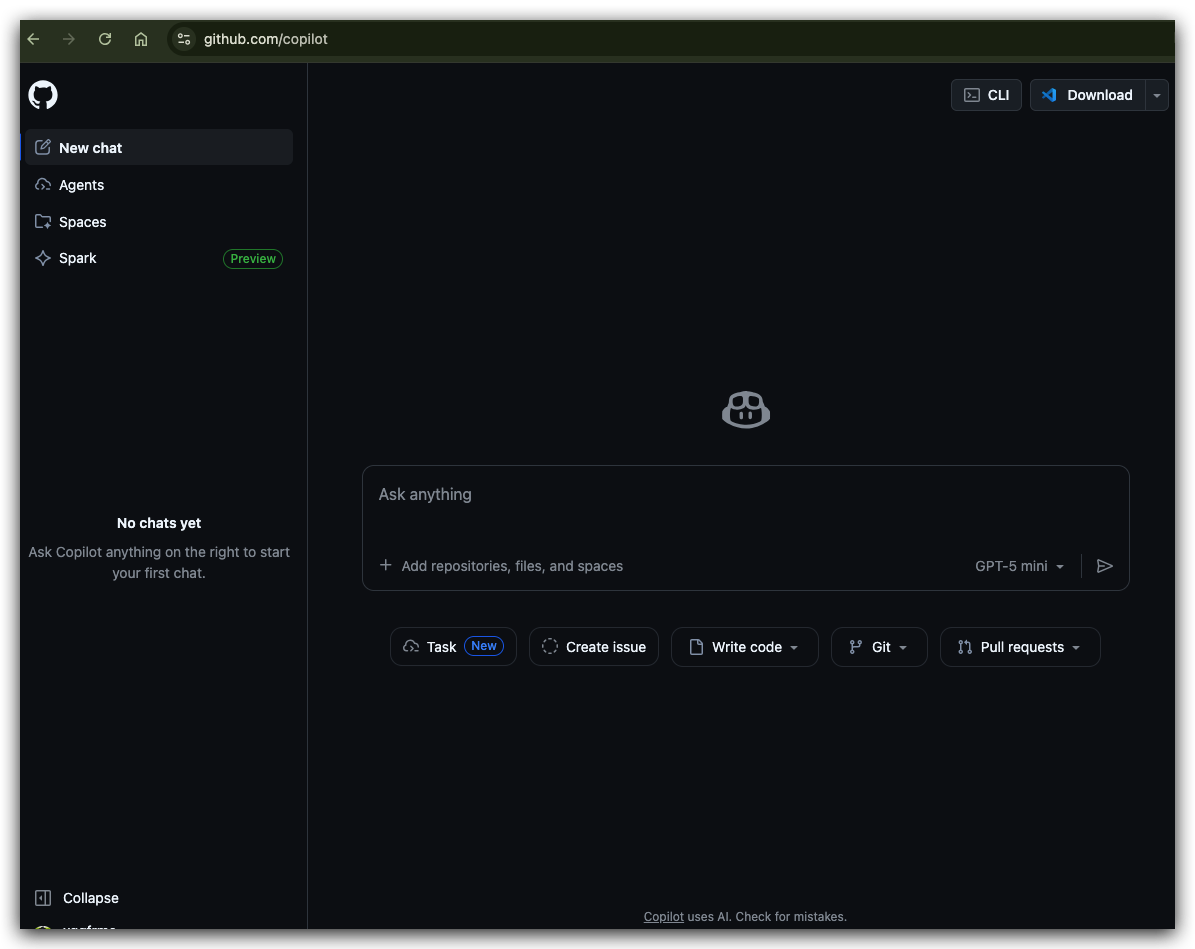 VSCode github copilot All In One
VSCode github copilot All In One
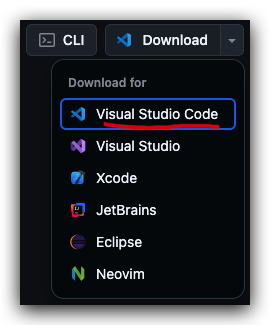
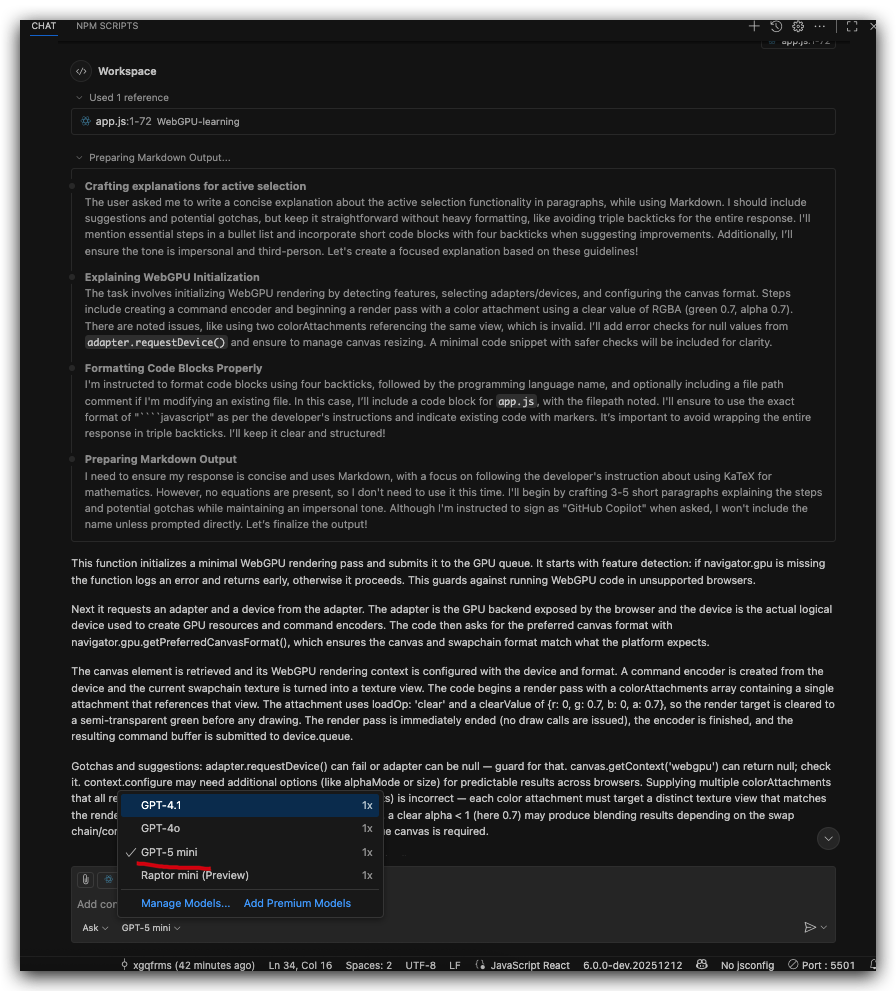
AI Coding Models
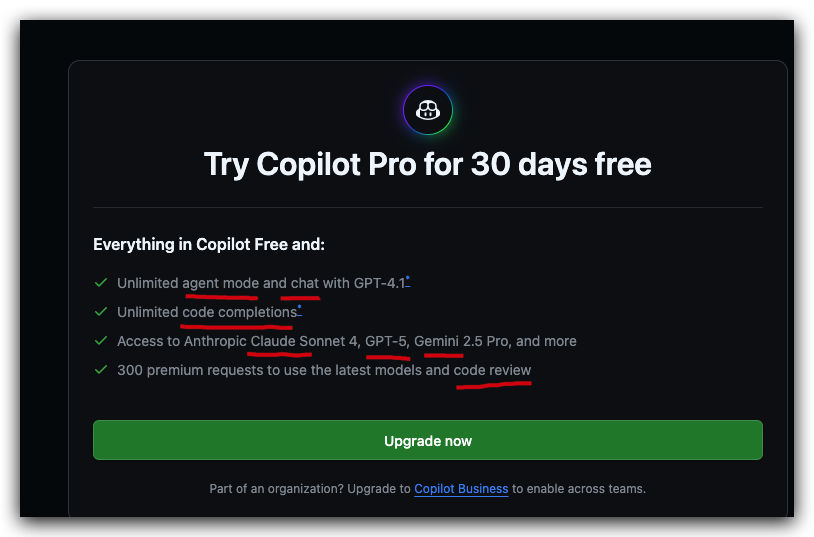
how to change VSCode github copilot output language
.github/copilot-instructions.md
prompts / instructions
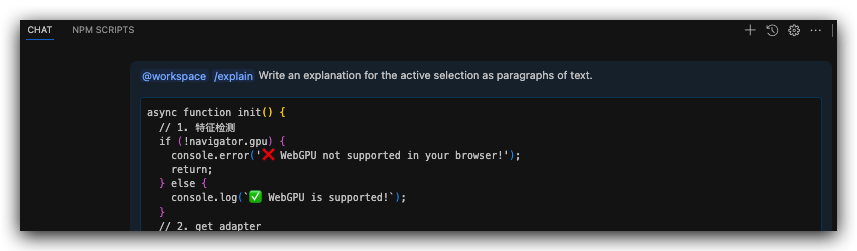
Explain ... in Chinese
Always respond in the Chinese
Always response the questions in Chinese
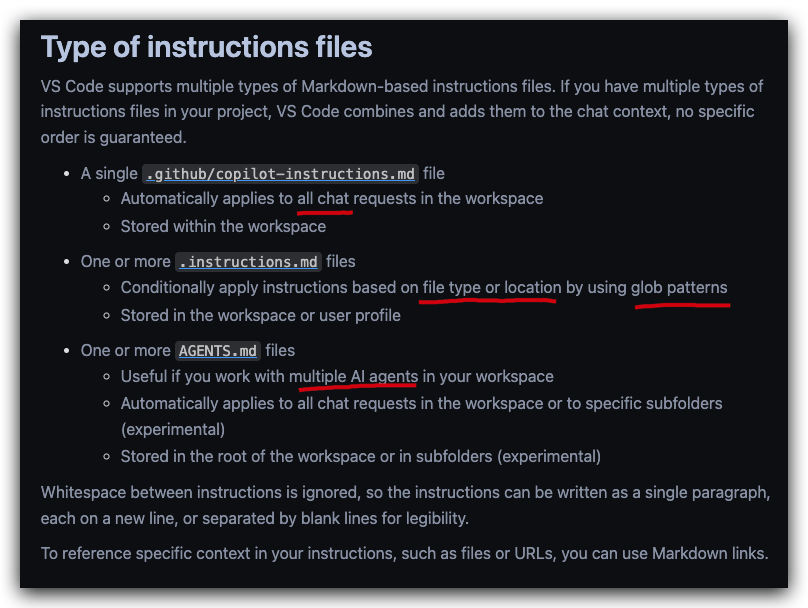
Whitespace between instructions is ignored, so the instructions can be written as a single paragraph, each on a new line, or separated by blank lines for legibility.
To reference specific context in your instructions, such as files or URLs, you can use Markdown links.
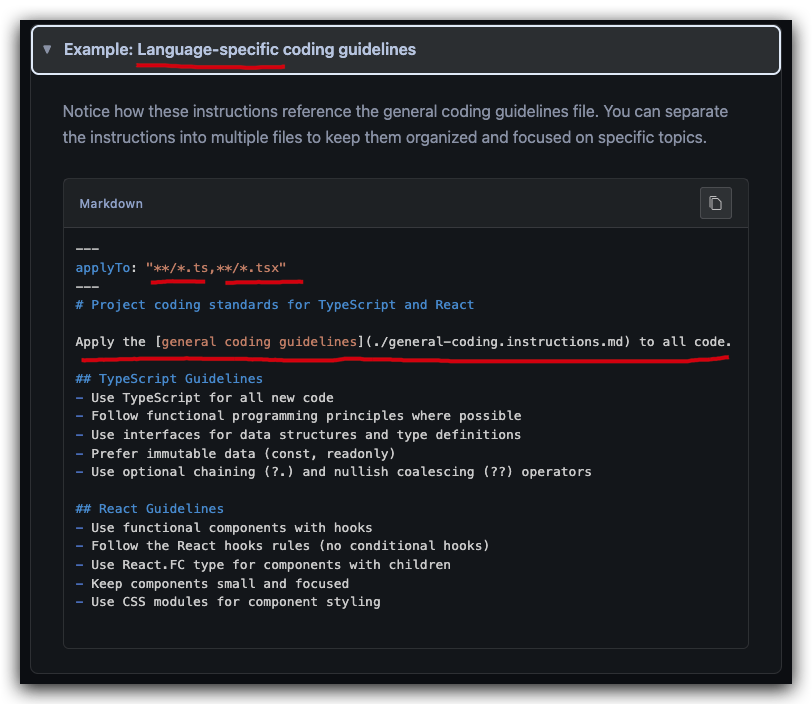
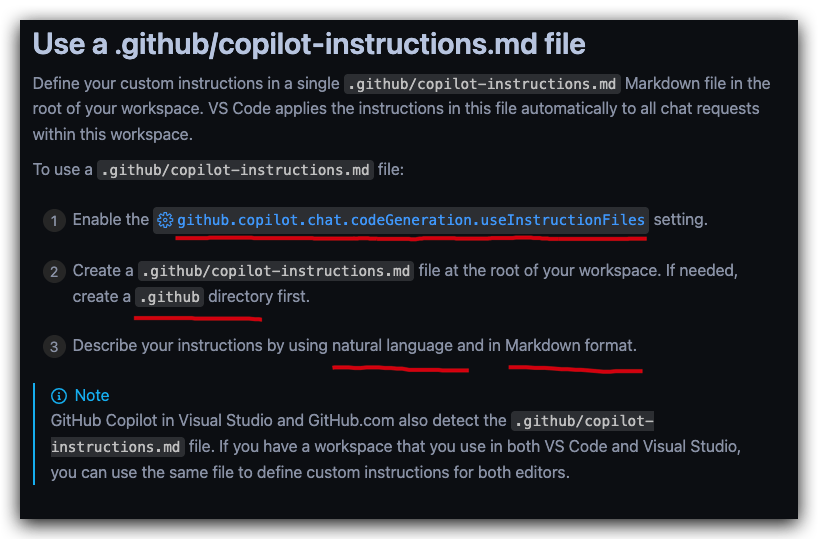
github.copilot.chat.codeGeneration.useInstructionFiles setting
vscode://settings/github.copilot.chat.codeGeneration.useInstructionFiles
https://code.visualstudio.com/docs/copilot/customization/custom-instructions
- user interface language / Configure Display Language
Command + Shift + P
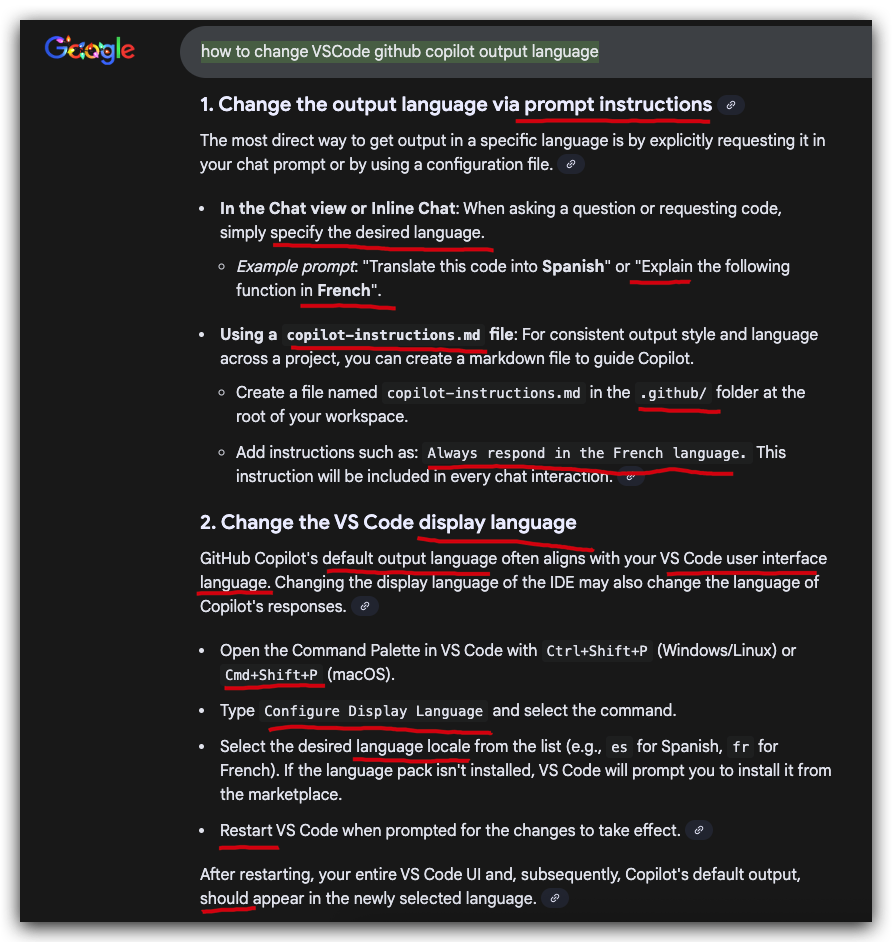
https://code.visualstudio.com/docs/configure/locales
- user
settings.json
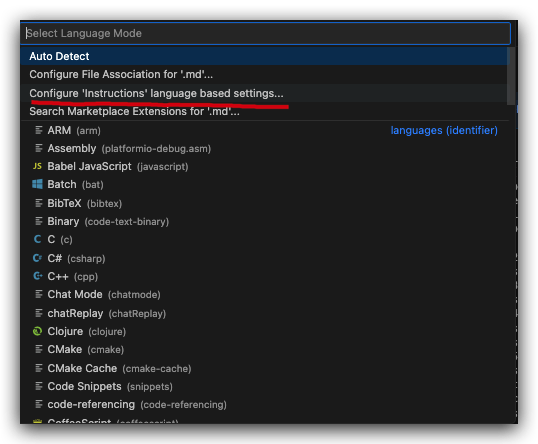
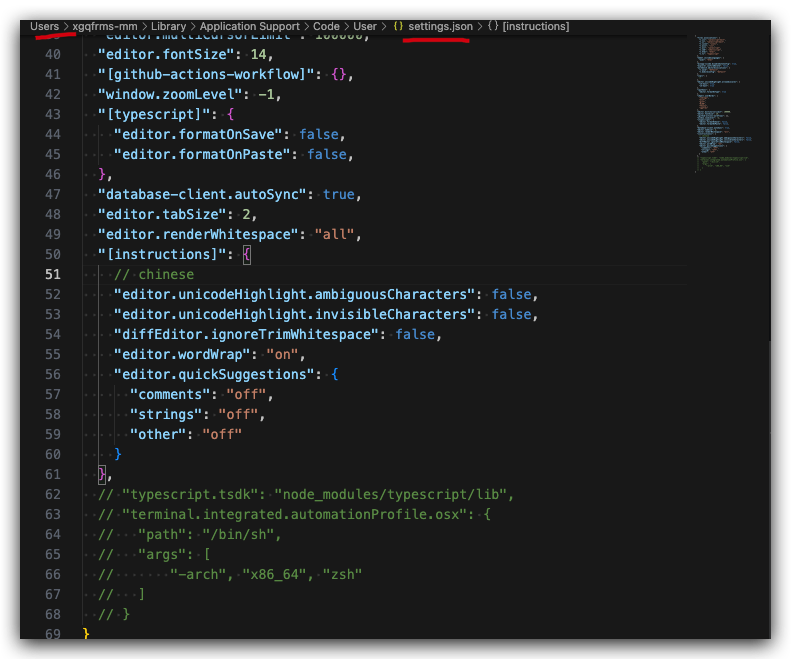
https://code.visualstudio.com/docs/copilot/customization/language-models
demos
(🐞 反爬虫测试!打击盗版⚠️)如果你看到这个信息, 说明这是一篇剽窃的文章,请访问 https://www.cnblogs.com/xgqfrms/ 查看原创文章!
refs
https://github.com/orgs/community/discussions/154939
©xgqfrms 2012-2021
www.cnblogs.com/xgqfrms 发布文章使用:只允许注册用户才可以访问!
原创文章,版权所有©️xgqfrms, 禁止转载 🈲️,侵权必究⚠️!
本文首发于博客园,作者:xgqfrms,原文链接:https://www.cnblogs.com/xgqfrms/p/19354882
未经授权禁止转载,违者必究!

 浙公网安备 33010602011771号