


深入解析:Nexus Repository公司内部maven私服搭建并上传自己的jar包
目录标题
jar包安装
一、为什么需要maven私服
为了代码安全,为了工具共享,公司想要搭建自己的maven私服。把jar包上传到一个仓库,供各个项目依赖使用。
二、搭建过程
本文搭建以 Linux 为例: 环境:centos7、jdk17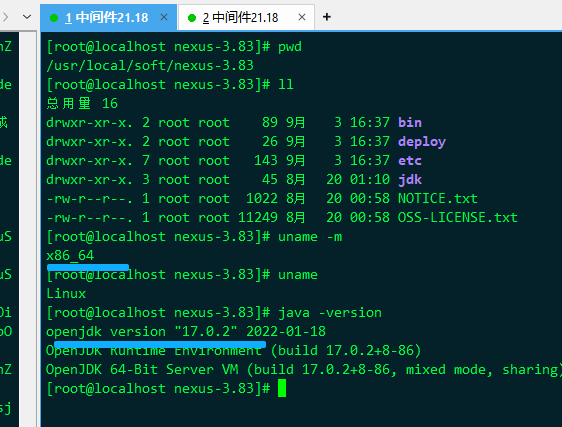
下载地址:https://help.sonatype.com/en/download-archives—repository-manager-3.html
nexus-3.83.1-03-linux-x86_64.tar
1 准备好环境和工具包
将下载的nexus-3.83.1-03-linux-x86_64.tar解压到自定义目录即可。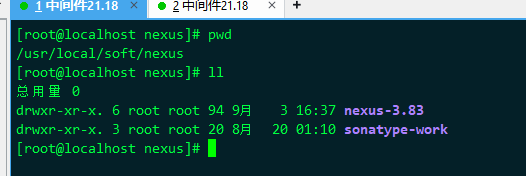
1-1. 解压命令:
tar -xvf nexus-3.83.1-03-linux-x86_64.tar解压完之后(会有2个文件夹):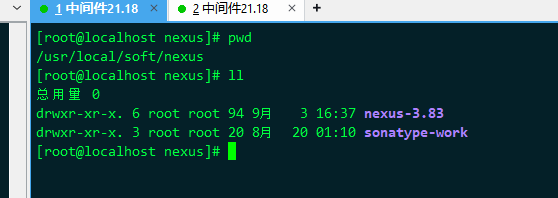
1-2. 私服配置(可以忽略)
通常可以不做任何修改,但个人习惯于修改 application-host 为127.0.0.1(关于0.0.0.0与127.0.0.1的区别自行检索).
如下属性可以自定义修改 :
- application-host : Nexus服务监听的主机
- application-port: Nexus服务监听的端口,
- nexus-context-path : Nexus服务的上下文路径
2 修改配置
更改私服默认端口(8081):
[root@localhost nexus-3.83]# vim etc/nexus-default.properties
//更改端口号 port
application-port=10081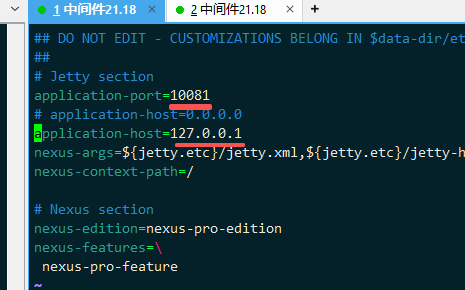
修改私服内存分配 (可选):
[root@localhost nexus-3.83]# vim bin/nexus.vmoptions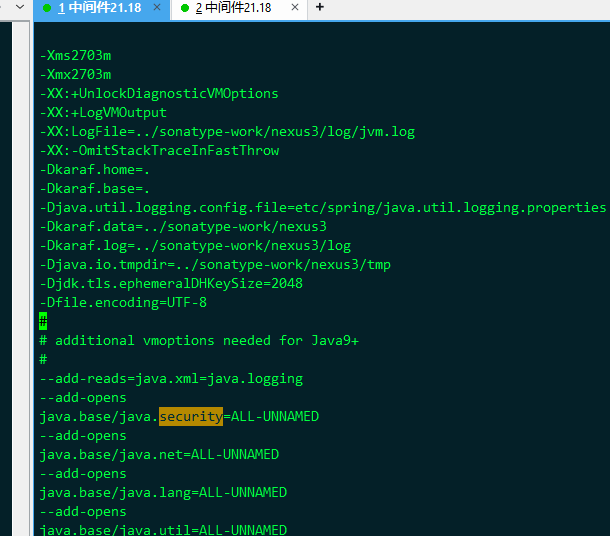
修改数据以及日志的存储位置
vim /usr/local/nexus3/bin/nexus.rc
【
run_as_user="root"
】
设置开机自启动 (可选)
ln -s /usr/local/nexus3/bin/nexus /etc/init.d/nexus3
chkconfig --add nexus3
chkconfig nexus3 on
后台启动,启动比较慢等两分钟
/usr/local/nexus3/bin/nexus run &有防火墙的关掉
http://ip:8081
3. 启动nexus3
启动命令 :
(必须有jdk环境哈,如果没有安装jdk请先安装、配置jdk17)&为后台启动: ./nexus run & 也可以改为./nexus start & # 测试 前台启动 [root@localhost nexus-3.83]# ./bin/nexus run WARNING: ************************************************************ WARNING: Detected execution as "root" user. This is NOT recommended! WARNING: ************************************************************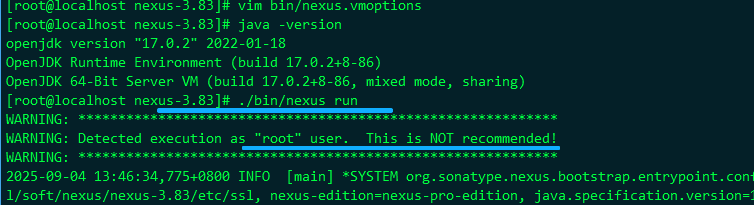
启动成功:2025-09-04 13:47:07,699+0800 INFO [jetty-main-1] *SYSTEM org.eclipse.jetty.server.AbstractConnector - Started ServerConnector@45e93858{HTTP/1.1, (http/1.1)}{127.0.0.1:10081} 2025-09-04 13:47:07,701+0800 INFO [jetty-main-1] *SYSTEM org.eclipse.jetty.server.Server - Started oejs.Server@66a17a8f{STARTING}[12.0.17,sto=5000] @34741ms 2025-09-04 13:47:07,701+0800 INFO [jetty-main-1] *SYSTEM org.sonatype.nexus.bootstrap.entrypoint.jetty.JettyServer - ------------------------------------------------- Started Sonatype Nexus COMMUNITY 3.83.1-03 -------------------------------------------------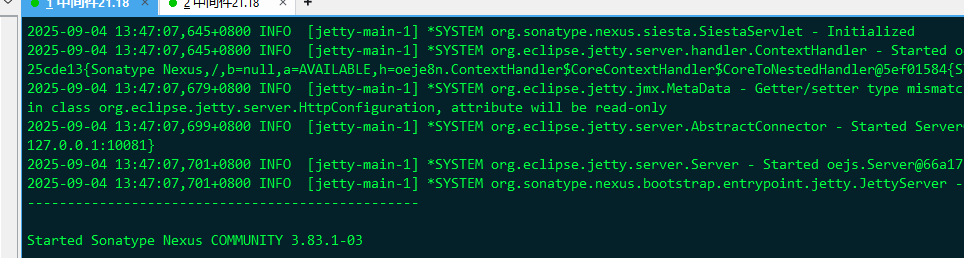
三、访问Nexus3 ip+端口
3-1 浏览器直接访问
http://192.168.xx.18:10081/
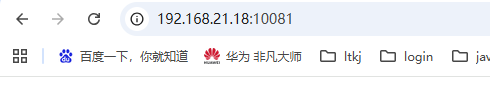
是不是因为前面修改了 host . ??
[root@localhost nexus-3.83]#

 浙公网安备 33010602011771号