
mac系统安装显示“文件已损坏”
mac系统安装显示“文件已损坏” 原因是mac软件包没有经过开发者签名,请到终端行命令授权: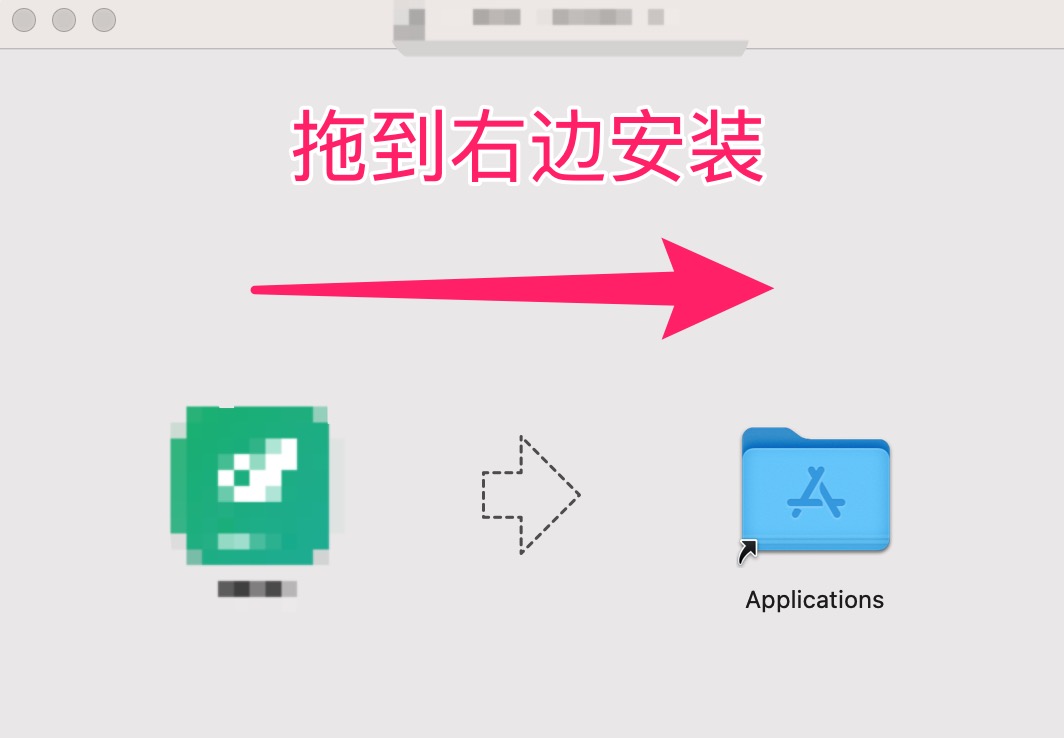
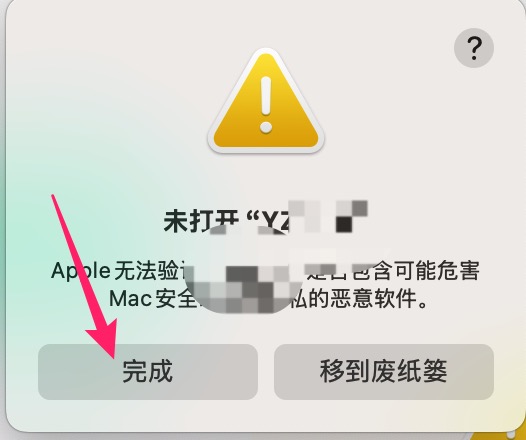
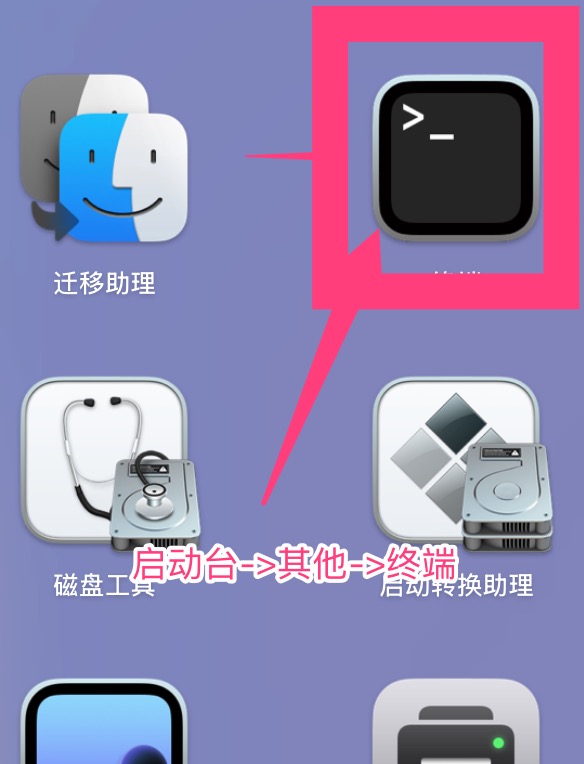
启动台->其他->终端 运行以下命令
shell
sudo xattr -r -d com.apple.quarantine /Applications/YZVPN.app输入密码回车 重新打开app即可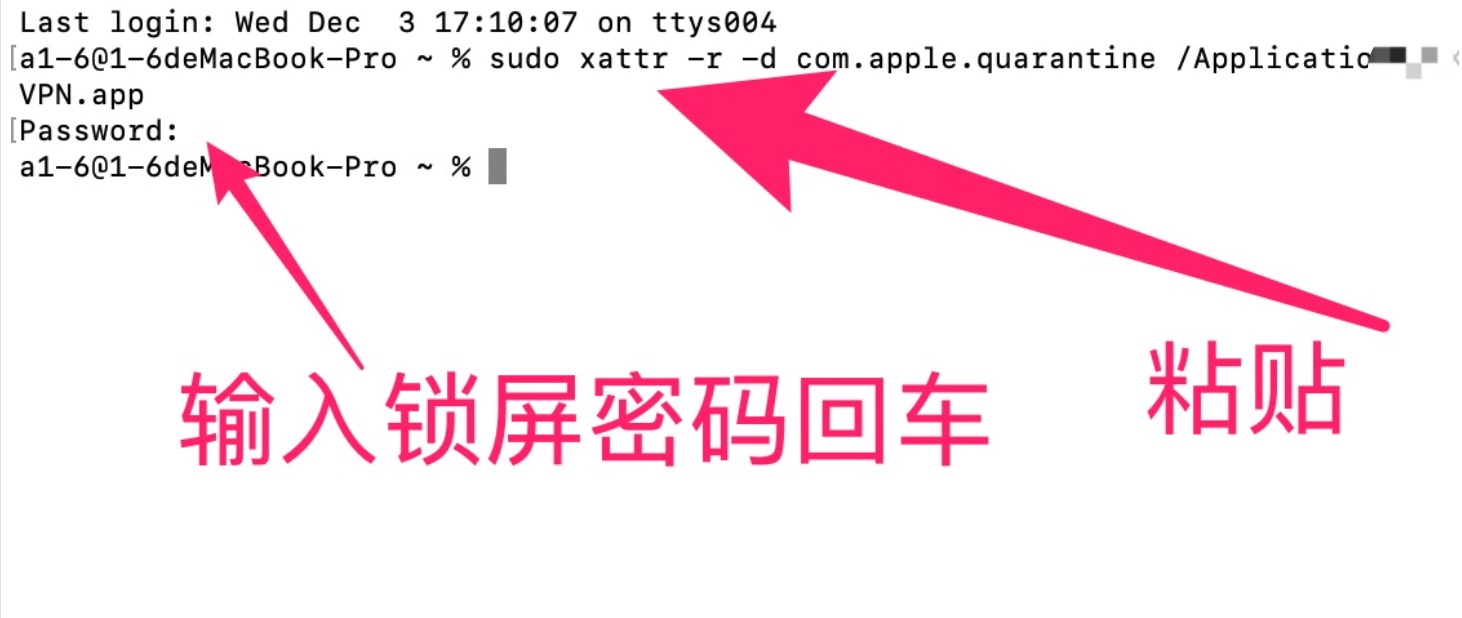
mac系统安装显示“文件已损坏” 原因是mac软件包没有经过开发者签名,请到终端行命令授权:
启动台->其他->终端 运行以下命令
sudo xattr -r -d com.apple.quarantine /Applications/YZVPN.app输入密码回车 重新打开app即可

 浙公网安备 33010602011771号